Guide
Cancel a request or a signing
Call it off from your request's page — before the notary answers, or once they've confirmed. The notary is told, and the time is free again.
Plans change. You can cancel from your request's own page at any time before the signing — no account, and no call needed.
Cancel it
Open your request's page. Use the link you kept, or the one in the email about your request.
Choose the link at the foot of the page. It says Cancel this request while the notary hasn't answered yet, and Need to cancel? once they've confirmed.
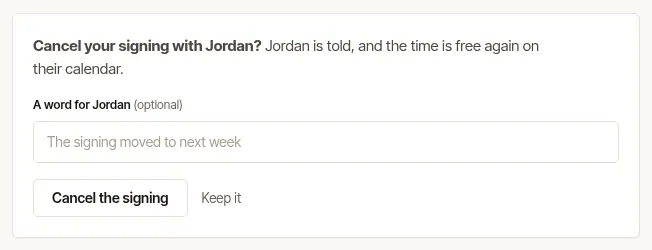
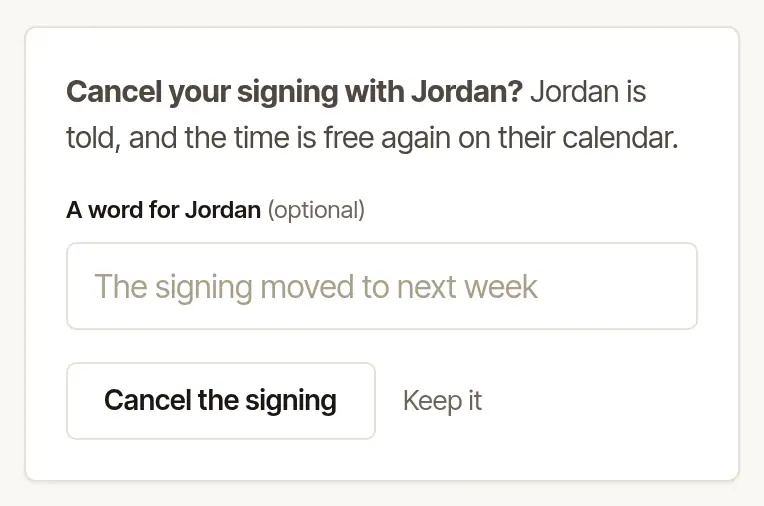
Add a word for the notary, if you like. A line in A word for … goes to them with the cancellation. If you left a deposit, Your deposit: says what becomes of it before you cancel. If they have a cancellation policy, it shows here too.
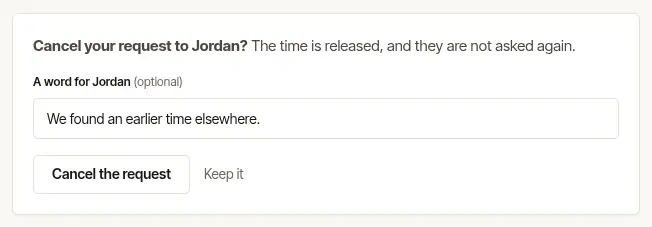
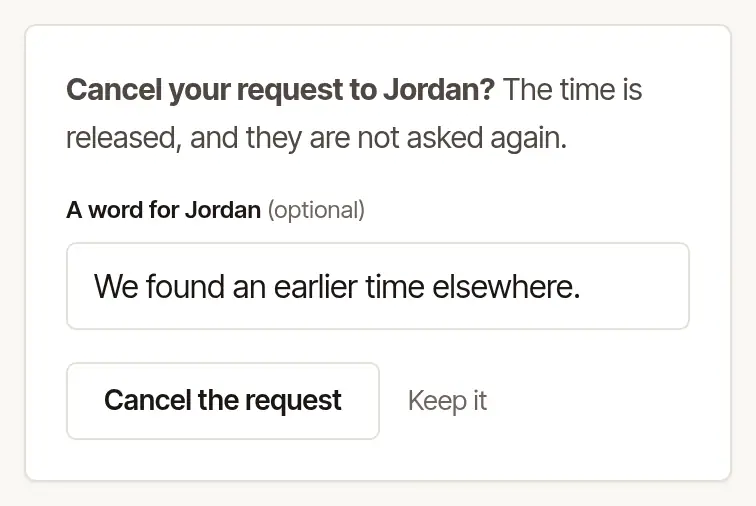
Choose Cancel the request — or, for a confirmed signing, Cancel the signing. Keep it leaves everything as it was.
The page then says You cancelled this one. The notary is told, the time is free again on their calendar, and — if you gave your email — you're emailed that it's done.
Good to know
- A deposit is refunded in full if you cancel at least 24 hours before the signing, or before the notary has accepted. Cancelled later than that, once they've accepted, it's kept — unless their price was still waiting for your answer, or they'd moved the time within the last 24 hours: then it's refunded in full. More in How do deposits work?
- Once the time has passed, it can't be cancelled from the page — write to the notary instead.
- Just need a different time? You may not need to cancel: Can I change the time or the place?
Was this helpful?
Still stuck? Contact support — a person reads every message and answers by email.