Guide
Pay your notary, and get your receipt
The notary's invoice comes to your email, and to your request's page when it's billed to you. Pay by card where they take cards, or the way the invoice says — and the same page becomes your receipt.
You pay the notary directly — Hand & Seal never holds your money. After the signing, their invoice appears on your request's page when it's billed to you — if the notary already had you as a client, once you've pressed Yes, this is my request on the page the email saying your request arrived opens — and usually comes to your email too. Pay it by card where the notary takes cards, or the way the invoice says.
Pay it
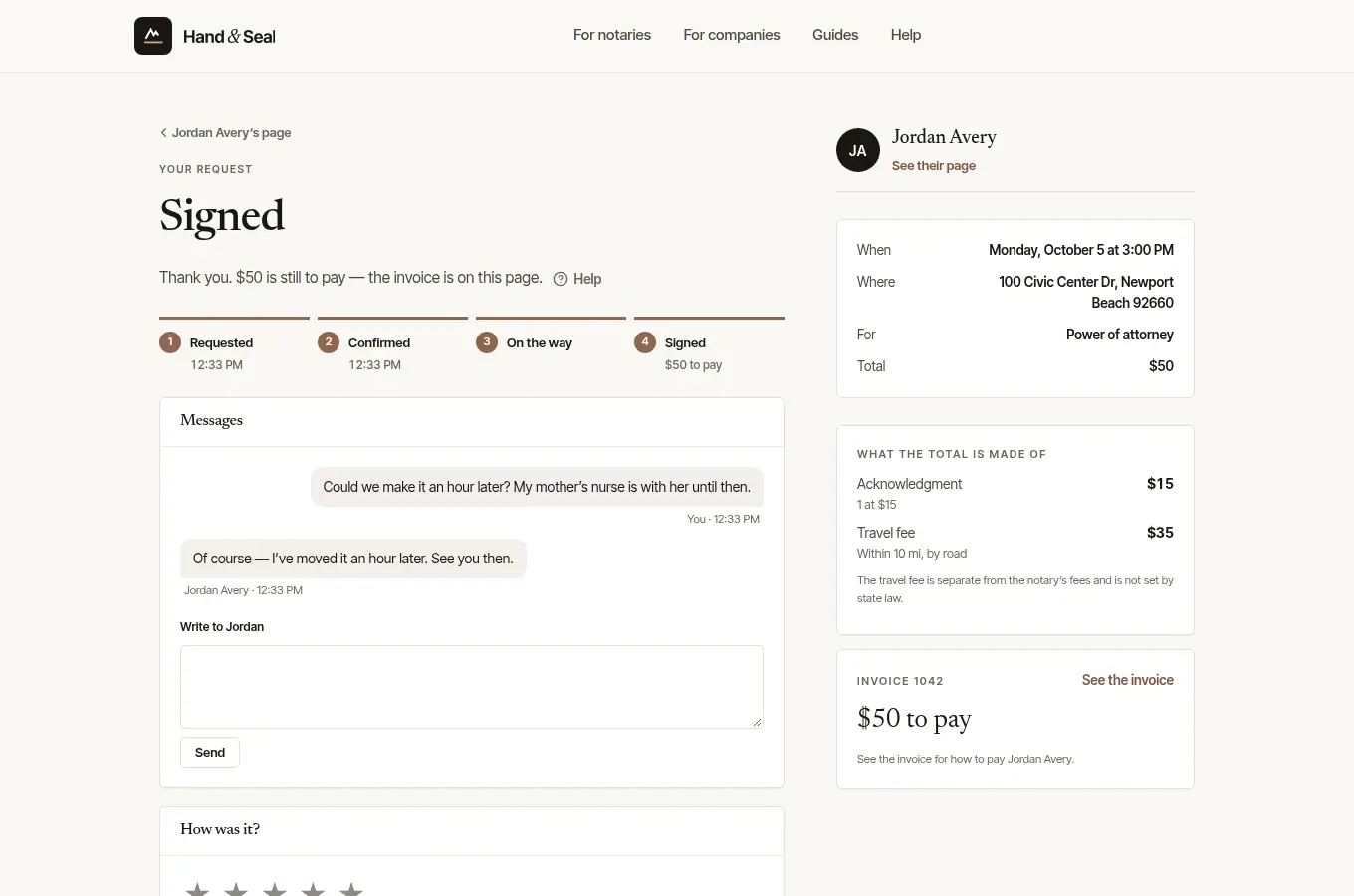
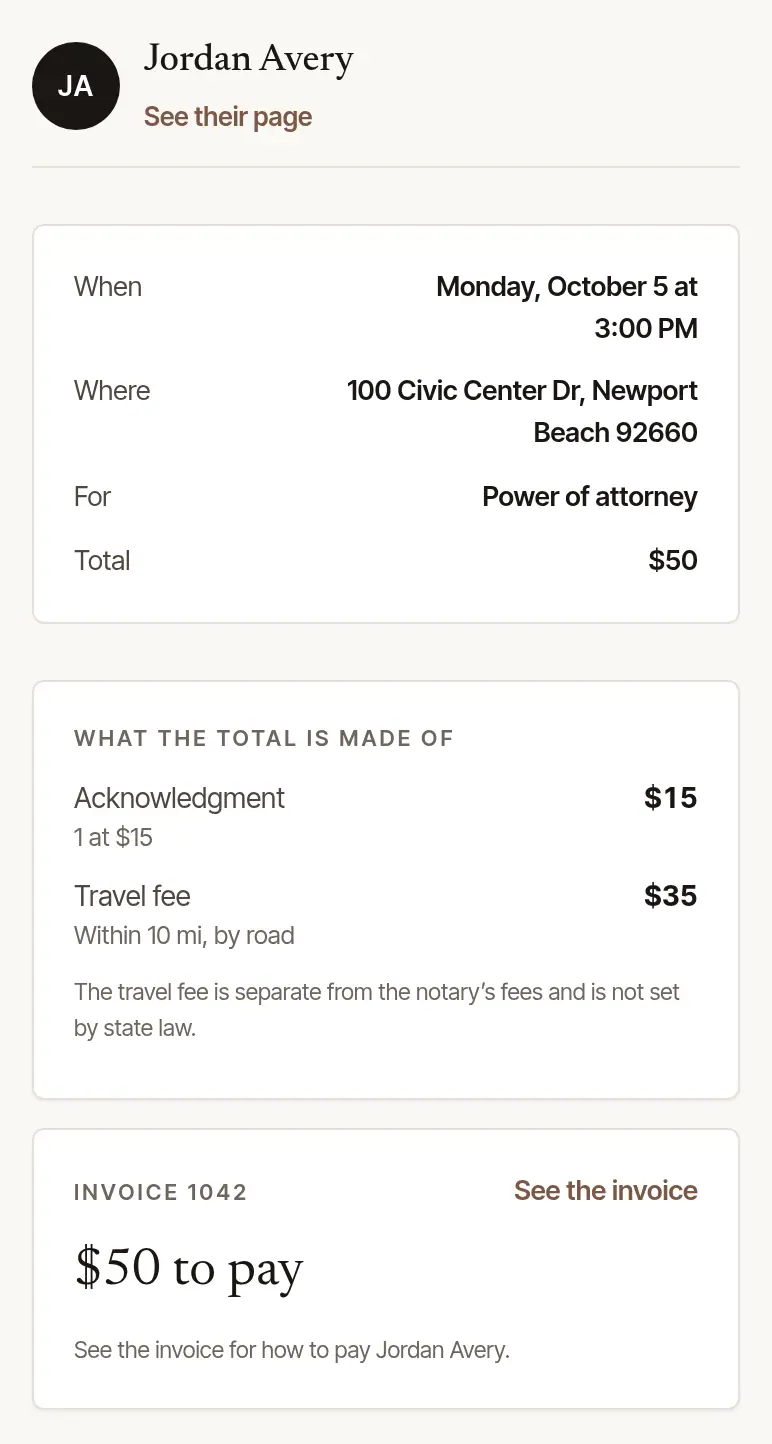
Open the invoice. On your request's page, the invoice shows with what is still to pay — choose See the invoice. Or open the link in the notary's email — the way in if you booked them some other way, by phone, say.
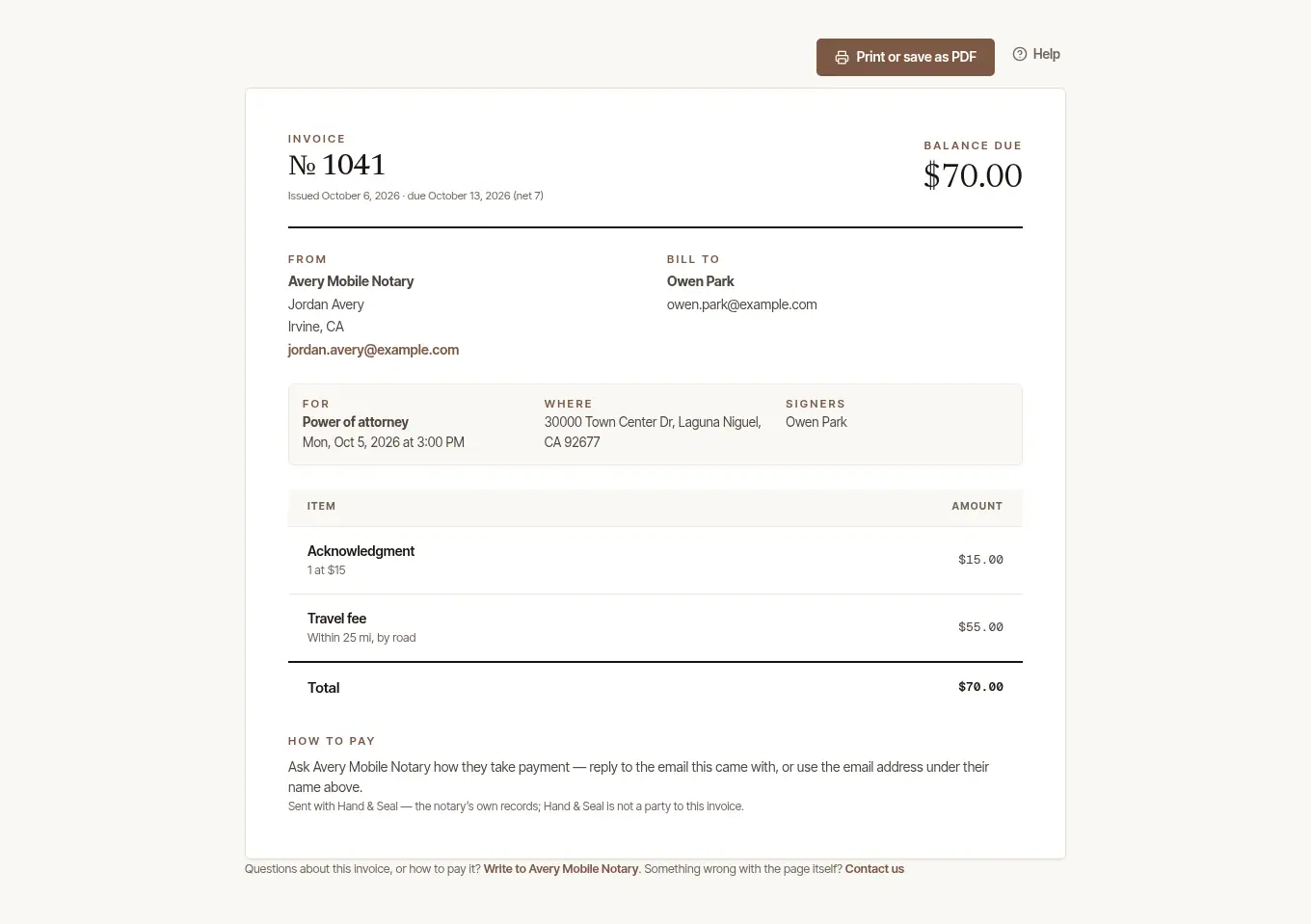
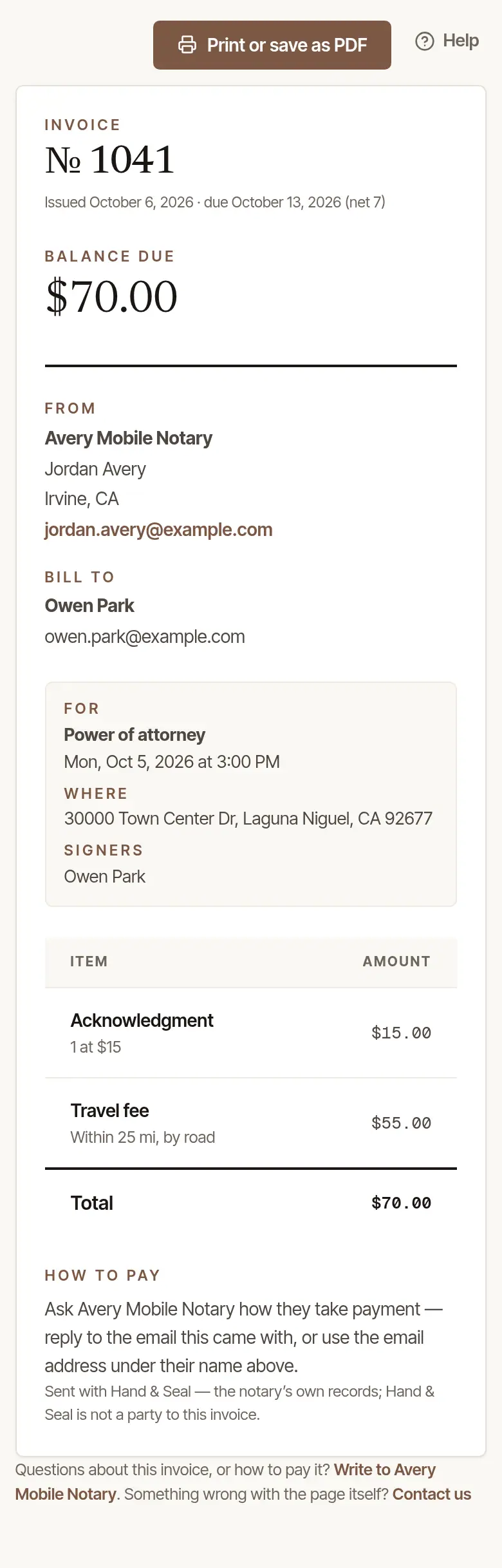
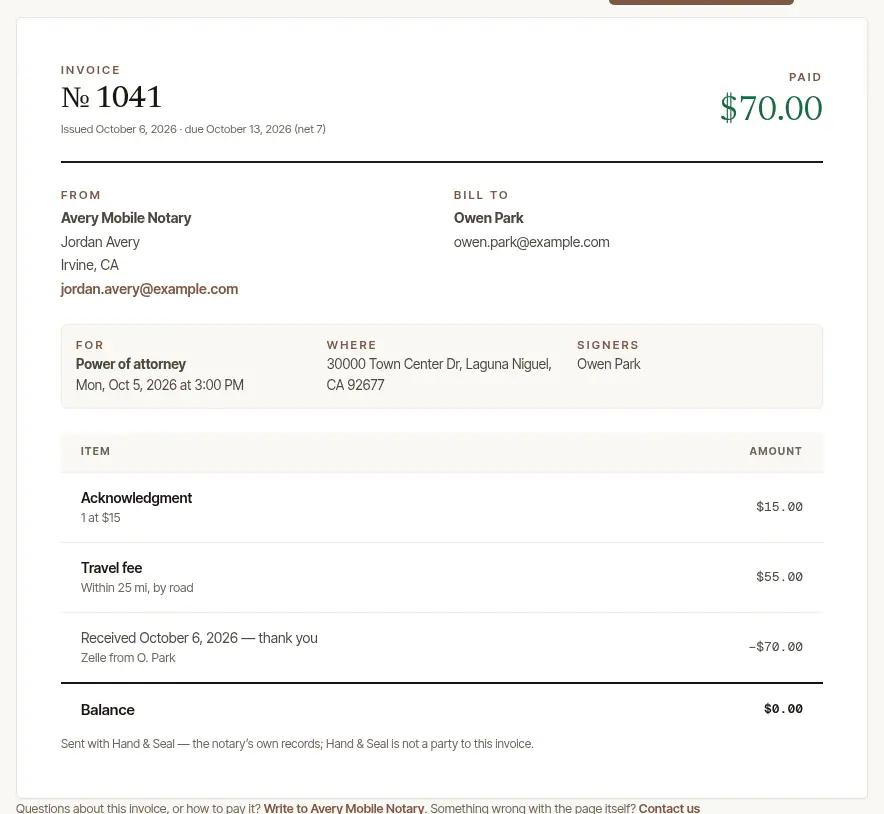
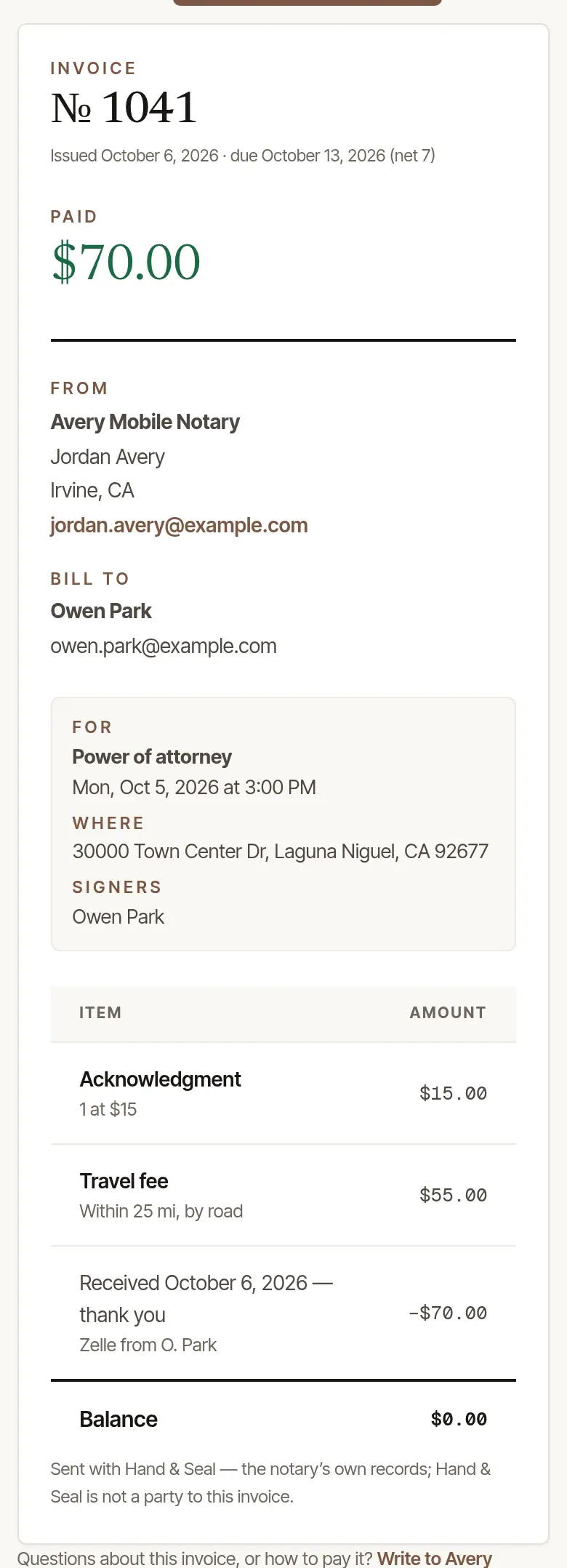
Check it. The invoice shows the Balance due and when it's due, who it's from, the signing it's for, and each line — every notarization, travel, and anything else. A deposit you've paid is already counted.
Pay it.
- By card: where the notary takes cards, choose Pay … by card — on the invoice, or right on your request's page. Stripe's secure page takes the card, and the money goes to the notary's own account; Hand & Seal never sees your card. Back on the invoice, it says Thank you — paid by card, and your receipt is emailed to you.
- Another way: How to pay, at the foot of the invoice, says how the notary takes payment — Zelle, who a check is payable to, and so on. If it says to ask, reply to their email — where it says a reply reaches them — or use the phone number or email under their name.
Keep a copy. Print or save as PDF saves the invoice as it stands.
Your receipt
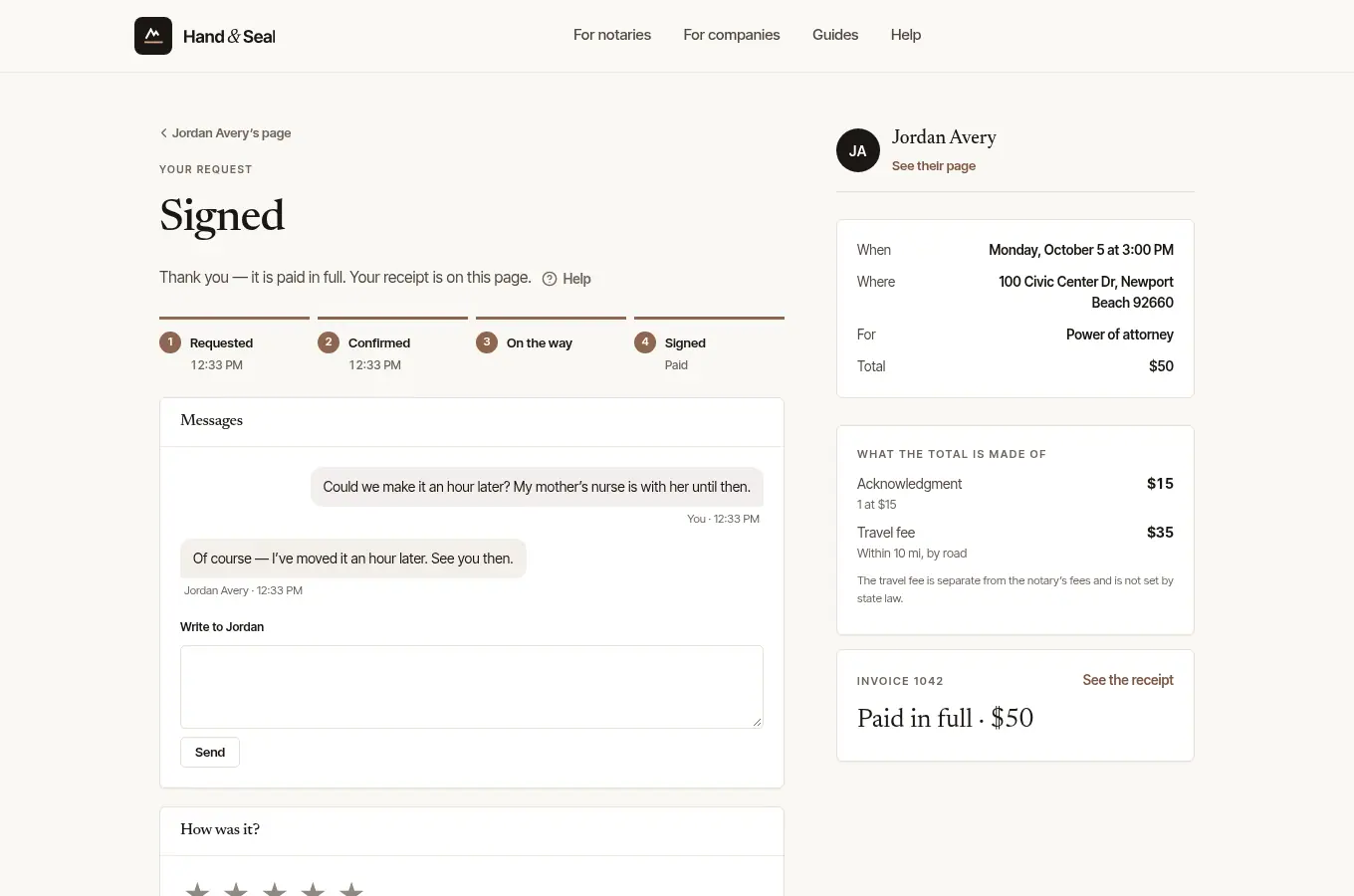
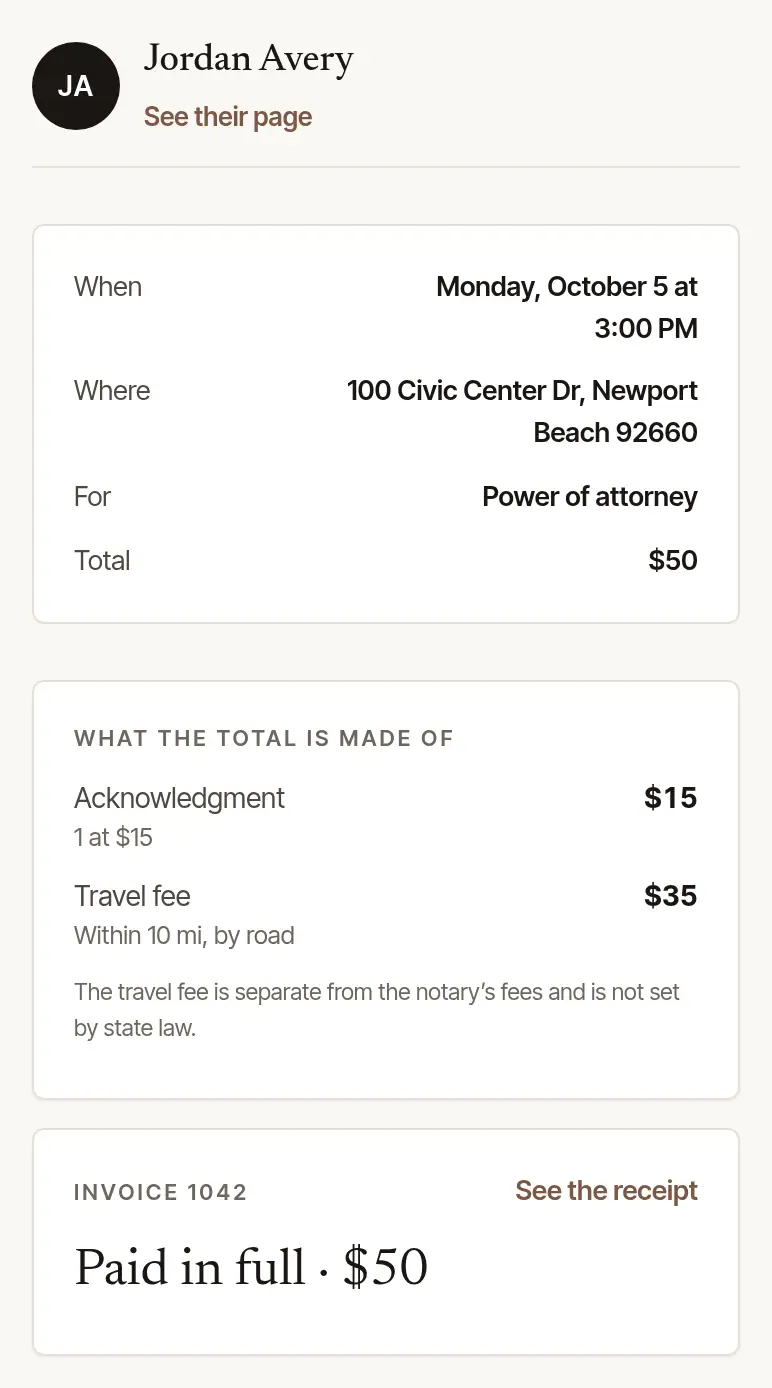
Once it's paid in full, your request's page says Paid in full, with See the receipt — the same invoice, now headed Receipt and marked Paid, with your payment on it. Print it or save it as a PDF from there. A payment you made another way shows once the notary records it, and they may email you the receipt too. The receipt of a signing that took place has Save the number beside Print or save as PDF: the contact card For next time gives on your request's page — the notary's name and phone number, their business's name where it's another, and the link to their page while it's up, where they gave a number and unless they have since closed their account; where several notaries work in one business, or the notary who came has since left it, the business's name, the number of one of its owners and, where you asked through the page of an owner who is staying, that page while it's up. Where several notaries work in one business, the invoice of a person's signing that took place gives, under From, the business's name and — where an owner who is staying can be reached at a number — that same owner's number, with that owner's email address where they have confirmed it, and names the notary who came under them (Notary: …); an owner's own signing keeps the owner's name and number there, where they gave one and are staying in the business.
Good to know
- A card payment that didn't finish says so on the invoice: nothing was paid, and you can try again.
- Questions about the invoice? Its foot has Write to … or their phone number. For a problem with the page itself, there's Contact us.
- Refunds are made by the notary, back to the card you paid with.
- The invoice is the notary's own record. Hand & Seal sends it for them, and isn't a party to it.
Was this helpful?
Still stuck? Contact support — a person reads every message and answers by email.