Guide
Leave a review for your notary
Once your signing is done, say how it went — on your request's page, or from the link we email you. It shows on the notary's page, and they can't remove it.
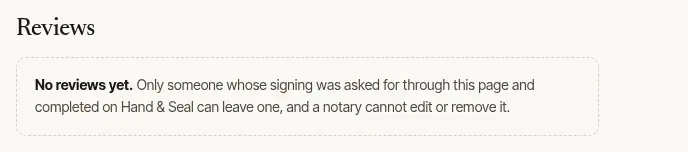
A few words about your signing help the next person choose a notary. A review can be left only for a signing that was asked for through the notary's page and completed on Hand & Seal. The notary can reply to it, and can't write, edit or remove one — though the writer's name and town come off it when they're taken out of the notary's records.
Leave it
Open How was it? Once the notary has finished the signing, How was it? appears at the foot of your request's page. If you asked one notary through their page and gave your email address, we also email you about an hour after the signing — Leave a review in that letter opens the same form.
Choose the stars. From one (Poor) to five (Excellent).
Say what others should know, if you like. Were they on time? Clear about what they could and couldn't do? This is optional — stars alone are a review.
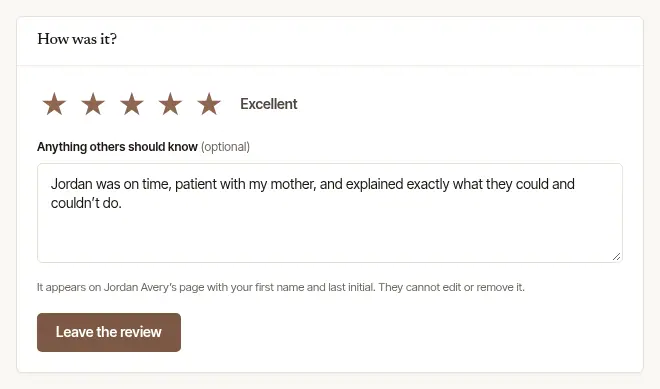
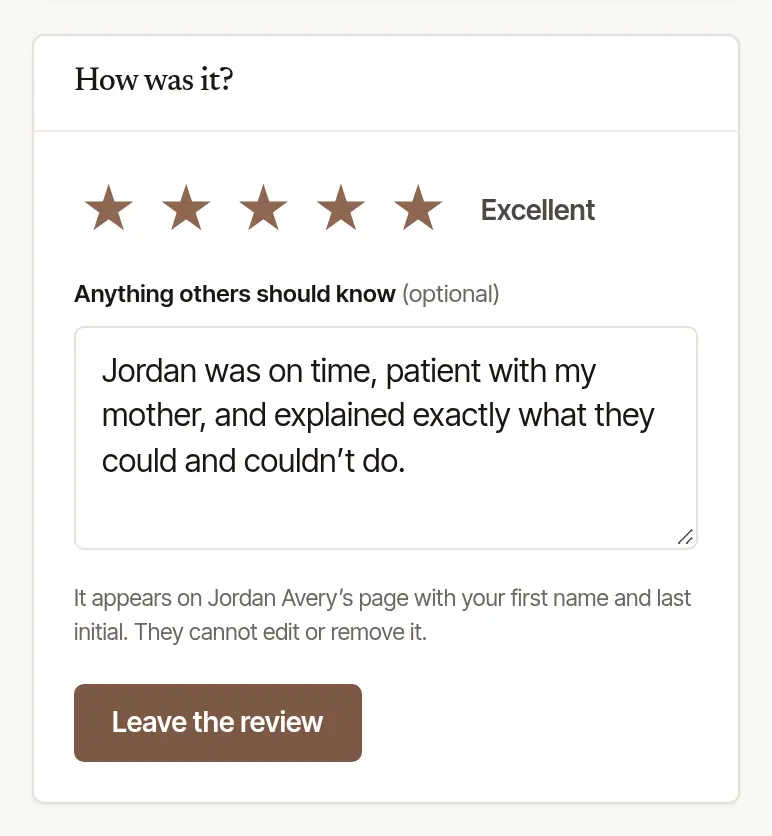
Choose Leave the review. The page says Thank you — your review is on …'s page, and shows it.
Where it shows
Your review appears under Reviews on the notary's page, with your first name and last initial and your town — never your full name, address or phone. The notary may reply to it once, publicly, under your words.
Post it on Google too
After you leave it, the page may ask Would you post it on Google too? — where the notary has told us their Google review page. Choose Copy your words, then Review … on Google, and paste them there. Everyone who leaves a review is asked, whatever they said.
Good to know
- Reviews are open for 90 days after the signing is marked finished. The emailed link leaves a review of that one signing only; it opens nothing else of your request.
- One review a signing, and once it's left it can't be changed.
- A problem with the signing itself? Write to the notary under Messages on your request's page first. For anything about Hand & Seal, there's Contact us.
Was this helpful?
Still stuck? Contact support — a person reads every message and answers by email.