Guide
Answer a signing handed to you
When someone in your business offers you a signing — accept it, or say no with a reason. And how to hand one back later if something comes up.
When an owner or an assistant hands you a signing, you're told at once — on your phone and by email — and the signing waits for your answer. Until you answer, it's offered to you and nobody else.
Accept it, or say no
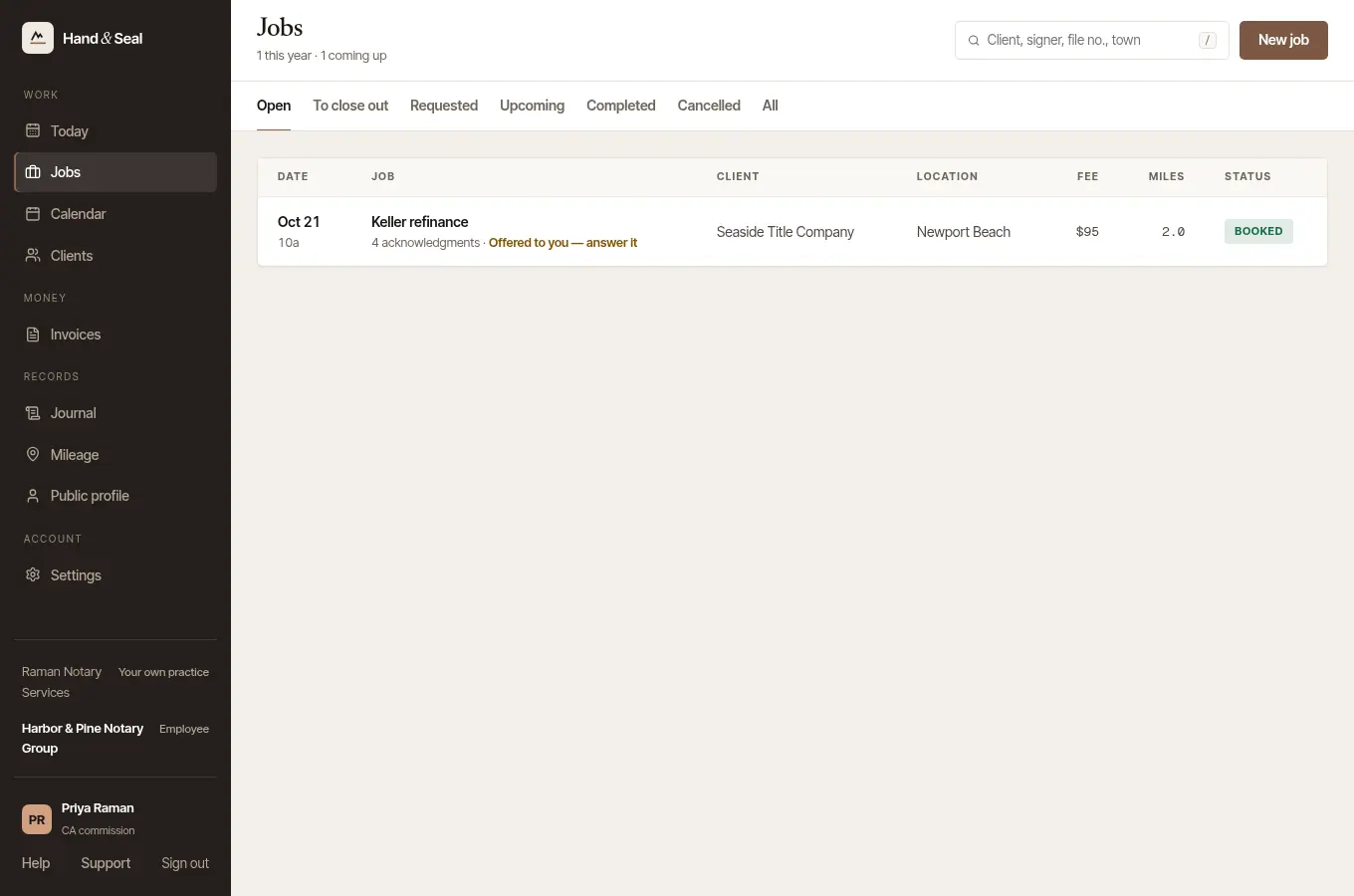
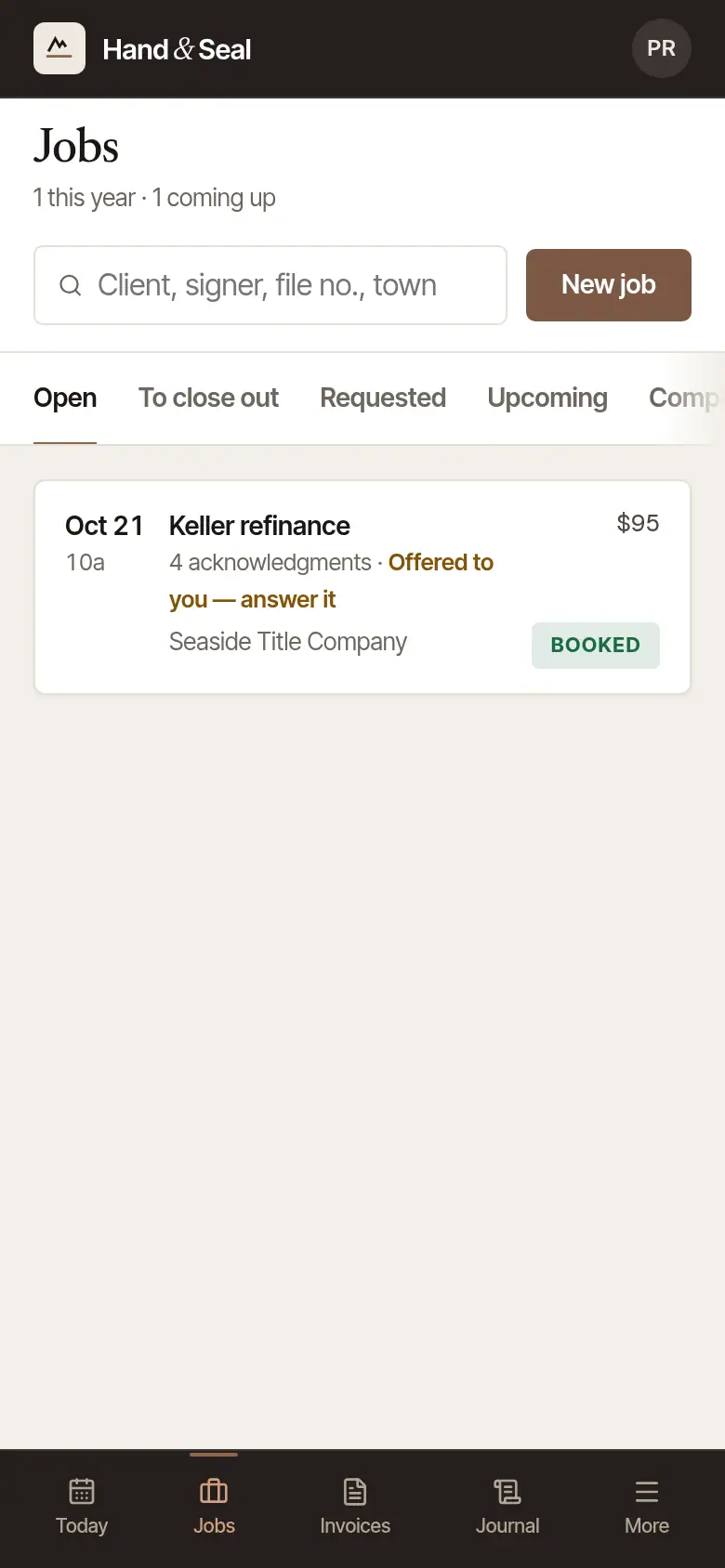



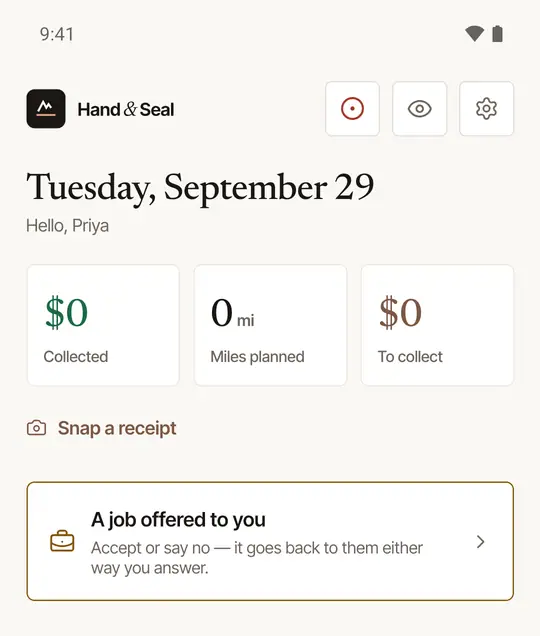
Find it. On Today, a card says A job offered to you (or how many). Tap it for Jobs, and open the signing.
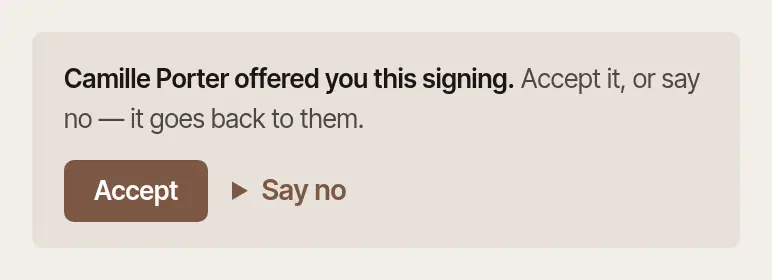
Tap Accept in the card at the top of the job, which says who offered it to you.
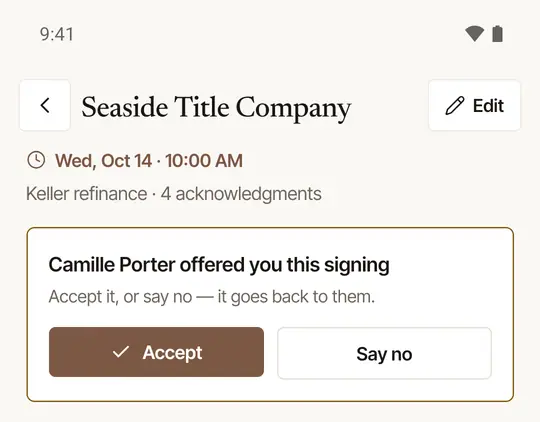
Or tap Say no. Write why if you like — “Out of town that day” — and tap Say no again. Keep it changes your mind.
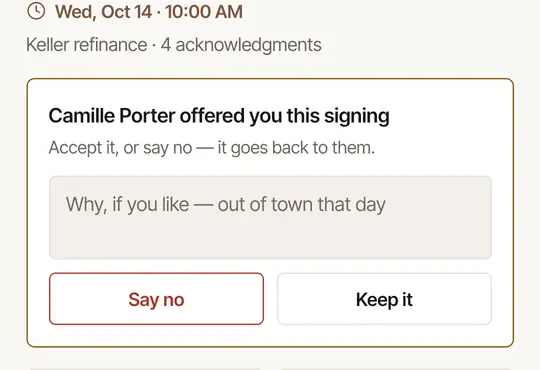
A no hands the signing straight back: it goes to the business as Needs a notary, and whoever runs the business is told, with your reason.
Hand it back later
Accepted it, and now something's come up? You can still give it back while it's ahead.
Open the signing. It says You accepted this one from whoever offered it.


Choose Hand it back, write why if you like, and choose Hand it back under it.
Open the signing. Under its details: You accepted this one from whoever offered it.
Tap Hand it back, write why if you like, and tap Hand it back again.
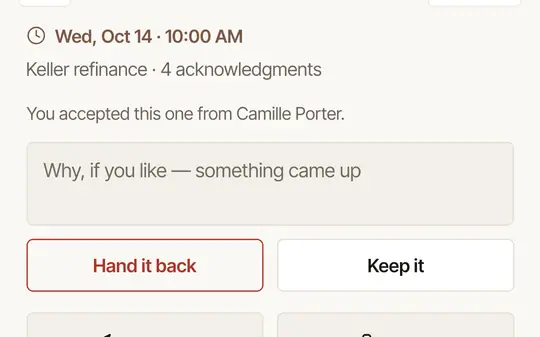
It goes back as Needs a notary, and they're told — the sooner, the easier it is to find someone else.
Good to know
- Once a signing's time has passed, close it out yourself rather than handing it back: only the notary who did a signing writes its journal lines, and while it's yours, nobody in the business can pass it to anyone else.
- Once a signing is yours, you see it, its client and its invoice. As an employee, that's all: you don't see the business's other signings, or its books.
- Your journal lines and your drives for the signing are yours, as they always are.
Was this helpful?
Still stuck? Contact support — a person reads every message and answers by email.