Guide
Hand a signing to someone in your business
Give a signing to one notary on your team — they accept it or say no — or take it yourself. For owners and assistants, on the web and the phone.
In a business with several notaries, each signing is one notary's. An owner or an assistant hands it to someone: it's offered to them, and they accept it or say no. It goes to one notary at a time — never to several at once.
A signing you book yourself, as a notary, is yours. One booked by an assistant, handed back, or left by someone who has gone is nobody's yet: it Needs a notary.
Hand it to someone
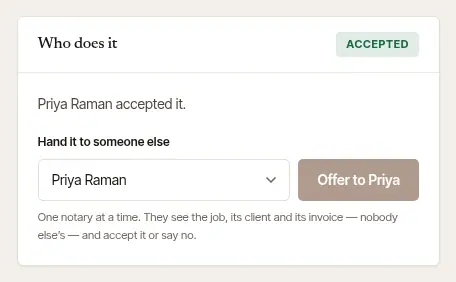
Open the signing. In Jobs, choose it. Its page has Who does it, saying whose it is now.
Choose the notary. Under Hand it to someone else (or Assign to, when nobody has it yet), pick them from the list. Each one says how the signing fits their day: fits, a tight drive, can't get there in time, overlaps another signing or nothing else that day — and the one you pick has the whole line under the list. It counts their signings in this business only, town to town and from drives already measured; the road isn't asked. Anyone whose commission doesn't cover the signing's state on its day is shown, but can't be chosen.
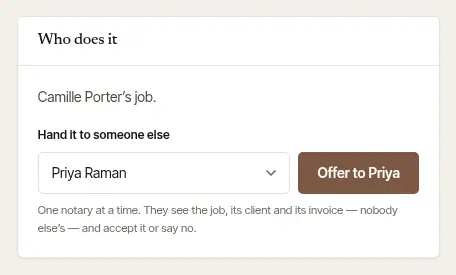
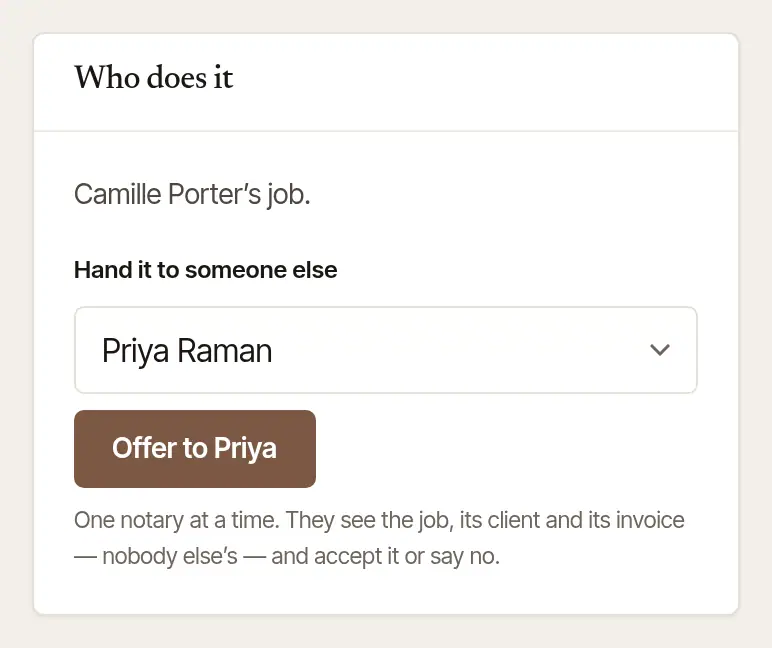
Choose Offer to … — the button carries their name. They're told at once, on their phone and by email. Choose yourself instead and the button says Take it myself: the signing is simply yours, with nobody to ask.
Wait for their answer. Who does it says Offered, and who is waiting to answer — and so does its label in Jobs.
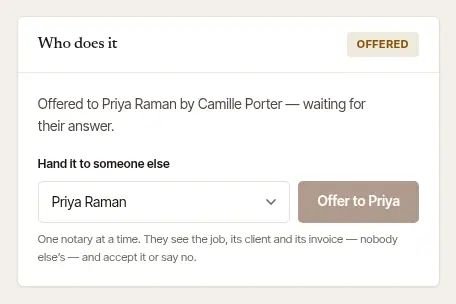
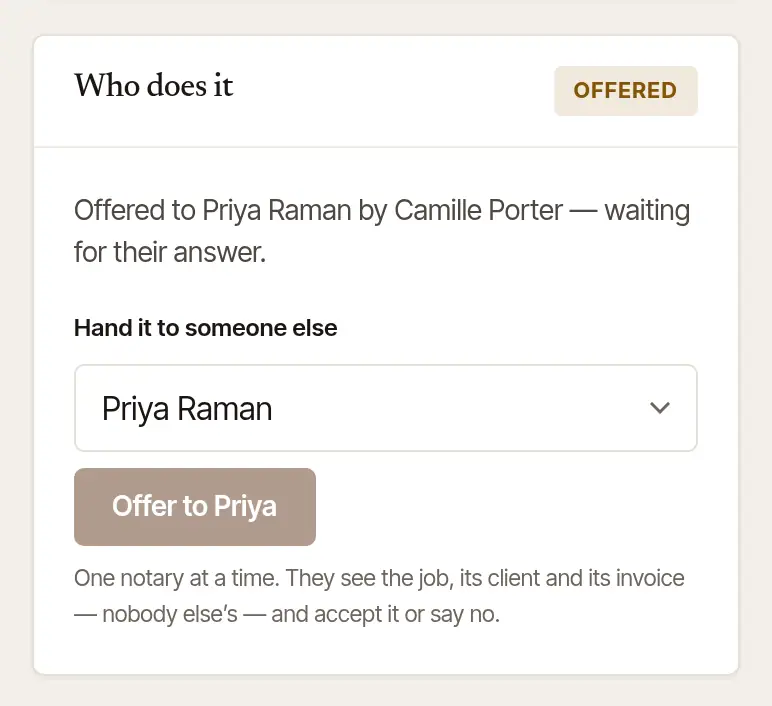
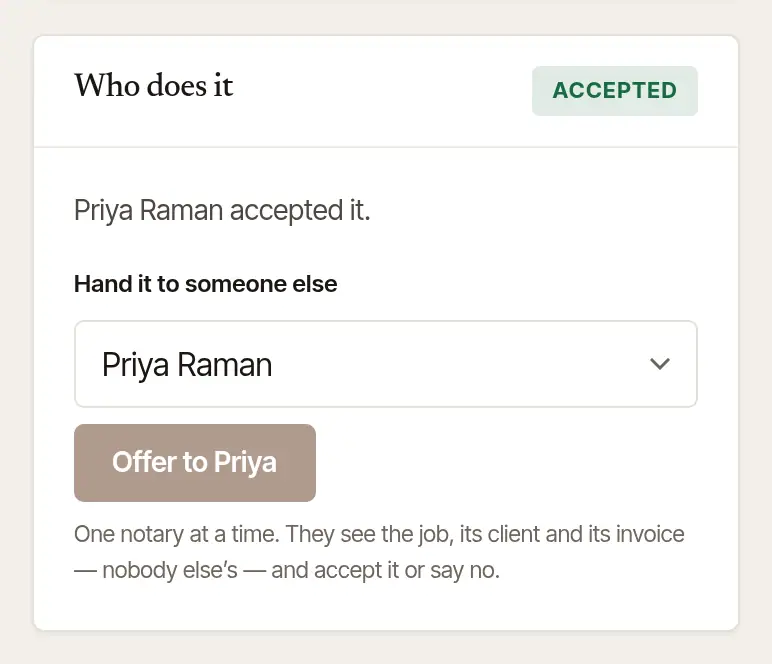
When they accept, it says Accepted, and you're told.
If they say no, the signing comes back to you as Needs a notary, with their reason if they gave one — hand it to someone else.
If it's a booked signing, not a request still waiting for a yes, and it overlaps another of theirs, or leaves a drive they can't make in time, measured on the road, or plain from the map, they're told so beside the offer.
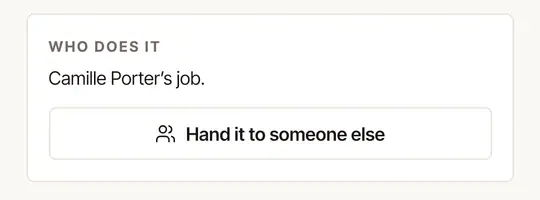
Open the signing from Jobs or Today. The Who does it card says whose it is.
Tap Hand it to someone else — or Assign to…, when nobody has it yet.
Tap the notary. Each one says Offer it — they accept or say no; yourself, Take it yourself. Someone whose commission doesn't cover the signing is shown greyed out, with why.

The app says Offered to their name: they've been told, and will accept it or say no.
Good to know
- Once a notary accepts a signing, they see it, its client and its invoice — nobody else's signings. They close it out themselves, with their own journal lines.
- The signing keeps its price when it's handed on: the business's prices, as when it was booked.
- A signing whose time has passed is handed on only by its own notary: only the notary who did a signing writes its journal lines.
See who has what
Jobs says, under each signing, who it's with: a name, Offered to someone, or Needs a notary in amber when nobody has it.


On the web, an owner's or an assistant's Calendar says the same beside each signing: whose it is, or Needs a notary.
Only a notary with a commission on file
Settings → Team shows each notary's commission and when it expires. Someone with No commission on file can't be given a signing, and one whose commission has lapsed, or is for another state, can't be given one there. They add theirs in their own Settings → Account.
Was this helpful?
Still stuck? Contact support — a person reads every message and answers by email.