Question
A notary sent me their order link — what do I do?
Open it, fill in the signing and send. It goes to that notary alone, and your company's free desk is made as you send — or sign in first if you have one.
A notary's order link is their own page for the companies they work with. Open it, fill in the signing, and send: the order goes to that notary alone, who accepts or declines it. Nothing is paid through the page.
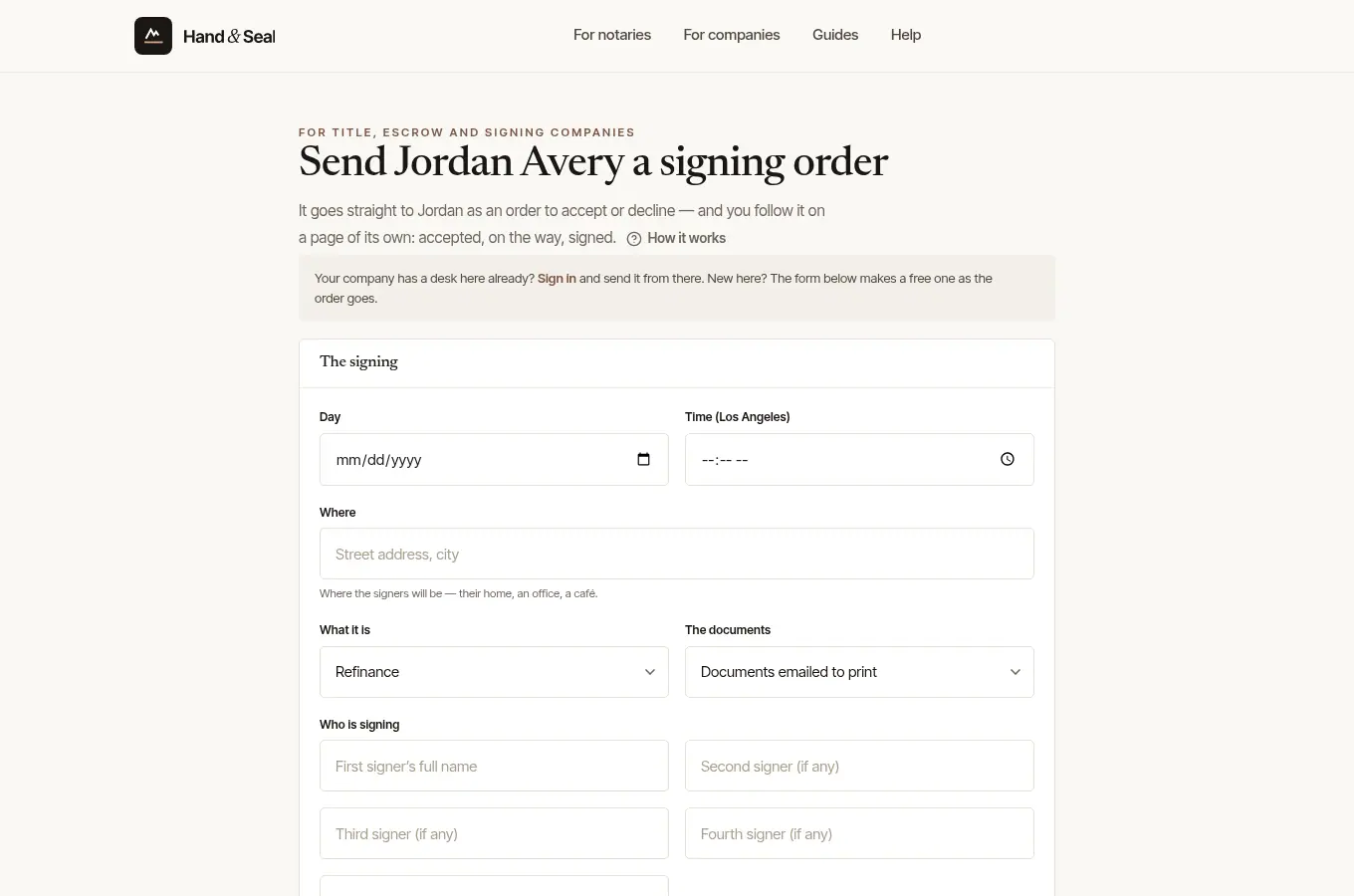
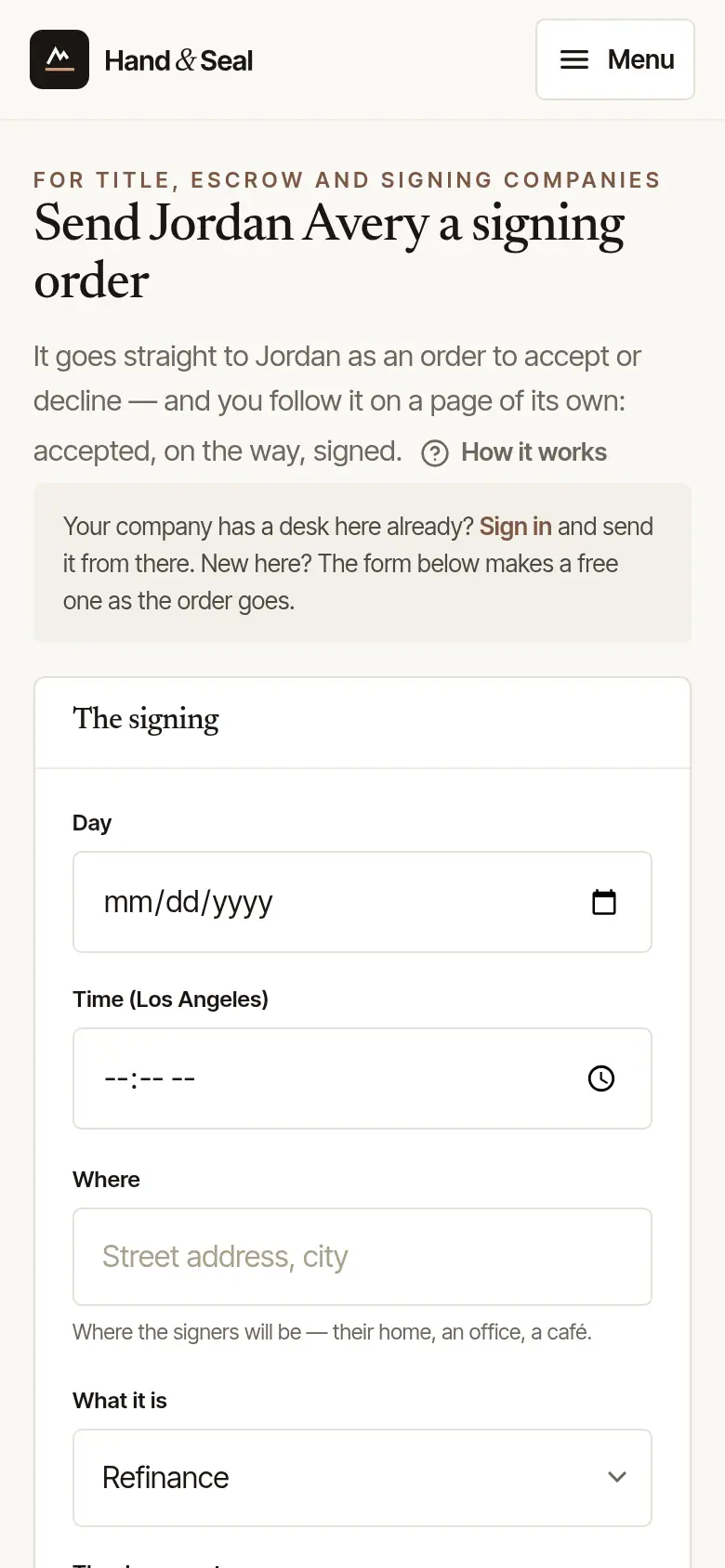
New to Hand & Seal? Fill in the form to the end. Its last part, Your company's desk, makes your free desk as the order goes — Where you work, Your name, your Work email and a Password — and Make the desk and send the order to the notary sends it. You land on the order's own page on your desk, where you follow it to the signature and the invoice, and the notary joins your desk's notaries for next time. The steps are in Send your first order.
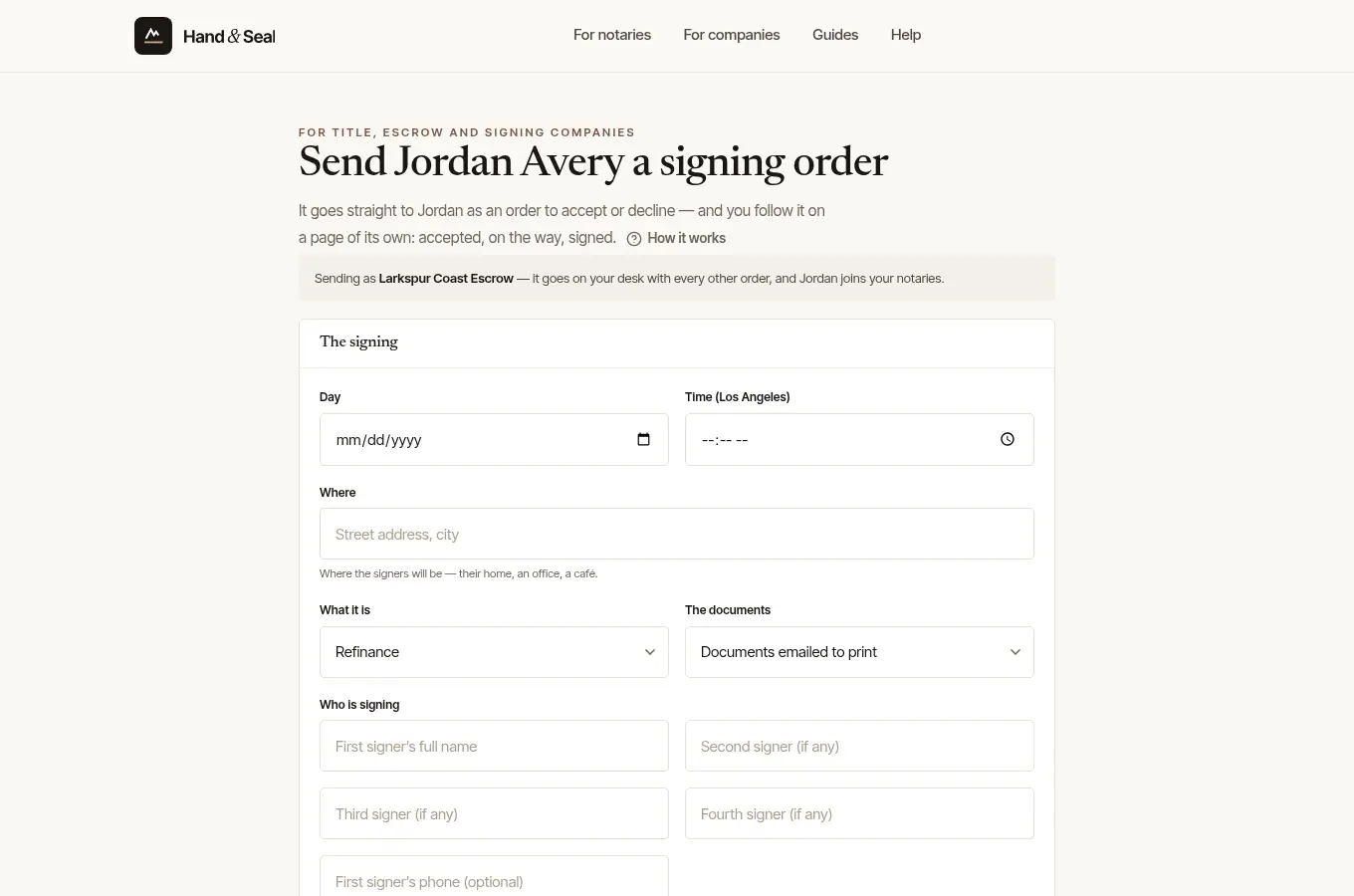
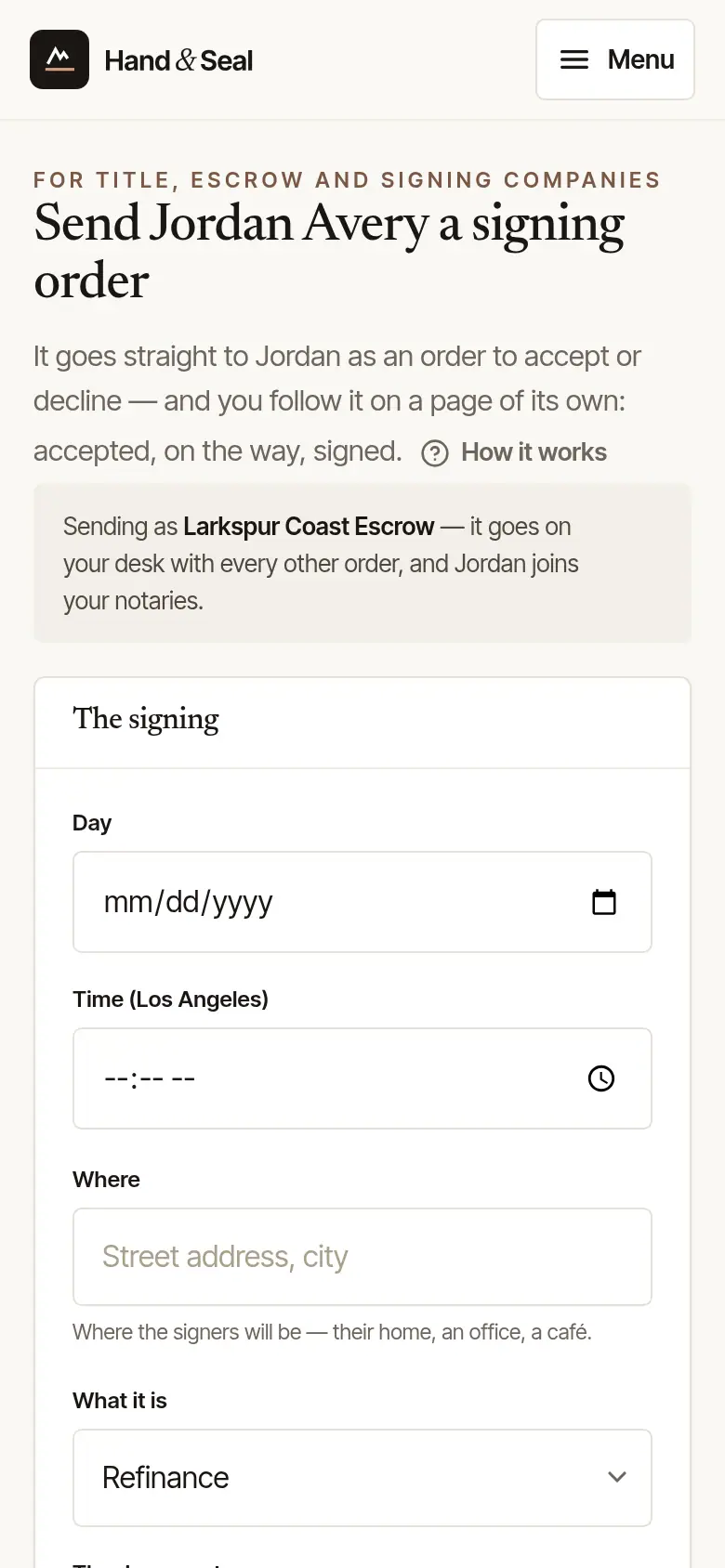
Your company has a desk already? Choose Sign in in the note at the top first. Back on the link, it says Sending as your company, and the order goes on your desk with every other one. The form starts from your desk's usual settings — its fee for the kind of order, how documents usually reach the signing, pages and scan-backs — and what your desk says on every order goes with it. If you send it signed out with an email that already has a login, the form asks you to sign in instead.
Signed in as a notary, with no desk? A desk opens on that same login as the order goes.
Good to know
- No documents, ID numbers or loan details go in the form. Send those the way you usually do — or, once the order is sent, seal them for the notary on the order's page, where they've set that up.
- The link page says the notary is not taking orders through this link at the moment when they aren't: nothing is sent, and it's best to call or email them.
- Next time, send from your desk: Orders, then Send an order, and choose the notary.
Was this helpful?
Still stuck? Contact support — a person reads every message and answers by email.