Guide
Open your company's desk
A desk is your own free login for sending notaries their orders and following each one to the signature and the invoice. How to make one, and what's on it.
A desk is where a title, escrow, lending or law office sends notaries their orders — every order you send, to any notary, in one place, with where each one stands and the notary's invoice after. It's your own login, and it's free for companies.
There are three ways to get one:
- Through a notary's order link. Your first order through it makes your desk as it goes — see A notary sent me their order link.
- From the desk's own sign-up page, below.
- From an invitation. A colleague who already has your company's desk can invite you onto it.
Before desks open to every company
Until Hand & Seal opens desks to all companies, the sign-up page says Coming soon. Get early access for your company tells us about you, and your invitation arrives the day desks open. A notary's order link works all the while: an order through it opens your desk today.


Make your login
Open the desk's sign-up page. It says Start with just you — your own login, not a commitment for your whole company. (Someone who needs a notary for their own documents doesn't need an account at all.)
Fill in who you are. Your first name and Last name, your Work email, Where you work — your company's name, as notaries know it, which goes on your orders — and a Password of at least 10 characters.
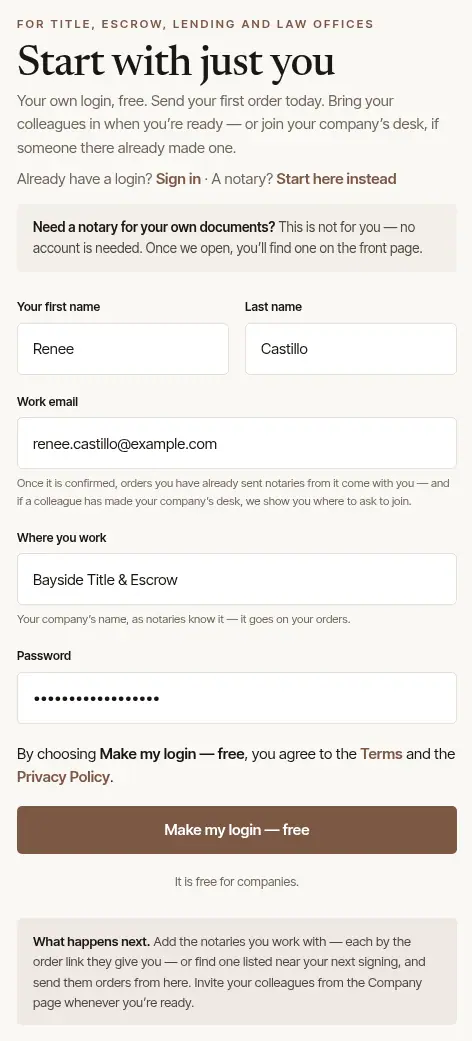
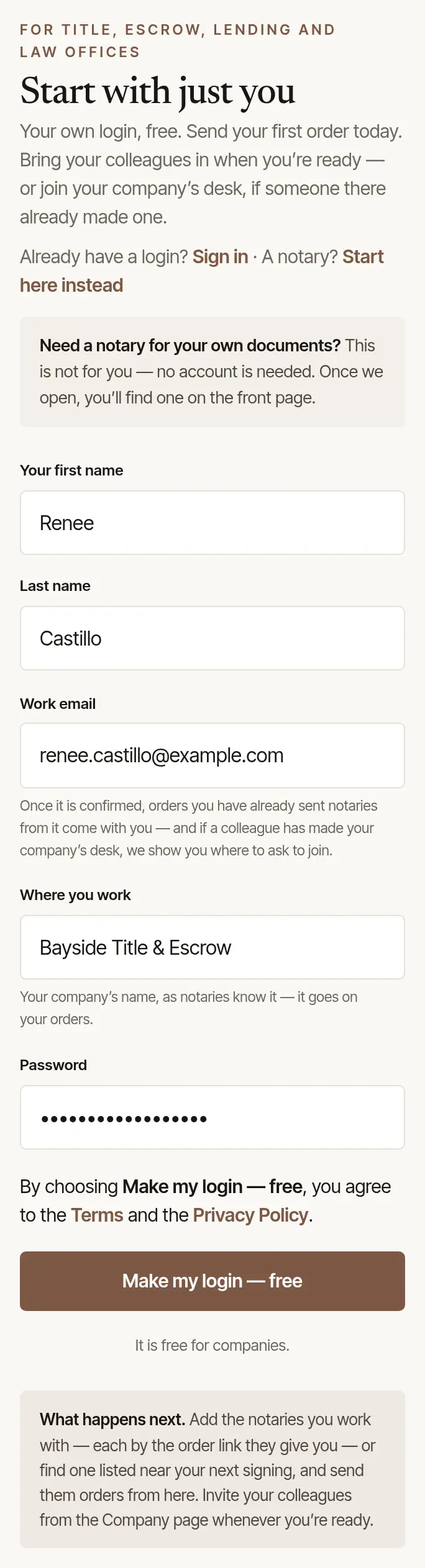
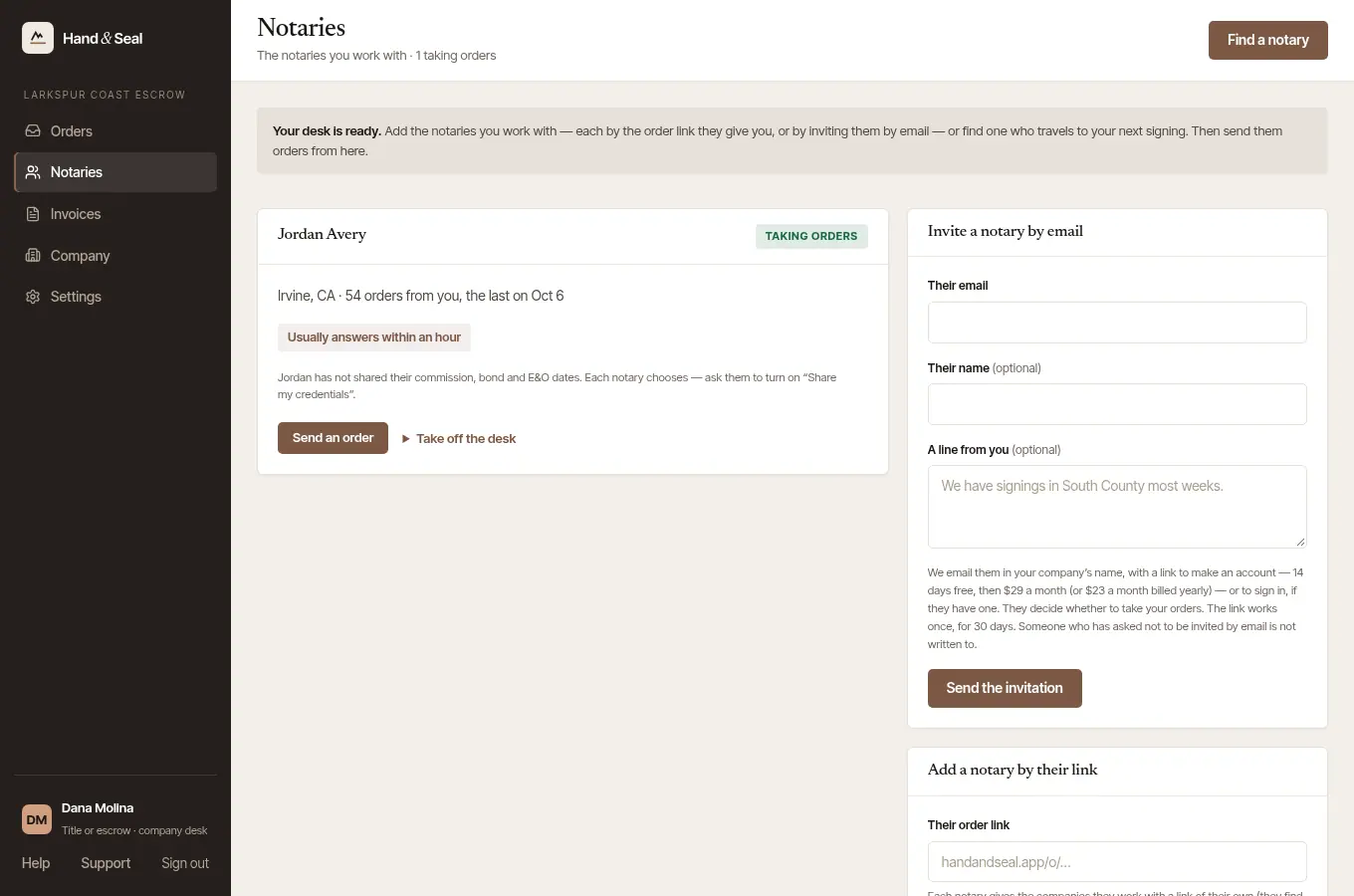
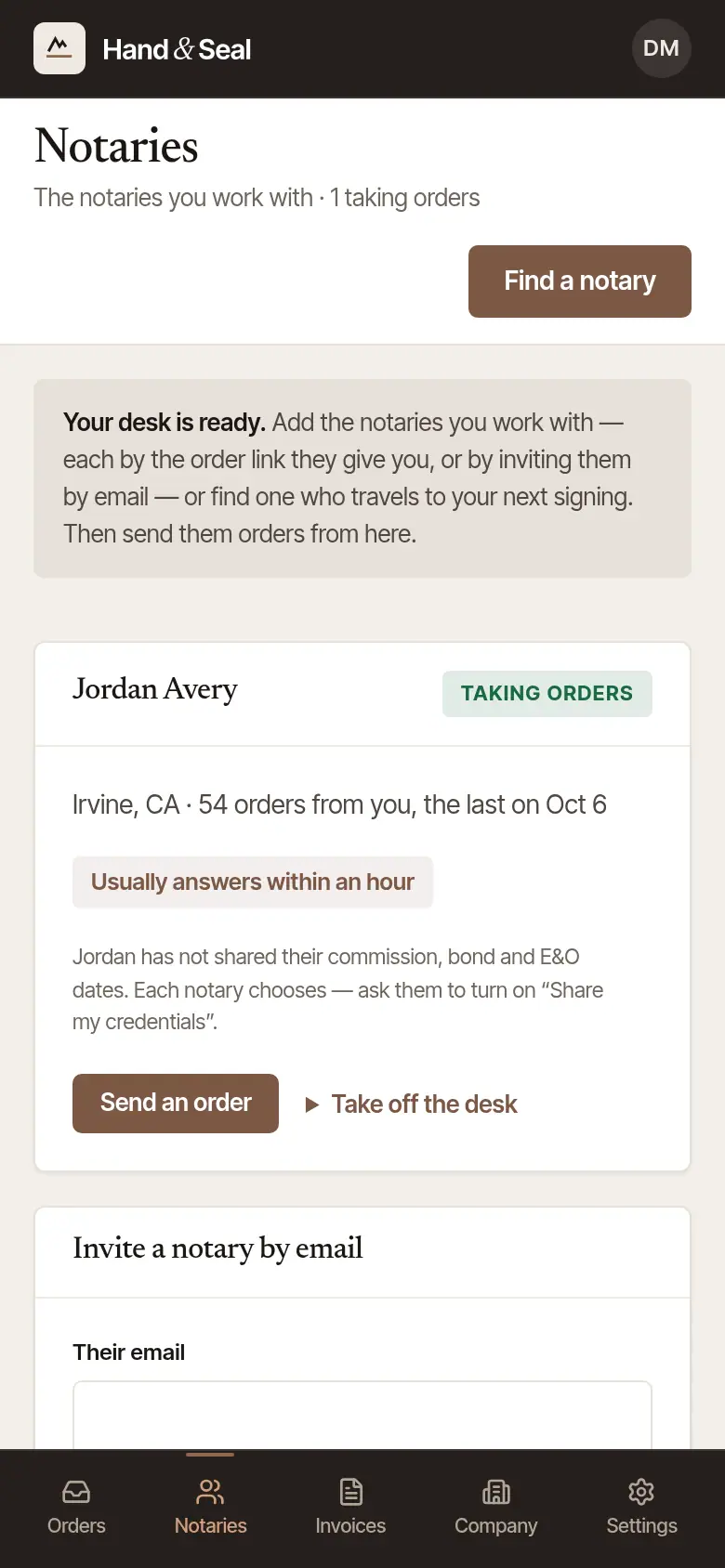
Choose Make my login — free. Your desk opens on Notaries, with Your desk is ready.
Tell us about your company. The desk asks two things: What you are (title or escrow, a lender, a signing service, a law firm, a business, or other) and Where your office is. Choose Save. This sets the kinds of order you're offered, what the desk calls your file number (File no., Loan no., Matter no.…), and the time it keeps. Until then it's set for a title or escrow office on Pacific time.
Confirm your email. Open the letter we send and confirm your address. The banner at the top asks until you do — Send again sends a new link, and Wrong address? opens Change your email in Settings if it went to a mistyped address. Once it's confirmed, orders you already sent notaries from that address come onto your desk, and if a colleague has already made your company's desk, the desk shows you where to ask to join it.
Already have a Hand & Seal login?
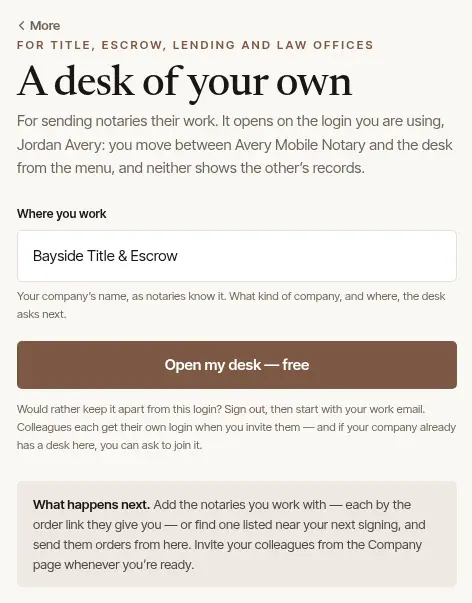
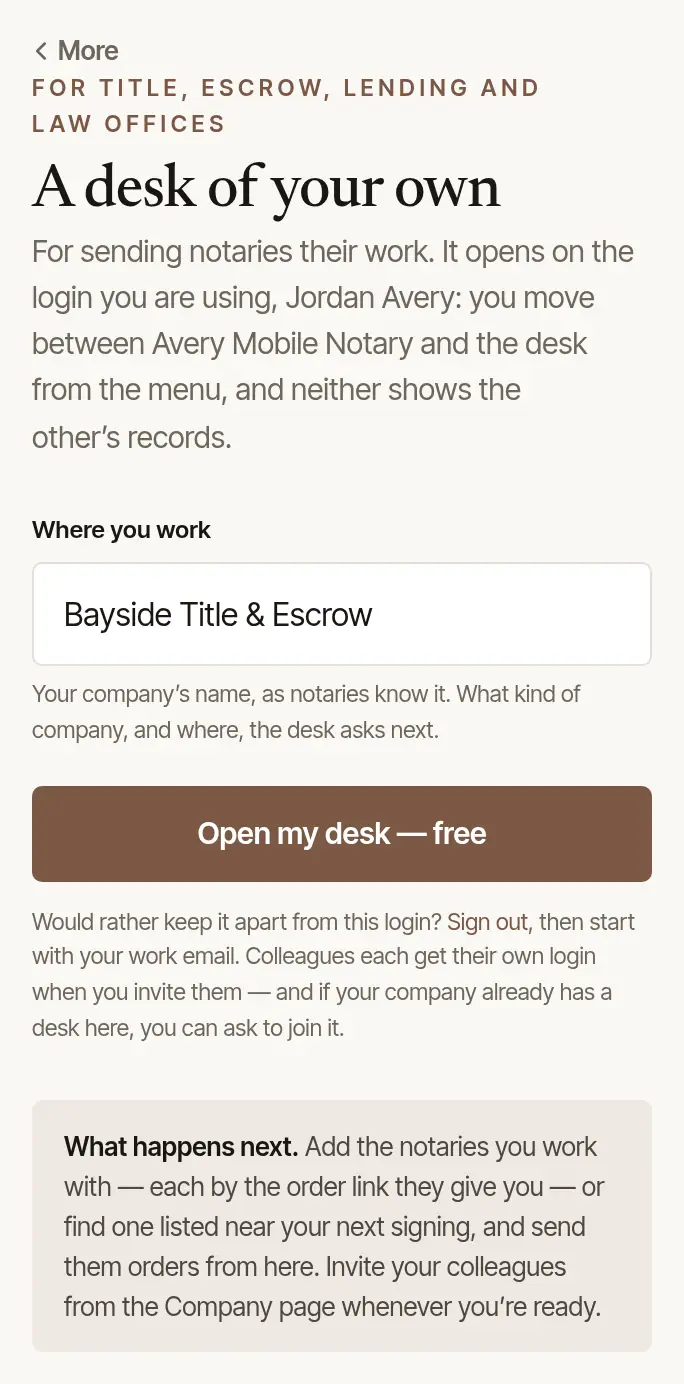
A notary who also runs an office opens a desk on the login they already have — today, by sending an order through another notary's order link: the desk opens on that login as the order goes. Until desks open to every company, the sign-up page says so to someone signed in too: A desk of your own isn't open yet, with Get early access for your company. Once desks are open, the same page has Where you work and Open my desk — free. You move between your practice and the desk from the menu, and neither shows the other's records. To keep them apart instead, sign out and start with your work email.
What's on a desk
Five places, in the rail on the left on a computer and along the bottom on a phone:
Orders — every order your desk has sent, and Send an order. Needs you at the top lists only what's waiting on someone at your desk: a notary who declined, a message, a new time they couldn't do.
Notaries — the notaries you work with. Add each one by the order link they give you, invite one by email, or Find a notary who travels to your next signing.
Invoices — the notaries' invoices for your orders: what's still to pay, overdue or paid, and a spreadsheet of them for accounts payable.
Company — your company's name and details, the settings every new order starts from, and your colleagues.
Settings — your own: how you sign in, passkeys, two-step sign-in, your devices, light or dark, Help, and closing your account.
Next: Send your first order.
Good to know
- The desk is free for companies. You pay each notary's invoice to them directly — Hand & Seal never holds the money.
- Your colleagues each get a login of their own when you invite them from Company — nobody shares a password.
Was this helpful?
Still stuck? Contact support — a person reads every message and answers by email.