Guide
Pay a notary's invoice
Find what you owe under Invoices, open an invoice, and pay it by card or bank transfer where the notary takes them — or the way the invoice says. The money goes straight to the notary.
Each notary invoices your company for their own signings, and you pay them directly: Hand & Seal isn't a party to the invoice and never holds the money. Your desk keeps every invoice in one place, with what's owed to whom.
Find what you owe
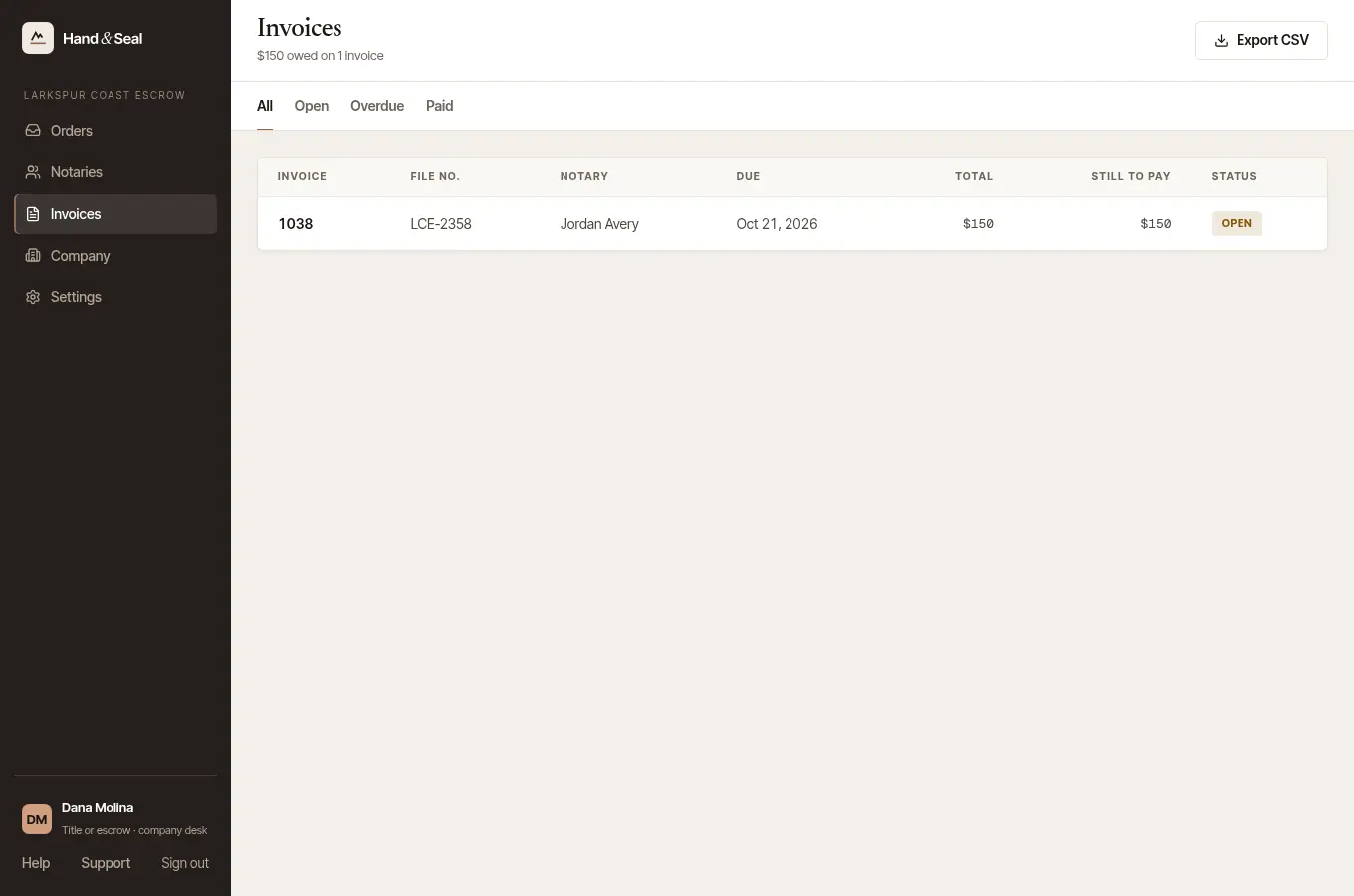
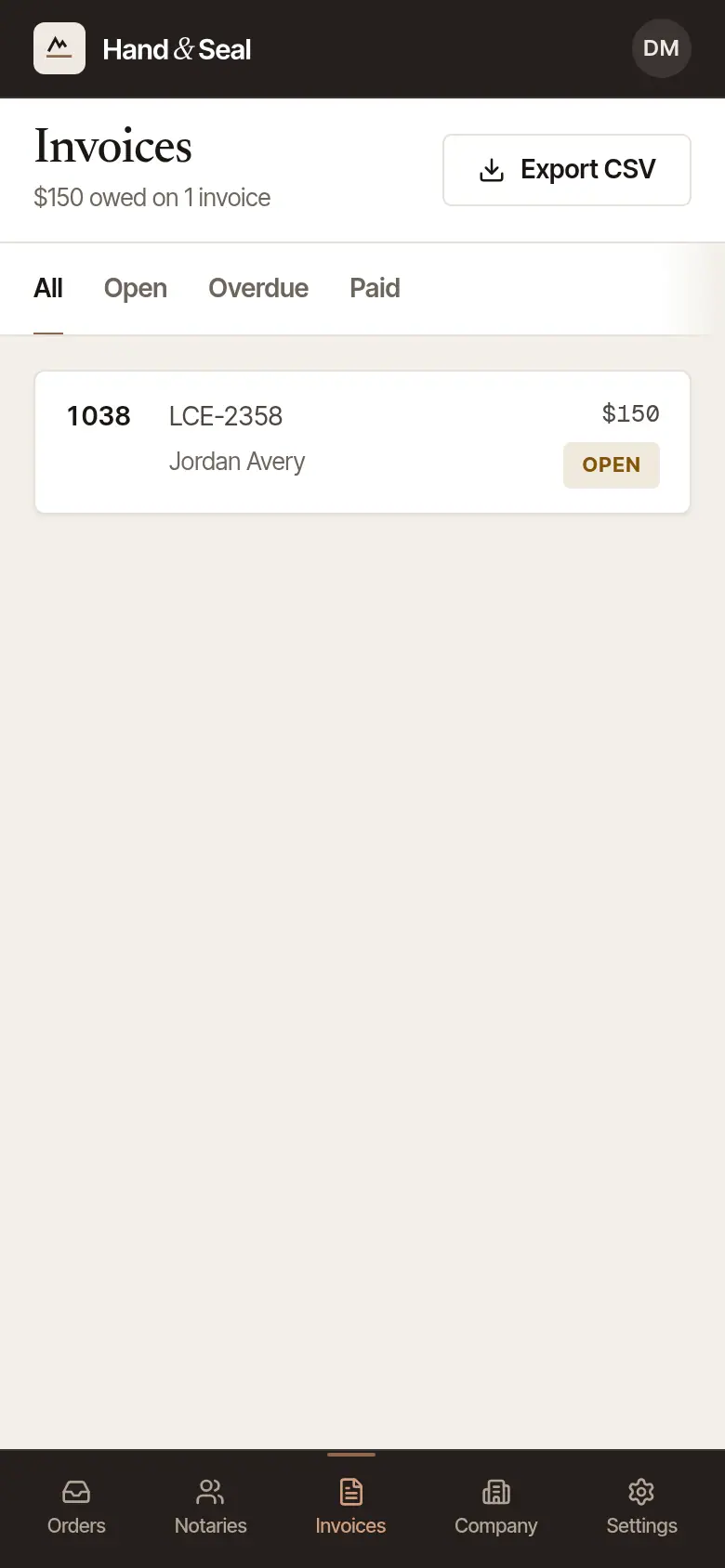
Open Invoices. The line under the heading says how much is owed, on how many invoices, and how many are overdue. All, Open, Overdue and Paid sort them. Each row has the invoice number, your file number, whom it's from — as the email that brings the invoice names it: the notary, or the business the invoice is in — when it's due, the total, what's still to pay, and whether it's Open, Overdue or Paid.
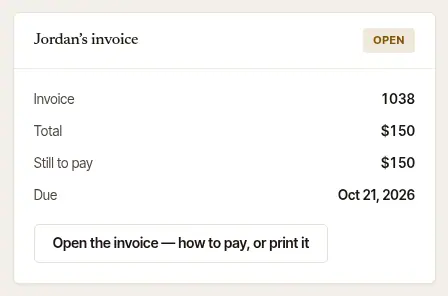
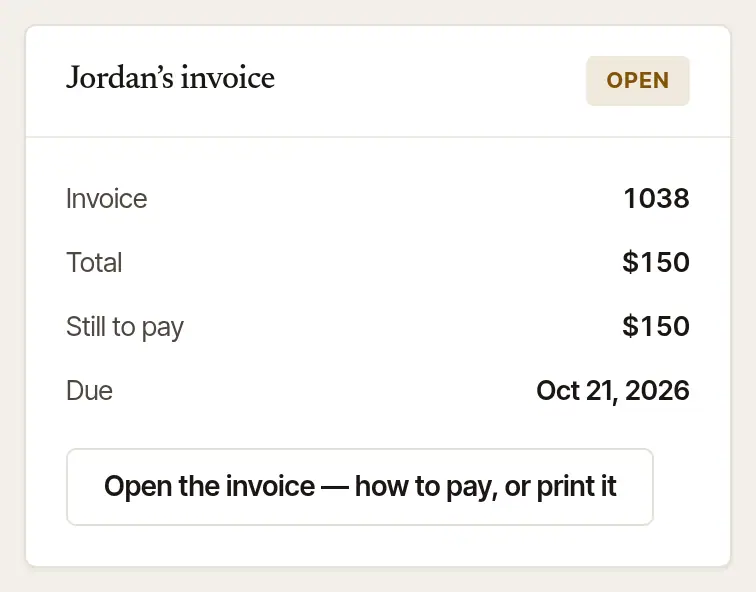
Open the one to pay. Choose Pay beside it — it says View where the invoice can't be paid from its page, and Receipt once it's paid — and the invoice opens on a page of its own. Its number opens the order's page instead, with the notary's invoice on the right and Open the invoice — how to pay, or print it.
Export CSV downloads the invoices on the tab you're on as a spreadsheet for accounts payable — with the issue, due and paid dates, the notary's business name and their job number.
Pay it
The invoice opens on a page of its own — the same one the notary emails to your company. It shows who it's from, who it's billed to, the signing (with your file number), each line and the balance due. A notary's invoices can be headed with their business's name instead of the name you sent the order to: the email that brings the invoice for orders you sent that notary then names both — the notary as your desk knows them, and the name the invoice is in — while that notary is still with the business.
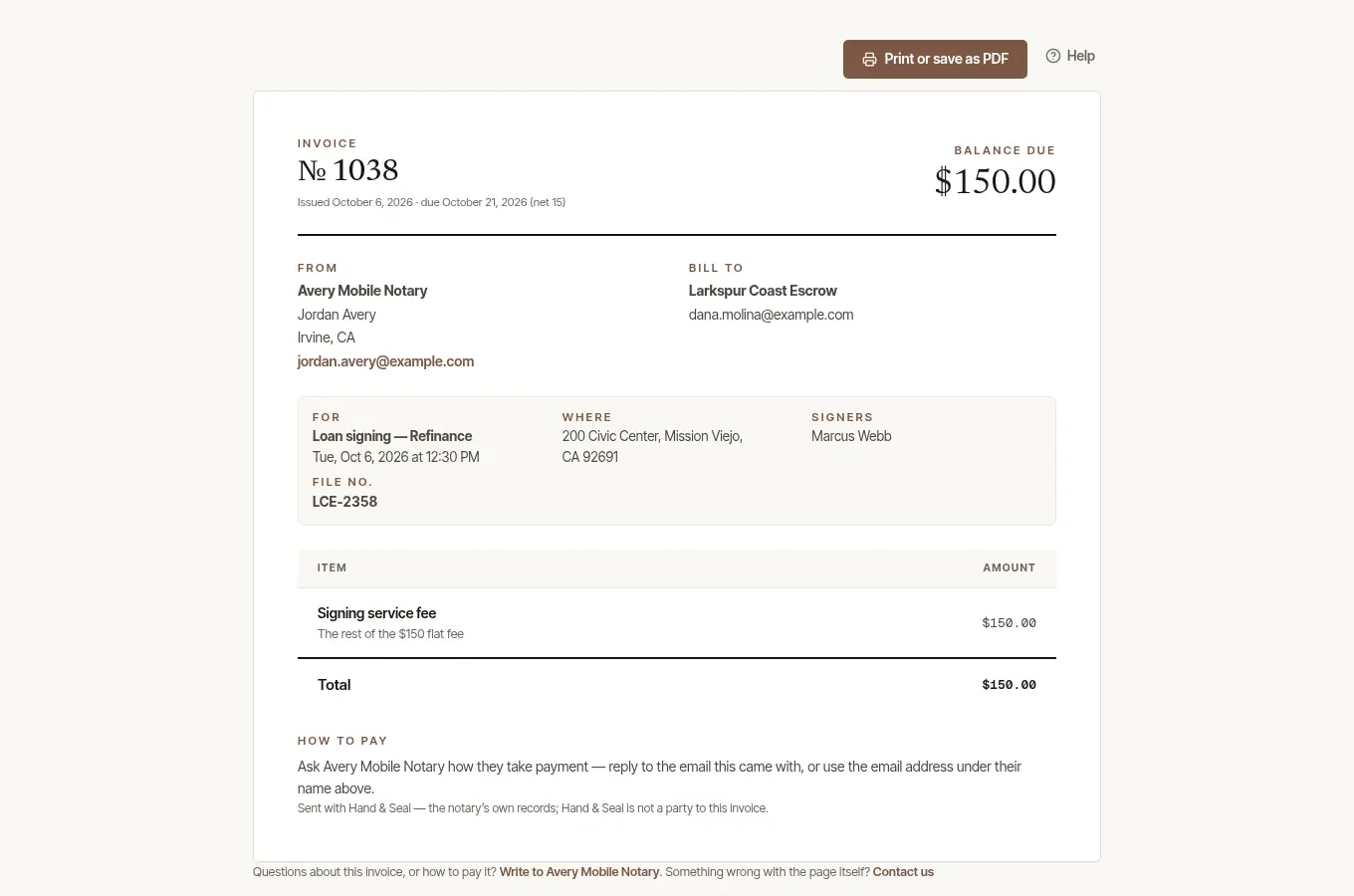
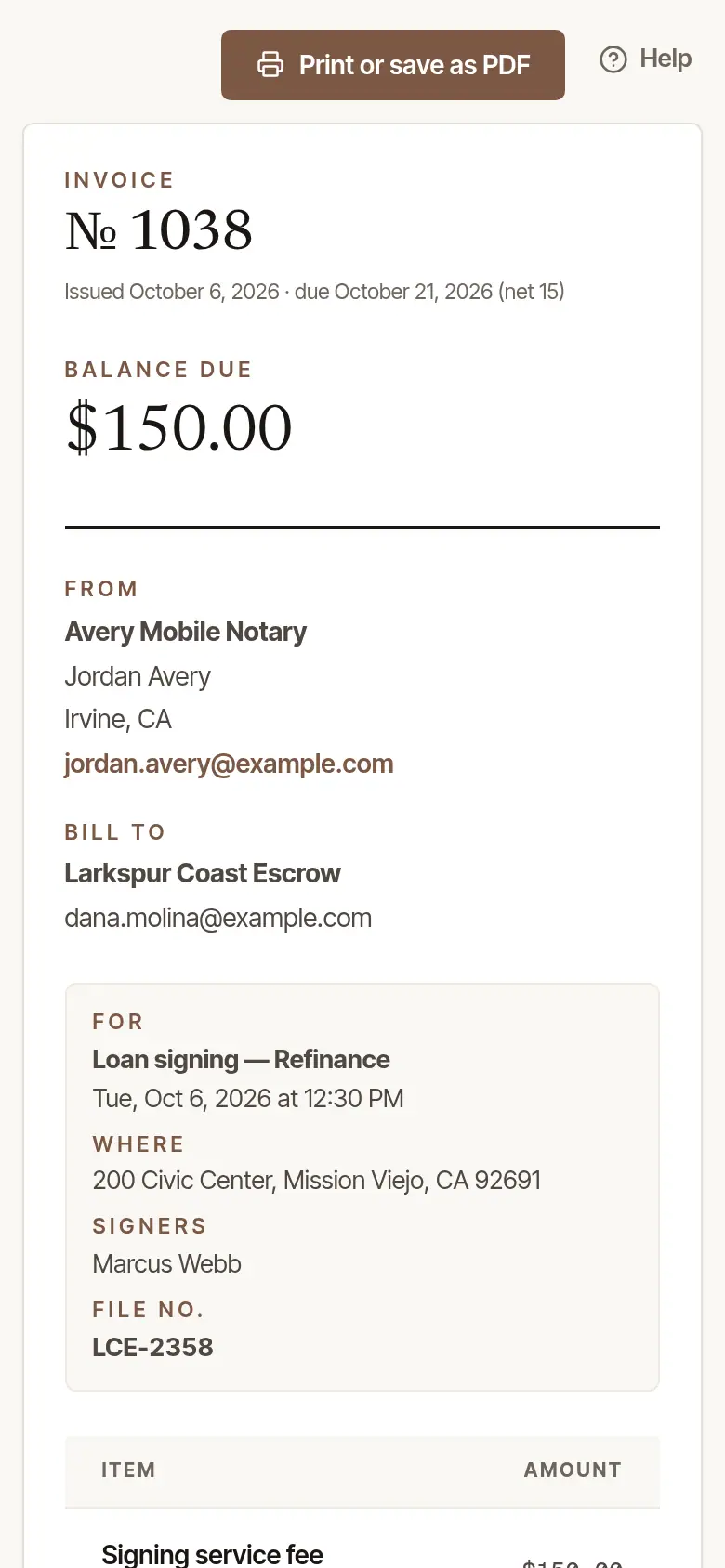
- By card, where the notary takes cards: choose Pay … by card at the top. Stripe's own page takes the card, and the money goes to the notary's own Stripe account. Back on the invoice, it says Thank you — paid by card.
- By bank transfer, where the notary offers it on a company's invoice: choose Pay by bank transfer and pay from a US bank account (ACH), on Stripe's page. It usually takes about four business days to arrive; the page says the transfer has started, and the notary is told when it lands. The first time, Stripe may check the account with two small deposits before the transfer starts — its email says how.
- Any other way: How to pay, at the foot of the invoice, says how the notary takes payment — who checks are made out to, their Zelle, and the like. If it doesn't say, ask the notary: the invoice has their email and phone. They record the payment themselves when it arrives.
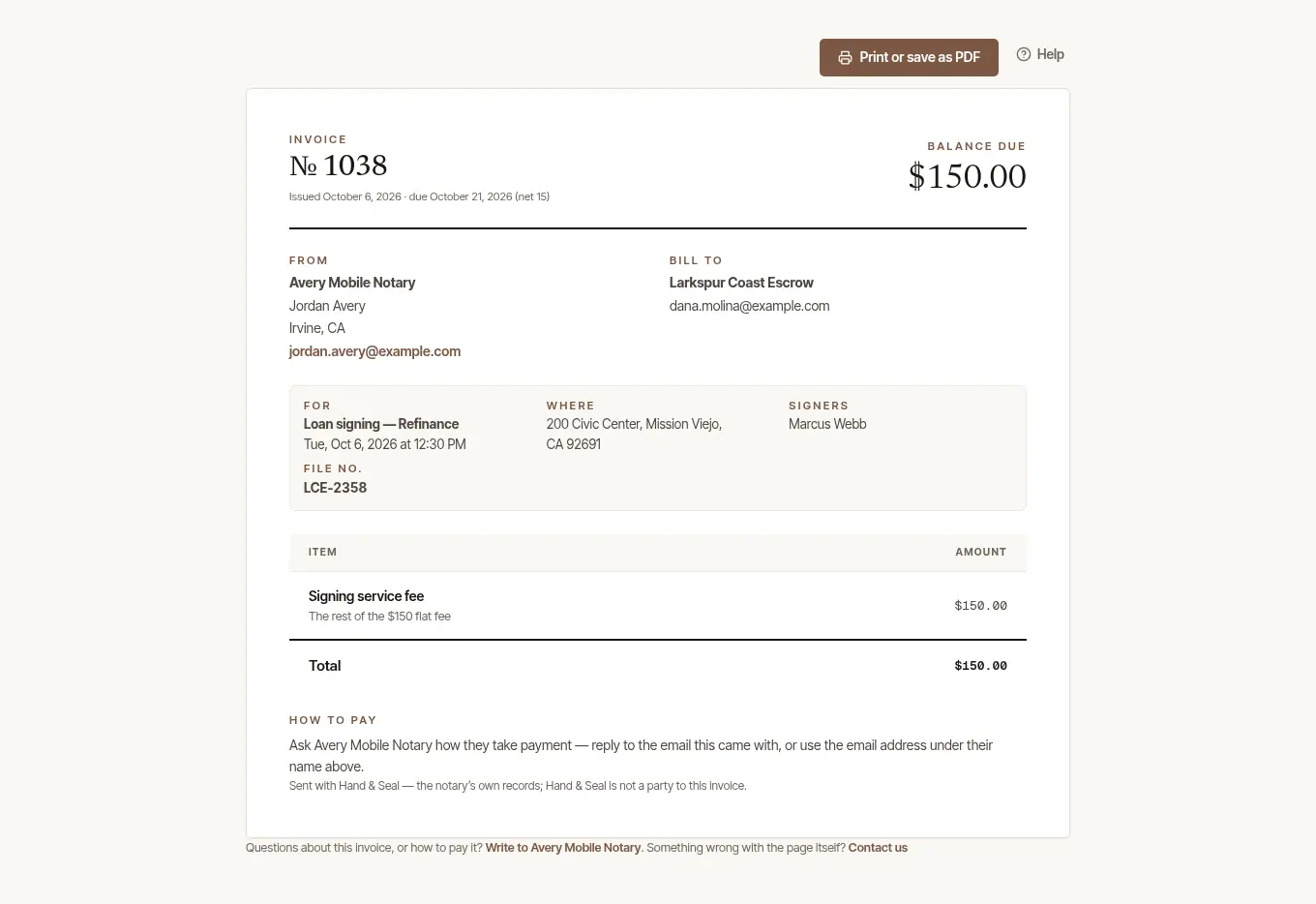
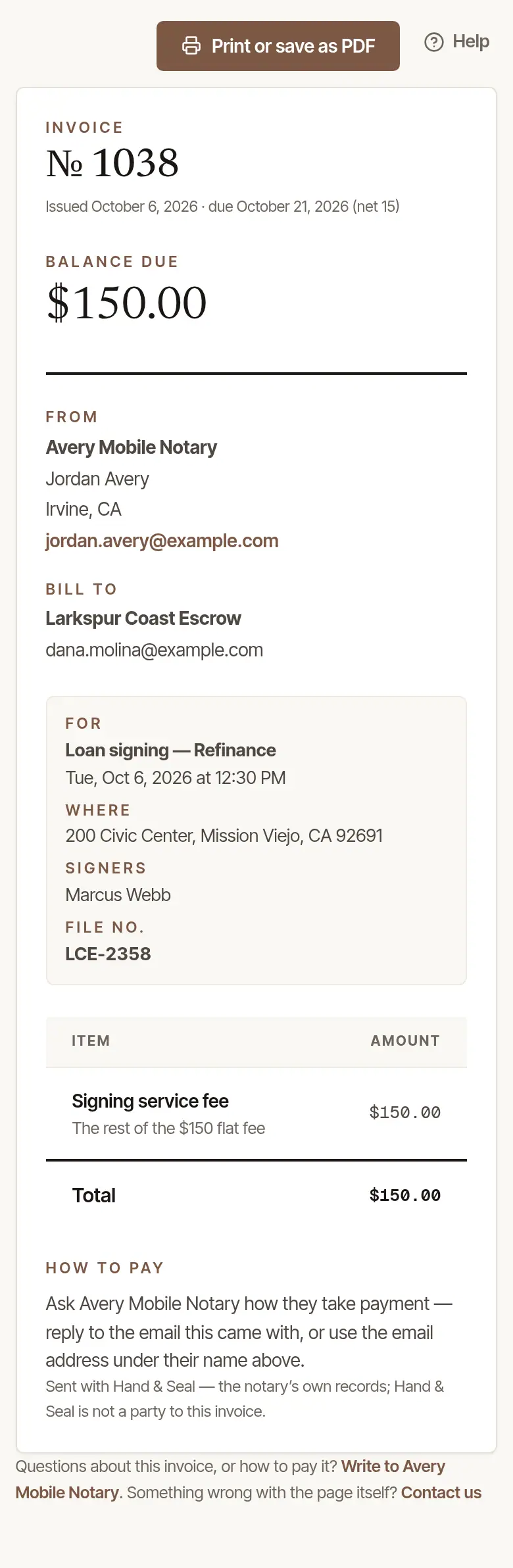
Hand & Seal never sees your card or bank details. The pictures here show a notary who doesn't take cards yet, so the invoice's page offers only printing and How to pay.
Print it, or get the receipt
- Print or save as PDF gives you the invoice as a document, for your files or your accounts payable.
- Once it's paid in full, the order's page says Paid, and the button opens the receipt instead (Open the receipt) — as Receipt does on Invoices — each payment is on it, with the date it was received.
Good to know
- An order is invoiced once the signing has happened. If a notary chose to bill before the signing, the invoice says Billed in advance, on Invoices and on the order, so nobody takes it for work already done.
- To have invoices addressed to your accounts payable rather than to whoever sent the order, fill in Where invoices go under Company.
- A question about an invoice goes to the notary who sent it — Write to … at the foot of the invoice.
Was this helpful?
Still stuck? Contact support — a person reads every message and answers by email.