Guide
Follow an order to the signature and the invoice
Where every order stands on your desk — asked, accepted, on the way, signed, shipped back — what needs you, your messages with the notary, and their invoice.
Once an order is sent, your desk shows where it stands at every step, and emails you at the ones that matter — accepted, declined, moved, signed, and the documents shipped back. You don't have to chase the notary.
Orders: everything you've sent
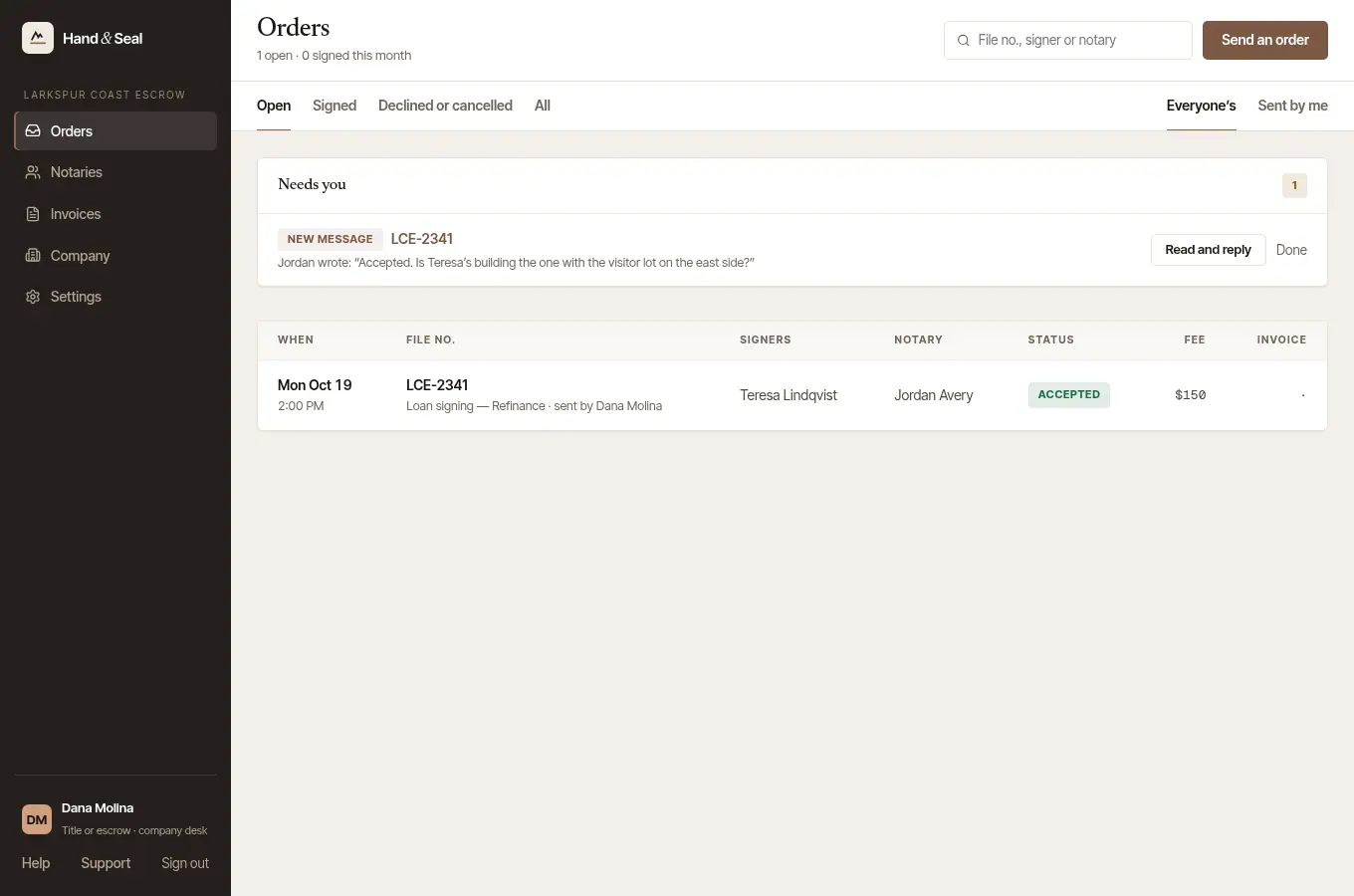
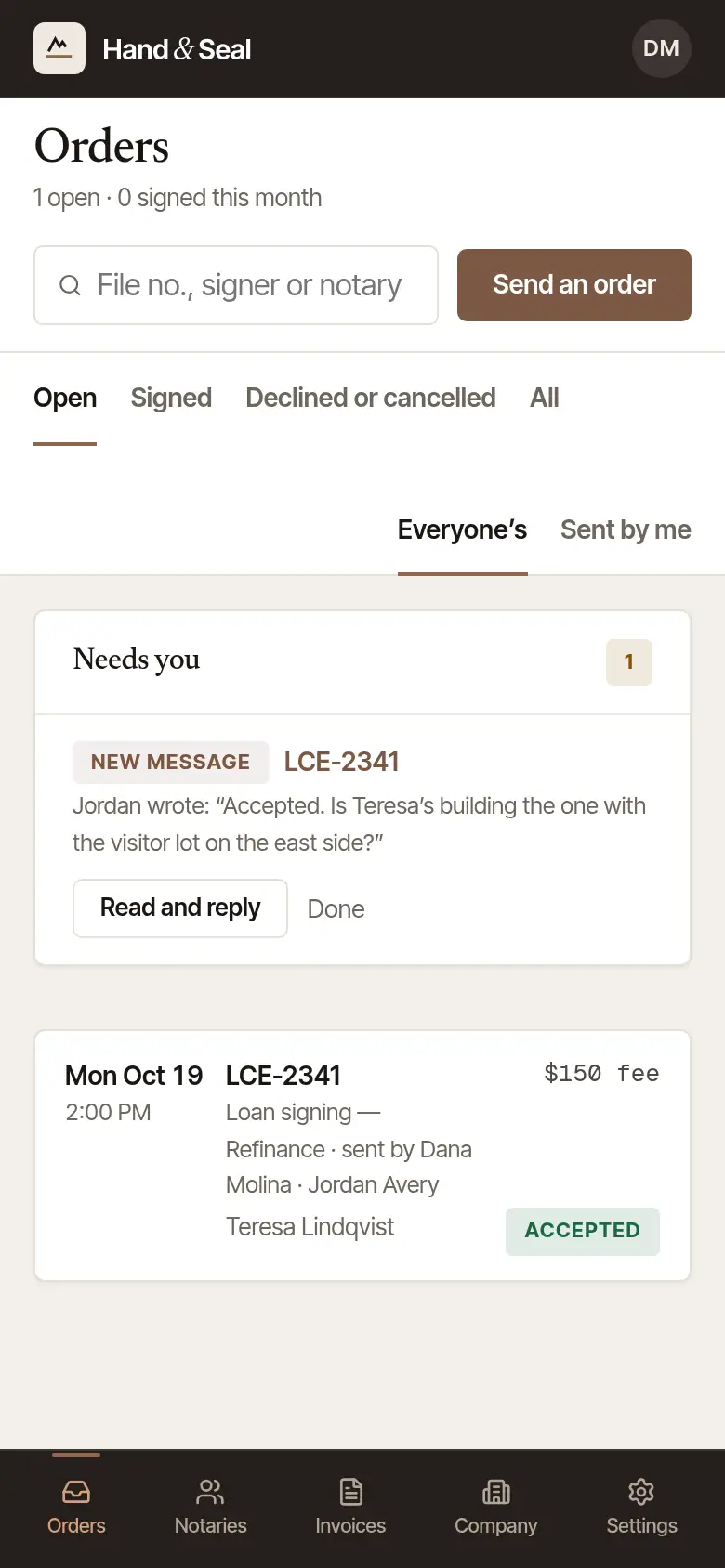
Open Orders. Every order your desk has sent, to any notary: when, your file number, the signers, the notary, where it stands, the fee, and the invoice once there is one. The line under the heading counts what's open, what was signed this month, and what's invoiced and still unpaid. A tab with nothing on it, while your notaries' invoices are unpaid, says how many and what they add up to — 2 invoices unpaid — $… — and opens them.
Sort them. Open (soonest first), Signed, Declined or cancelled and All; and, once more than one person is on your desk, Everyone's or only those Sent by me. The search box finds an order by file number, signer or notary. Export CSV downloads the orders on the tab you're on — with your search and Sent by me — as a spreadsheet for your records: the signing, signers and address, the notary, where each stands, who sent it, the fee, the invoice and what's still to pay, and how the documents came back.
Start with Needs you. At the top, one line for each order where someone at your desk has something to do, with the one button that does it: a notary who declined or called it off, with any words they wrote to you with it themselves (Send it to someone else), an order that didn't finish sending (Send it again), a new message (Read and reply), a notary who named their own fee, an answer due soon, a new time they couldn't do, a signing they moved, documents not marked received in time or scan-backs not marked sent (Ask them). An order a notary hasn't answered is listed once it was sent at least an hour ago and either the signing is today or tomorrow, or their time to answer ends within two hours. In its first hour it's in the list below, and not here. Done puts a line aside until something new happens on that order.
The page looks again by itself each minute while it's open.
An order's own page
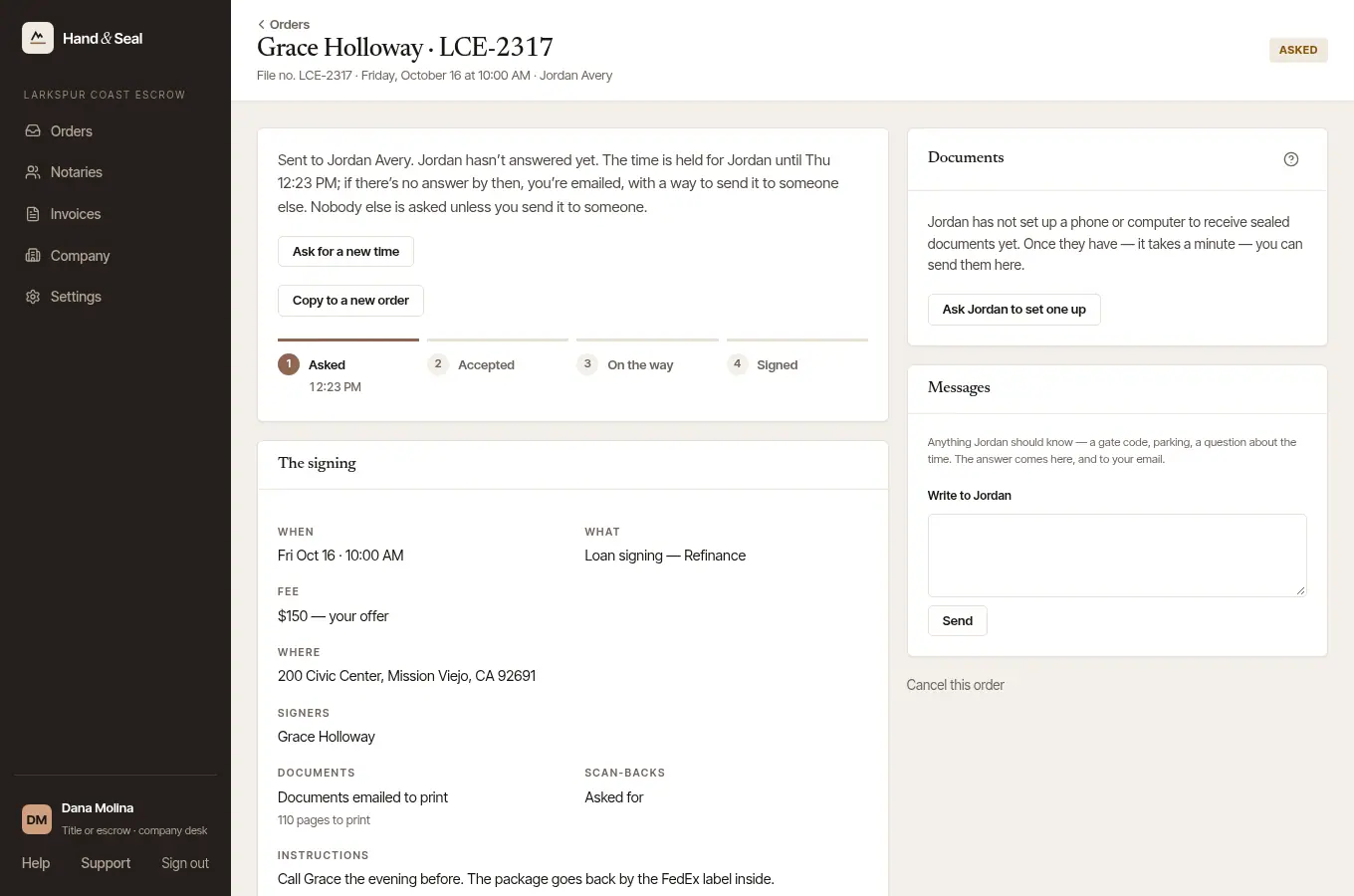
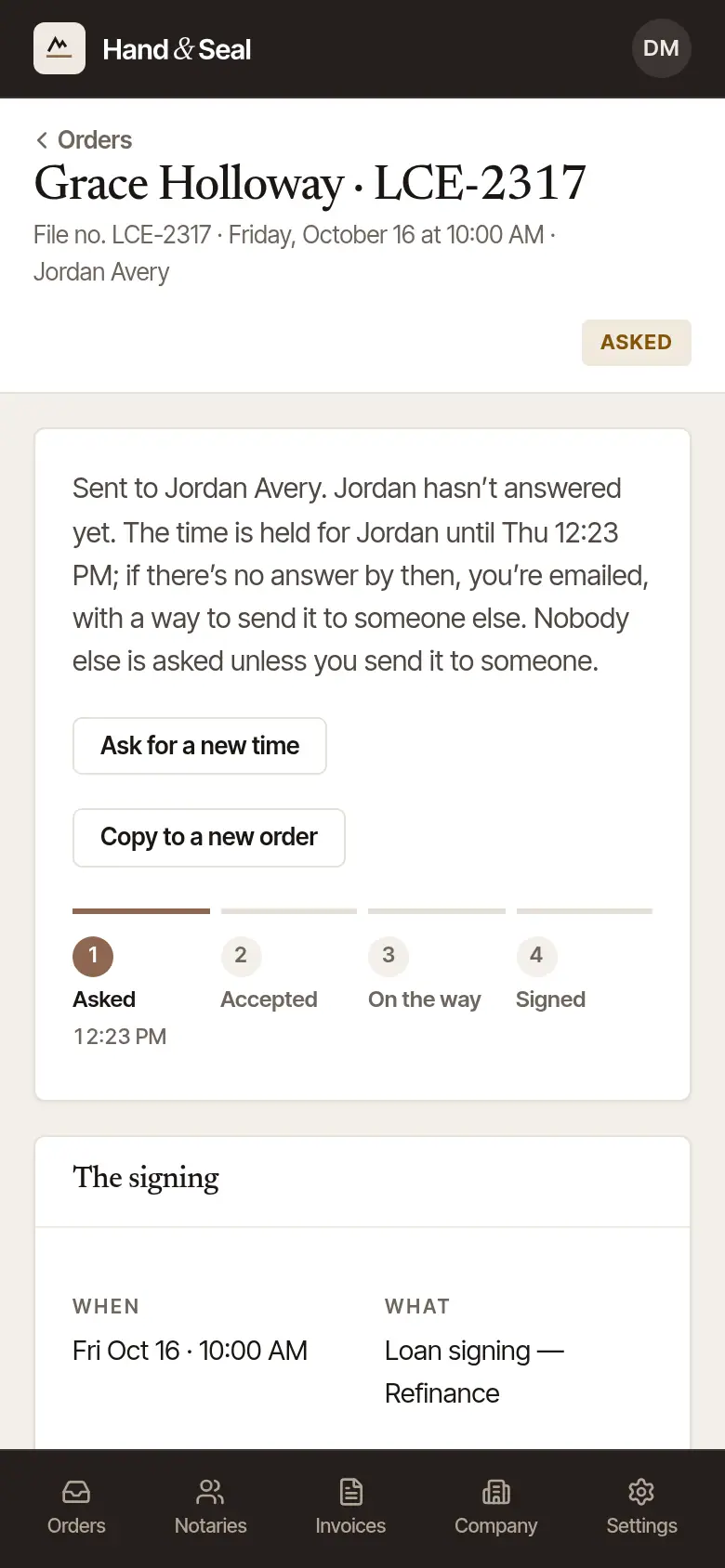
Choose an order to open its page. The pill at the top right says where it stands, and the sentence under it says what that means now.
Asked. The notary hasn't answered yet. The page says so in a sentence or two, with the one time that matters: when you're emailed if they still haven't answered, with a way to send it to someone else once the time is no longer held. What happens next, under it, opens the rest: until when the time is held for them, and that until then the notary can still accept it and nobody else is asked unless you named backups — to send it only to someone else, cancel it with them first (Cancel this order, at the foot of the page).
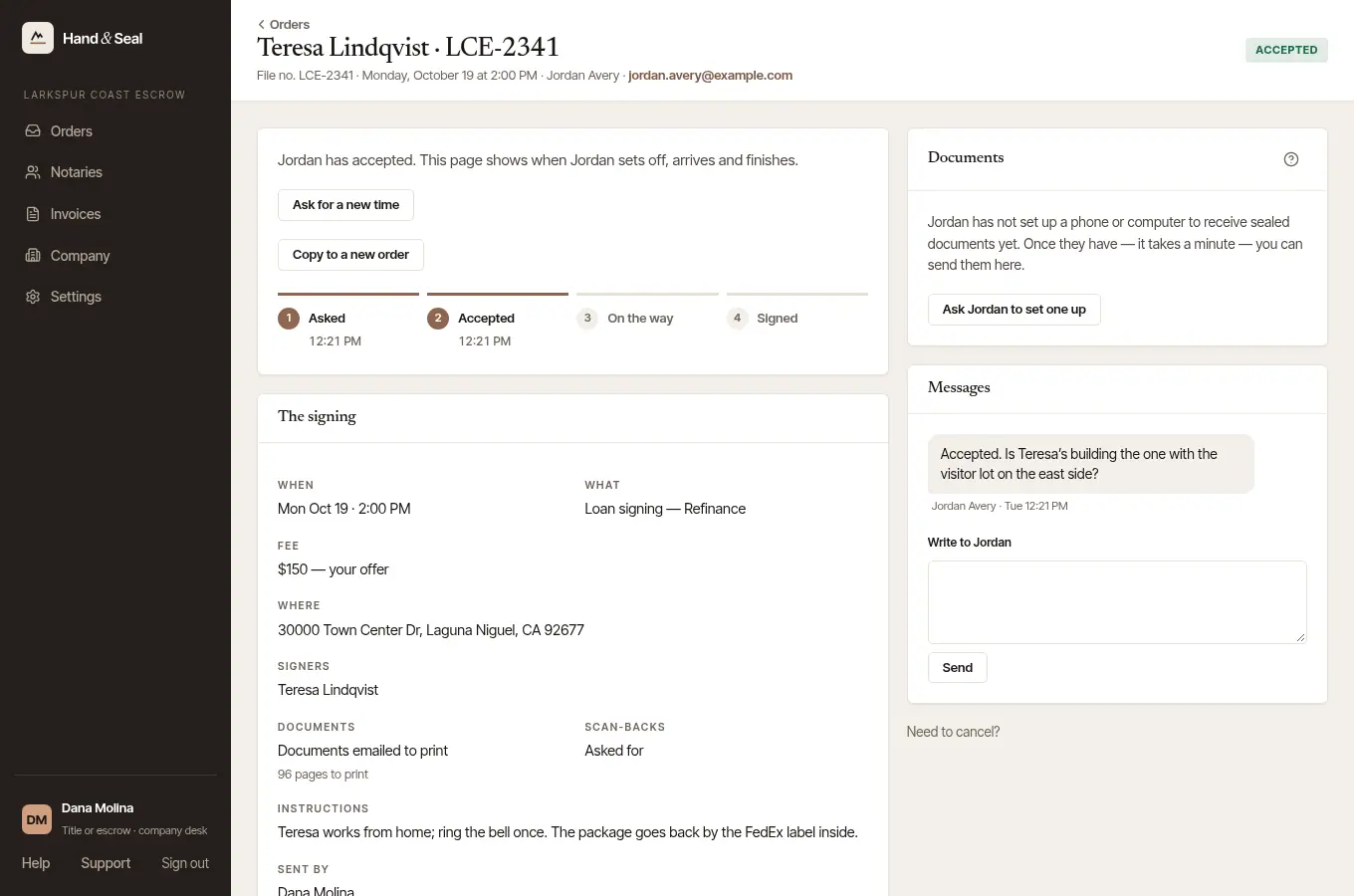
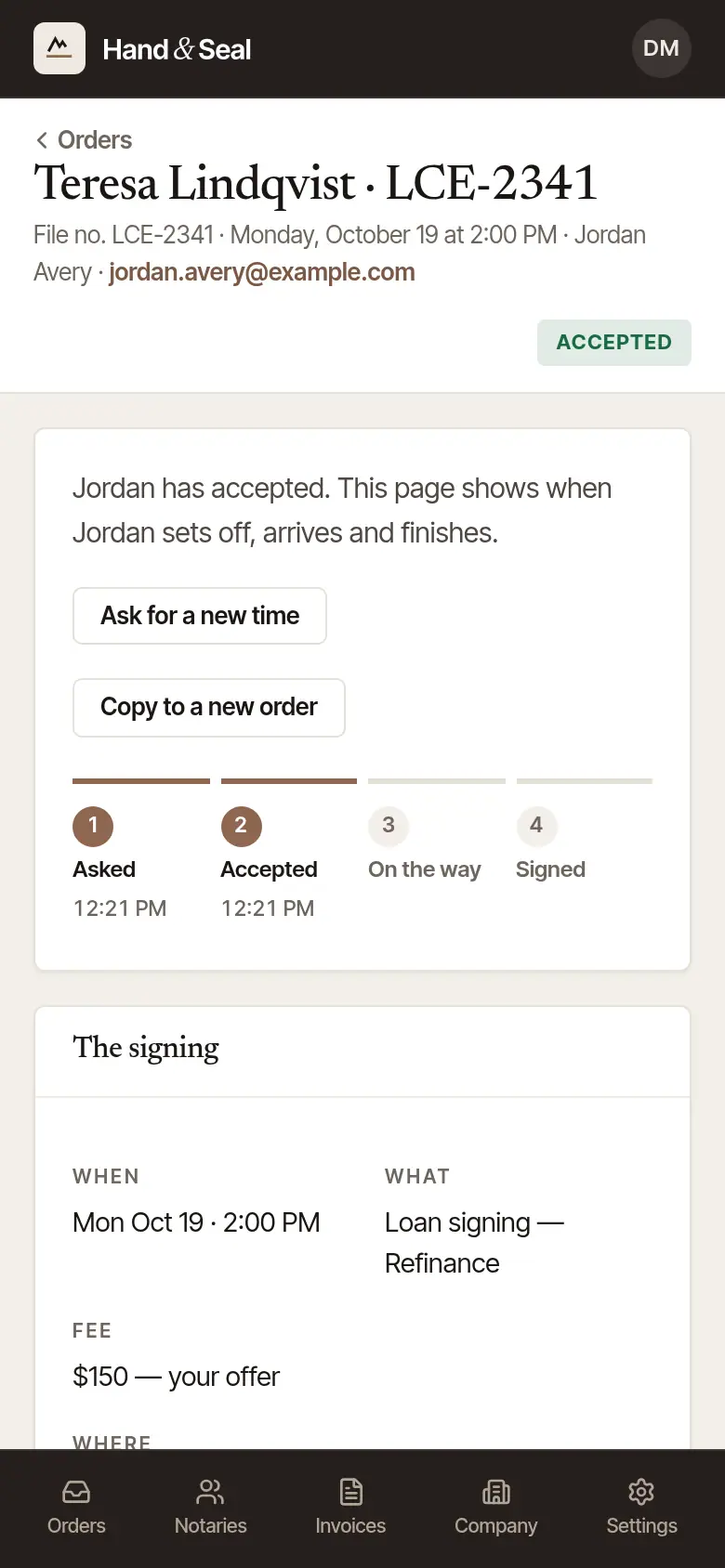
Accepted. You're emailed, and the notary's contact details join the line under the heading. The steps below fill in with the time of each: Asked, Accepted, On the way, Signed — and Shipped, once the documents are on their way back. Under them, the notary's own steps as they mark them, each with its time or Not yet: Signers confirmed, Documents received (unless the signer has the documents), Package printed (when they're emailed to print) and Scan-backs sent (when you asked for them). If the documents aren't marked received three hours before the signing — or half an hour after the time you said they'd arrive — or the scan-backs aren't marked sent two hours after it's signed, you're emailed once and it shows under Needs you. It's what the notary has marked: they may have done it and not tapped it yet, so ask them under Messages.
On the way. When the notary sets off, the page says so, with about when they're expected.
Signed. You're emailed. Of the notary's own steps, the page then lists only the ones they marked — and Scan-backs sent, where you asked for them, with Not yet until they mark it. When the documents go back, the carrier and Track show on the last step and under The signing.
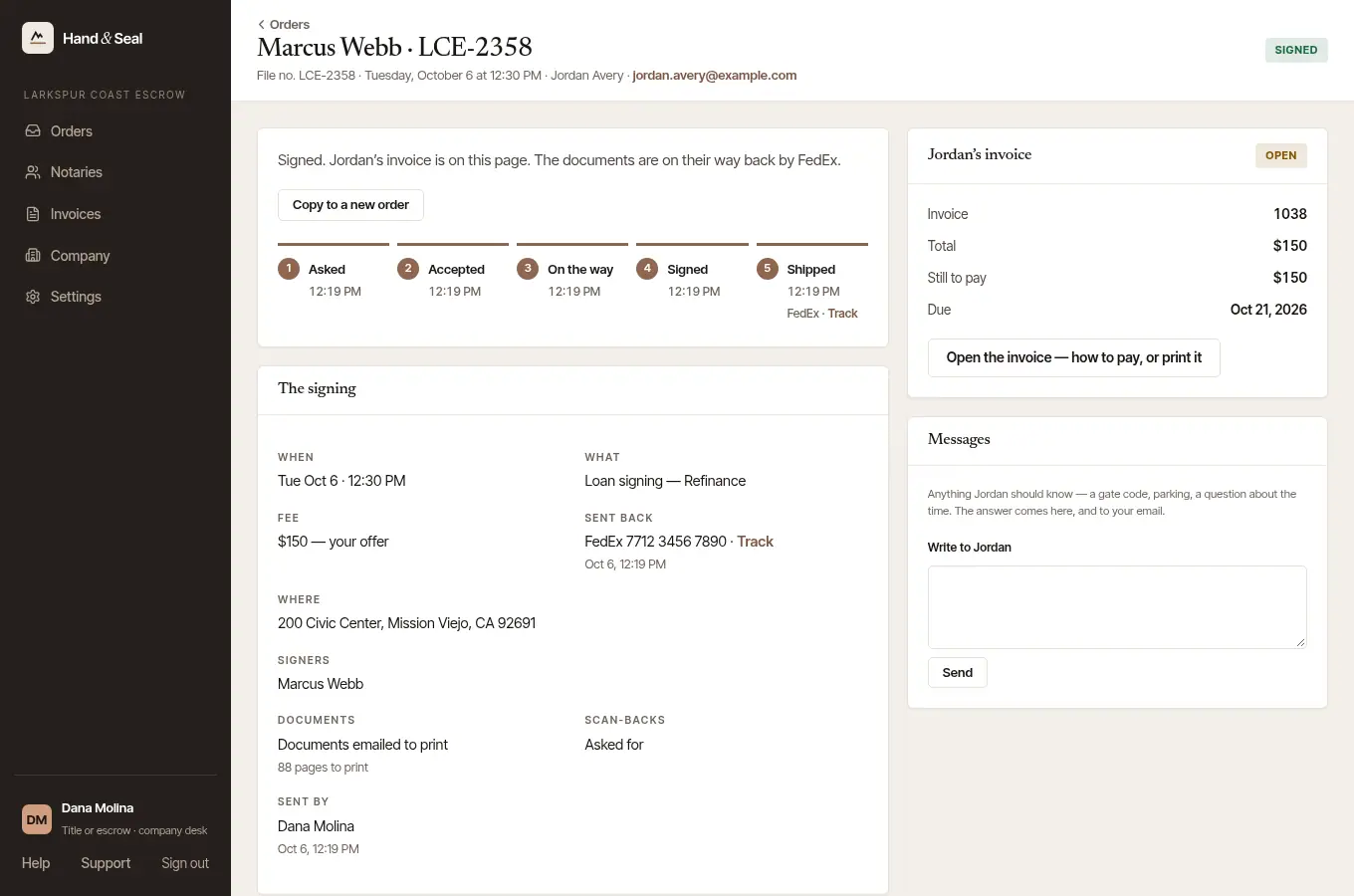
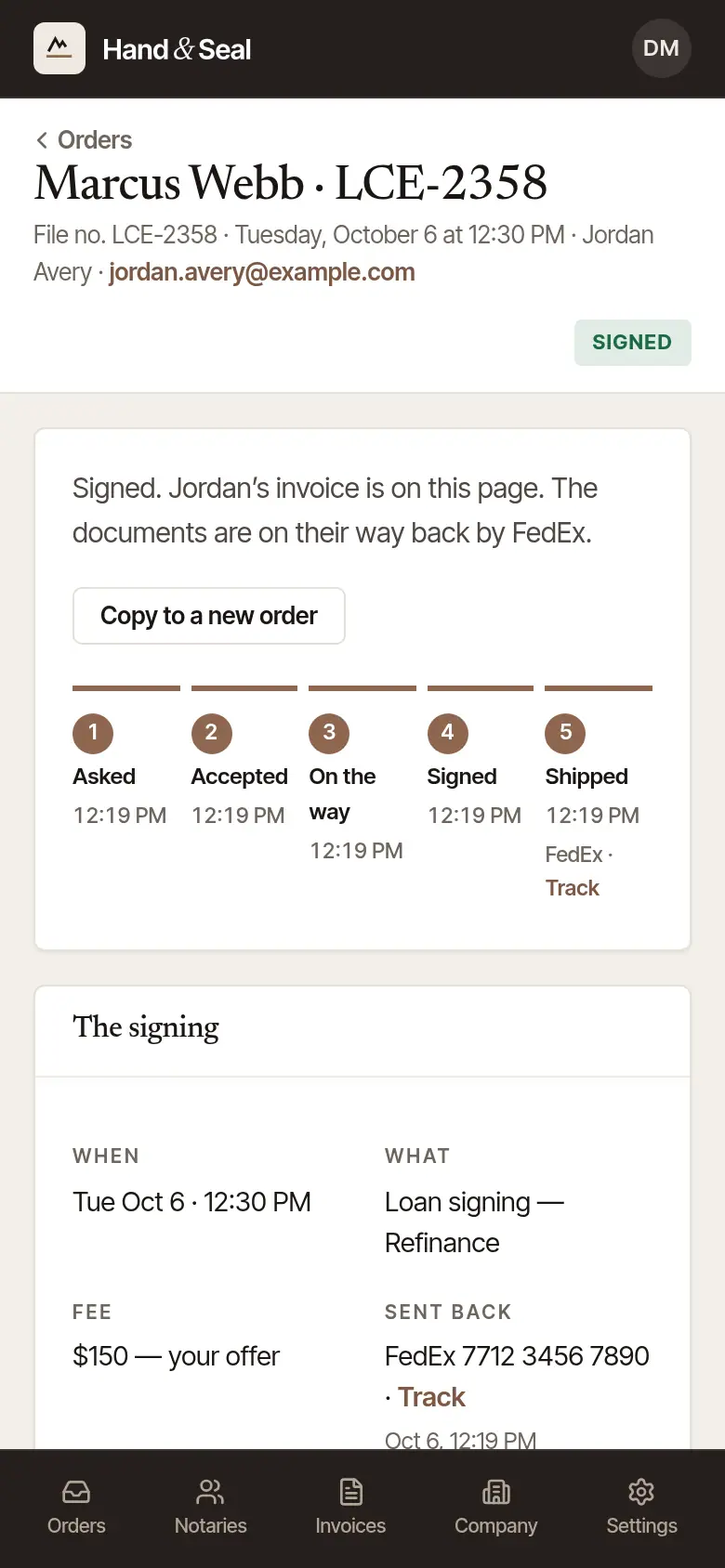
The signing, below, holds everything the order said: when, what, your file number, the fee (your offer, or the notary's own fees), where, the signers, the documents and pages to print, scan-backs, your instructions, and who sent it.
Messages with the notary
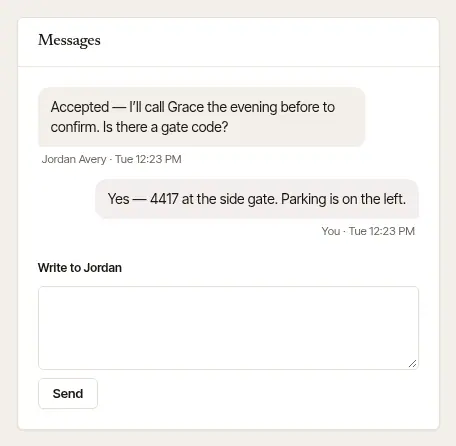
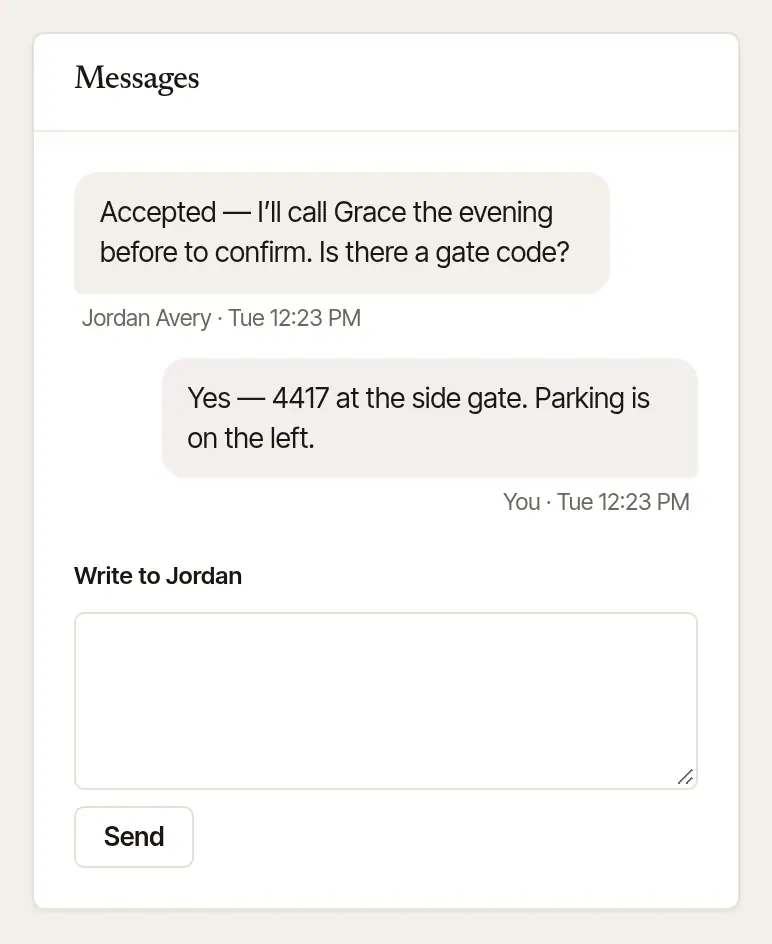
Under Messages, type in Write to … and choose Send — a gate code, parking, a question about the time. The notary's answers show here and come to your email. Opening the order counts their messages as read.
When the notary names their own fee
Sometimes, for an order that pays less than their own target for the time it takes — a long drive, a big package to print — a notary answers with one fee of their own instead of yes. The order's page says … can take it for that fee, what you offered, and the facts behind it (the miles, the time, the pages). Choose Accept … to take it, or keep yours: Keep my fee — close it with … closes the order with that notary, and, with a backup your desk can still send it to, Keep my fee — send it to … names them and passes it on — to the next on your list who can take it, if it can't be sent to them when their turn comes; you're told if nobody can. There's no back-and-forth — that's the end of it either way. While their fee waits, the notary can still accept the order as you sent it: to send it only to someone else, cancel it with them first. Answer by the time the page gives: two days from when the notary was asked, or the signing if that's sooner. The email that tells you of their fee gives that time too. Unanswered by then, the order lapses with that notary — and goes on to your next backup, if you named one who is still to be asked and the signing is still ahead. You're reminded when the signing is less than twelve hours away and the order has waited an hour — or, if not, emailed when its time runs out.
The invoice
An order is invoiced once the signing has happened — not before. When the notary's invoice is made, …'s invoice appears on the order's page: its number, the total, what's still to pay, and when it's due, with Open the invoice — how to pay, or print it.
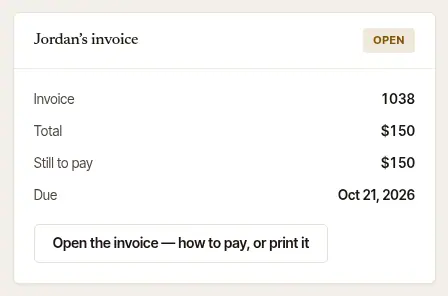
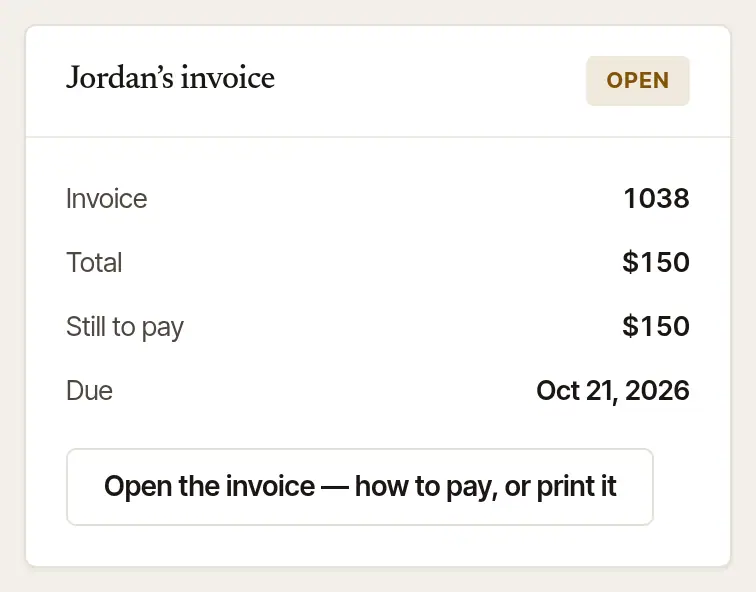
Now and then a notary bills before the signing, on purpose; the invoice then says Billed in advance, so nobody reads it as work done. How to pay it is in Pay a notary's invoice.
Good to know
- Copy to a new order, on an order a notary has accepted or that's signed, starts another signing from this one's place, what it is, fee and instructions — you type who is signing and its file number, and choose the day, the time and the notary. On an order still waiting for its notary's answer, the copy is the same signing, with its signers and file number in.
- Need a different time, or to call it off? See Ask for a new time, or cancel an order.
- The emails about an order carry its link, so you can open it straight from your inbox.
Was this helpful?
Still stuck? Contact support — a person reads every message and answers by email.