Guide
Ask for a new time, or cancel an order
Move a signing by asking the notary for a new time, call an order off, or send it to someone else when the notary can't take it — all from the order's page.
Plans change. From the order's page you can ask the notary for a new time, call the order off, or — when the notary can't take it — send it to someone else without typing it all again.
Ask for a new time
Open the order, and choose Ask for a new time. It's under the sentence that says where the order stands.
Fill in the new time. The Day, the Time — on the clock named beside it, the one the order is kept on (Pacific time, say) — and, if you like, A word for … saying why (“The borrower can only do evenings”).
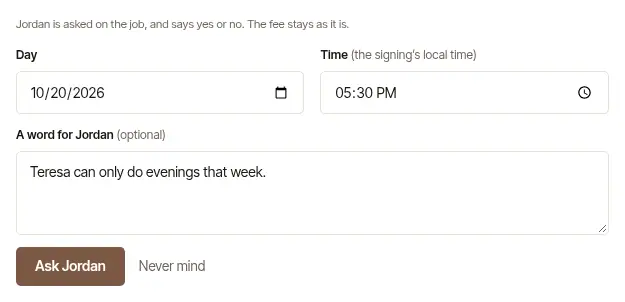
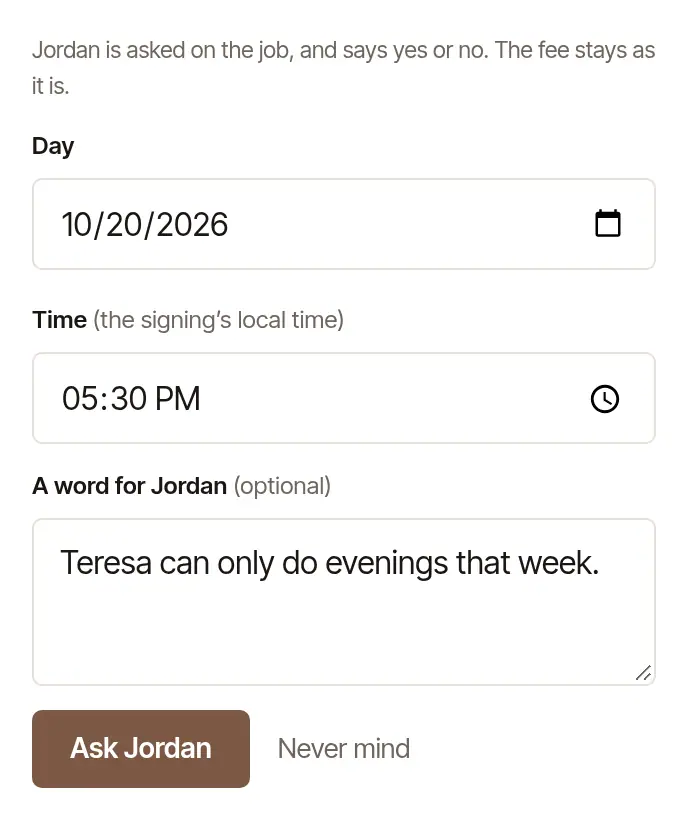
Choose Ask …. The button carries the notary's name; Never mind closes the form without asking.
The notary is asked on the job, on their phone and by email, and says yes or no. The fee stays as it is. While you wait, the page says You asked for … · waiting for …, and Take it back withdraws the ask. Only one ask is open at a time.
- They move it: the page says … moved it to …, as you asked, and you're emailed.
- They can't: the page says the time they can't do and that it stays as it was, with any word from them; Needs you on Orders says so too. Write to them under Messages to find a time that works.
A new time can't be asked once the notary has set off or the signing's time has come — call them instead — nor on an order that was cancelled or wasn't answered in time.
Good to know
If the notary moves a signing themselves, the order's page says so at the top — … moved this signing to the new time, and what it was — you're emailed, and Needs you shows Moved. If the new time doesn't work, write to them under Messages.
Cancel an order
Open the choice at the foot of the order's page. Cancel this order while the notary hasn't answered; Need to cancel? once they've accepted.
Add a word for the notary, if you like. Once they've accepted, they have set the time aside for your order, and the box says so: what you write under A word for … is kept on the order as you write it, and goes with the news that it's called off to whoever has the order. Leave it empty and that news says who called the order off and that the time is free, with nothing said of why. If they have a cancellation policy, it shows here — read it before you go on.
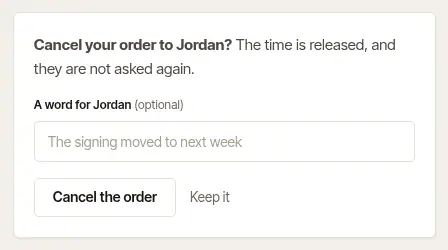
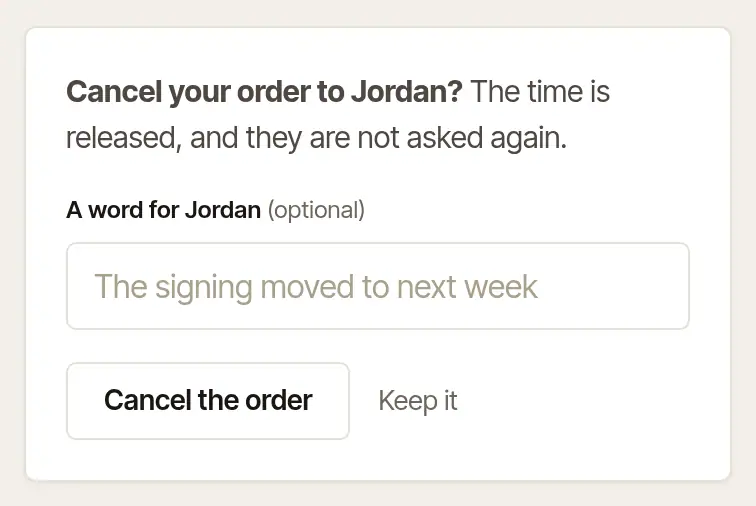
Choose Cancel the order. Keep it leaves it as it is.
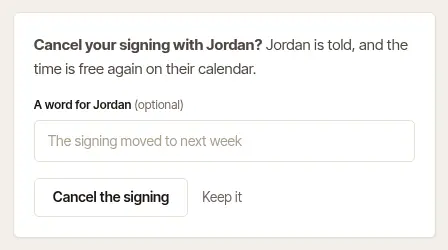
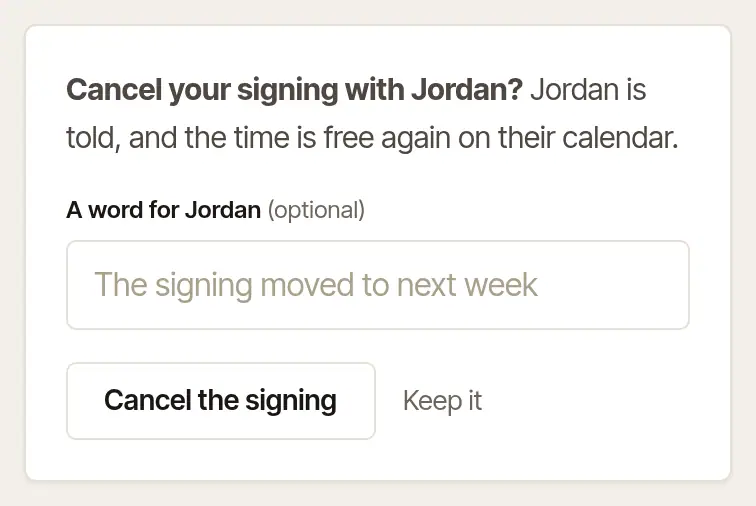
The notary is told, the time is free again on their calendar, and any documents you sealed to them are deleted. The order's page then says who at your desk cancelled it, and when. Once an order is signed, there's nothing to cancel.
When the notary can't take it
If the notary declines, doesn't answer in time, or has to call it off, the order's page says so, with any words they wrote to you with it themselves — nothing is owed, and the time isn't held, unless they called it off inside their late-cancellation window and charged their fee: then the page says that fee applies — and Needs you on Orders lists it until it's dealt with, or its signing's time has come.
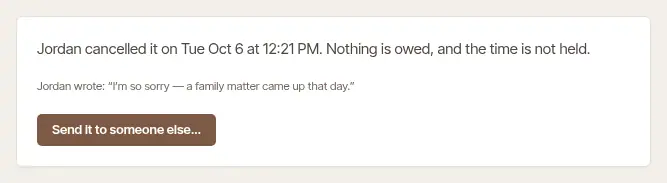
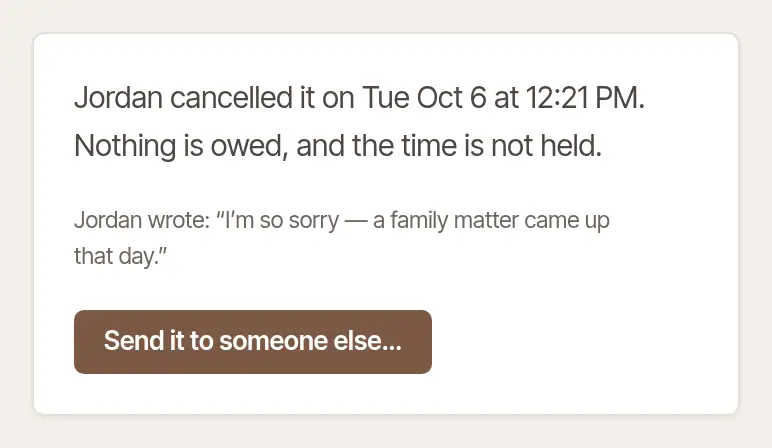
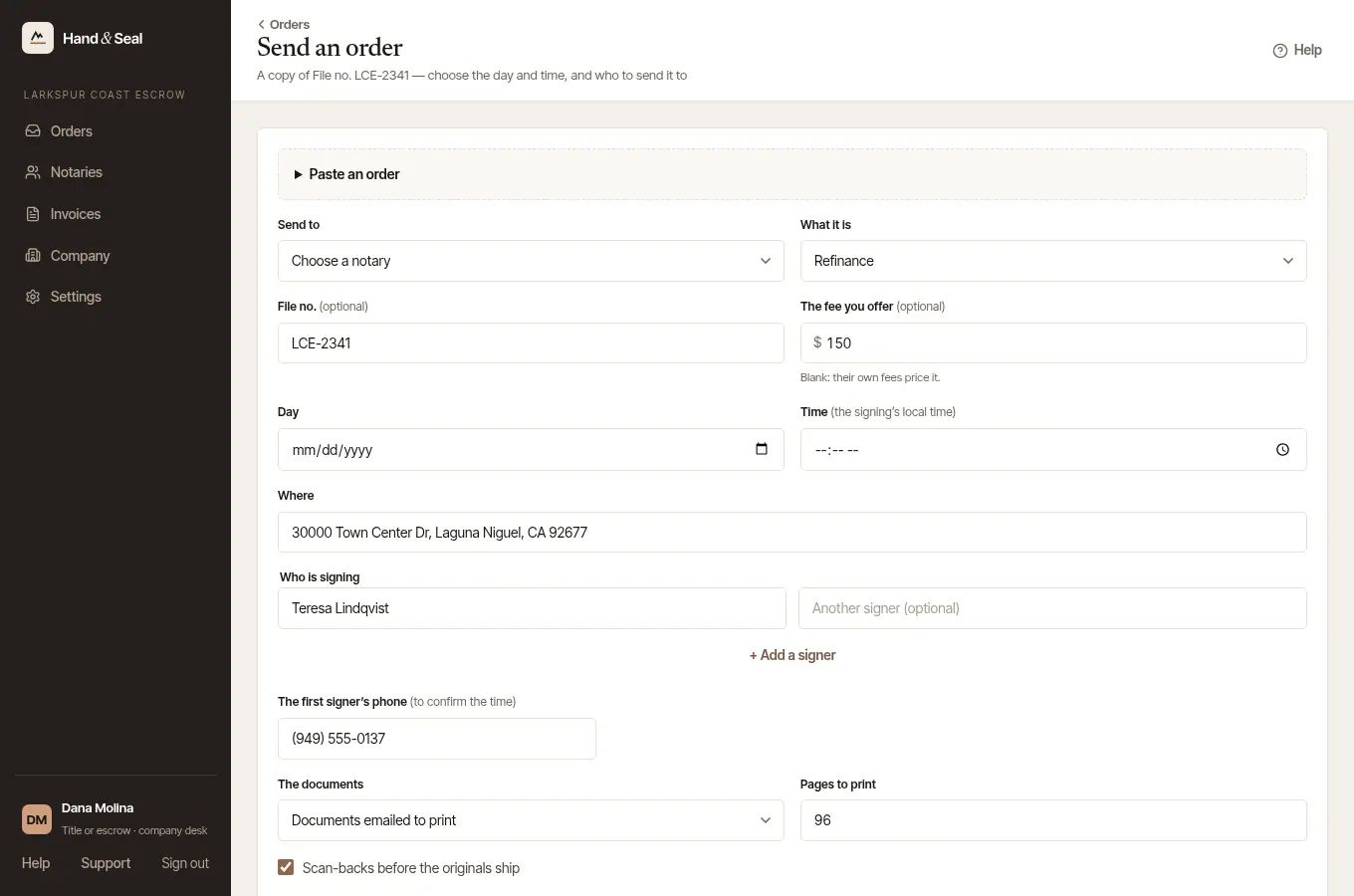
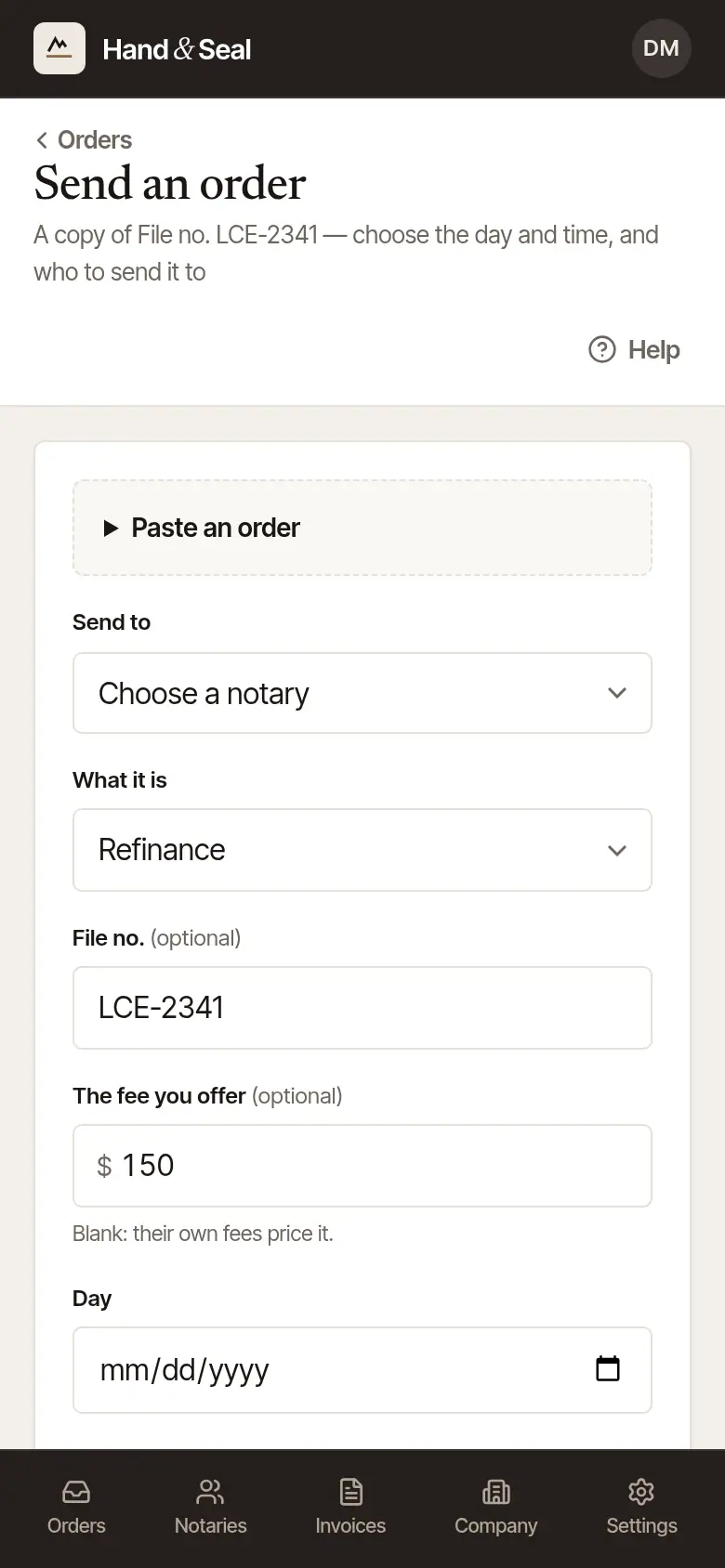
Choose Send it to someone else…. It's on the order's page, on Needs you, and in the email that says the notary can't take it or didn't answer in time. Once the signing's time has passed, the order's page offers Send the order again… instead, and so does that email — and the one that says nobody could take it — as Send the order again: the copy needs a new time. A new order opens with this one's details already in — the file number, the fee, the place, the signers, the documents and your instructions, and the day and time while the signing is still to come.
Choose the notary — and the day and time, if the signing's has passed — and send it as usual. Not sure who? Find a notary on Notaries lists notaries who travel to the signing.
Good to know
- The same button says Copy to a new order on an order that's still going — for a second signing on the same file, say. Once a notary has accepted it, the copy leaves who is signing and the file number for you to type. While the notary can still accept it, the form asks before the copy goes and says so — and, for an order sent without backups, until when: to send it only to someone else, cancel it with them first.
- Sent a copy already? While that copy is open, or its backups are still to be asked, a second copy of the same order asks first — where that copy was sent for the same day, time and address, as written, or under the same file number: the form names the other order and where it stands.
- If you named backups, a no or no answer passes the order to your next backup by itself, one at a time — you only step in when none of them can take it. While it waits to ask the next — overnight, say — choose Stop asking my backups on the order's page, then Stop asking them, and nobody else on your list is asked.
Was this helpful?
Still stuck? Contact support — a person reads every message and answers by email.