Guide
Paste an order instead of typing it
Already have the order in an email or your own system? Paste it into the order form, and the fields it can read for sure are filled in for you to check.
The order is often written down already — an email from a loan officer, a page in your own system, a note. Paste it once, and the order form fills in what it can read for sure. It's read right there in your browser, and the order goes to the notary when you choose Send.
Paste it in
Open Send an order. On Orders, choose Send an order.
Open Paste an order, at the top of the form, and paste the order into The order as you have it — an email, your system's page, a note. The whole thing is fine: the parts it doesn't need are left out.
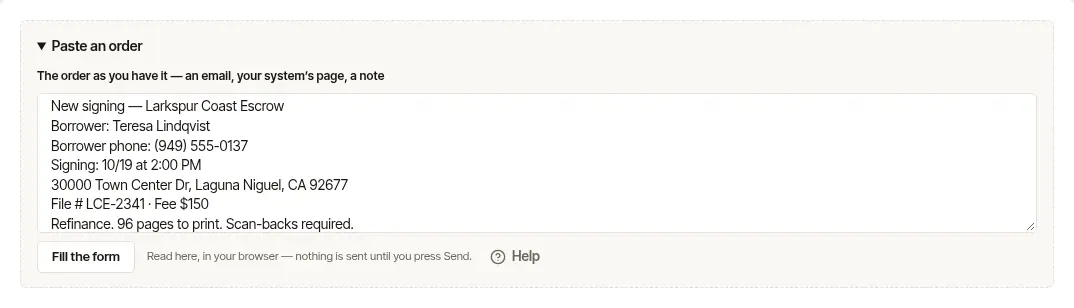
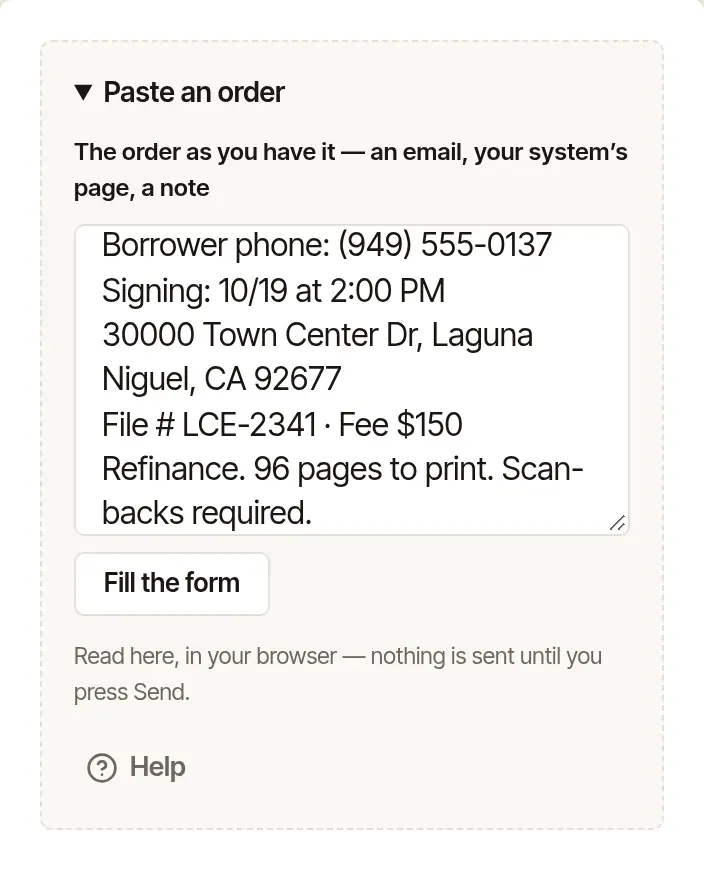
Choose Fill the form. A note above the form says what it filled — Filled from the pasted order: and the fields, such as the day, the time, the address, the signer, the signer's phone, your file number, the fee, pages to print, scan-backs, witnesses and instructions. If it couldn't find something an order needs — the day, the time, the address or who is signing — the note says that too: Not found in it: and which, to type in yourself.
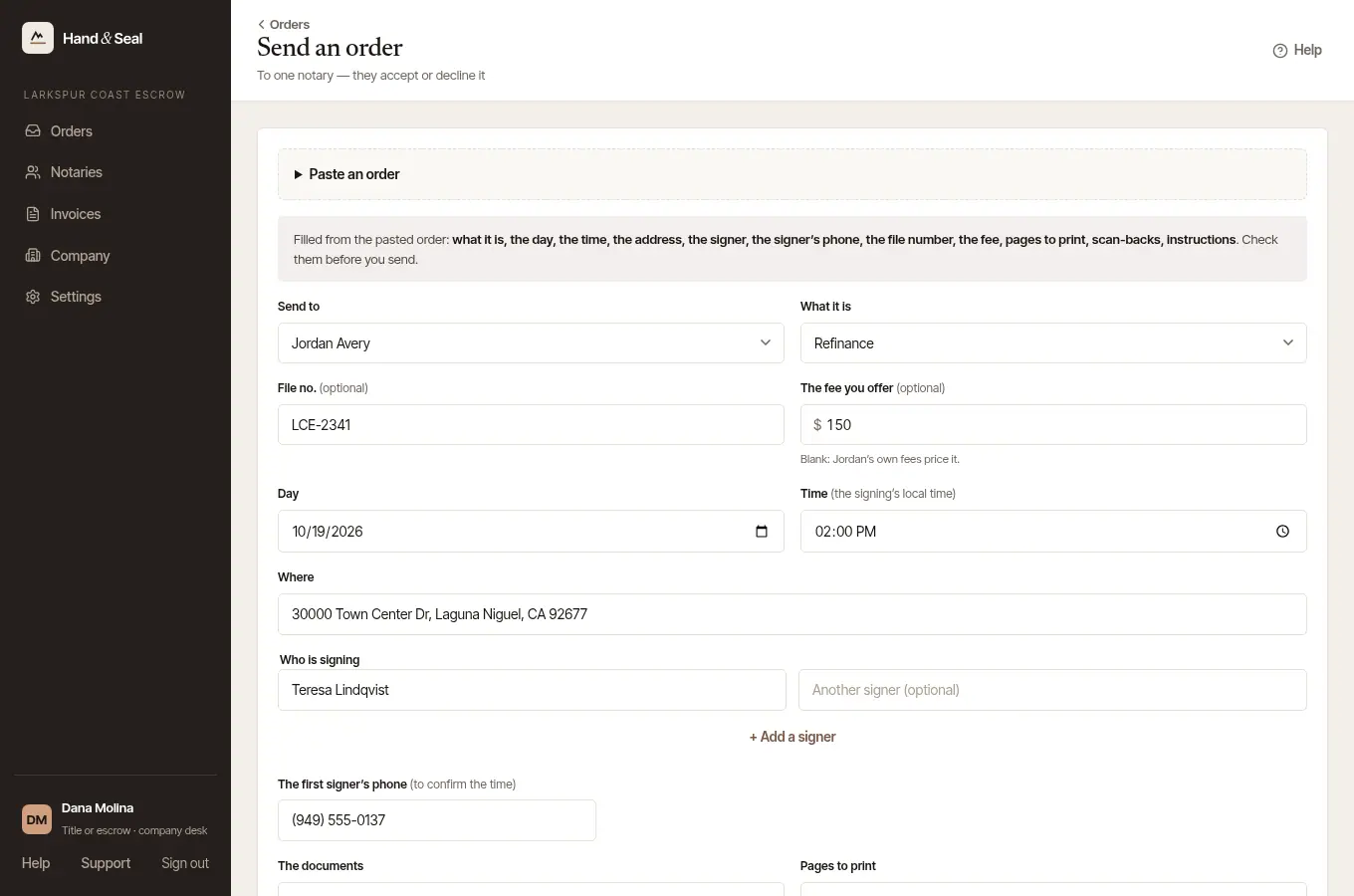
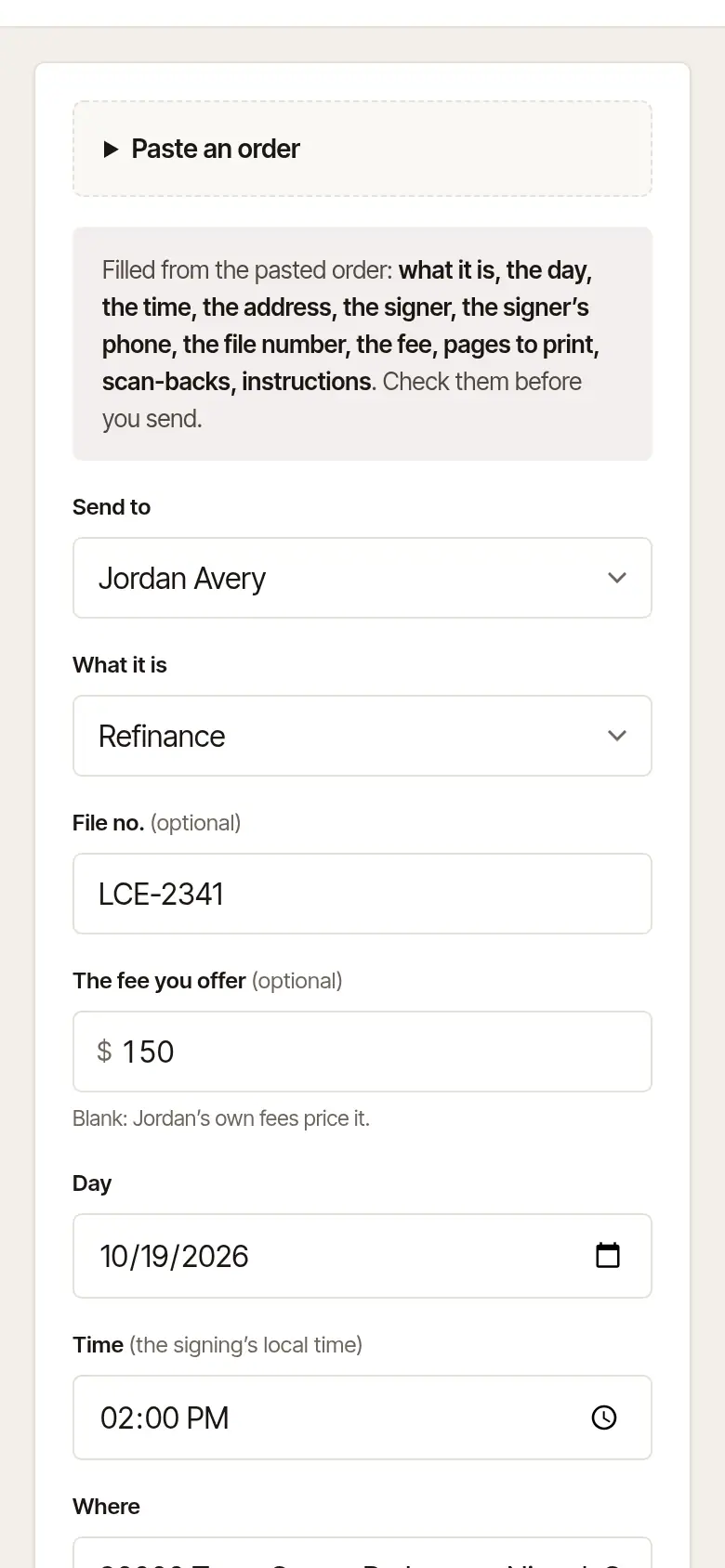
Check every field it filled, and fill in the rest. Choose the notary in Send to — pasting never chooses one — and anything it left blank.
Send it. Choose Send to … at the foot of the form, as for any order — see Send your first order.
What it fills, and what it leaves
- Only what it's sure of. A field it can't read for sure is left as it was. What you typed before pasting stays, unless the pasted order has something for that field.
- The day only if it hasn't passed and is within the next six months. The address only when it's whole — street, city, state and ZIP; a town alone isn't filled.
- Your number: a lender's desk asks for the Loan no., so it's filled from the order's loan number; every other desk's from its file, escrow or order number.
- Signers: up to four, and the first signer's phone. They replace the signers already on the form.
- Witnesses needed, on a law office's desk: one or two, when the order says how many.
- Instructions are added after any you had typed.
- The fee: the fee in the order, if it has one. If it names the kind of signing but no fee, the fee your desk usually offers for that kind is filled in (set under Company, in Usual settings).
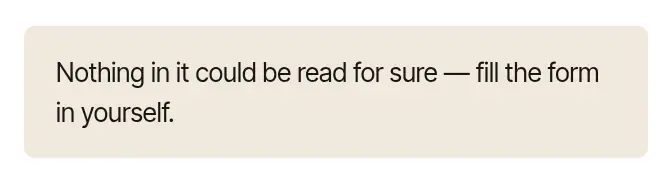
If nothing could be read for sure, it says Nothing in it could be read for sure — fill the form in yourself. Type the order in as usual.

Good to know
- If what you pasted reads like a new time or a cancellation for an order you already sent, the note says so. Don't send a new order: find that order under Orders, and use Ask for a new time or cancel it there.
- The order is read by Hand & Seal's own reader in your browser — never by an outside service, and nothing is kept.
- When the notary shares their credentials with you, the form sends the address in Where and the order's day to Hand & Seal before you choose Send — pasted or typed — to say which state the signing is in and which of their commissions the order goes under.
Was this helpful?
Still stuck? Contact support — a person reads every message and answers by email.