Guide
Send the documents with an order
Seal the loan package to the notary's own phone or computer from the order's page — nobody else can open it, and it's deleted by itself after the signing.
Instead of emailing a loan package, seal it to the notary from the order's page. It's sealed in your browser for the notary's own phone or computer, before it leaves your computer: we store only what we can't read, and nobody but the notary can open it — not an email server, and not us.
Send them
Open the order. On Orders, choose the order. Documents is on the right of its page (lower down on a phone). You can send them while the notary is still deciding: they open them once the order is theirs.
Choose the PDFs. Choose the files in Documents — PDFs only, up to 20 at once, each up to 150 MB and up to 300 MB in all. The card says which of the notary's devices they'll be sealed for.
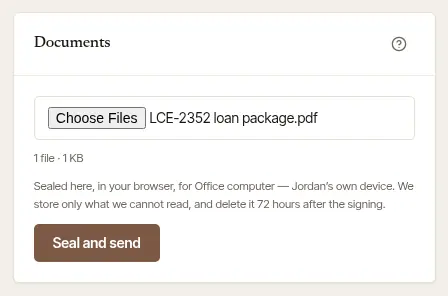
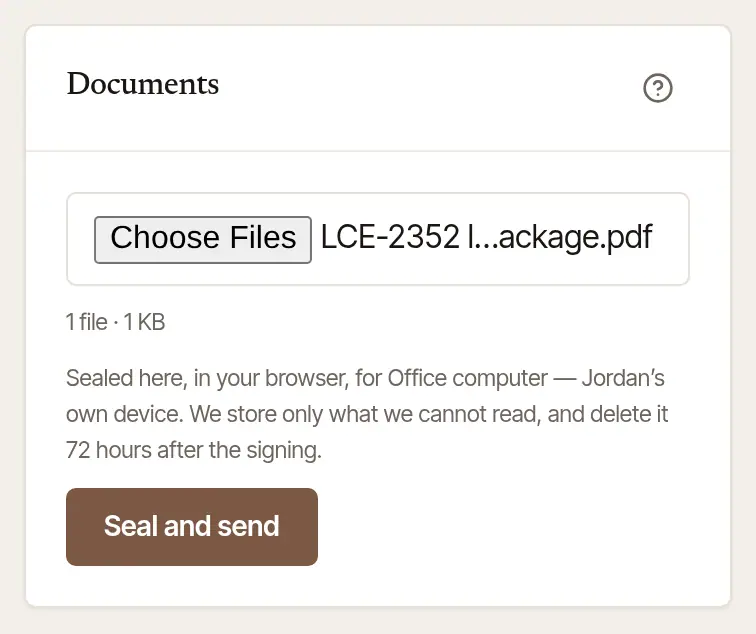
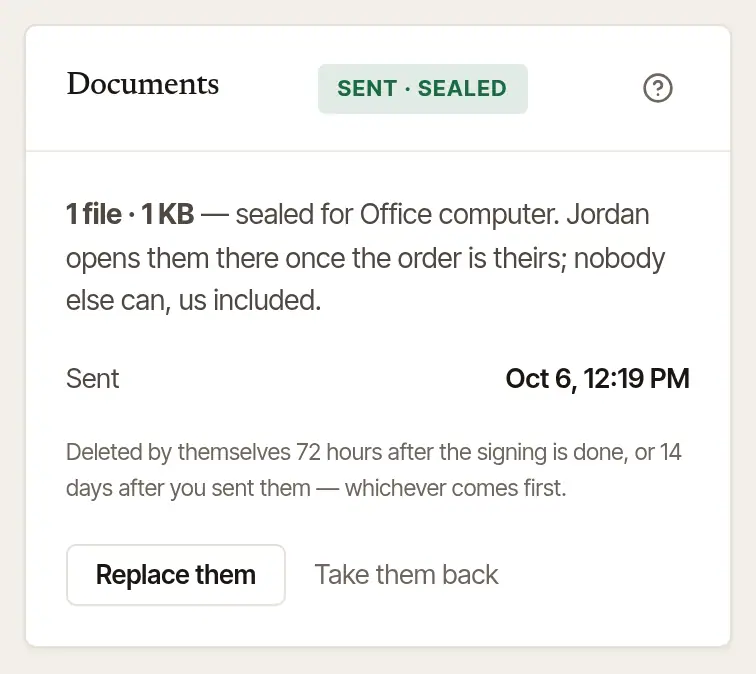
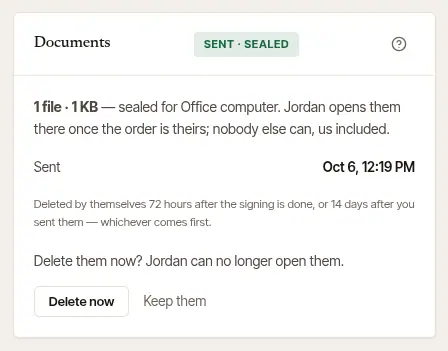
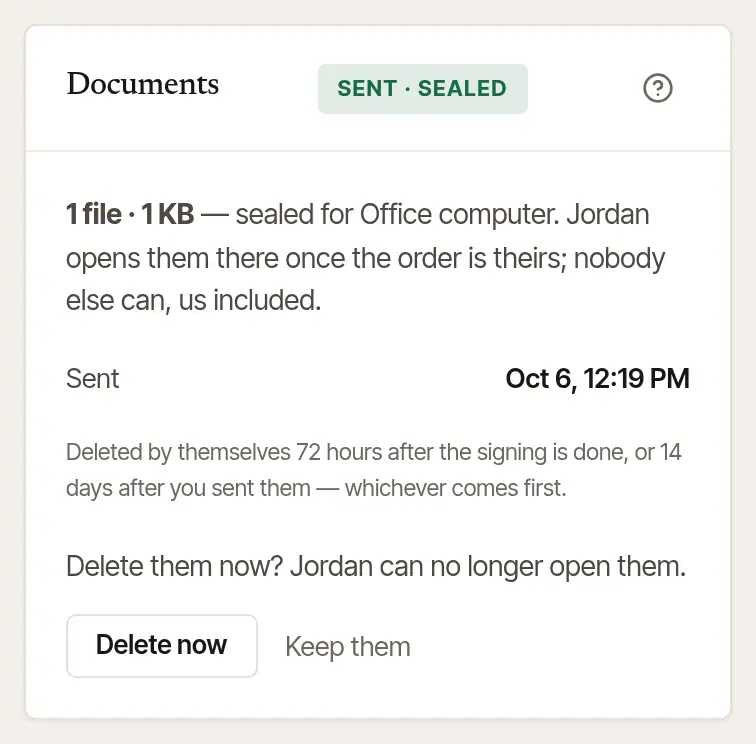
Choose Seal and send. The card then says Sent · sealed, with how many files, the devices they were sealed for, and each thing that happens to them — Sent, Opened, Printed — with the time.
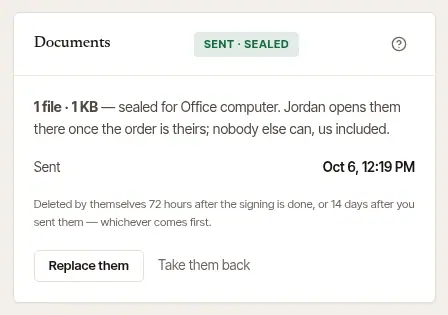
If you named backups on the order, the documents are sealed for their devices too, so they follow the order if it passes to the next notary.
If the notary hasn't set up a device
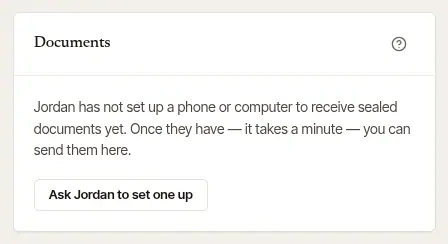
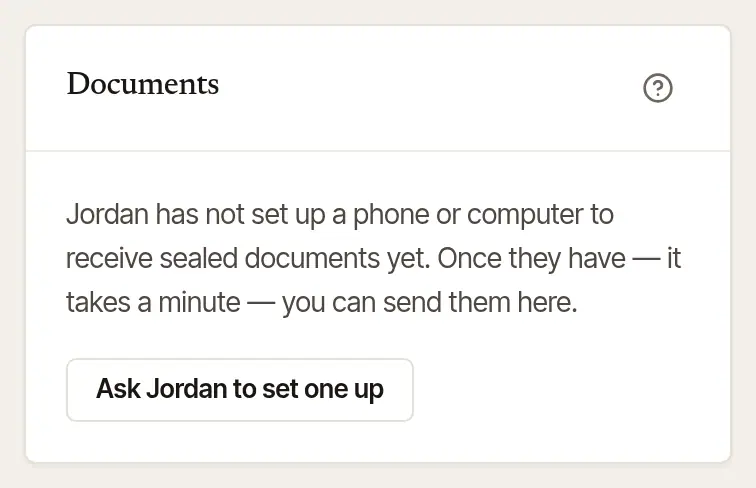
The card stays folded to one line that says so: Not yet — … has no device set up to receive them here. Open it, and it says … has not set up a phone or computer to receive sealed documents yet. Choose Ask … to set one up — they get an email and an alert about it, and it takes them a minute. Until then, send the documents the way you usually do. Once they have, the card opens by itself and lets you choose the PDFs.
If the order is with someone else now
The documents are sealed for the devices of the notary you sent the order to, and they open them while the signing is assigned to them in their business. When it isn't — another notary of their business has it, say, or the business itself — the card says No documents can be sealed for this order now. Send them the way you usually do.
Change or take them back
- Replace them — the package changed: choose the new PDFs and Seal and send. Keep the ones sent leaves it as it was.
- Take them back — the notary can no longer open them. It asks first: Delete them now? Choose Delete now, or Keep them.
When they're deleted
Nobody has to remember. The documents are deleted by themselves:
- 72 hours after the signing is done;
- as soon as the order is declined, cancelled or goes unanswered;
- and never kept more than 14 days after you sent them, whatever else happens.
Once the order is signed, the card only says what became of them — nothing new is sent.
Good to know
- Nothing about the documents goes in the order form itself: no ID numbers or loan details. The order says only how the documents reach the notary (The documents) and how many Pages to print.
- The notary opens them on a device they've approved — their phone asks for their fingerprint, face or passcode first. Clearing a browser's data removes its key, so a notary who does that sets it up again.
Was this helpful?
Still stuck? Contact support — a person reads every message and answers by email.