Guide
Start a practice of your own
Work in a business and want your own clients too? Start a practice of your own on the same login — your own trial and plan, and nobody at the business is told.
If you came into a business by invitation — as a partner, an employee or an assistant — your login may hold nothing but that business. A practice of your own gives you your own clients, jobs, prices, invoices and page on the same login, beside the business. You move between the two whenever you like. You can start one while you work there, or after you've left.
What's whose
- Yours in both places: your commission, your signing agent certification and background screening, your journal — one journal, numbered on from where it is — and your mileage log.
- Stays with the business: its clients, jobs, invoices, books, prices and page. Your practice starts empty; Settings → Import brings in a list of your own.
- Your drives: a drive for one of the business's jobs stays with that job. Every other drive goes to your practice, never to the business.
- Nobody there is told. The business sees nothing of your practice.
- Its own plan: your practice starts with its own free trial, then has its own plan, billed on its own. The business's bill doesn't change — and an assistant stays free on it.
Start it
Choose Start your own practice. It's on More, and on Settings → Account — a box that says what it costs after the trial, with Start. After leaving a business, it's on the page you land on.


Read what's whose. The page says it again for your business, by name.
Give your commission, if you're asked. Someone who isn't yet a notary here — an assistant, say — gives their commission first: the State, the Commission number and when the Commission expires (a Louisiana notary is commissioned for life, and has none; a bond and E&O insurance are optional). A practice is a notary's, and the state that commissioned you sets your journal, your fee limits and how your records are kept. If you're a notary here already, your commission is known, and there's nothing to fill in.
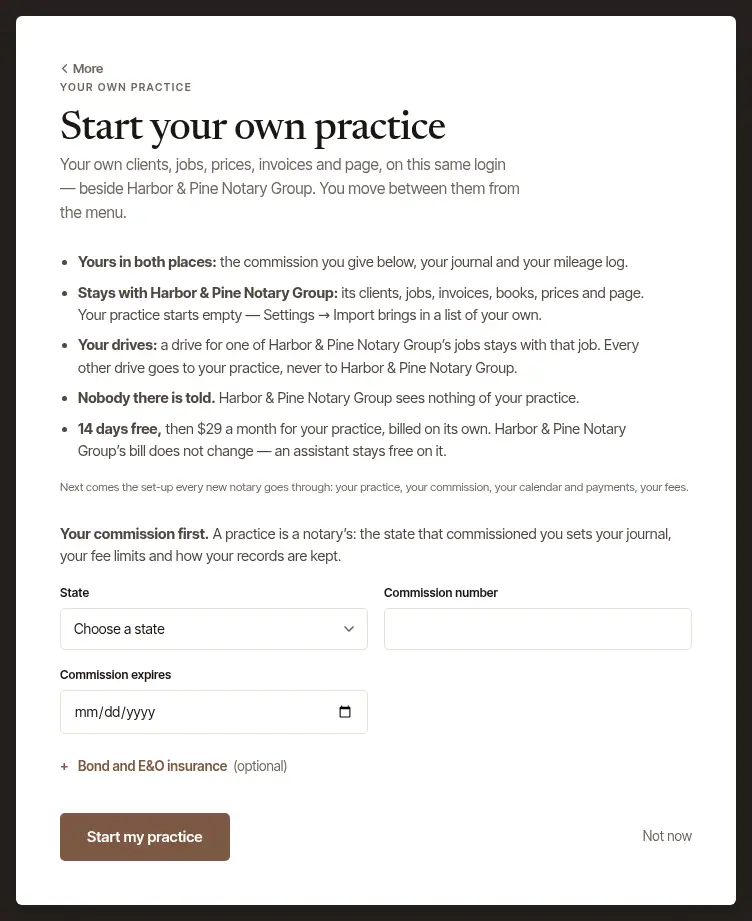
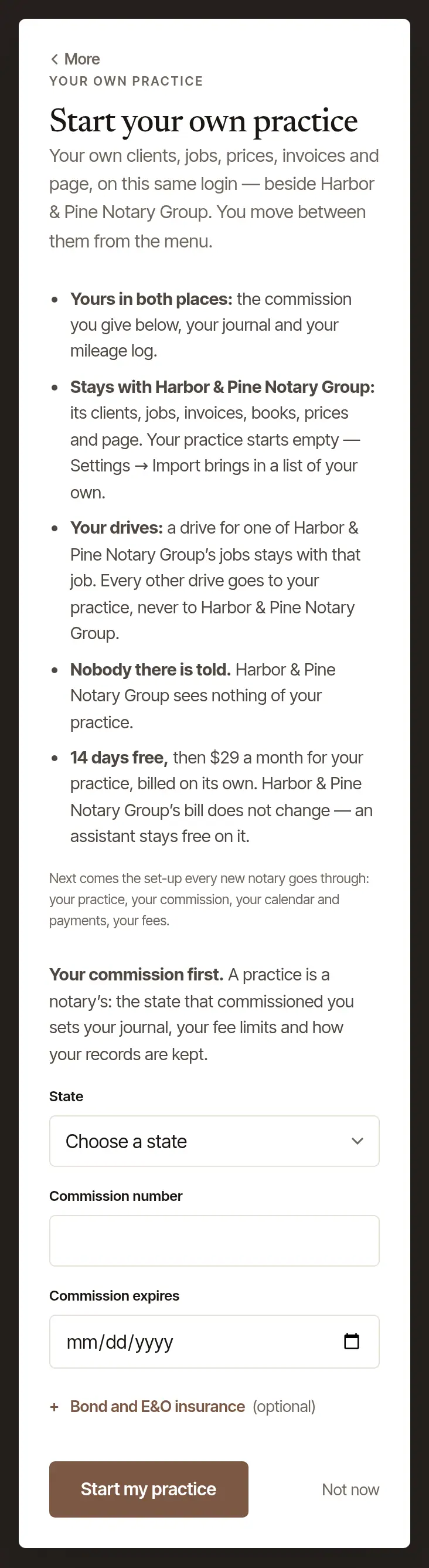
Choose Start my practice. Set-up follows — the same four steps every new notary goes through: your practice, your commission, your calendar and payments, and your fees.
Open More, and tap Start your own practice, under Your own practice. It opens the same page in your browser, signed in.
Carry on in the browser, as on the web: your commission if you're asked, then Start my practice, then set-up.
The phone has no set-up screens of its own, so a practice is always started in a browser.
Move between them
Once you have both, you work in one at a time.
- On the web: on More, under Where you work, choose Switch beside the one you want. On a wide screen, they're also at the foot of the menu.
- On the phone: More → Settings, then tap the one you want in the list of the places you work. A tick marks the one you're in.

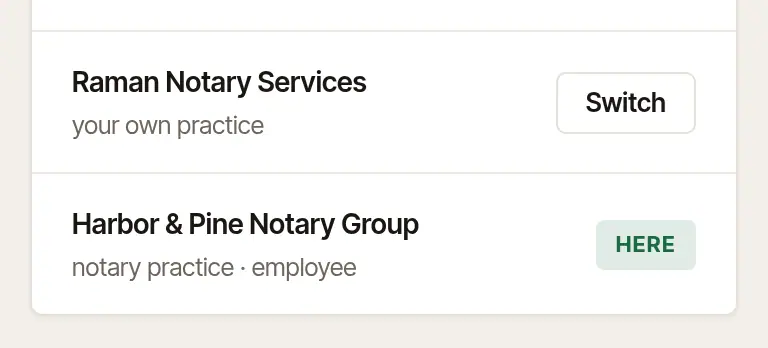
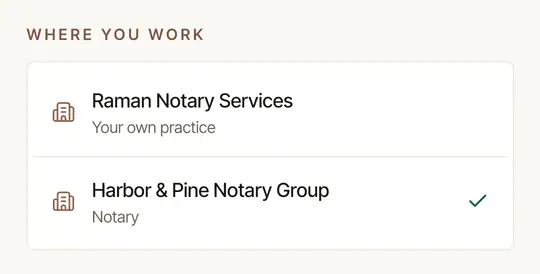
Today tells you, in one quiet line, when the other place has signings for you this week — how many, never what.
Good to know
- One practice of your own each. If you have one already, the page says so, with a way to switch to it.
- The tablet app shows the business's pages inside itself, but a practice has its own trial and plan, so it's started in a browser.
Was this helpful?
Still stuck? Contact support — a person reads every message and answers by email.