Guide
Leave a business
Leave a business you're part of. A partner takes a copy of its records and the clients they choose; an employee or an assistant simply goes. Your journal and mileage stay yours.
Anyone can leave a business by their own hand, whenever they like, from Settings → Team. What you take with you depends on what you were there as: a partner owns the business's records with the others, so a partner leaves with a copy of them. An employee or an assistant takes nothing of the business — but a notary's journal, mileage log and commission were never the business's, and stay theirs.
You leave on the web, from a browser.
Leave as a partner
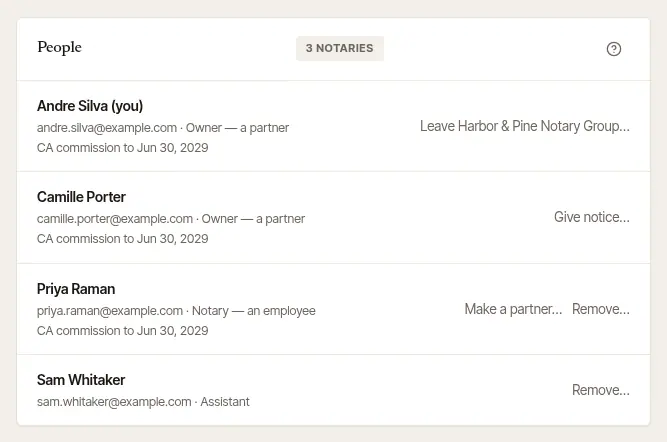
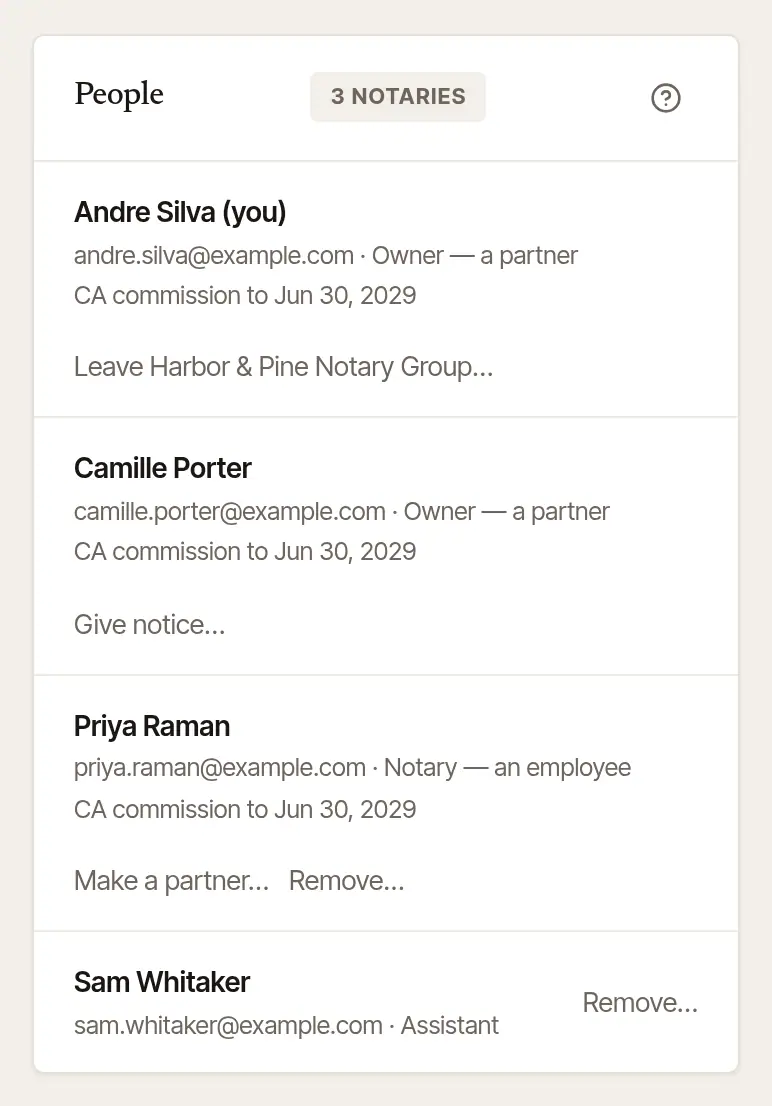
Open Settings → Team, and choose Leave … beside your own name.
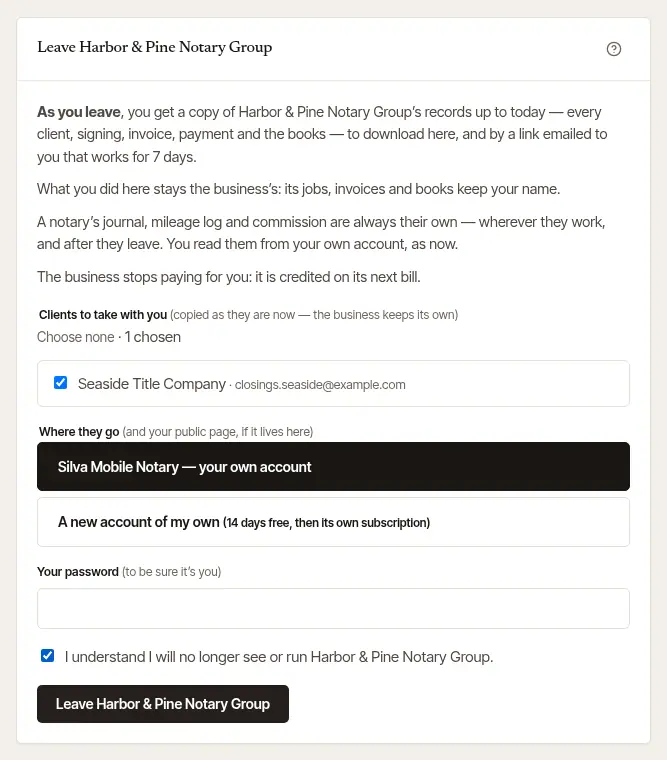
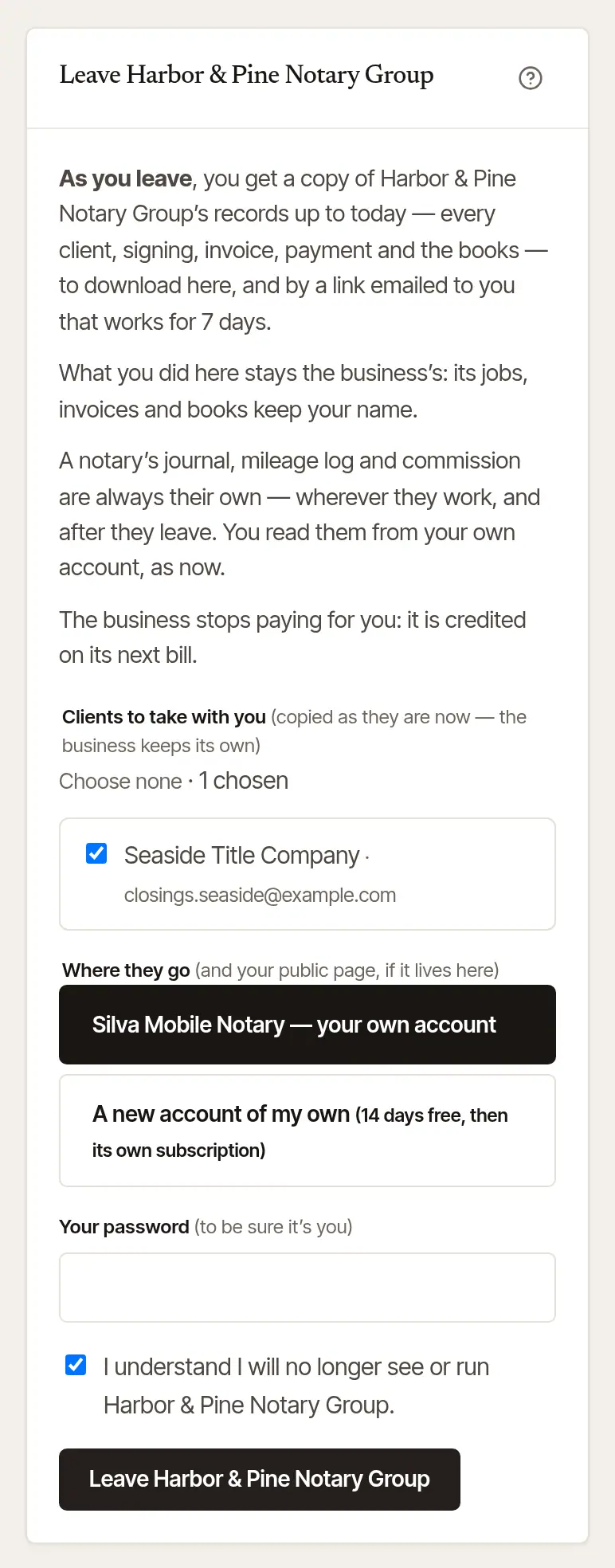
Read what happens. The page says it all before anything does:
- you get a copy of the business's records up to today — every client, signing, invoice, payment and the books — to download there, and by a link emailed to you that works for 7 days;
- your signings ahead go back to the business as Needs a notary, and the other owners and assistants are told;
- what you did there stays the business's: its jobs, invoices and books keep your name;
- the business stops paying for you, and is credited on its next bill.
If any signing of yours is past but not closed out, the page says so: only you can write its journal lines, so close it out before you go.
Choose the clients to take with you. Tick each one, or Choose all. They're copied as they are today; the business keeps its own.
Choose Where they go. Your own account, if you have one — or A new account of my own, which starts with its own free trial and then its own plan. Taking no clients? Choose Nowhere — I take no clients. If your public page lives in the business, it goes where you choose too, with its reviews.
Confirm it's you, and leave. Type Your password, tick I understand I will no longer see or run the business, and choose Leave and its name.
The page then says You have left the business, with Download your copy, how many clients were copied — and any left out, with why (one your account already has, with the same email or phone, isn't copied twice) — and Go to your own account.
Take your copy before you decide
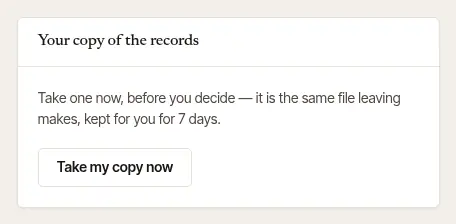
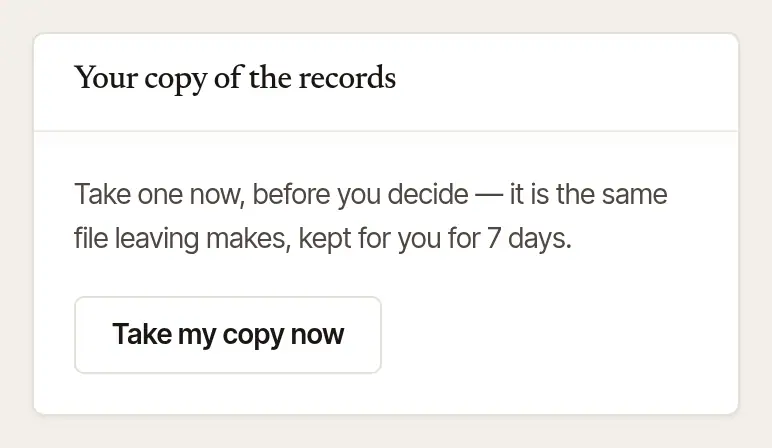
Your copy of the records, beside the form, makes the same file now: Take my copy now. It's kept for you for 7 days, with the link in your email. Up to three copies are kept at once.
Your card, and the last owner
- If the business's subscription is paid with your card, the page says so. Ask another owner to choose Pay with my card instead in Settings → Billing before you go.
- The last owner can't leave — that would leave the business with nobody to run it. Make someone else a partner first, or close the business from Settings → Your data → Close my account.
Leave as an employee or an assistant
Open Settings → Team, and choose Leave and the business's name.
Read what happens. You stop seeing the business's signings and clients (an assistant, its diary, clients and invoices) at once, and its owners are told. An employee's signings ahead go back to the business, marked Needs a notary.
Confirm it's you, and leave. Type Your password, tick I understand I will no longer see anything of the business, and choose Leave and its name.


You go straight to your own account, if you have one, and it says you've left. With none, you land on a page of your own: from there you can Start your own practice, Download my data, open a new invitation, or close your account.
Good to know
Once you've left, you can close your own account whenever you like, from Settings → Your data → Close my account. Your journal lines and drives go with your account — download them first.
Was this helpful?
Still stuck? Contact support — a person reads every message and answers by email.