Guide
Set your company's details and usual order settings
What your company says on every order, where notaries send invoices, what each new order starts with — fee, backups, instructions — what notaries see of you, and orders an hour.
Company, on your desk, holds what your company says of itself on every order, and what each new order starts with — so only a signing's own details need typing.
Your company
The owner of the desk changes these; everyone else on the team sees them.
Open Company. On a phone, tap Company at the bottom. Your company is beside Your team (under it, on a phone).
Fill it in.
- Company — its name, as notaries know it.
- What you are — title or escrow, lender, signing service, law firm, business, or other. It decides which kinds of order your form offers, and what your file number is called on it: File no., Loan no., Order no., Matter no. or Reference no.
- Where invoices go — your accounts payable address. A notary your desk first sends an order to after you set it addresses their invoices here, not to whoever sent the order. A notary your desk sent orders to before keeps the address they already bill you at — ask them to change it. If that's the address someone no longer on your desk signs in with, or sent your orders from, their invoices come here instead — unless this one is that person's too. If this is the address someone on your team signs in with, it's cleared when they leave your desk or you remove them, and you're told.
- Phone and Billing address, if you like.
- How documents usually reach the signing — emailed to print, sent by courier, or the signer has them. Each new order starts with it.
- Time zone — your office's. Your desk shows times in it.
- Said with every order — words added to every order your desk sends, after its own instructions: how the package goes back, who to call on arrival.
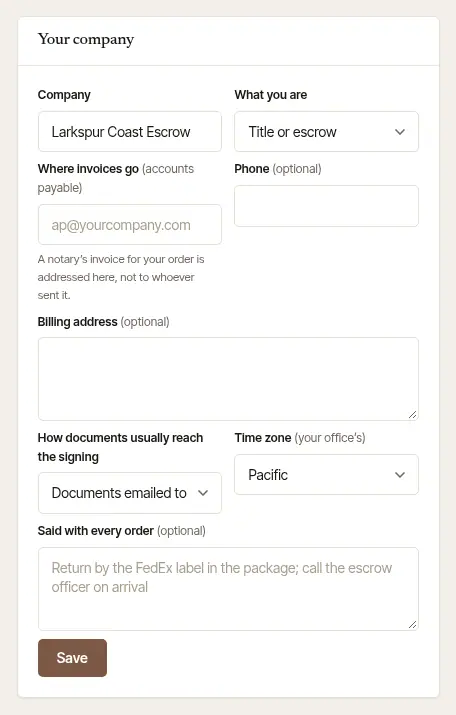
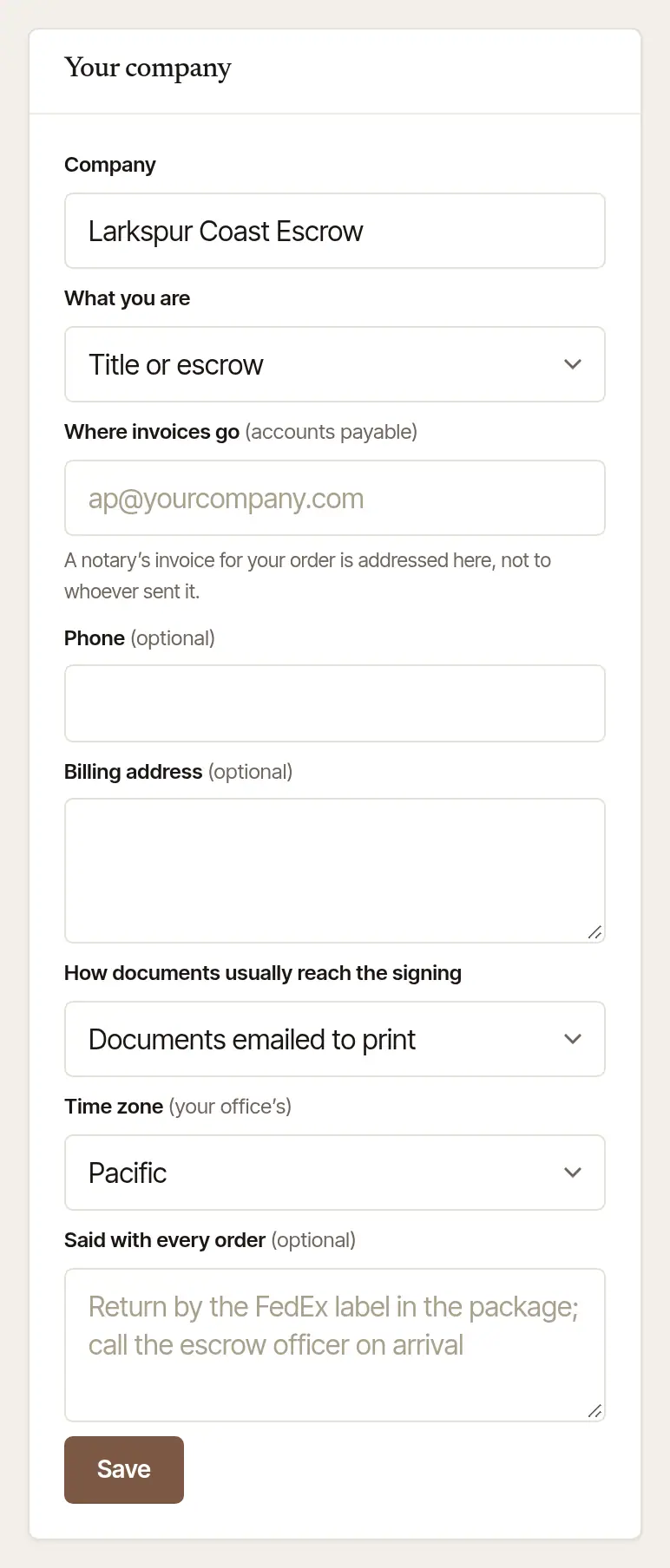
Choose Save. It says Saved — your next orders carry it. Orders already sent keep what they said.
Usual settings
What every new order starts with, for your whole team. Anyone on your team can change them; the foot of the card says who changed them last.
The fee you offer. One for each kind of order your desk sends. Leave one blank and the notary's own published fees price that kind.
Pages to print — for documents that are emailed — and, for title, escrow, lending and signing-service desks, Scan-backs before the originals ship.
Backups. Who is asked, one at a time, if your first choice can't take an order, and how long each has to answer — see Name backup notaries.
Instructions you use often. Give each a Name and say What it adds. On the order form each one becomes a button — a tap adds its words to the order's instructions. + Add one adds another; Remove takes one off.
Choose Save. It says Saved — your team's next orders start from these.
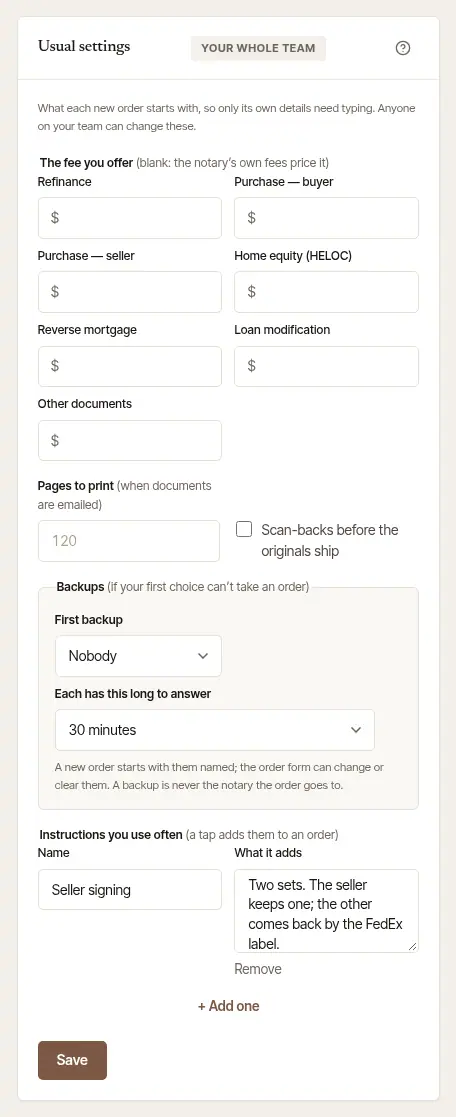
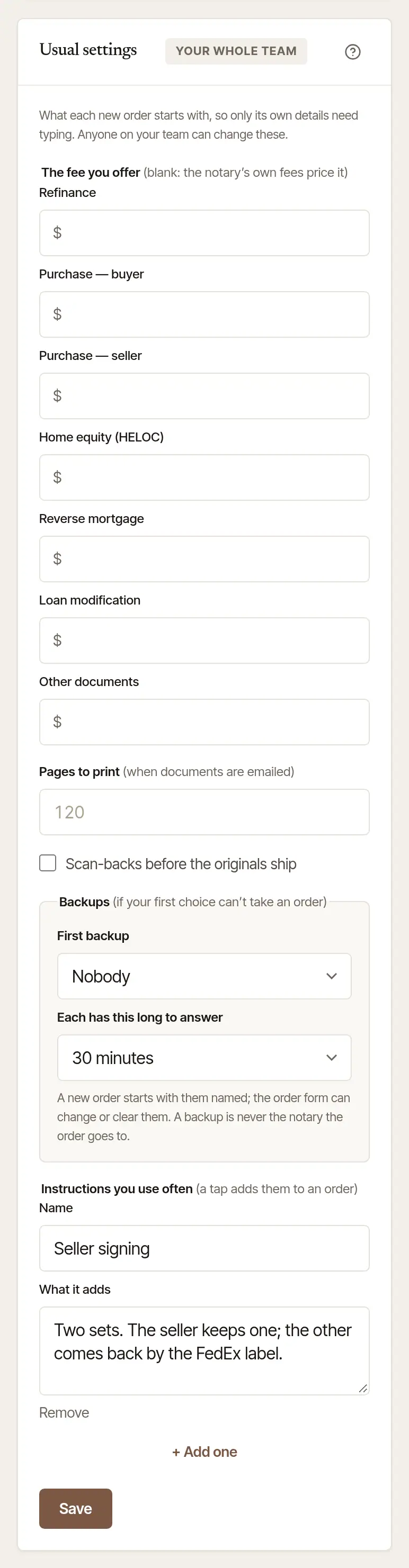
Anything on a single order can still be changed on the form before it's sent.
What notaries see of your company
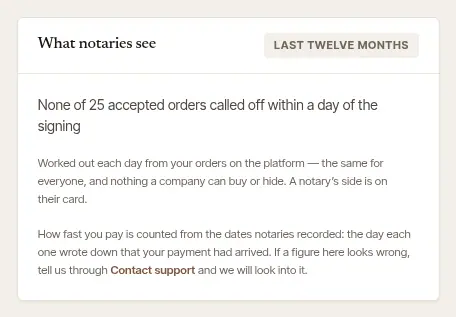
Notaries decide which orders to take, so they see a short record of each company on its orders — and so do you, under What notaries see. It's worked out each day from your orders on Hand & Seal over the last twelve months, the same for every company; nothing a company can buy or hide.
It stays empty until there's enough to go by — five paid invoices from more than one notary, or five accepted orders. Then it says how fast you usually pay notaries, and how often an accepted order was called off within a day of its signing.
How fast you pay is counted from the dates notaries recorded: the day each notary wrote down that your payment had arrived, set against the day of their invoice. The line says so wherever it's read. If a figure looks wrong, tell us through Contact support, linked under the record, and we'll look into it.
Each order also shows the notary who sent it and from what address — the one you sign in with — whether that address is confirmed, and since when your desk has been on Hand & Seal. Sign in with your work address and confirm it with the link we email you, and notaries see the address they know you by. Once whoever sent an order has left your desk, the notary's emails about it go to your desk's owner — an answer about a new time, to whoever on your team asked for it. The notary's job page names that address as the one their messages go to. What they send from their own record of your company, such as invoices and a price, goes where they bill you (above); if that's the address someone no longer on your desk signs in with, or sent your orders from, it goes to Where invoices go instead, unless that's theirs too; failing that, to whoever sent the order if they're still on your desk, else to your desk's owner.
Orders an hour
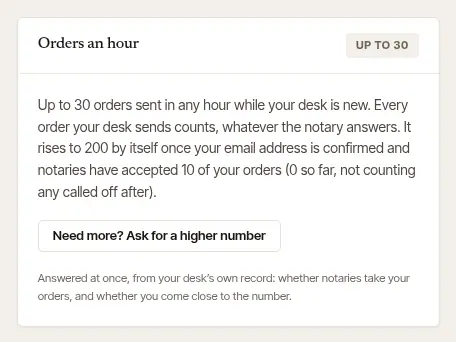
Each desk can send a set number of orders in any hour; Orders an hour, at the foot of Company, says yours. Every order your desk sends counts, whatever the notary answers. A new desk starts lower, and rises by itself once your email address is confirmed and notaries have accepted enough of your orders — the card says how many so far, not counting any called off after. Need more than that? The owner chooses Need more? Ask for a higher number: it's answered at once, from your desk's own record — whether notaries take your orders, and whether you come close to the number.
Good to know
- A new desk asks Tell us about your company once — what kind of company, and where — so the order form fits your work from the first order.
- Your own login's settings — how you sign in, passkeys, two-step sign-in, your devices, the look, and Switch between the places you work — are under Settings, not Company.
Was this helpful?
Still stuck? Contact support — a person reads every message and answers by email.