Question
I'm a notary, and I also run a title or escrow office
One login for both. Your office's desk opens on the login you already use — with an order through a notary's link, or from More once desks open — and you switch between the two.
You don't need a second login. Your office's desk opens on the one you already use for your notary practice, and you move between the two — neither shows the other's records.
Open the desk. There are two ways:
- Through a notary's order link. Signed in, send an order through another notary's order link: your desk opens on this login as the order goes, and the order is sent from it. An order the link can't take — the notary isn't taking orders, say — opens nothing, except an order refused only as it is written (a day her commission does not cover, her last place taken at that moment, a repeat): its desk is opened all the same. See A notary sent me their order link.
- From More, once desks open to every company. Hand & Seal opens desks to companies a little after notaries, so the ones you send work to are already here. Until then More offers no desk, and the desk's sign-up page says A desk of your own isn't open yet, with Get early access for your company — tell us about your office, and your invitation arrives the day desks open.
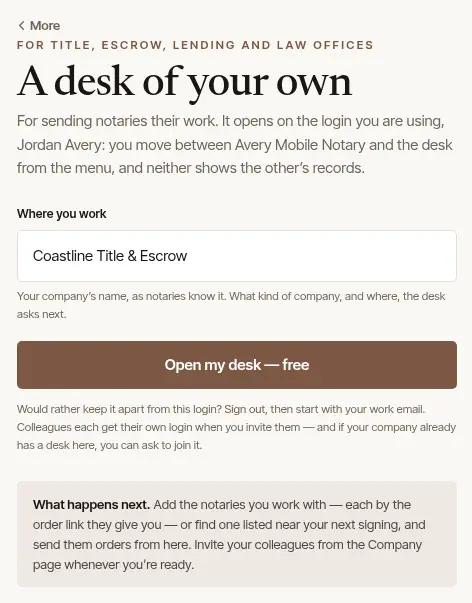
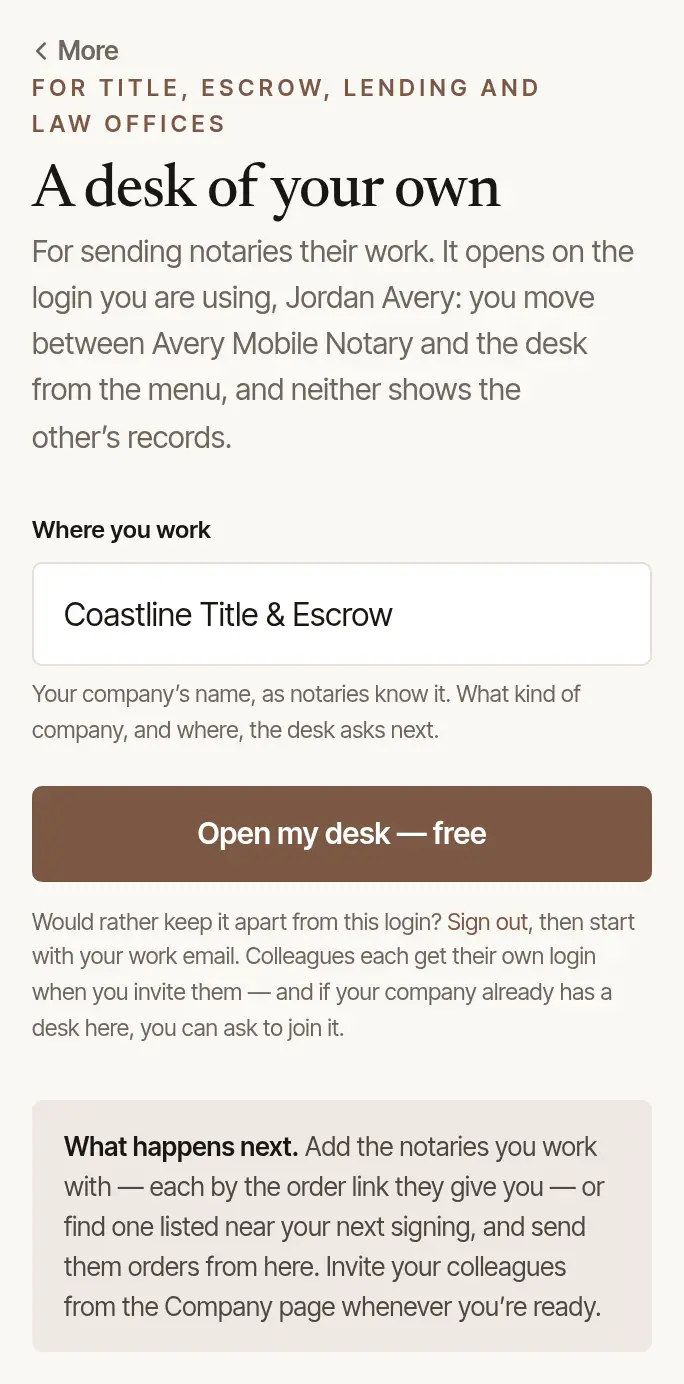
Once desks are open, More shows Also run a title, escrow, lending or law office? with Open a desk, to the owner of a practice who has no desk yet. Type Where you work — your company's name, as notaries know it — and choose Open my desk — free. The desk then asks what kind of company it is, and where.
Rather keep the two apart? Sign out, and start a desk with your work email instead.
Switch between them. Your practice and your desk are listed together, with Switch beside the one you're not in — on More in your practice, and on Settings at the desk. On a wide screen, the foot of the menu has it too.
Send yourself orders. On the desk's Notaries, Your own practice offers Add my practice. Your practice then sits on the desk's list like any notary's (marked “you”), and an order you send it arrives in your practice, to accept there like any company's. Your colleagues at the desk can send you orders the same way.
Good to know
The desk is for your office's orders; your journal, mileage, clients and money stay in your practice. Colleagues you invite to the desk see its orders — never your practice. See Bring colleagues onto your desk.
Was this helpful?
Still stuck? Contact support — a person reads every message and answers by email.