Guide
Add an expense
Record a business cost — supplies, your bond, a course, parking — under the Schedule C line it belongs to, on the web or the phone, with its receipt if you have it.
Expenses are the one part of your books you type in yourself — income is written for you each time a payment is recorded. Each expense goes under the Schedule C line it belongs to, so your profit, what to set aside for taxes and your accountant's files all count it.
Add one
Open Books. It's on the menu at the left; on a phone-sized screen, under More. The Add an expense card is on the right.
Say what it was. Fill in What it was, and who you paid — “Notary seal — NNA”, say — and choose its Kind. Each kind says what it covers, and some have a line of advice under them; business meals say they're only partly deductible, and Taxes counts only that part.
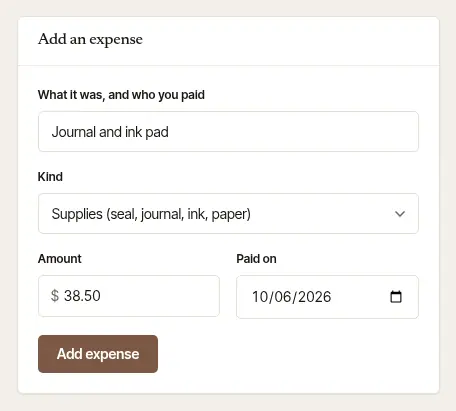
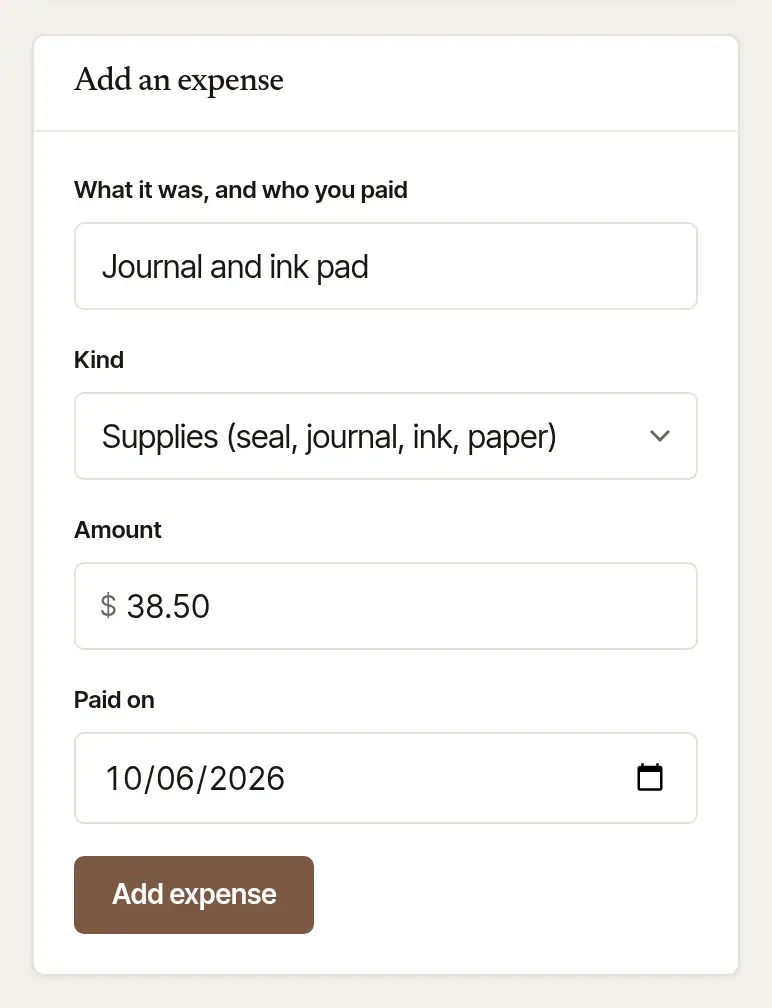
Enter the Amount and the day it was Paid on, and choose Add expense. The books are kept on a cash basis, so the day is the day you paid — never a day still to come. It says Added, and the line is in the books at once. The form keeps the day and the kind, so a stack of receipts goes quickly.
Open Expenses. Tap More, then Expenses under Records — or, on Books, Log expenses → beside Taxes. Or, on your phone's home screen, press and hold the app's icon and choose Add an expense to go straight there.
Choose the Category. Tap the one it belongs to. What it covers shows under the chips — “CPA, attorney, bond”, say.
Fill in the Amount ($), the Date and What was it? — “Notary seal — NNA”, say.
Add its receipt, if you have it. Tap Add its receipt, then Take a photo or Choose from library. The photo is filed with the line; a receipt chosen from your photos also sets the date to the day it was taken. Remove takes it off again.
Tap Add expense. The line shows under Recent, and the total at the top, Logged this period, goes up. With no signal, the line and its receipt stay on the screen: add it again when you're back.
Good to know
- If you use the standard mileage rate — as Hand & Seal's mileage log does — gas is not an expense here: it's part of the mileage rate, which your recorded drives already claim. Keep parking, tolls, supplies and shipping receipts instead. If you deduct actual car expenses, keep your gas receipts and tell your preparer.
- A card processor's fee is recorded by itself, with the payment it came out of — don't add it again.
See where it went
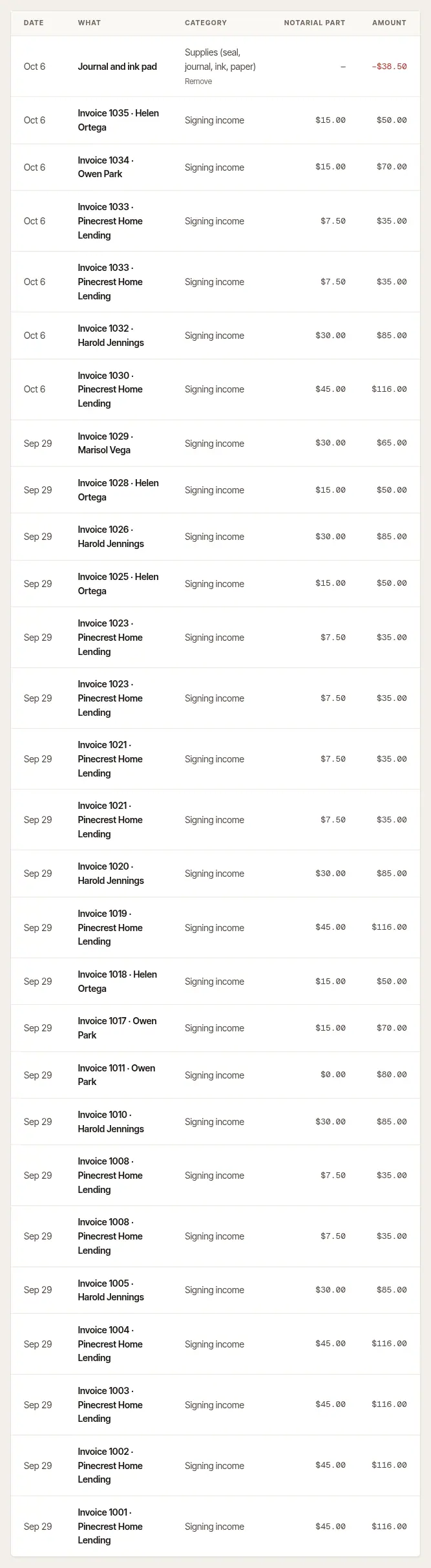
Find the line in the books. On Books, your expense sits with the year's income, newest first, under its category. Remove under the category takes off a line you typed in (a line written by a payment can't be removed).

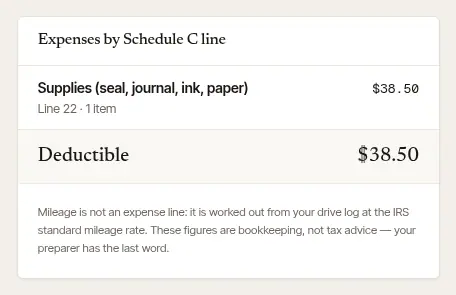
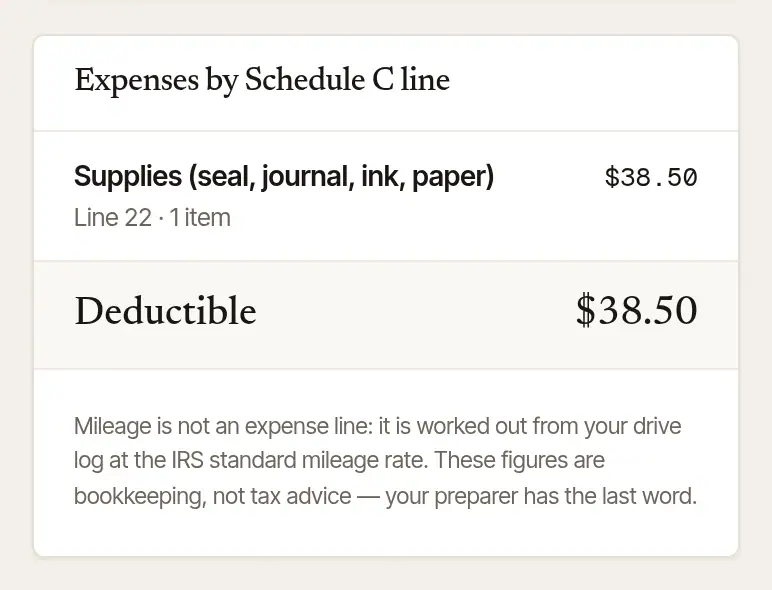
See it on its Schedule C line. Expenses by Schedule C line adds them up the way your return does, with each line's number and how much is deductible.
Good to know
This is tax information, not tax advice: which costs are deductible, and how, is for you and your tax preparer to decide. Large purchases, such as a printer, may need to be spread over several years; the Equipment hint says so.
Was this helpful?
Still stuck? Contact support — a person reads every message and answers by email.