Guide
Give your accountant your books and the tax pack
Download a year's books as files QuickBooks Online and Xero import, with a summary for any accountant and your mileage log — and the tax pack of worksheets for whoever prepares your return.
Two downloads cover what an accountant or tax preparer asks for. For your accountant, on Books, is the year's books in files their software imports. The tax pack, on Taxes, is the worksheets for the return. Both are for the business's owners: the books are theirs.
Download a year's books
Open Books and find For your accountant on the right (at the foot of the page on a phone-sized screen).
Choose the Year. Until the end of March it starts on last year — the one being filed — and after that on this year.
Choose Download. A zip file arrives:
for-your-accountant-2026.zip, for 2026.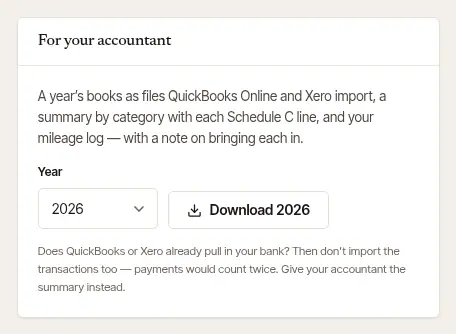
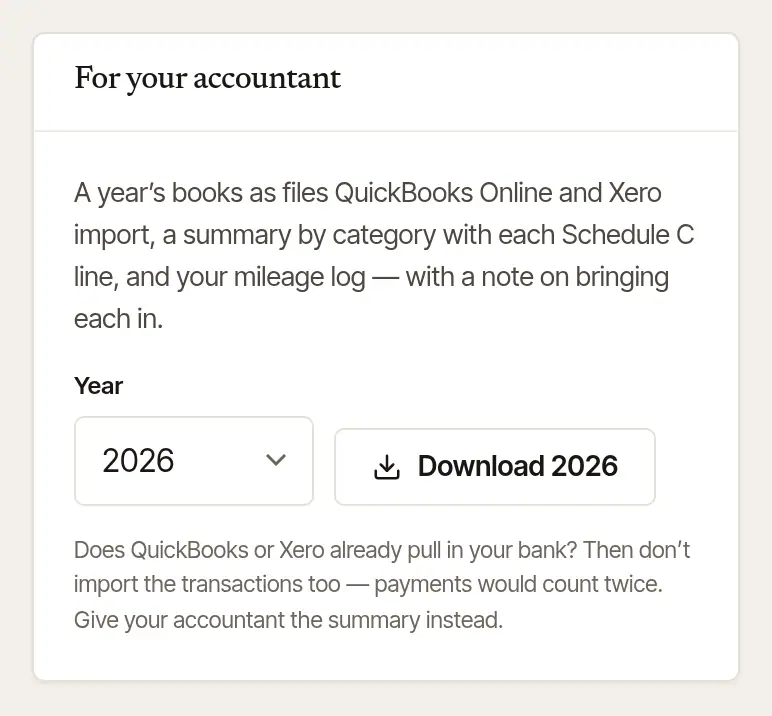
Open Books and scroll to For your accountant.
Tap the year, then Share the … books — “Share the 2026 books”, say.
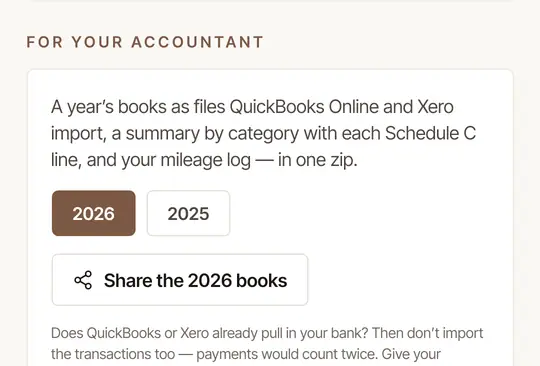
Choose where it goes from the share sheet: your mail, a message to your accountant, Google Drive. The file is made on our side, so this needs a connection; without one, the card says so — try again when you're back.
What's in the zip:
- README.txt — what each file is, and how to bring it into QuickBooks Online or Xero, step by step.
- summary-by-category.csv — the year by category, with each Schedule C line: the file for any accountant, whatever software they use.
- quickbooks-transactions.csv — every payment and expense in the form QuickBooks Online imports (a big year comes in parts).
- xero-statement.csv — the same, in the form Xero imports.
- mileage-log-2026.csv (for 2026) — your mileage log: each drive's day, where it went, its miles, what it was for, and its deduction.
Good to know
Does QuickBooks or Xero already pull in your bank account? Then don't import the transactions too — each payment would count twice. Give your accountant the summary instead.
Download the tax pack
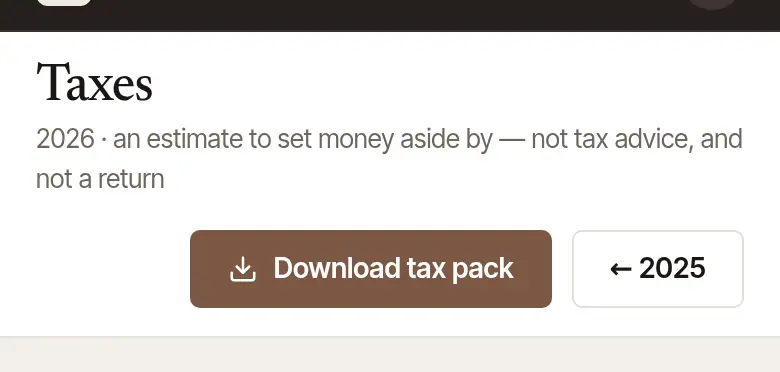
Open Taxes (on the phone: Books → Quarters and the tax pack →) and go to the year with ← or →.
Choose Download tax pack, at the top. The zip is named for the year:
tax-pack-2026.zip.
The tax pack is worksheets for your preparer, each explained in its own README: a Schedule C worksheet, the year's ledger by category, your notarial fees split out from everything else (they carry no self-employment tax), your income by who paid it, and the mileage log. Nothing in it is filed for you.
Good to know
- These are downloads, so they always work — even if your plan has lapsed and your account is read-only.
- Everything else you keep here — clients, jobs, invoices, the journal index — comes with Download everything, in Settings → Your data.
- Tax information, not tax advice: which figures go where on your return is for you and your preparer. The exemption from self-employment tax names only fees for services as a notary public. Hand & Seal counts everything else you charge as ordinary self-employment income. Expenses are allocated in proportion to income — Hand & Seal's method; your preparer may use another.
Was this helpful?
Still stuck? Contact support — a person reads every message and answers by email.