Guide
Publish your public page
Write the page clients find you by — your name, a headline, a few words about how you work, languages and specialties — then publish it, change it any time, or take it down.
General information, not legal advice
This page explains how Hand & Seal works. Your state’s law, and your commissioning authority, decide what you must do — when in doubt, ask them or a lawyer.
Your public page is where a client reads about you, sees your fees and your free times, and asks for a signing. It's written on Public profile, with the page itself beside the form — What a client sees changes as you type, so you can see it before anyone else does.
Nothing on it is public until you publish. Your fees, hours, commission and the count of your signings come from their own settings and records; the words are yours.
Write it
Open Public profile. It's on the menu at the left, under Records (on a phone-sized screen, under More). Until you publish, the page says Your page is a draft.
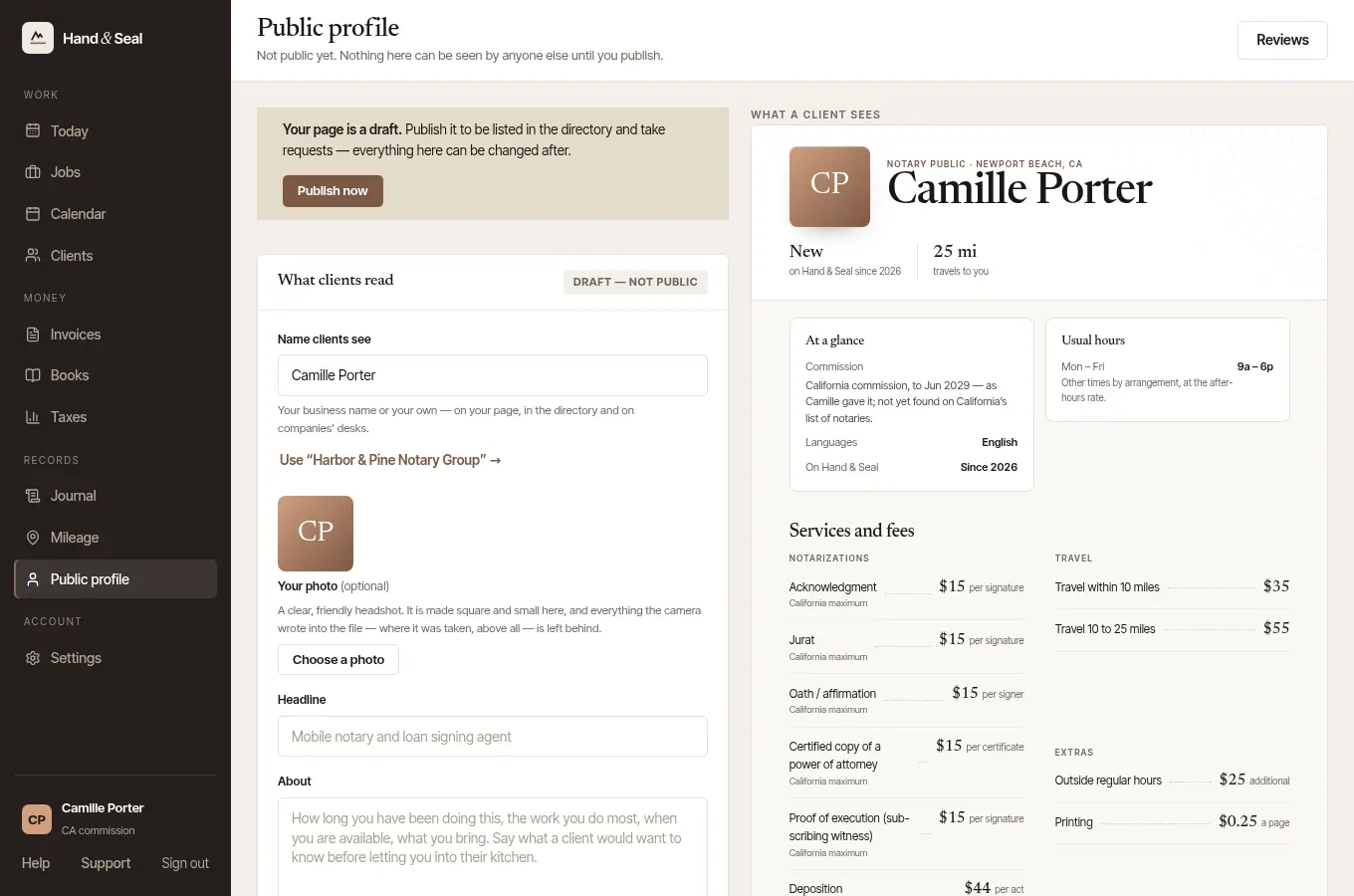
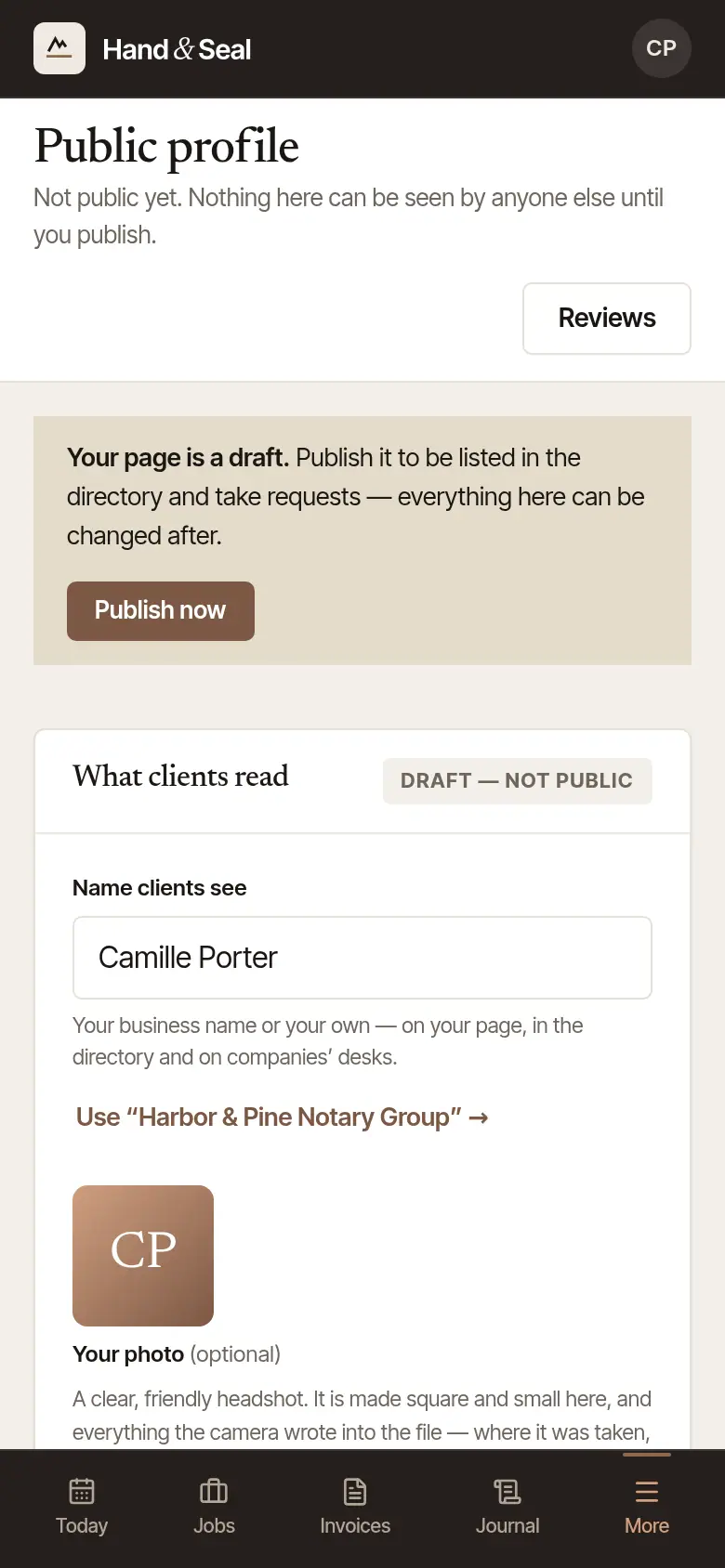
Fill in What clients read. Name clients see — your business name or your own (Use “…” fills in the other); a photo if you like (Choose a photo — a clear headshot; where it was taken and anything else the camera wrote into the file is left behind); a one-line Headline; and About: a few sentences on how you work. Links, phone numbers and email addresses are left out — clients reach you by asking for a time, which is what gives the signing a record.
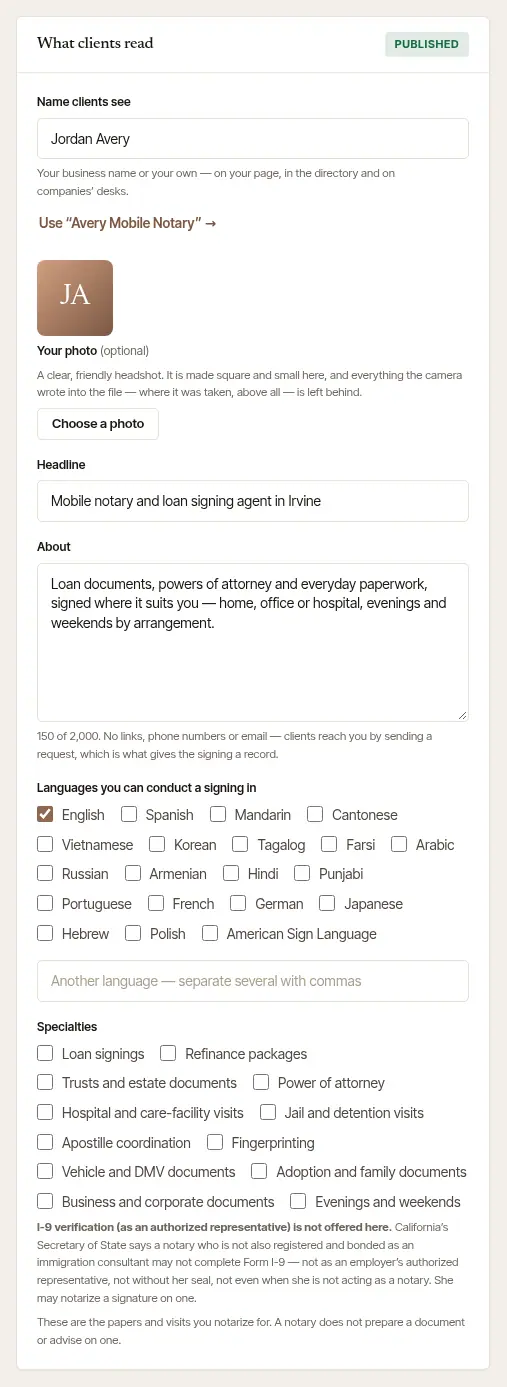
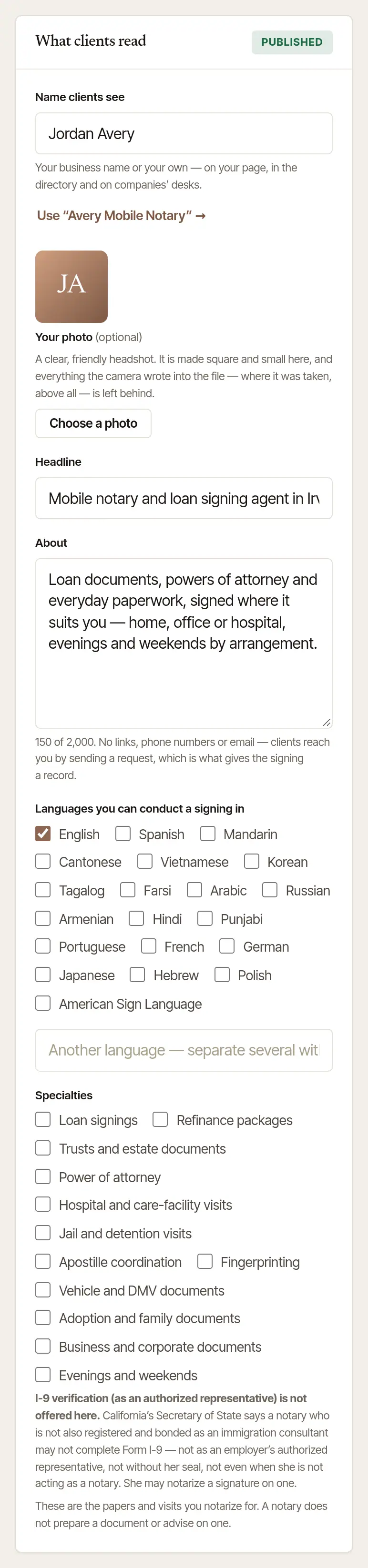
Tick your languages and specialties. Languages you can conduct a signing in (another one goes in the box under them) and Specialties — loan signings, hospital visits, evenings and weekends and the rest. People looking for a notary can search by both.
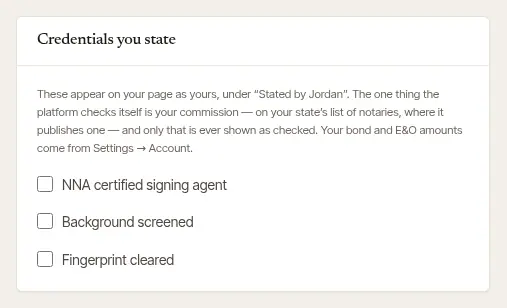
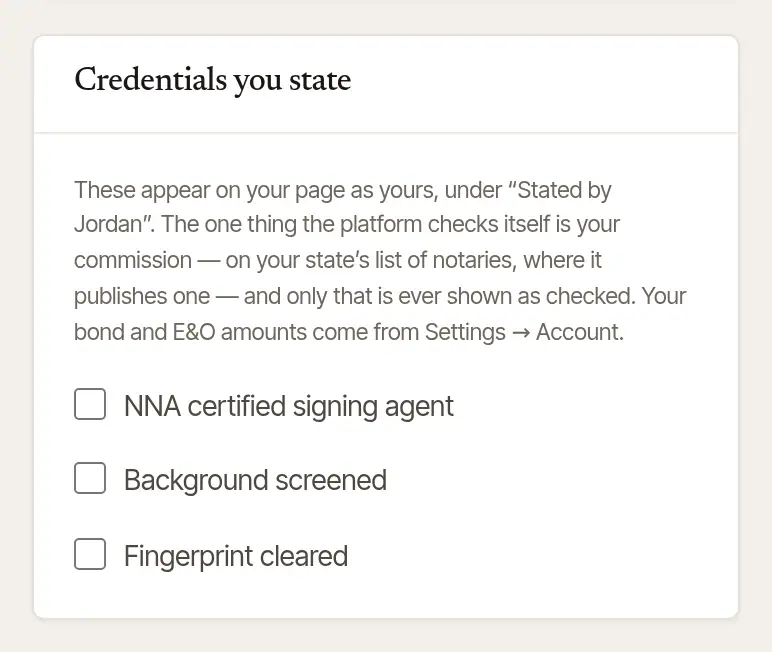
Tick the credentials you hold. Credentials you state — a signing agent certification, a background screening, fingerprint clearance — with the year if you like. They show on your page as yours, under Stated by and your name. The only thing the platform checks itself is your commission: once it's found on your state's list of notaries, your page says so under Checked by Hand & Seal. Your bond and E&O come from Settings → Account.
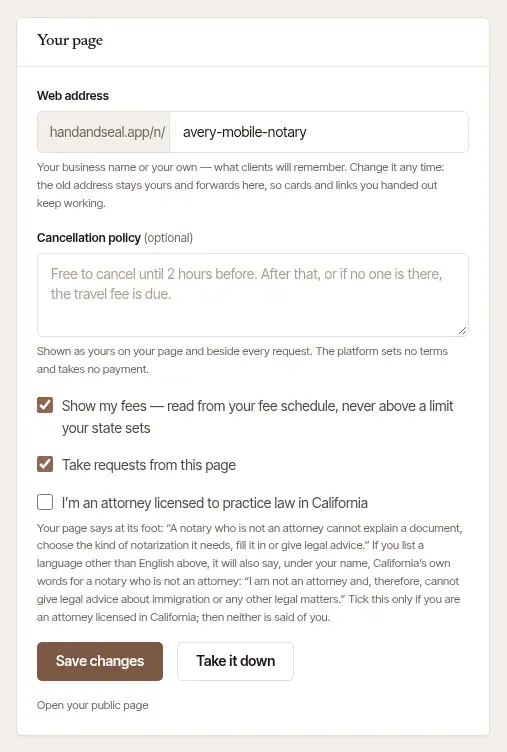
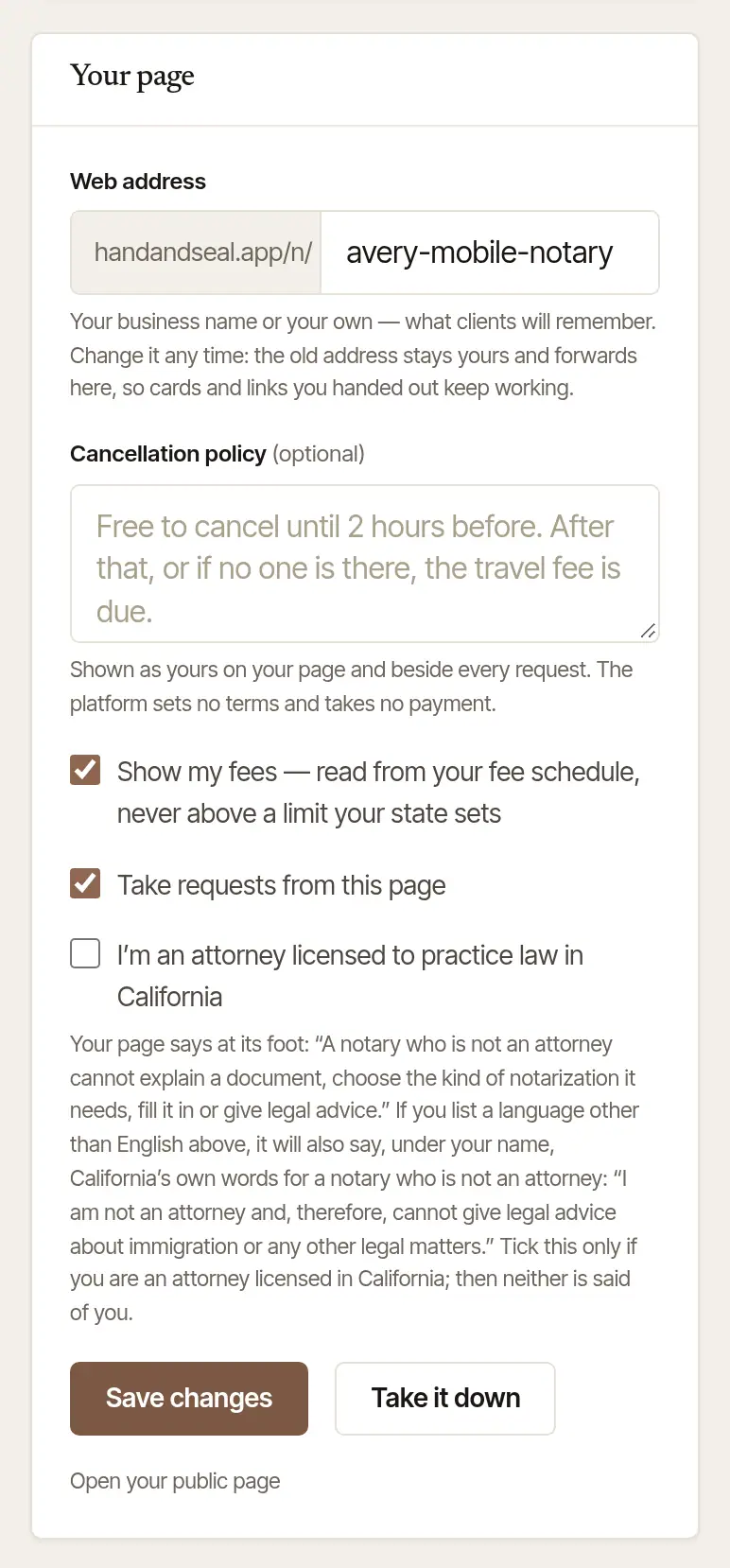
Set up Your page. Choose your Web address — your business name or your own. Add a Cancellation policy in your own words if you have one: it shows on your page and beside every request. Leave Show my fees ticked to show your fees (read from Settings → Fees & rates, never above a limit your state sets), and Take requests from this page ticked for clients to ask for a time.
Publish it
Choose Publish at the foot of the form — or Publish now at the top. A published page needs a headline and a few sentences in About; the form says what's missing. Save as a draft keeps your words without publishing.
Open your public page to see it as a client does — the link is under the buttons once it's published.
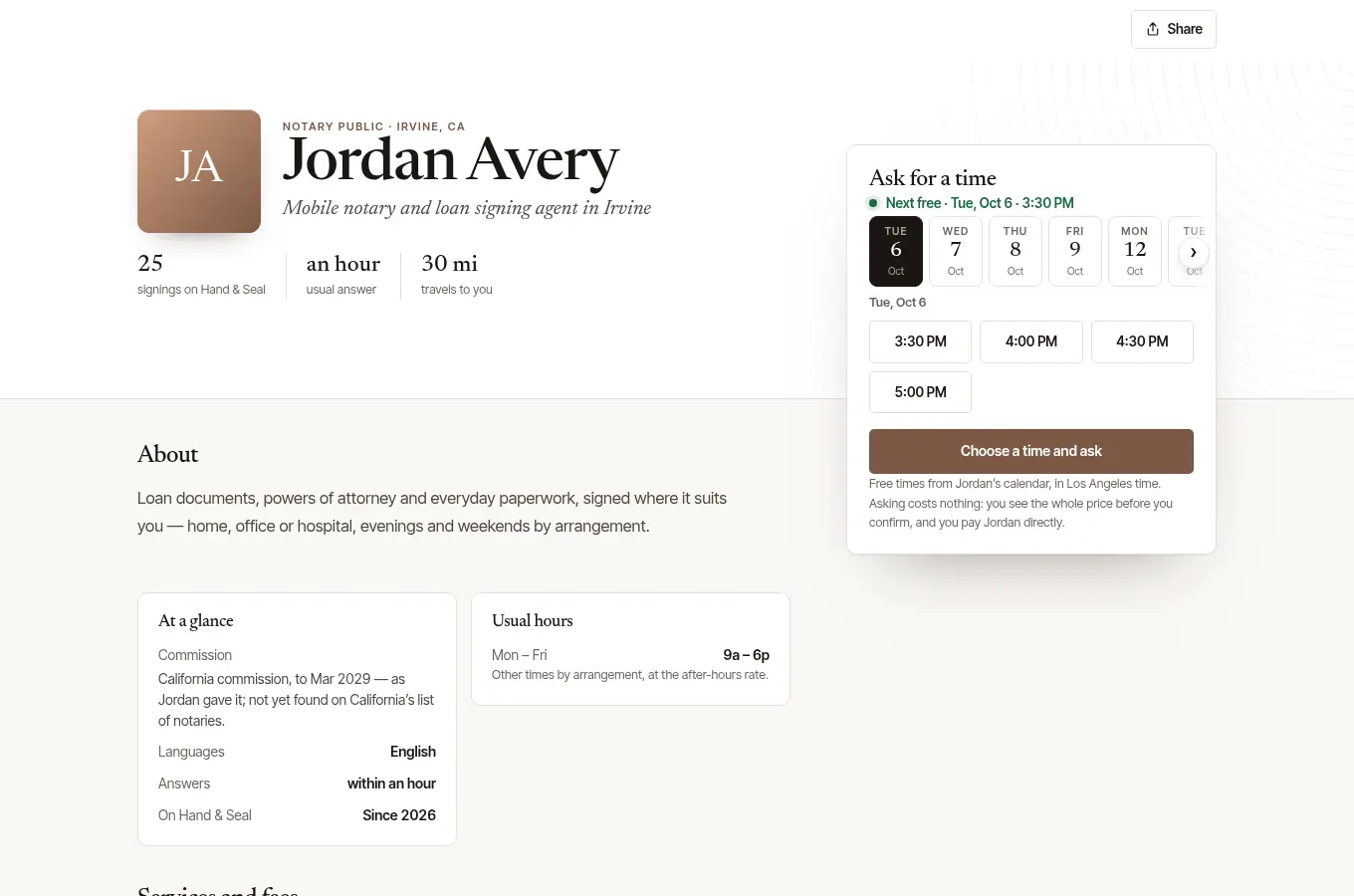
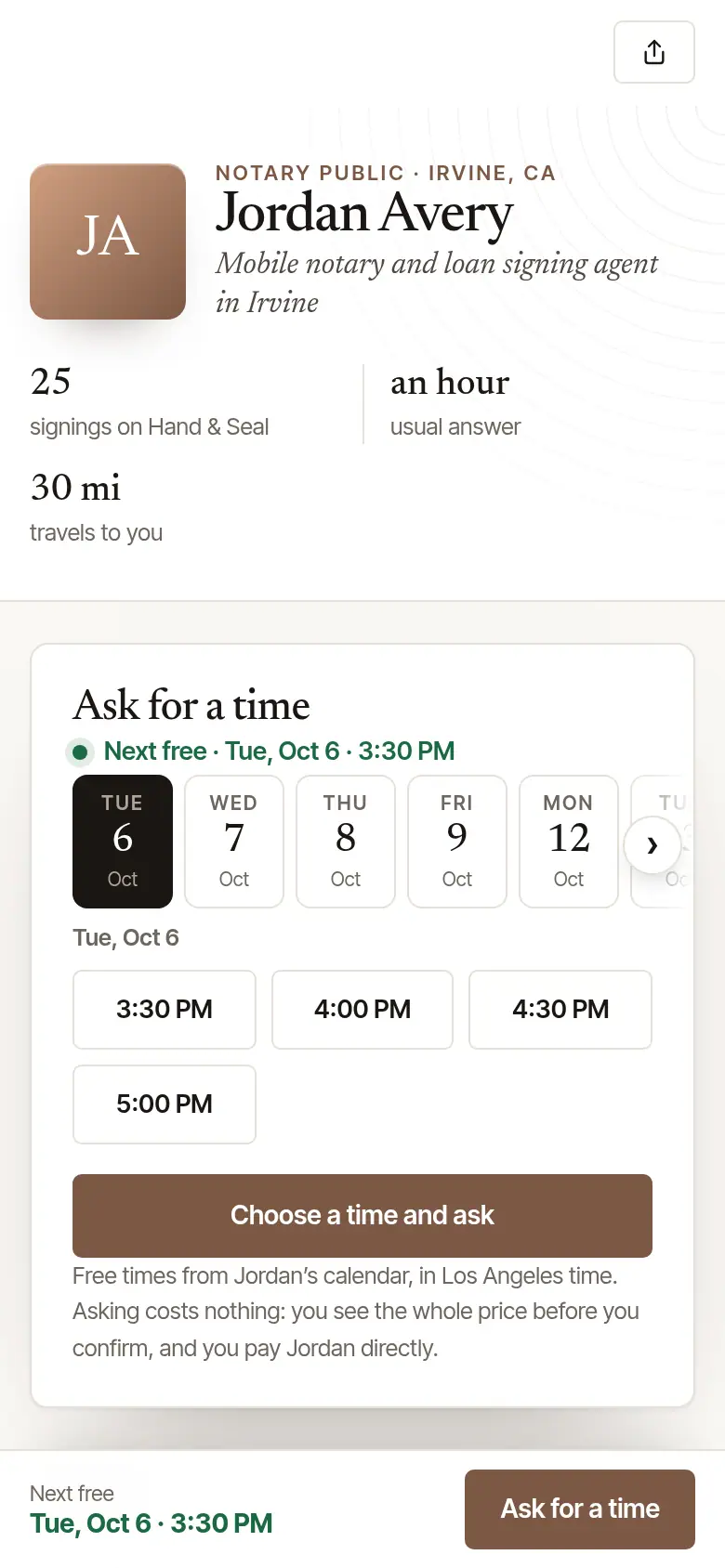
Change it whenever you like. Once it's published, the buttons read Save changes and Take it down: what you save shows on your page at once.
Good to know
- A new web address? Change it any time. The old one stays yours and forwards to the new one, so cards and links you've handed out keep working.
- Take it down takes the page offline at once — its address answers “not found” — and out of the directory. Publish again and it's back as it was.
- Taking a break? Untick Take requests from this page and save: your page stays up, and says you aren't taking requests.
- Your commission has run out? A page can call you a notary only while a current commission is on file. Until one is, yours says only your name, that you're not taking signings through it at the moment, and your reviews — no fees, no times to ask for — and search engines are asked not to list it. Public profile says so at the top. Add the new commission in Settings → Account, and your page is back as you wrote it.
- A line under your name that you didn't write? Some states have every notary who is not an attorney say so, in set words, wherever she advertises — and your page is an advertisement of your services. Where your state does, its words show under your name on your page, exactly as the law prints them. Fifteen states ask it only of a notary who advertises in a language other than English: there the words show once you list another language, and your state has them given in that language too. Where your state itself prints them in Spanish — New York and Arkansas do — your page says them in Spanish under the English once you list Spanish, in the state's own words. For any other language, and in the other states, we carry them in English only so far, so adding them in that language, in your About, is yours to do; the form tells you which it is. If you are an attorney licensed in your state, tick I'm an attorney licensed to practice law in … on the form and they come off. If you hold more than one state's commission, your page says what each of those states asks for, and there's a box for each: ticking one takes off that state's words alone.
- A sentence under your specialties that you didn't write? Some states put a condition on who may run a loan signing. Where your state's rules here carry one, ticking Loan signings or Refinance packages puts it under your specialties in one short sentence, in your own voice, with how far that state's rules were checked — and on your card in the directory. The form shows you your state's rule, with the law it was read in, and the sentence your page will say, as you tick. If that isn't how you work, untick the specialty. If you've ticked I'm an attorney licensed to practice law in …, nothing is said under it.
- “Notario” can't be used — in your name, your web address, the headline, About, your cancellation policy or a reply to a review. In Spanish it means a kind of lawyer; most states forbid the word to a notary who is not an attorney, and Hand & Seal keeps it off every such notary's page. You can still say which languages you speak. If you hold more than one state's commission, the word is yours only once you've ticked the box for every one of them. Add a commission in another state, and whatever of yours says it (your headline, About, cancellation policy, a reply or your business name) is left off your page and your card until you take the word out — or, if you're an attorney licensed there, tick its box. Public profile says what and why; your name and web address can't be left off, so it asks you to change them.
- On the phone, More → Your page → Edit your page opens this same page inside the app.
Was this helpful?
Still stuck? Contact support — a person reads every message and answers by email.