Question
What happens when I remove a drive, or mark it personal?
Neither is erased. A personal drive stays in your log without its route, its ends named only by town; a removed one leaves the log, and loses its names and notes. Both are out of your deduction.
Nothing in your mileage log is ever erased — a log that shows all your driving is what makes the business share believable. But where you went on your own time is yours, so a personal or removed drive keeps far less.
A drive marked Personal (or filed as personal with a swipe):
- stays in your log, and in the log you export, marked personal and worth nothing;
- is left out of your deduction;
- keeps no route, and where it started and ended only to within about 100 meters;
- names its ends by their town, not their street: “24212 Hollyoak Dr, Aliso Viejo” is kept as “Aliso Viejo”. A place you named yourself, like “Home”, keeps its name. (Your phone keeps what it recorded, so the street is still there if you file the drive as work from the phone.)
A removed drive — Remove this drive on the phone, Remove from the log on the web — is for a drive that shouldn't be in the log at all: a GPS glitch, a drive logged twice, a trip as a passenger. It:
- leaves your log and the exported log, and your deduction;
- keeps no route, and its ends only to within about 100 meters;
- loses the names of where it started and ended, and any note on what it was for;
- is kept, not erased: on the web's Mileage page, under that month's drives, … removed — see them lists it.
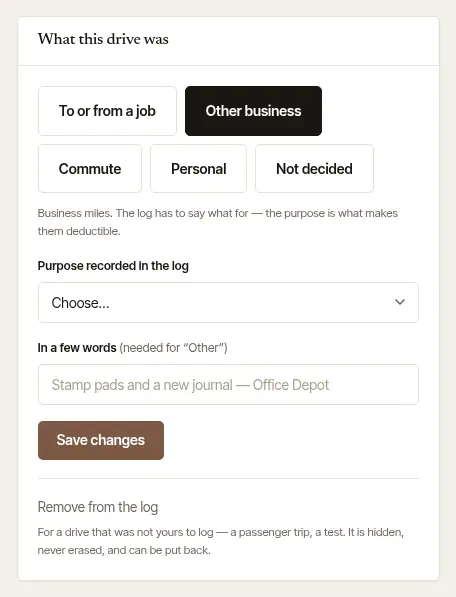
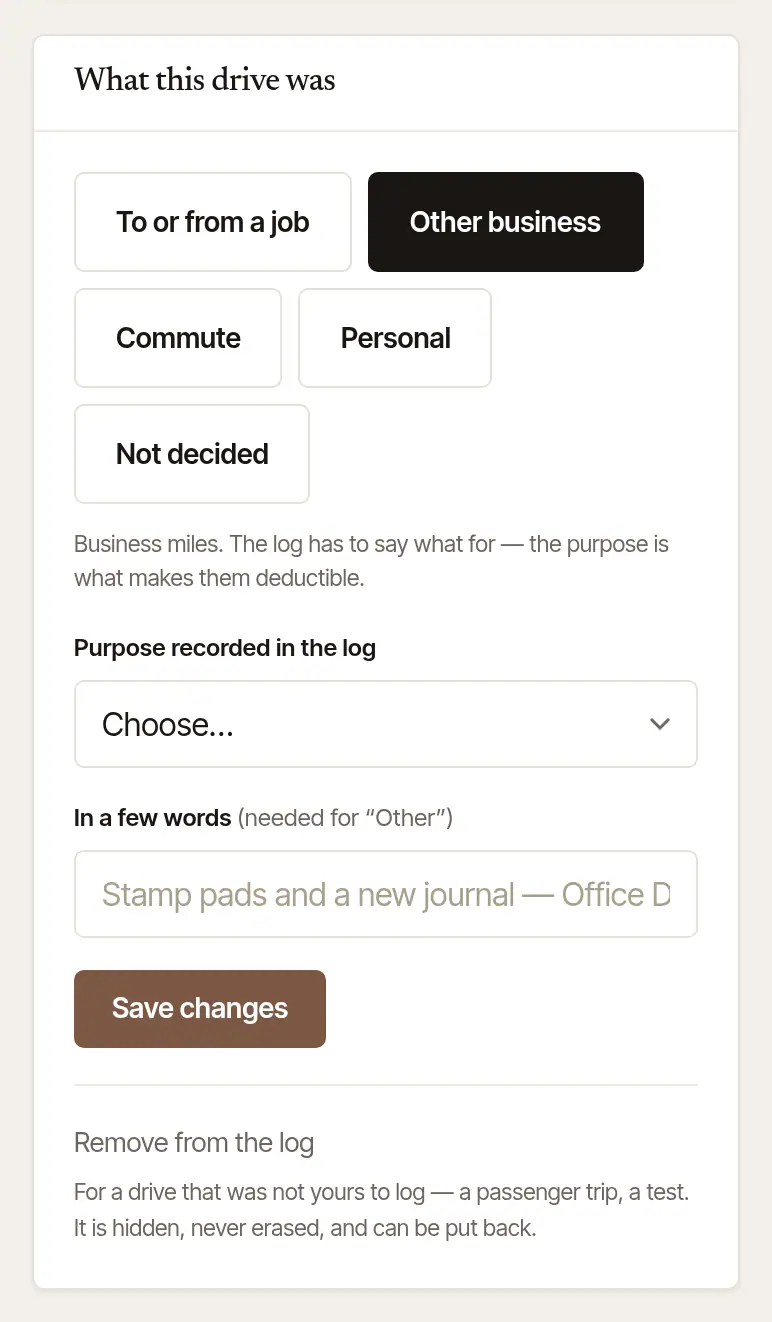
Changed your mind? A personal drive can be filed again at any time — as work, for a job or an errand — from its page. A drive you removed can be put back on the web, whenever you like:
Open Mileage, and the month of the drive. Under the month's drives, choose … removed — see them (it says how many).
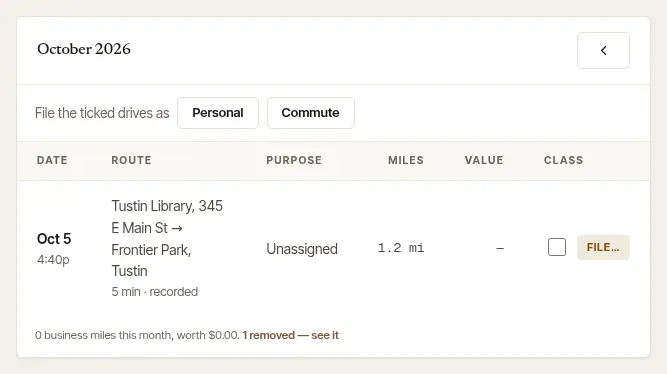
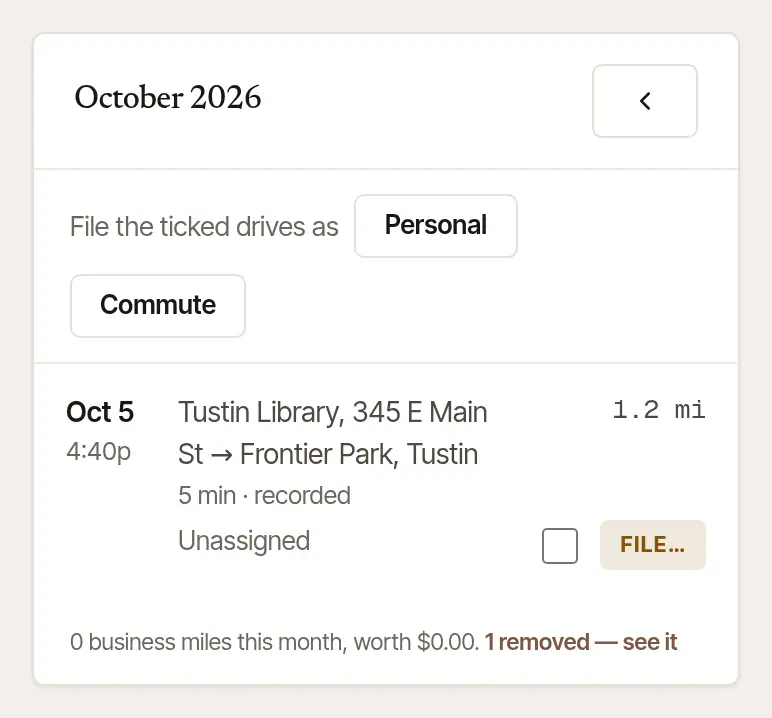
Find the drive. Removed in that month lists each one by its day and time, how long and how far, what it had been filed as, and when it was removed.
Choose Put back in the log beside it. It counts again, filed as it was — but the route and street names it lost don't come back.
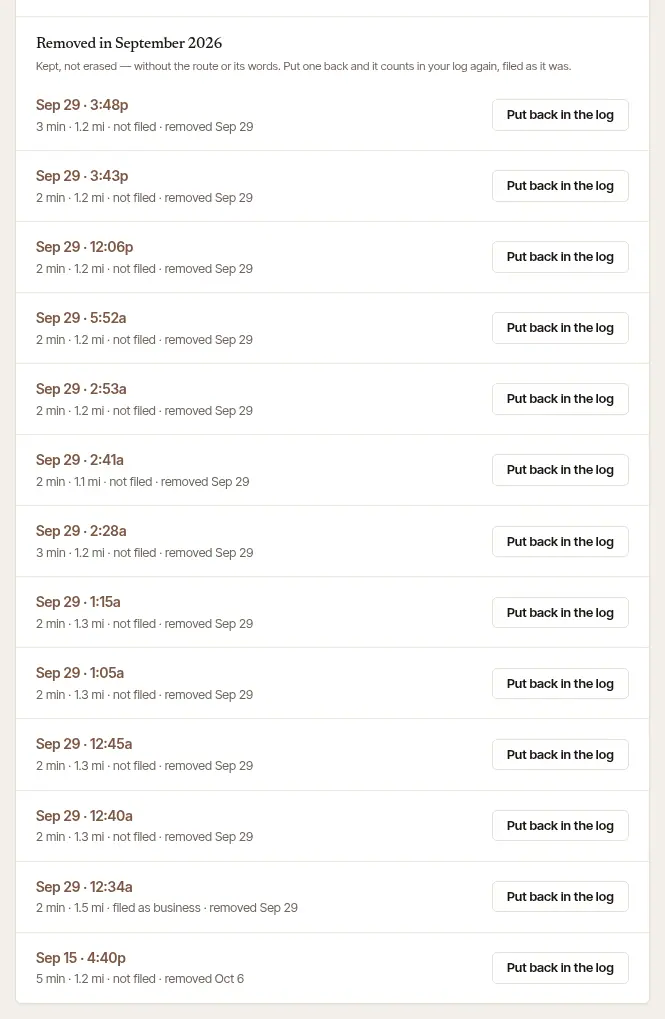
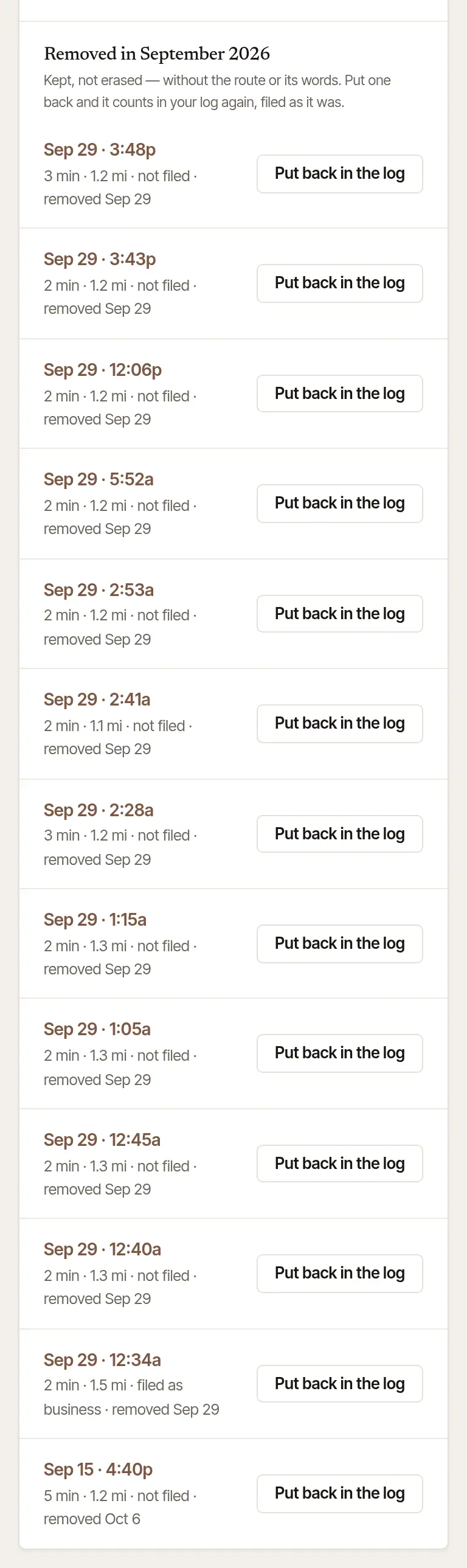
Just removed it? Its own page offers Put this drive back in the log straight away.
One removed drive has no button: a signing's round trip that was logged from the job, when the phone's own drive for that signing took its place. The list says The phone's drive took its place — put back beside it, the trip would count twice. If the phone's drive wasn't for that signing after all, file it where it belongs; the round trip can then be put back.
A trip your phone and your tablet both recorded doesn't need removing: your log counts it once, and keeps the second recording, with its route, marked Recorded on two devices. If you remove the recording that counts, the second one does not start counting by itself — it says the other was removed, and offers Count this one. A second recording you removed and put back is still a second recording: it adds nothing. See Two of my devices recorded the same drive.
See See a drive on a map, and fix it for where these buttons are.
Was this helpful?
Still stuck? Contact support — a person reads every message and answers by email.