Guide
Working as an assistant
What an assistant sees and does in a notary business — booking signings, handing them to the notaries, keeping clients and invoices — and why the phone app sends you to the web.
An assistant runs the diary for a notary business: books its signings, hands them to its notaries, and keeps its clients and invoices. You sign in as yourself, you're free on the business's bill, and you aren't there as a notary — so there's no journal, mileage log or public page for you, and no books or plan.
What you see
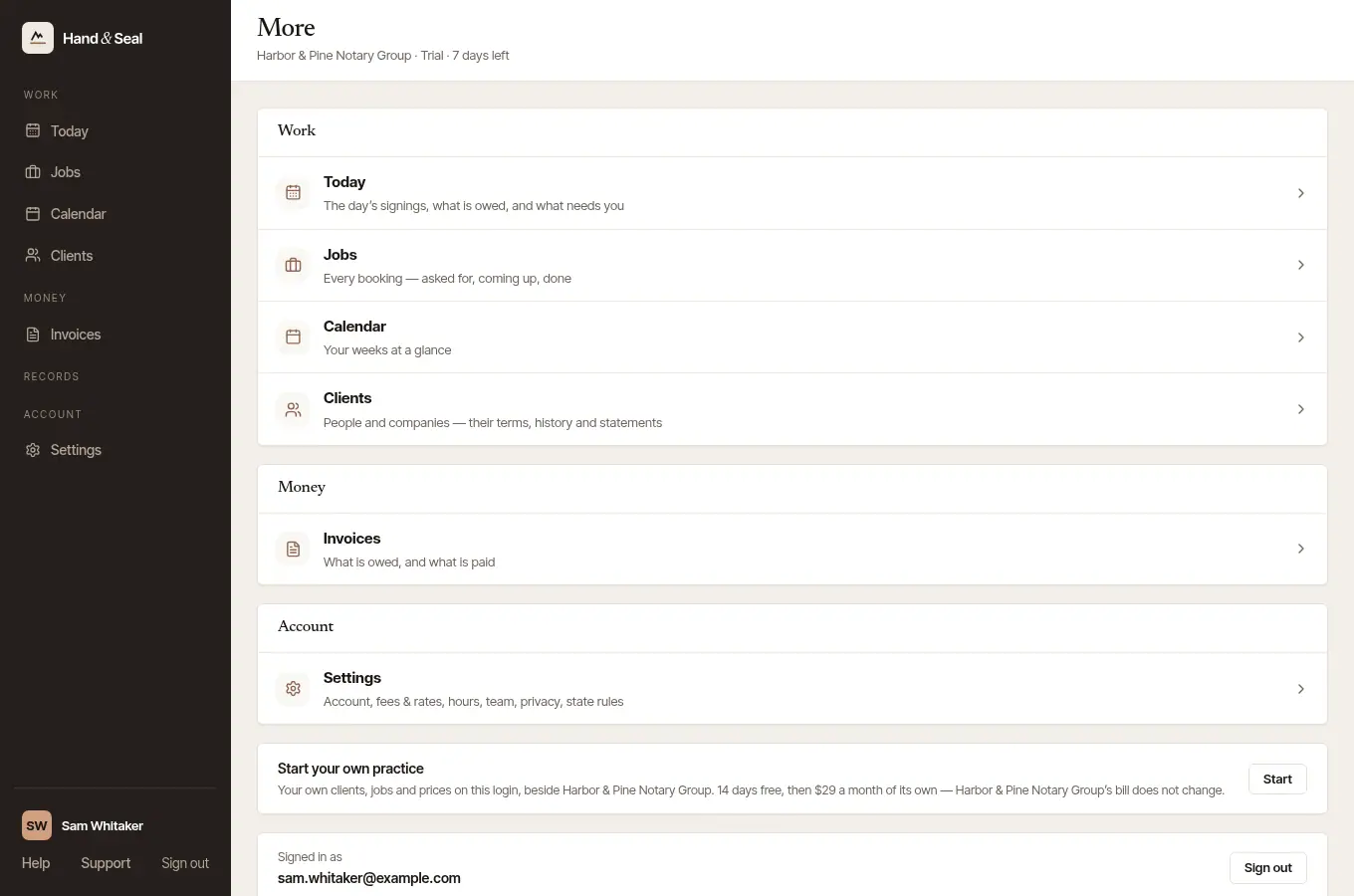
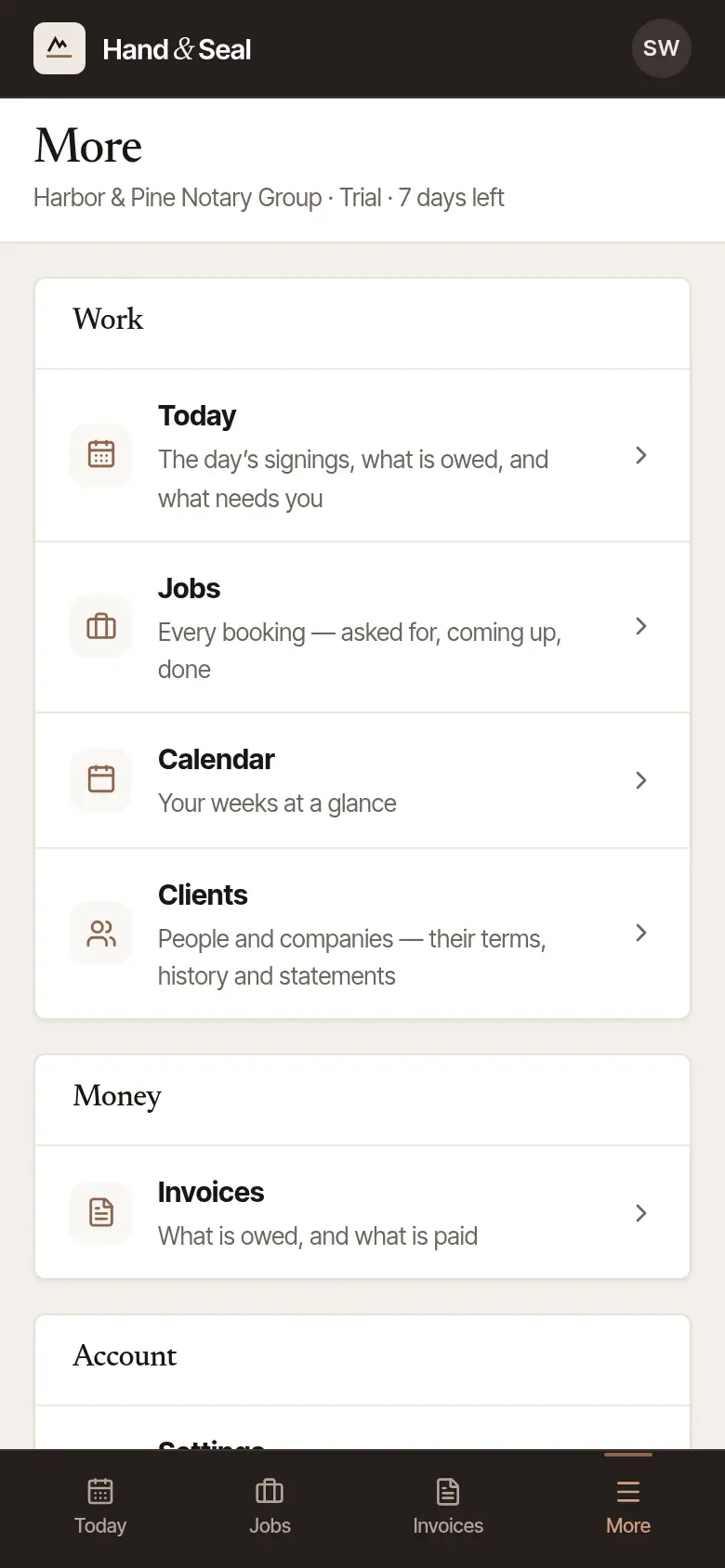
Everything you do is on the web: Today, Jobs, Calendar, Clients, Invoices and Settings. On a phone-sized screen, More lists them.
Book a signing for the team
Open Jobs, and choose New job. Fill it in as a notary would: the client, the day and time, where, the kind of work and the acts planned, and the signers.
Check the State. The form offers every state, so choose the one where the signing is. It prices the signing at the business's own prices, within that state's limits.
Choose Add to schedule.
In a business with several notaries, a signing you book is nobody's yet: it Needs a notary until you hand it to one. In a business with a single notary, it's theirs from the start.
Hand it to a notary
On the signing's page, under Who does it, choose the notary and Offer to … them. They accept it or say no, and you're told either way. The steps are in Hand a signing to someone in your business.
Clients and invoices
You keep the business's clients, and send and chase its invoices — record a payment that arrived, send a receipt. Closing a signing out is its notary's: only the notary who did a signing writes its journal lines, and closing out makes its invoice.
On the phone
The Hand & Seal phone app is the notary's side of the work — their day of signings, their journal and their mileage. An assistant who signs in to it sees This app is for notaries in the field, with Open Hand & Seal on the web to go where your work is. If you also work somewhere as a notary, a button there switches to it.

Good to know
- Your prices are the business's: Settings → Fees & rates says what the business charges, and its owners set it.
- Want to notarize yourself? You can start a practice of your own on the same login, with your commission first: Start a practice of your own.
- Leaving is yours to do at any time, from Settings → Team. You stop seeing the business at once, and take nothing of it with you.
Was this helpful?
Still stuck? Contact support — a person reads every message and answers by email.