Guide
Void a journal line, correct it, or add an act you left off
A journal line is never rewritten. Void it with a reason, add an amendment beside it, or add an act you forgot at close-out — at no charge, or billed on an invoice of its own.
General information, not legal advice
This page explains how Hand & Seal works. Your state’s law, and your commissioning authority, decide what you must do — when in doubt, ask them or a lawyer.
Once a signing is closed out, its journal lines are locked — like ink in a paper journal. A mistake is put right the way it is on paper: the line stays, with a void or a correction beside it, and the sequence of numbers never has a gap.
- Void a line that shouldn't count — a signer who left before signing, an act not completed, a line written twice.
- Add an amendment when something on the line was written wrong — a name, the document, the page or line.
- Add an act you left off when an act was done at the signing but missed at close-out.
Void a line
Open the line. In Journal, choose its number.
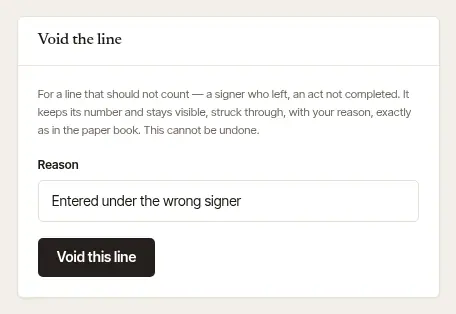
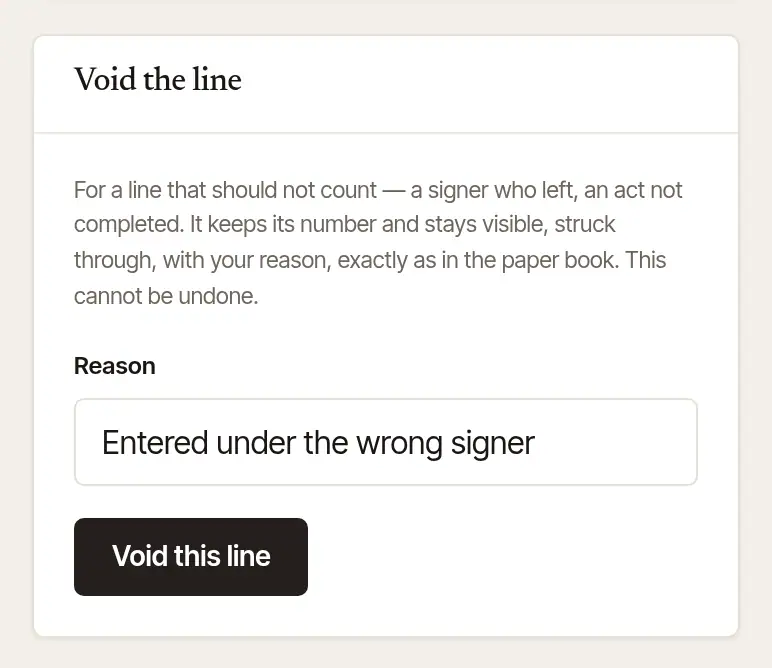
Give the reason. Open Void the line… and type the Reason — it becomes part of the record.
Choose Void this line, then Void it. It's asked once, because it can't be undone; Keep leaves the line as it was. The line keeps its number and stays in your journal, struck through, marked Void, with your reason.
Open More → Journal, and find the line.
Tap Void… at the foot of the line.
Say why under Why is this line being voided? — a few words, such as “entered under the wrong signer”.
Tap Void this line. The line stays, struck through, with VOID and your reason. Cancel leaves it as it was.
Correct a line with an amendment
On the web. The line itself is never changed: the amendment sits beside it, saying what should have been written.
Open the line in Journal.
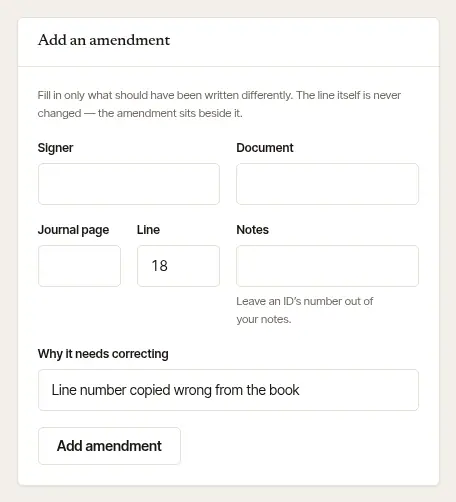
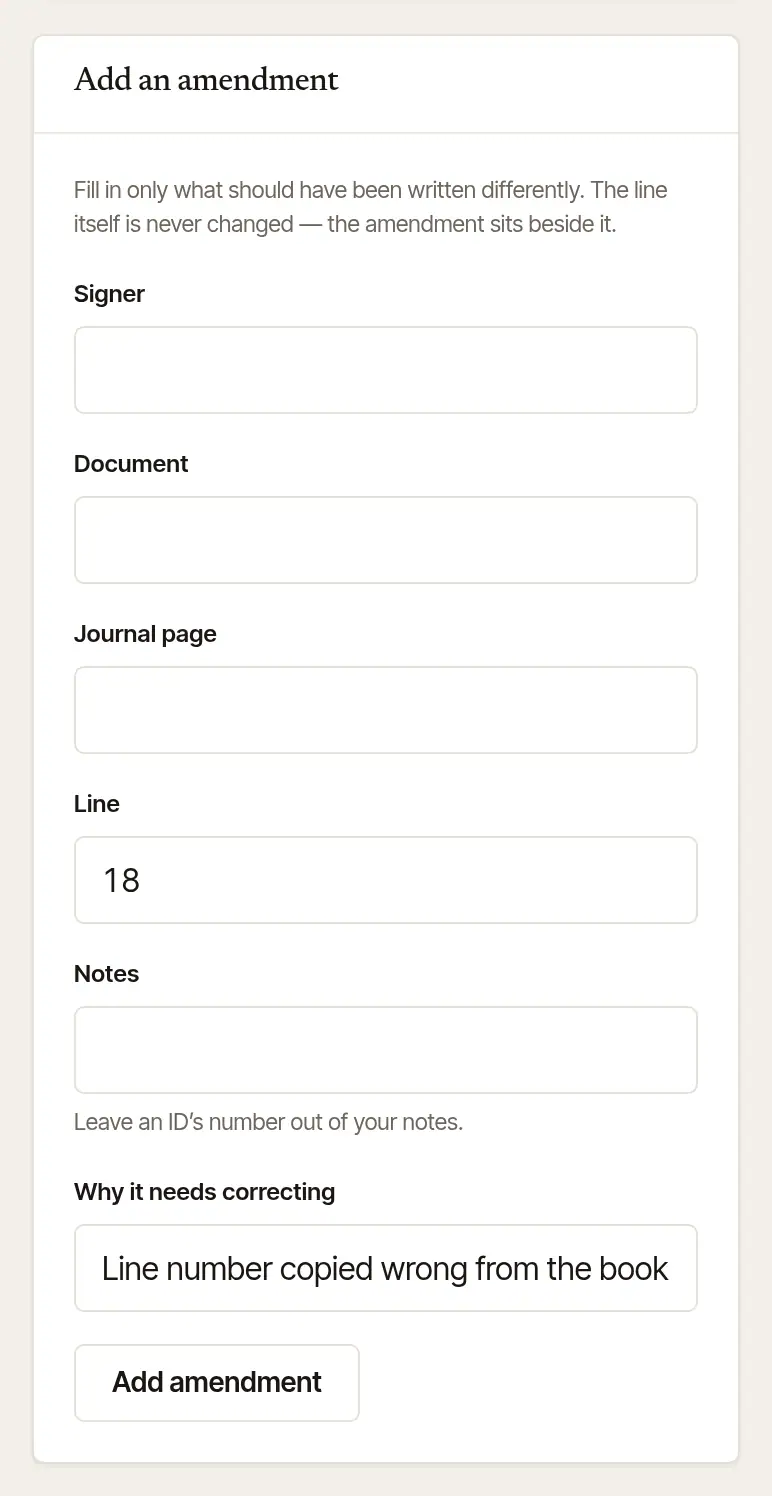
Fill in only what was wrong. Open Add an amendment… and fill in Signer, Document, Journal page, Line or Notes — leave the rest empty.
Say why in Why it needs correcting.
Choose Add amendment. The line's page then lists it under Amendments, with the day and your reason — for instance, Line: “15” should read “16”.
A void line can't be amended — it no longer counts.
Add an act you left off
For an act that was done at the signing but missed when you closed it out. Only the notary who did the signing can add one, and only once the job is closed out — before that, add the line at close-out.
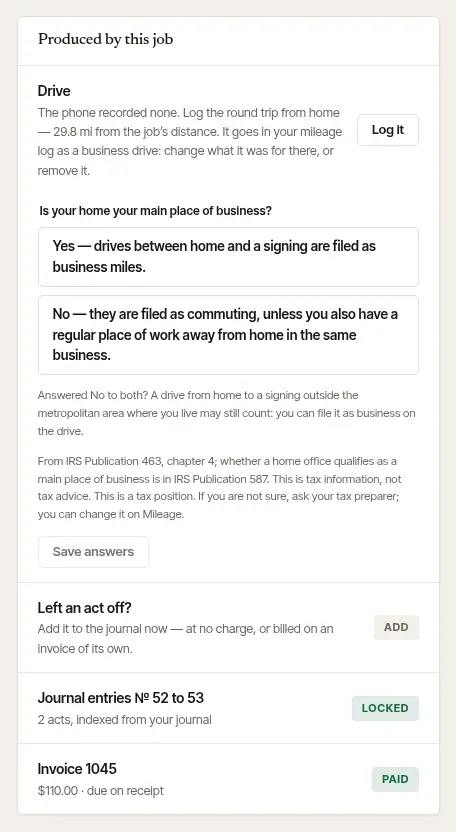
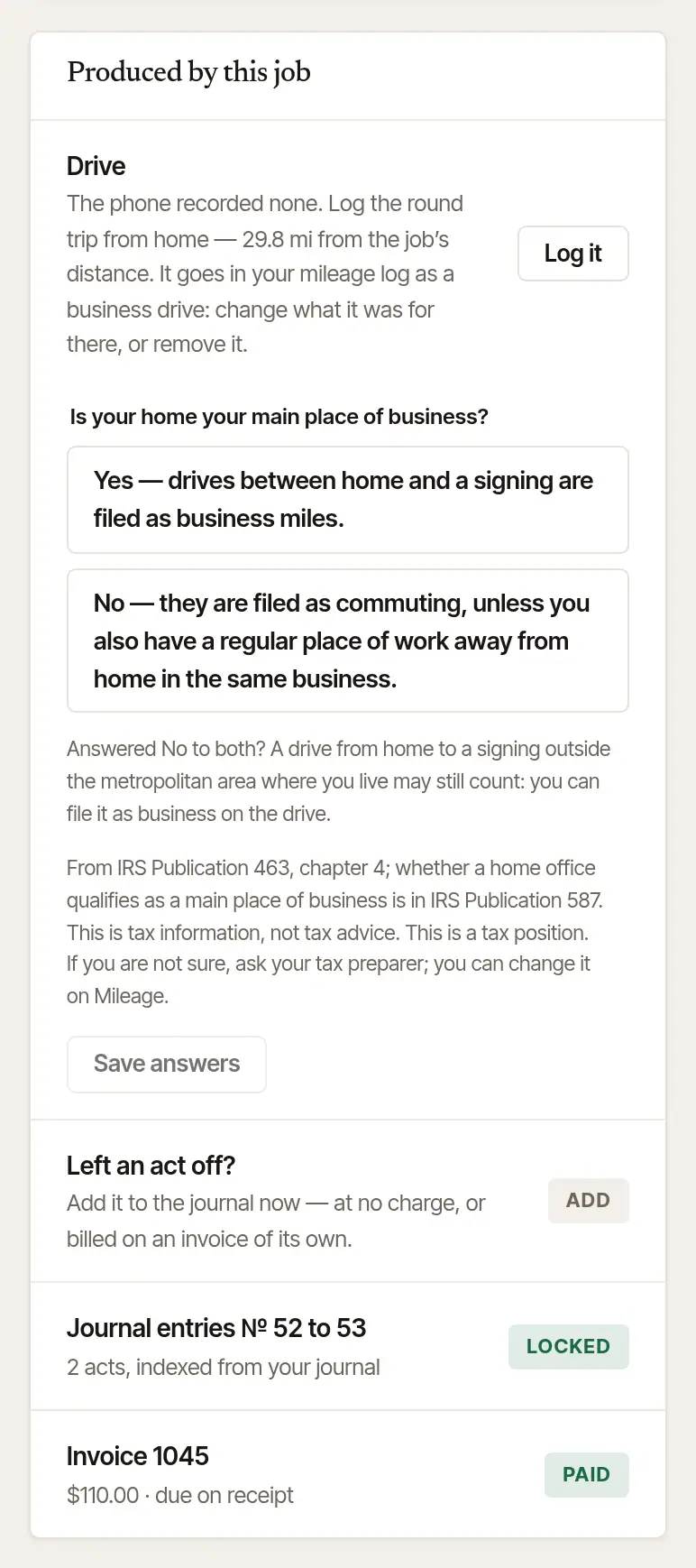
Open the job. Under Produced by this job, choose Left an act off?
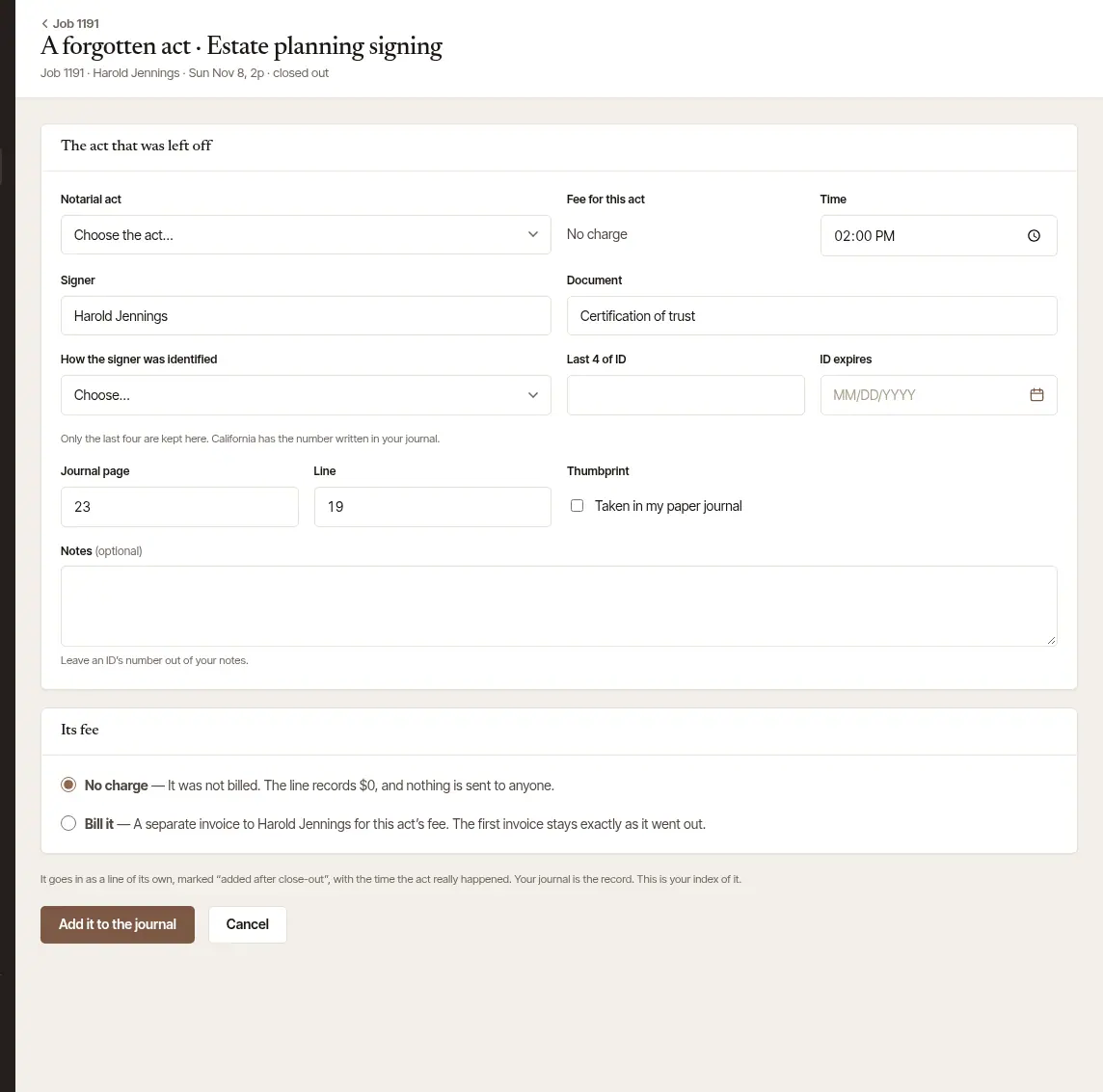
Fill in the act that was left off — the same fields as a line at close-out, with the time the act really happened. It starts on Choose the act…: say which act it was. The book, page and line start from the line after your last one.
Choose how its fee is handled, under Its fee:
- No charge — it wasn't billed: the line records no fee, and nothing is sent to anyone.
- Bill it — a separate invoice to the client for this act's fee. The invoice that already went out stays exactly as it was.
- On a flat-fee signing, Inside the flat fee takes the place of Bill it: the act is recorded at its fee, inside the flat fee, and nothing more is owed.
Choose Add it to the journal. It goes in as a line of its own, marked “added after close-out” (Added later in the Journal).
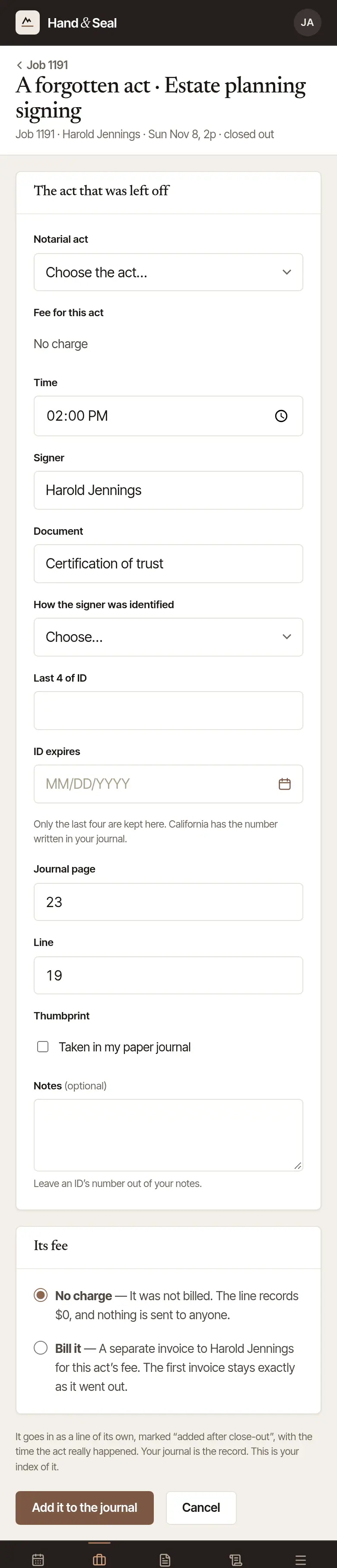
Open the job. On a closed-out job, tap Left an act off? Add it, under its journal lines.

Fill in the line on A forgotten act — the same fields as any journal line, Read the ID's barcode included where your state's law lets a license be scanned.
Choose Its fee: No charge, or Bill it (an invoice of its own) — on a flat-fee signing, Inside the flat fee instead.
Tap Add it to the journal. The phone says the line's number, and how it was billed. It's locked at once.
Good to know
- A void, its reason, and every amendment are in the copies you export (Export CSV, Download everything) — the history is part of the record.
- A line written for a business you've since left is still yours to void or amend: the change is made where the line is kept, and nobody there reads your journal.
General information, not legal advice
Your state decides how a mistake in a journal is corrected, and what a late entry must show. Your journal is the record: correct it there as your state's rules require, and use the void, the amendment or the added act here to keep the index matching it. This is general information, not legal advice — your state's notary handbook, its commissioning office or a lawyer has the last word.
Was this helpful?
Still stuck? Contact support — a person reads every message and answers by email.