Guide
Let clients and companies pay online
With card payments set up, every invoice's link offers Pay by card — and a company's can offer a bank transfer too. Both record themselves on the invoice, and the receipt follows.
Once your card payments are ready, there's nothing more to switch on for cards: every invoice you send has Pay … by card on its page. For title, escrow and signing companies that pay by bank transfer, you can offer that too.
Pay by card, from the invoice's link
Send the invoice as usual — from Hand & Seal, or its link your own way (Send an invoice).
Your client opens the link and chooses Pay … by card. The button carries the amount still owed, at the top of the invoice beside Print or save as PDF. It opens Stripe's own payment page, and the card is charged on your Stripe account — never through ours.
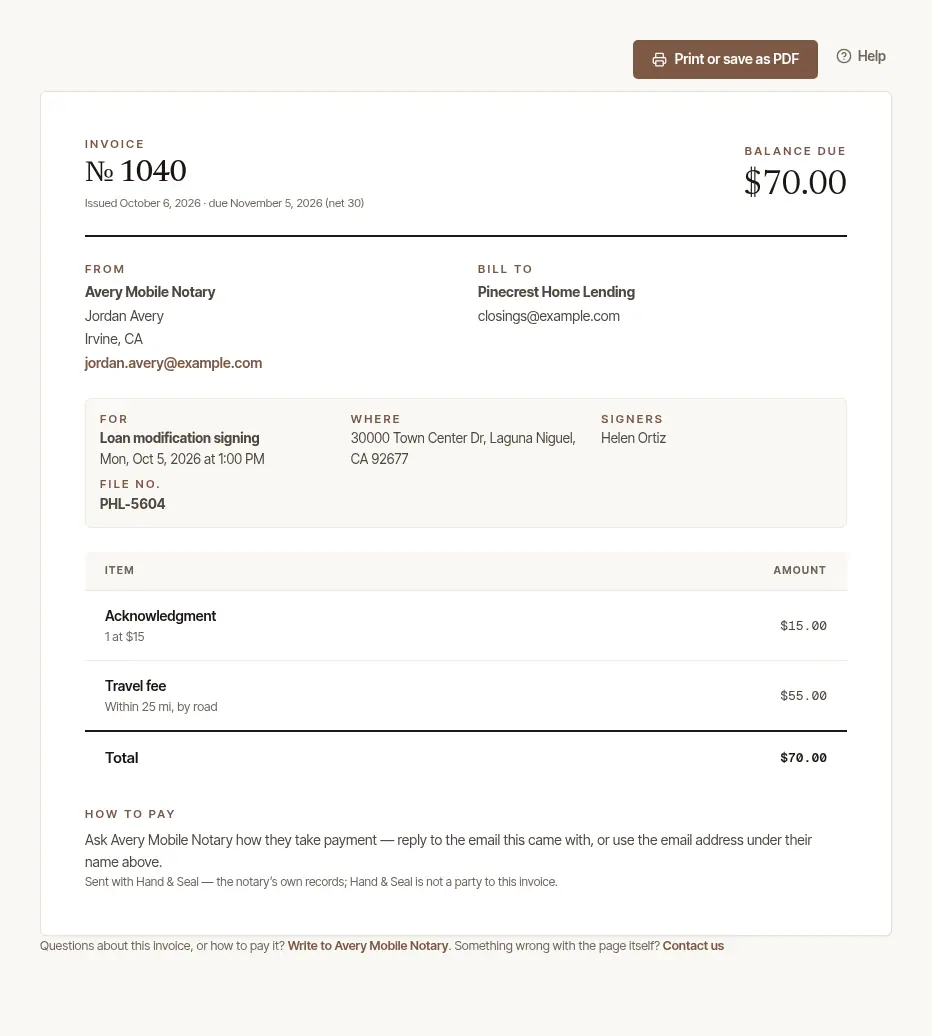
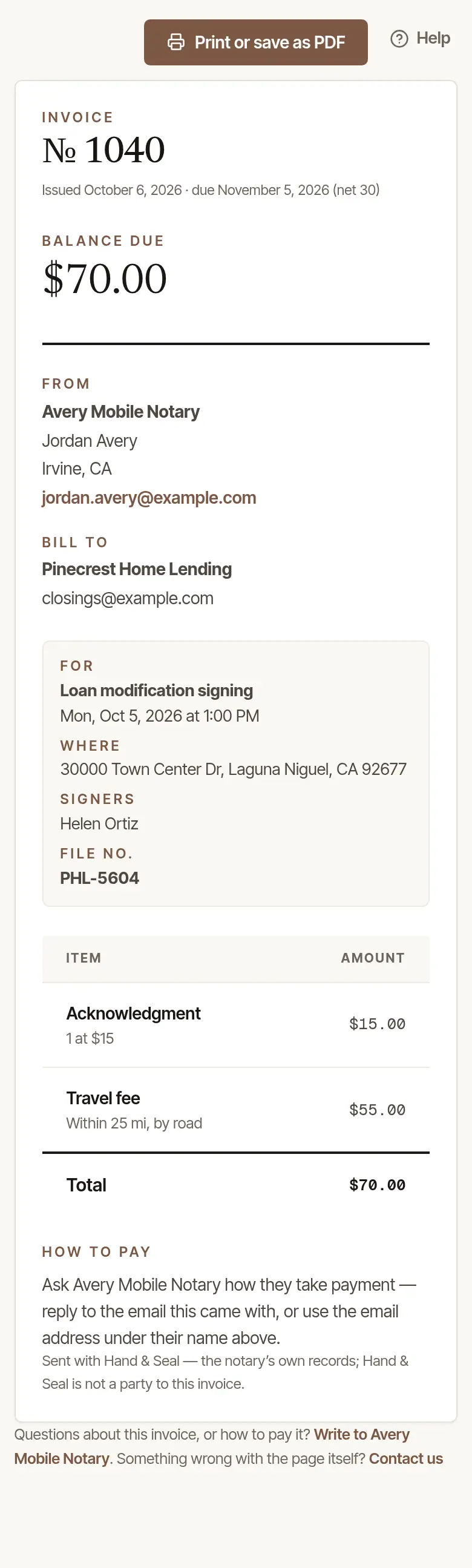
It records itself. Back on the invoice, the client sees Thank you — paid by card. The payment goes on the invoice and into your books by itself, with Stripe's fee as an expense; the client's receipt goes to them by email, and you're told.
If the card doesn't go through, the client sees That card payment did not finish, so nothing was paid, and can try again.
Take bank transfers from companies
Companies often pay by bank transfer (ACH). With this on, a company's invoice offers Pay by bank transfer beside the card — into the same Stripe account. Stripe charges its own fee for a bank transfer, as it does for a card: Stripe's pricing page has both as they stand.
Open Settings → Integrations → Stripe. Under Bank transfers from companies, choose Take bank transfers too. (It's there once you've set up card payments; the business's owner turns it on.)
Wait for Stripe's yes. The card says Stripe is checking until then — usually within a day. On means it's on; Not on yet means Stripe wants a detail more — your Stripe Dashboard says what.
Invoices to a person, not a company, still offer the card alone.
What happens after a company pays by transfer
- On its way. A bank transfer usually arrives in about four business days. The invoice says A bank transfer is on its way, it isn't chased by reminders meanwhile, and Invoices counts it as On its way. When it arrives, it goes into your books by itself, and you're told.
- Verifying their bank. If the company typed their account numbers, Stripe first sends two small deposits to that account to confirm it; the transfer starts once they do. Nothing to do on your side.
- It didn't go through. The invoice says A bank transfer did not go through, with the bank's reason, and is open again; its link offers card or bank transfer as before.
- It's taking longer than a transfer takes. After more than eight days on its way — or twelve waiting on their bank — the invoice and Today say so, and you're told once. A bank transfer is taking longer than usual means Stripe still has it as on its way: nothing to do. A bank transfer is still waiting on their bank means the company hasn't confirmed the two small deposits yet: a word to them may help. A bank transfer has not arrived means nothing has been heard of it: look it up in your Stripe Dashboard, under Payments. If it arrived, record the payment on the invoice — as a bank transfer, for the amount Stripe shows; when Stripe's own word of it arrives, it's matched to the payment you recorded and counted once, and you're told. If it didn't go through, void the invoice and bill the job again — the new invoice's link can be paid, and is reminded like any other. Until you do one or the other, that invoice isn't chased.
Good to know
- The picture shows a business that hasn't set up card payments yet, so there's no Pay … by card in it.
- A client who pays by card after the invoice was already paid another way: the money is in your Stripe account, and the invoice asks you to refund it or keep it — see Give a refund.
- Disputes and chargebacks are answered in your Stripe Dashboard; the invoice shows Disputed while one is open.
Was this helpful?
Still stuck? Contact support — a person reads every message and answers by email.