Guide
Send an invoice
Closing out makes the invoice from the job's own lines. Send it from Hand & Seal in your name, or make the client's link and send it your own way — then the receipt once it's paid.
You never type an invoice here. Closing out a signing makes it from the job's own lines — each act at its fee, travel priced from the final miles (naming their zone, or the miles themselves when you typed or recorded them), printing, waiting — due on receipt or on the client's terms. Once made, an invoice's lines, total, dates and Bill to — the client's name, billing address and email as they were then — don't change: a change to the client shows on the invoices made after it, and letters about any invoice go where that client's letters go now, unless you type another address for that one letter. Taking someone out of your records (when someone asks) takes their address and email off it. Someone your record of that client doesn't name — found by what the invoice kept — loses their name from it too, on a person's invoice, unless that's the name your record has now; and while an invoice still keeps a client's address or email, Settings → Privacy still offers to take them out. Its From and how to pay show your records as they read now — and so does Bill to on an older invoice that didn't keep one, or one an import brought in for a client you already had. What's left is getting it to whoever pays, and telling them how to pay you.
Say how clients pay you — once
Open Settings → Account. Under On your invoices, write in How clients pay you what a client needs to know: who checks are payable to, your Zelle, anything else. Choose Save.
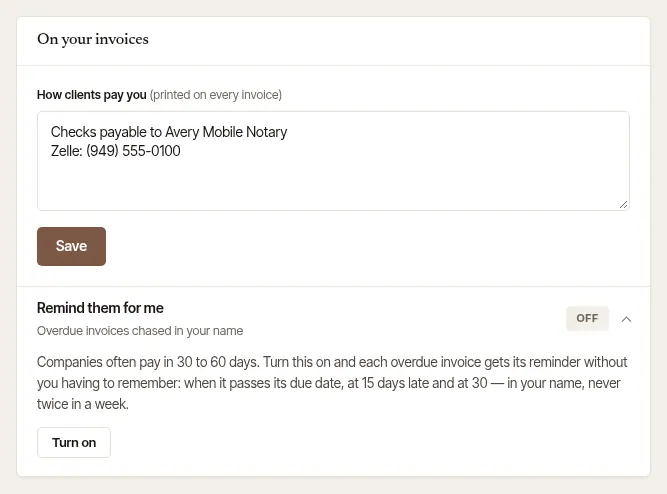
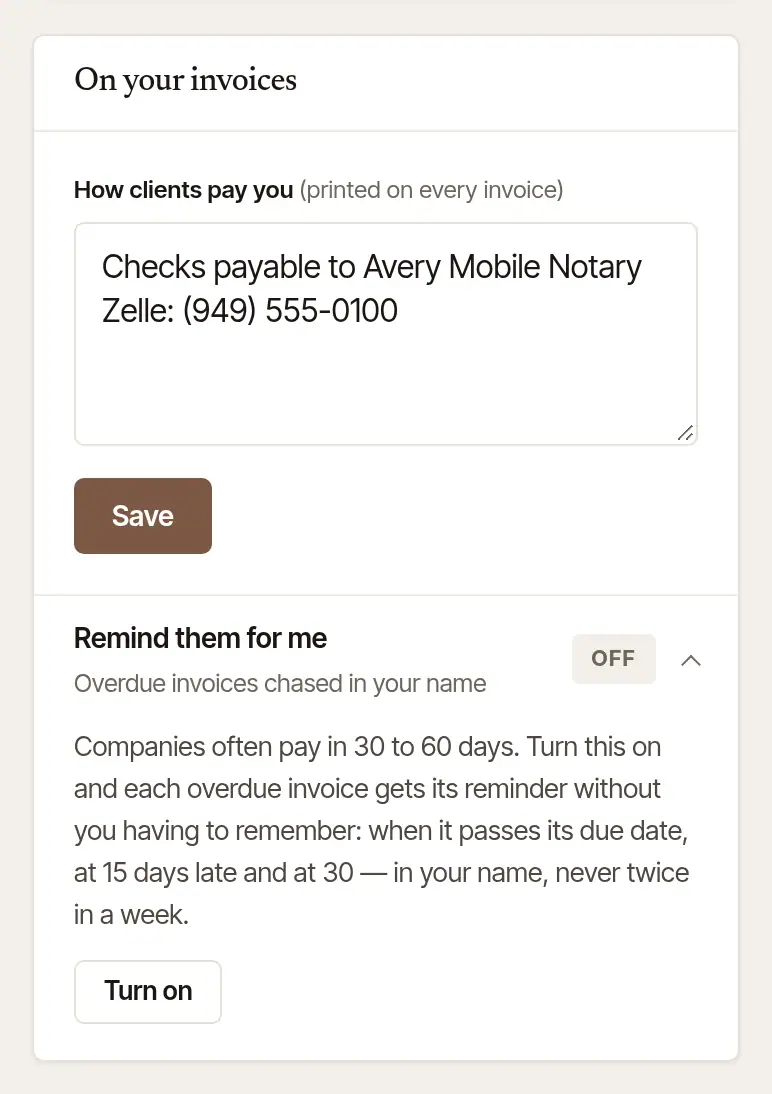
It's printed on every invoice. Until something is written here — or you take cards — your client's copy of an invoice asks them to get in touch with you.
Good to know
You're asked along the way, too. The first time you close out with an invoice and nothing yet says how you're paid, close-out asks How do clients pay you? right there. Passed over, the invoice asks the business's owner again in its Send it card, above the Send button: write it and choose Save it, or Skip for now and send the invoice as it is. What you write in either place is saved here too. Anyone else in the business sees a note there instead — Nothing on this invoice says how to pay you — since those words are the owner's to write.
Send it
Open the invoice. Invoices (under Money) lists them all — Open, Overdue, Not sent, Paid and All — with what's outstanding at the top. On the job, it's under Produced by this job. The job itself offers Send the invoice — right after close-out, and after that on an Invoice not sent card, until the invoice has gone: a letter about it from here went, or you handed its link over with Make the client's link. A client who opens their own page for the signing sees the invoice there; that alone doesn't count as sent — unless they've started paying it, when nothing asks you to send it. When the email that tells a company its order is signed carries the invoice and goes, that counts as sent. Where your record of the company bills another address — its accounts payable, say, or one you changed it to since — the invoice says where it went, with Send it. To an owner or an assistant, it adds that nothing about it has gone to that address from Hand & Seal, where nothing has and nothing else on record — a payment, a reminder you counted — shows they have it. Where an email about it to that address bounced or was marked as spam, it says which, and where a statement that lists it went there, it says that — of a statement, only to an owner or an assistant. Right after close-out, the job says so too.
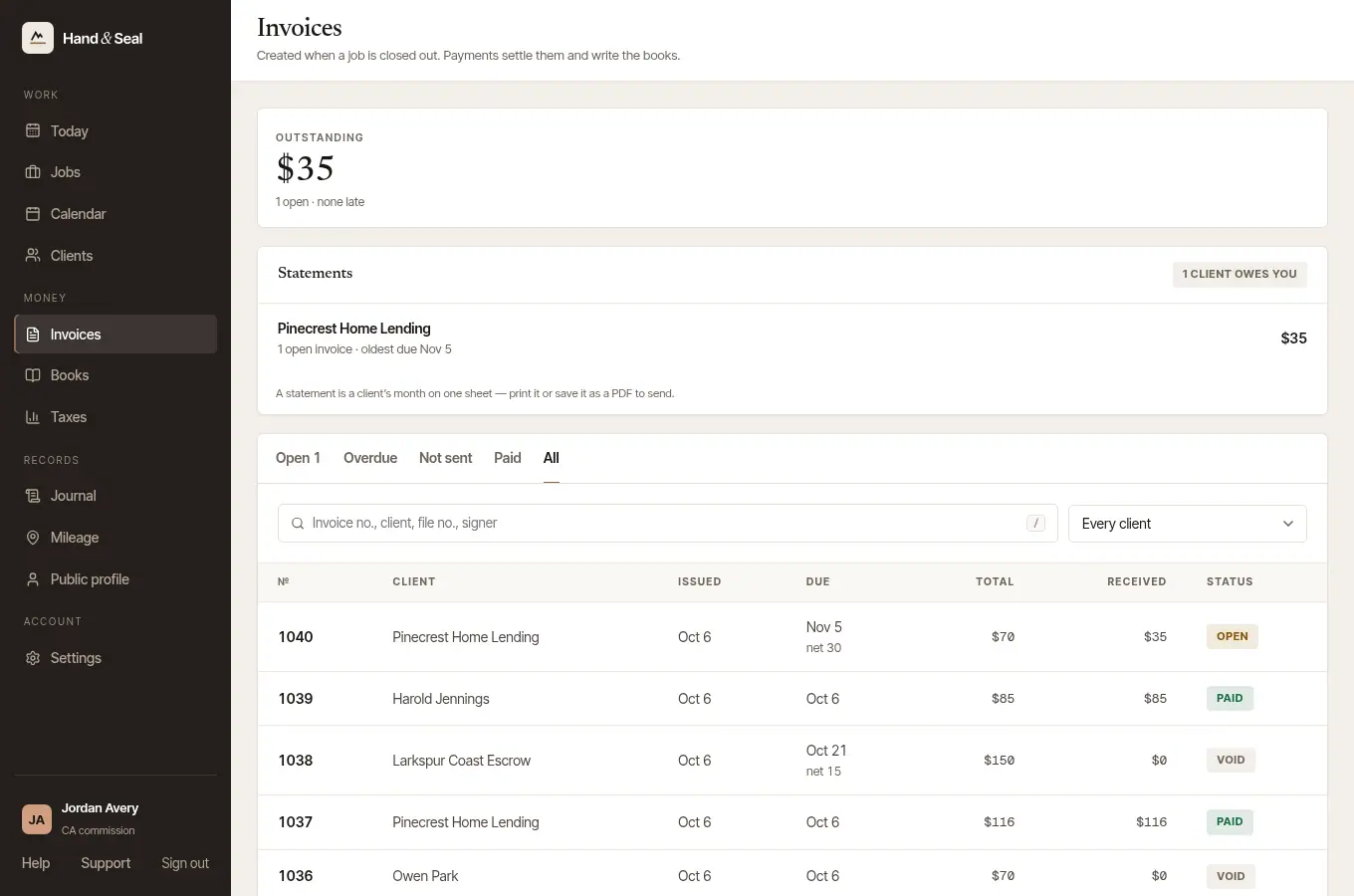
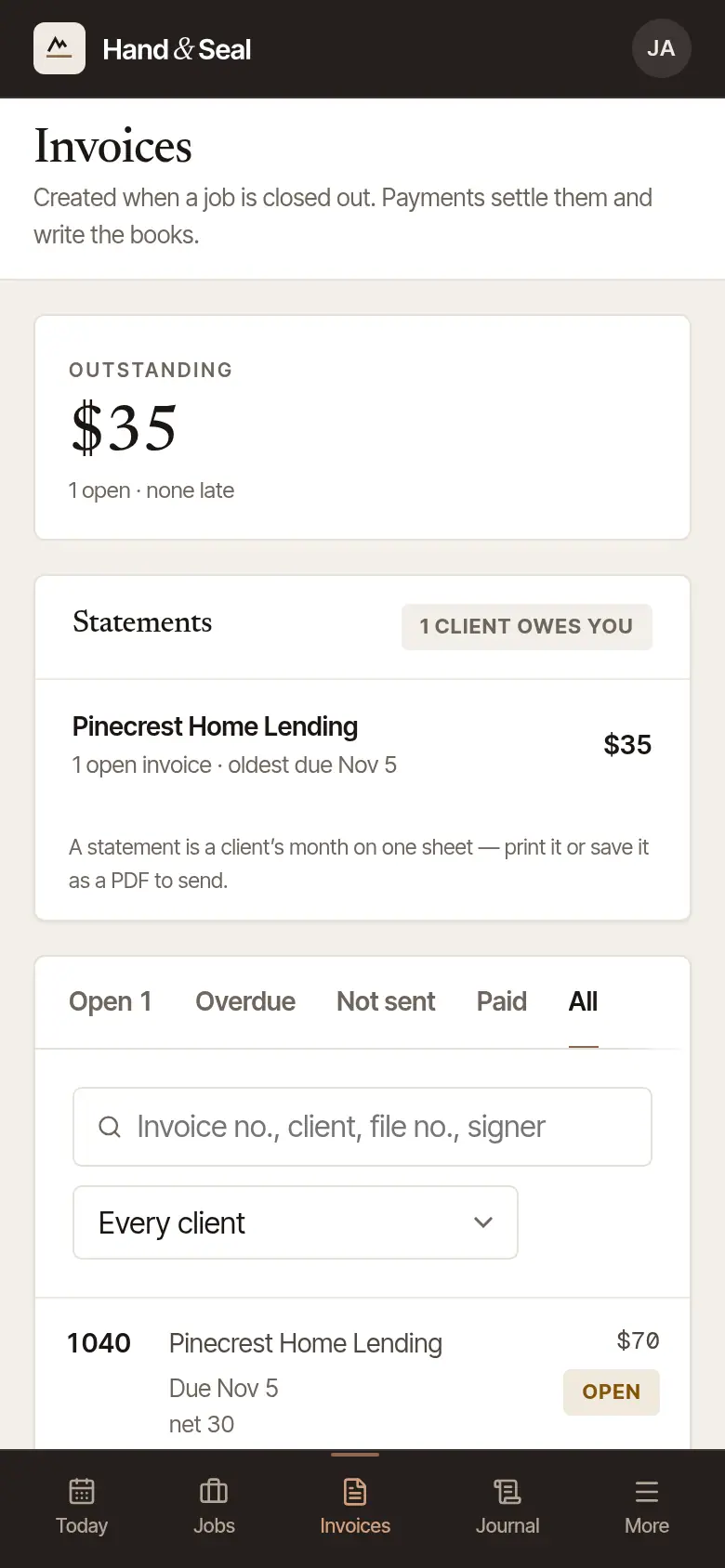
Choose Send it. It goes to the client's email address from Hand & Seal, in your name, and replies come back to you — with Apple's Hide My Email, once you've given an address your clients can write to. No address on file? Type theirs in Their email — it's kept on the client, so the next letter finds it.
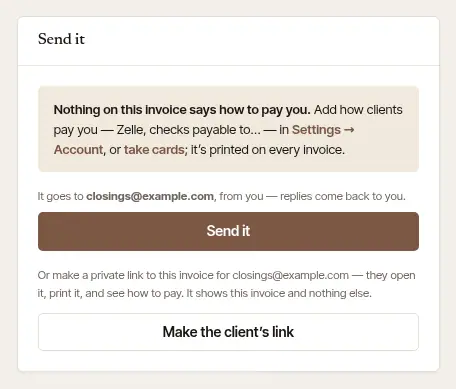
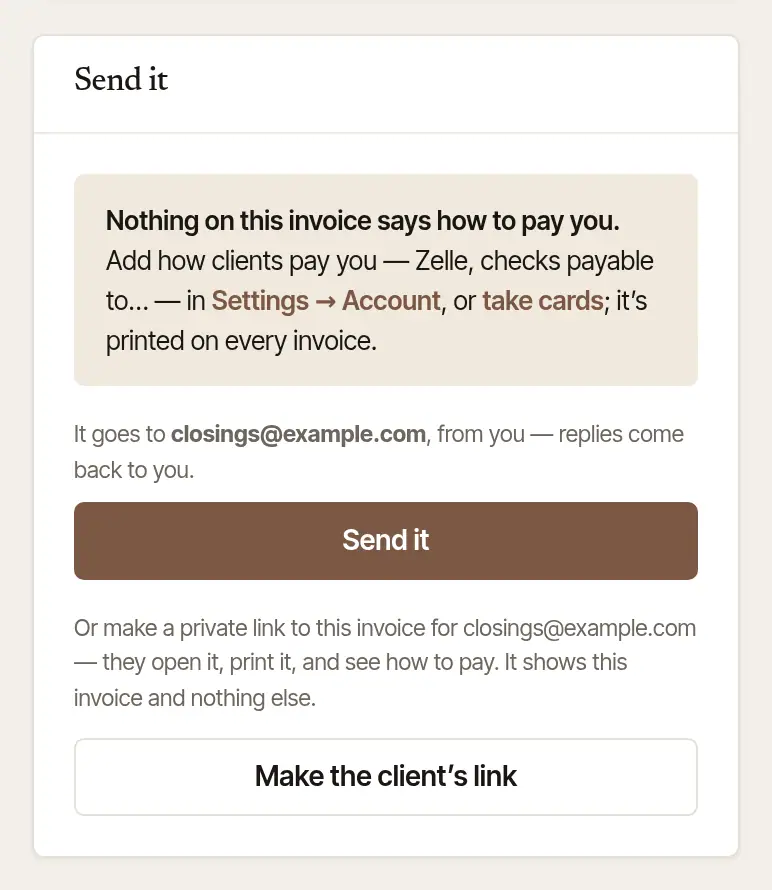
Make the client's link instead makes a private link to this one invoice, to paste wherever you like — a text, your own email, a company's portal. Sending it makes the link too.
Use the link however suits you. Copy puts it on your clipboard. Open in my own mail app writes the email out in your own mail program, link included. Open as they see it shows the client's page.
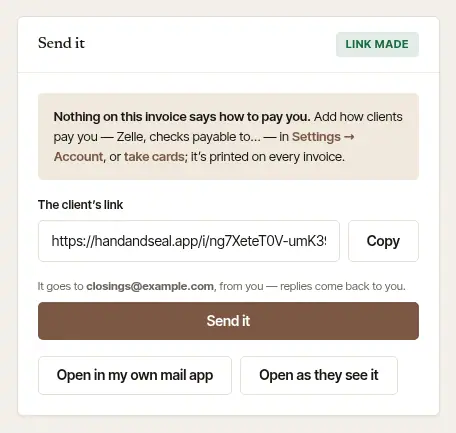
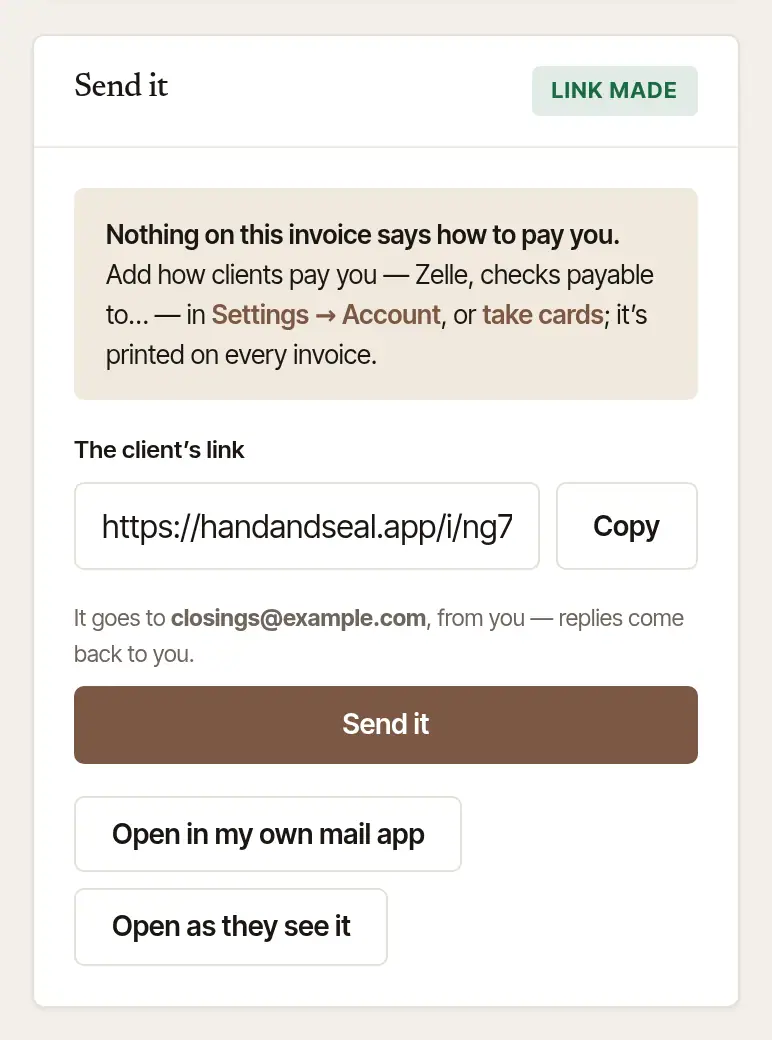
Every letter sent from here is listed under Sent from here — and a statement that lists it, written down on it, only to an owner or an assistant: only they are told of statements. One the client's mail service refused says Bounced, or Marked as spam — fix the address on the client, and send it again.
What your client sees. The invoice itself, with Print or save as PDF, how to pay you, and a way to write to you. With card payments set up, Pay … by card is at the top.
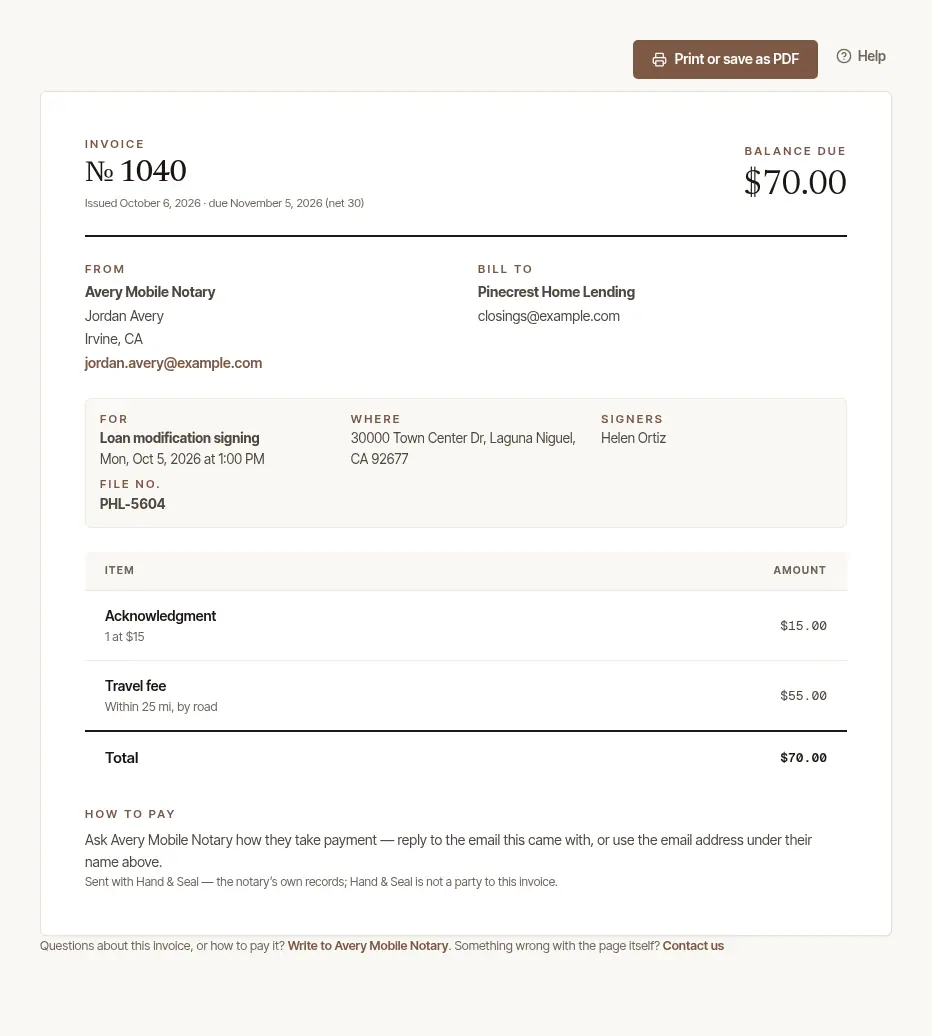
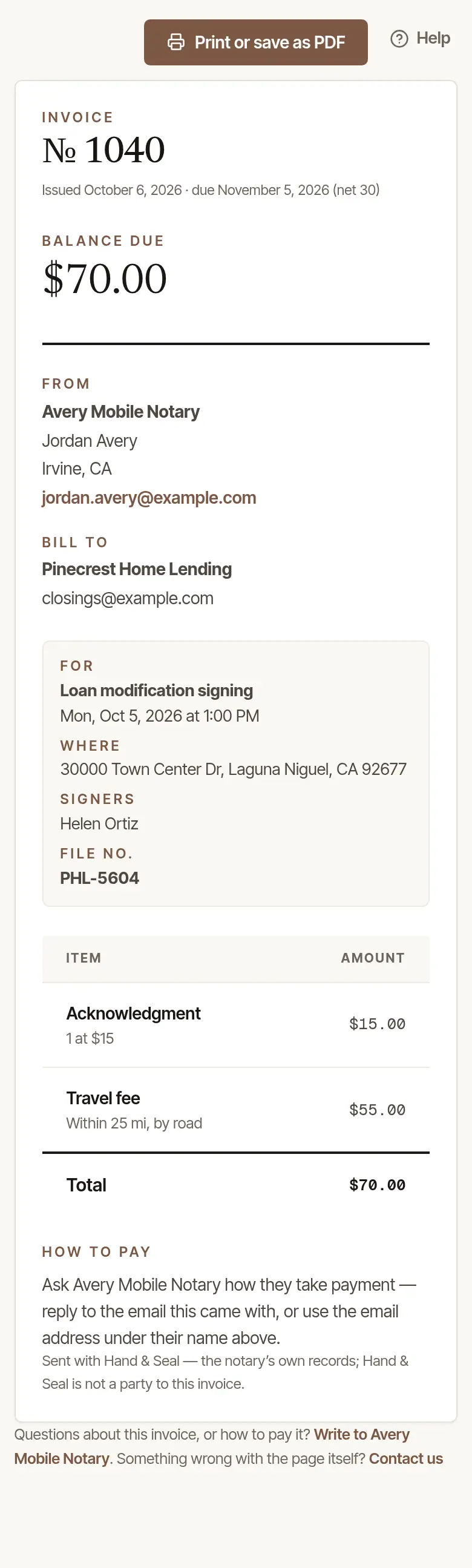
At close-out. Right after you close out, the phone offers Email the invoice to the client's address — or type one in Their email, for the invoice — or Text the link instead from your own phone. Tap Done.
Later, from the job. Open the job and tap its invoice (Invoice 1043) to open Invoice & payment: Awaiting payment, Part paid or Paid. Tap Send the invoice — it goes a few seconds later, with Undo until then — or Share the link, or From my own email instead. Once sent, the button says Send it again.
Every invoice. More → Invoices opens the same Invoices page as the web, inside the app.
A company's invoices, once someone has left its desk
A company that sends you orders on Hand & Seal has one record in your Clients, with the address its first order came from — its accounts payable address, or whoever sent that order. If that's the address of someone who has since left the company's desk — the one they sign in with, or sent you its orders from — your invoices, their reminders and receipts, a receipt for paying online included, go to the company's accounts payable address on Hand & Seal instead. If it has none, or that's the address of someone who has left too, they go to whoever sent that order if they're still on the desk, else to the desk's owner. Sending it this way doesn't change your record of the company.
On the web, Send it says where it goes, and why, before you send; from the phone, it goes to the same address unless you type another. If nobody on that desk can be sent it — it has no owner now, or the company has closed its desk — type an address in Their email: it goes there that once. Your price and a deposit's receipt go the same way.
Send the receipt
Once an invoice is paid in full, its card becomes The receipt. Choose Send the receipt — or Open in my own mail app — so the client has it for their records. On the phone, Email the receipt or Text the link instead comes up right after you close out a paid signing.
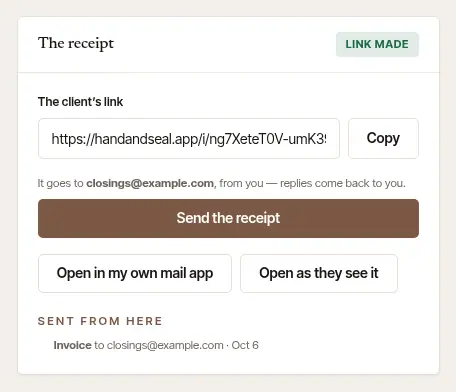
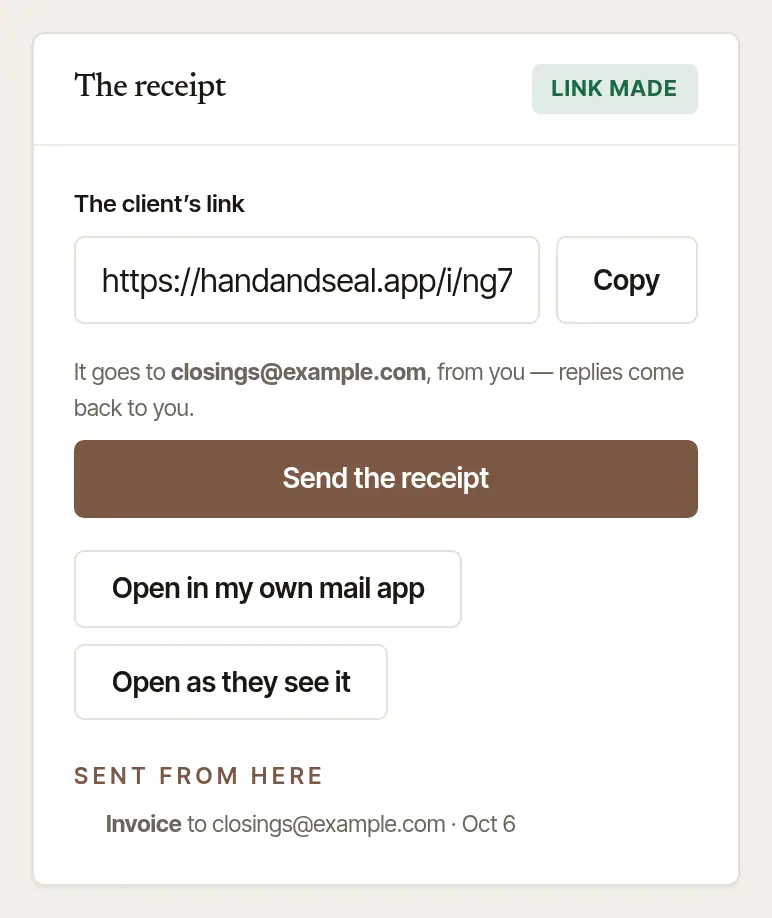
A client who pays by card from the link gets their receipt by email by themselves.
Void an invoice that shouldn't have gone out
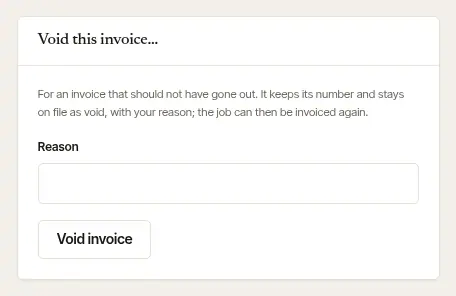
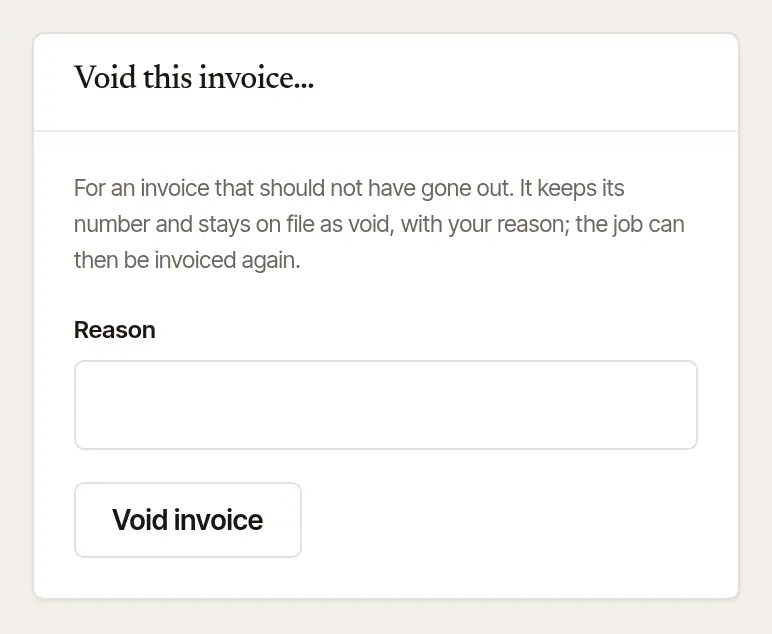
Open Void this invoice… on the invoice, give a Reason, and choose Void invoice, then Void it — it's asked once, because it can't be undone; Keep leaves the invoice as it was. The invoice keeps its number and stays on file as void, with your reason; the job then offers Create invoice to bill it again. It's there only while nothing has been paid on it.
Where the name on an invoice's Bill to was taken out at someone's request (when someone asks), your page of the invoice says so — never the client's copy — and, where its job can be invoiced again, how: void it, then choose Create invoice on a signing that's closed out, or Bill in advance… on one still ahead. The new invoice is billed to the client as your record names them now. One with money recorded on it, a late-cancellation fee or a deposit you kept stays as it was issued.
Good to know
- An invoice is made at close-out, once the signing has happened. A client who asks to be billed before the signing: on the web, open the job, and under Invoice and payment open Bill in advance… and choose Invoice $… now. The invoice says “Billed in advance of the signing.” It's offered for a booked, priced signing still ahead that has no invoice yet. When you close the job out, its final invoice replaces this one: whatever was paid on it is carried over, and this one is voided, saying why.
- A client you bill on terms (net 30, say) gets an invoice due that many days after it's made. A company made as you book for it is billed net 30, and a person made that way pays at the signing. Change a client's terms on their page, under Clients.
- The pictures show a business that hasn't set up card payments yet, so there's no Pay … by card in them.
Was this helpful?
Still stuck? Contact support — a person reads every message and answers by email.