Guide
Chase unpaid invoices
See what's owed and how late, send the reminder each overdue invoice is due in a tap, or let Remind them for me send them in your name.
Companies pay on their own schedule, often 30 to 60 days out. Hand & Seal keeps track of every open invoice by how late it is, and has the right reminder ready for each one: a reminder the day after it falls due, a past-due notice at 15 days late, and a final notice at 30. An invoice is late only once it has gone to its client: sent from Hand & Seal, or already reminded. One brought over by an import is counted as sent, because it came from your earlier records. One made here that you haven't sent is never late and never reminded, however long ago it was due. Each reminder goes by email in your name, with the invoice's link, and replies come back to you — with Apple's Hide My Email, once you've given an address your clients can write to.
See what's owed
Invoices shows what's Outstanding at the top and, when anything is late, how much is Not yet due, 1–30 days late, 31–60 days late and Over 60 days late. Overdue lists only the late ones. When invoices made here are past their due day and nobody has been sent them, Not sent says how much: they aren't late until you send them. When imported invoices past their due day still wait for you to confirm their notary fees, To confirm says how much: they are in none of the late figures and not under Overdue until you confirm them. Under each client's name, the list says which signing the invoice is for: its file no., where it has one, and the day. Statements lists each client who owes you: open one for their month on one sheet, to print or save as a PDF and send.
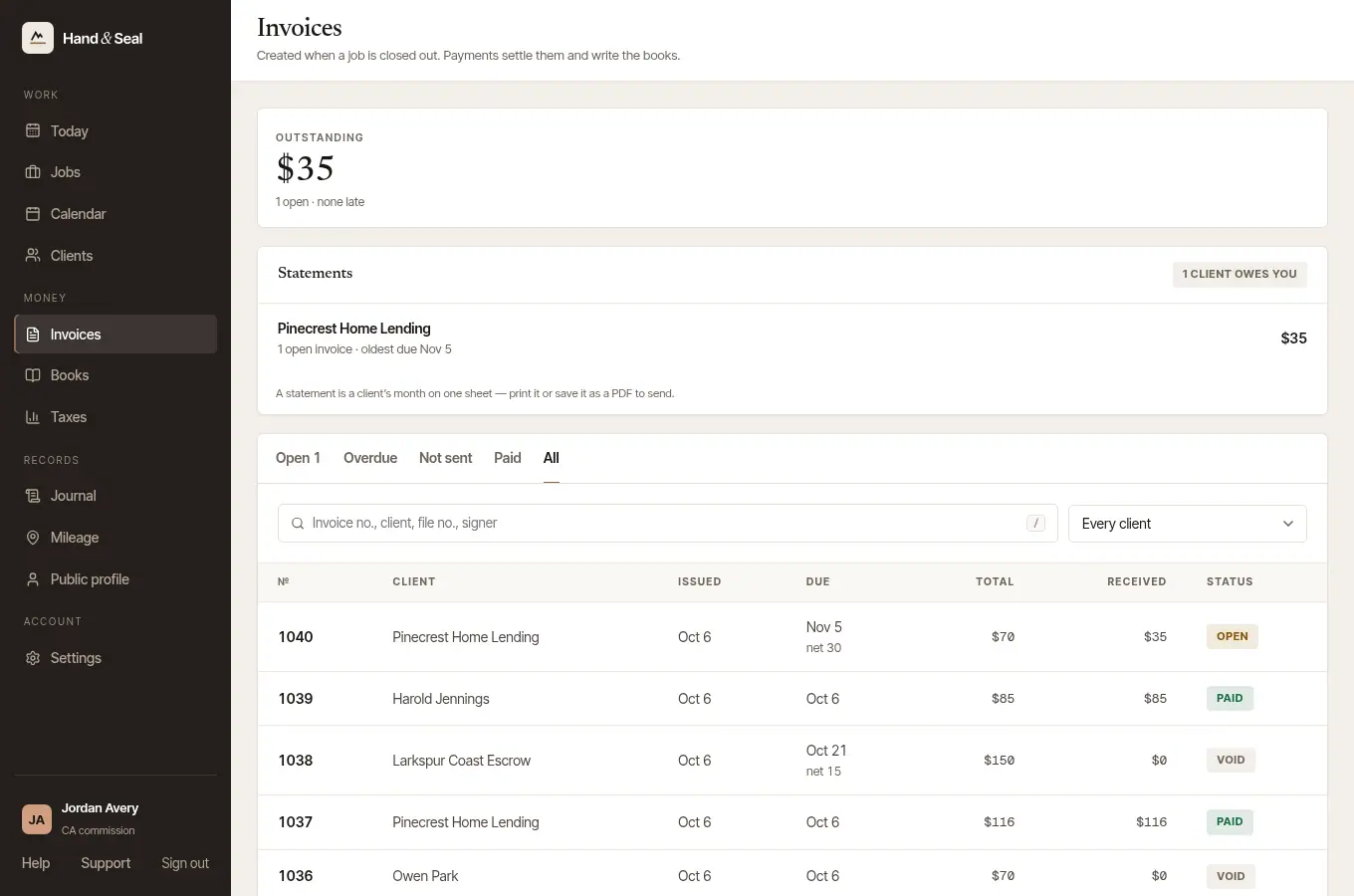
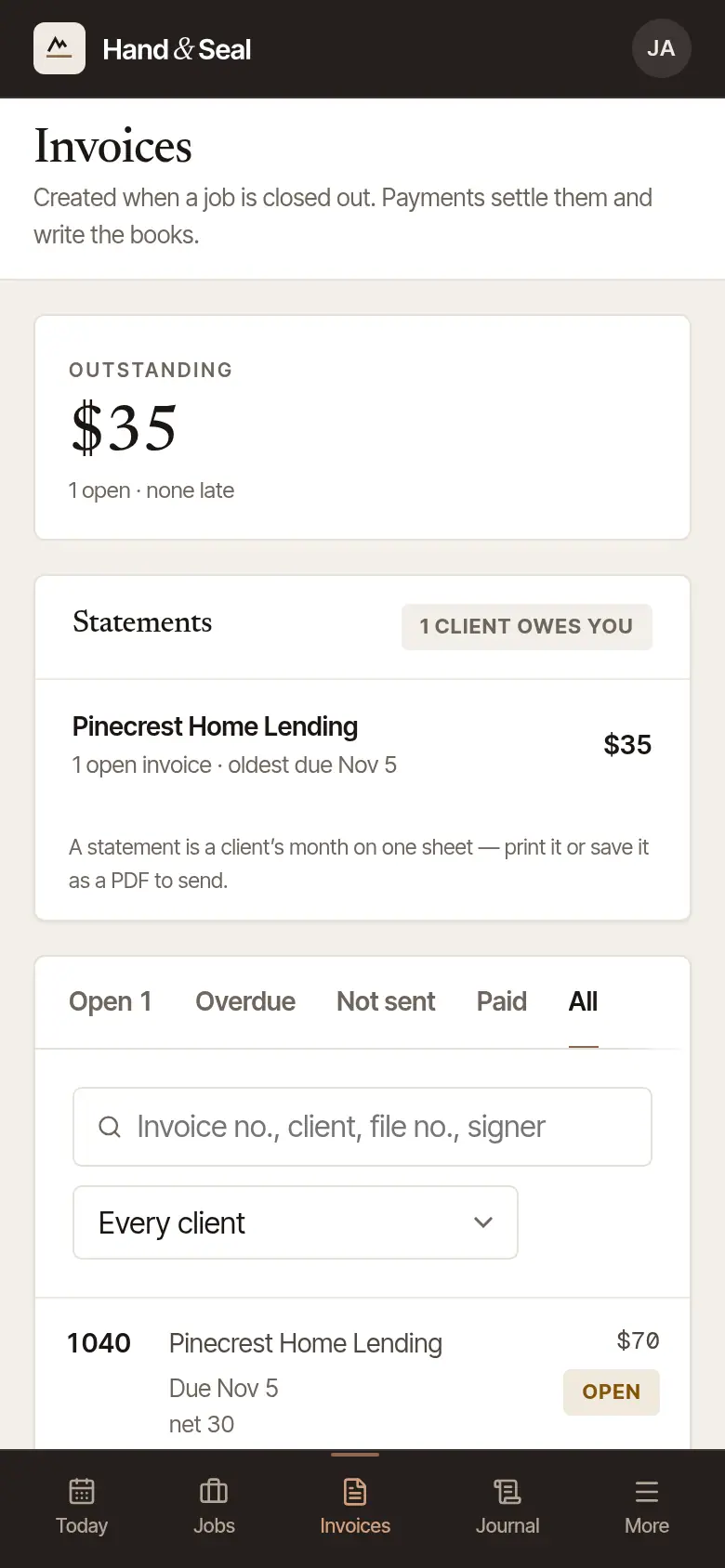
Books has Owed to you: what's Not due, 1–30 late, 31–60 and 60+, and under it every open invoice, the oldest first — how late each is, Record payment beside it, and the reminder when one is due today.
Send the reminders that are due
Open Invoices. When reminders are due, To chase today lists each invoice — how many days overdue, which reminder is due, and whether one was sent before.
Send them all, or one at a time. Send reminders for all … shows who they go to first; choose Send all … (or Not now). An invoice whose client has no email address stays for you to open.
Or from the invoice. The invoice's Reminders card shows the reminder written out, with Send the reminder (or Send the past-due notice, Send the final notice) — or Or send it from my own mail app. Not due yet, the card says when the next one will be.
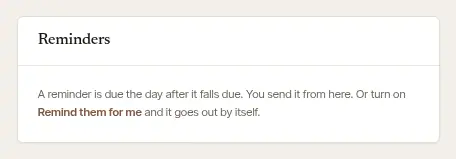
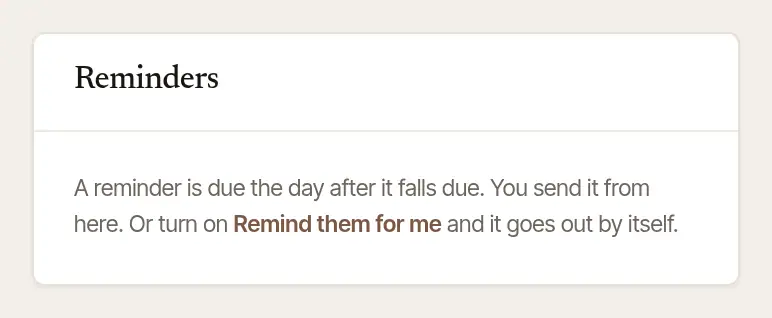
An invoice made here that you haven't sent has no reminder: send the invoice first. Once its due day has passed, its page says Not sent — due and the day, and Today lists it with Send it. Once it's sent, it's late from its due day like any other, and its reminder is due from then. An invoice brought over by an import is counted as sent, because it came from your earlier records: it is late after its due day, and yours to remind from here; the reminders that go by themselves are only for invoices sent from Hand & Seal. It isn't listed under Not sent; its page says it was brought over with your records and hasn't gone from Hand & Seal, and still offers Send it.
Open Books. Under Owed to you, an invoice with a reminder due says how many days late it is and which reminder is due.
Tap Send the reminder under one — or Send all … reminders for every one due today. They go a few seconds later, with Undo until then; anything that couldn't go is said, with the reason.
Or from the invoice. Tap an invoice (or the invoice on its job) to open Invoice & payment: it says how late it is and offers the reminder that's due.
Let them go out by themselves: Remind them for me
Open Settings → Account. Under On your invoices, open Remind them for me.
Choose Turn on. Each overdue invoice you sent then gets its reminder by itself, in the morning, in your name: when it passes its due date, at 15 days late and at 30 — and after that, for an invoice on payment terms, their statement once a month.
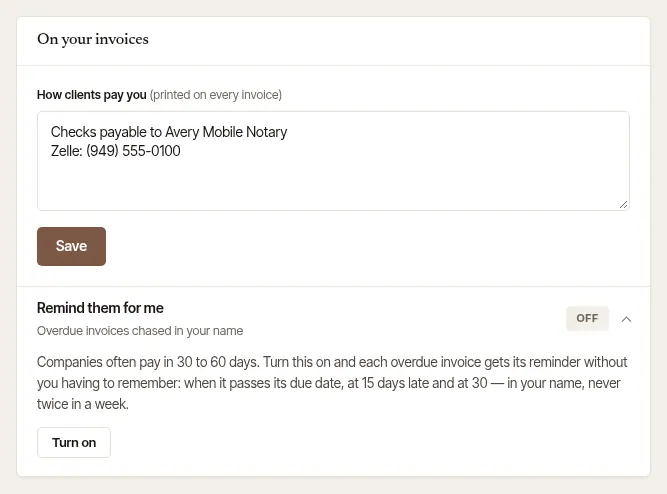
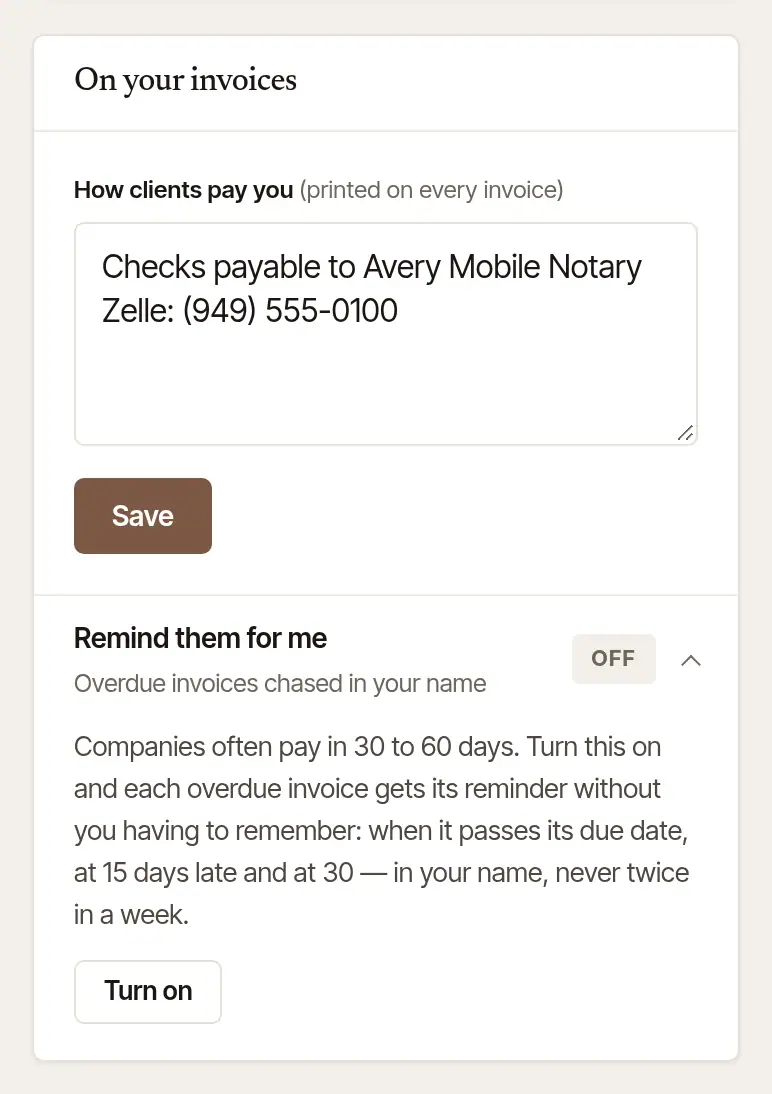
Open More → Settings. Under Getting paid, turn on Remind them for me.
Reminders sent for you:
- never go to a paid or voided invoice, or to one with a bank transfer on its way;
- never go twice in a week — unless the mail service didn't confirm one: the invoice lists it as Not confirmed, on the web and on the phone, and it's tried once more the next morning;
- wait after a reminder you sent yourself that the mail service didn't answer for. It may or may not have gone, so the invoice lists it as Not confirmed, on the web and on the phone: ask them whether it arrived. The next one sent for you waits six days, and may be that same reminder. One of your own can go a day later;
- never go about an invoice the client wasn't sent in the first place, or to a client with no email address;
- each show on the invoice, marked sent for you.
After the final notice
When an invoice on payment terms has had its final notice — 30 days or more past its due date — and is still unpaid, Remind them for me goes on: it emails the client their statement — what they owe, invoice by invoice, each with its link — by itself, once a month, starting a month after the final notice. It lists only invoices that have gone to them — sent, or already on their own order or request page; one that hasn't stays off it, and is never sent by it. It goes in your name, and replies come back to you, as a reminder's do. It goes to a person who owes you as well as to a company, as reminders do. An invoice due on receipt starts none, and neither do reminders counted before it was 30 days late. Void an invoice and issue it again to the same client with the same lines — an amount corrected is fine — and its final notice goes with it; add or drop a line, or change an act, and it doesn't. A final notice from before these statements began has its first statement on its own day of the month, a month or more after they began.
It stops by itself:
- once nothing they had a final notice for is still owed;
- when Remind them for me is turned off;
- when there is nobody to send it to: no email address on their record, or the last statement — or, before one has gone, the last reminder emailed to them — bounced or was marked as spam;
- while a payment from them is on its way, or waits for you to keep it.
On the web, the client's Statement shows the last one emailed, and when the next goes or why none does. Send it there emails this month's yourself, any time — the business's owners and coordinators send it — and a client is sent at most one statement a day, whoever sends it, unless the last one bounced. Once one has gone, the page says when in place of Send it, which is back a day after it. The client is marked Slow to pay in their record with you too.
Good to know
- In a business with several notaries, Remind them for me is the business's setting — it chases every invoice, whoever did the signing — and its owners turn it on or off. Everyone else sees whether it's on.
- Paid by check or Zelle in the meantime? Record the payment, and nothing more is sent.
Was this helpful?
Still stuck? Contact support — a person reads every message and answers by email.