Question
Who sees my home address?
No client, signer or company. They see only your town and how far you travel. Your street address is optional: Hand & Seal keeps it to measure travel from, and shows it to none of them.
No client, signer or company. They see your town and how far you travel, never a street. Your page says “Notary public · Irvine, CA”, say. Its map marks the middle of your town and shades how far you travel from there. Hand & Seal keeps the street address you give it, to measure travel from, and shows it to none of them — our privacy policy says how it is kept.
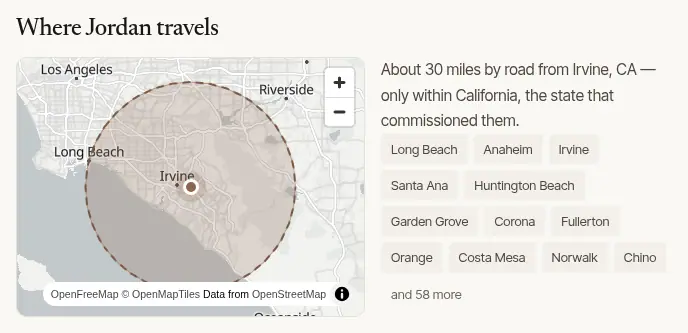
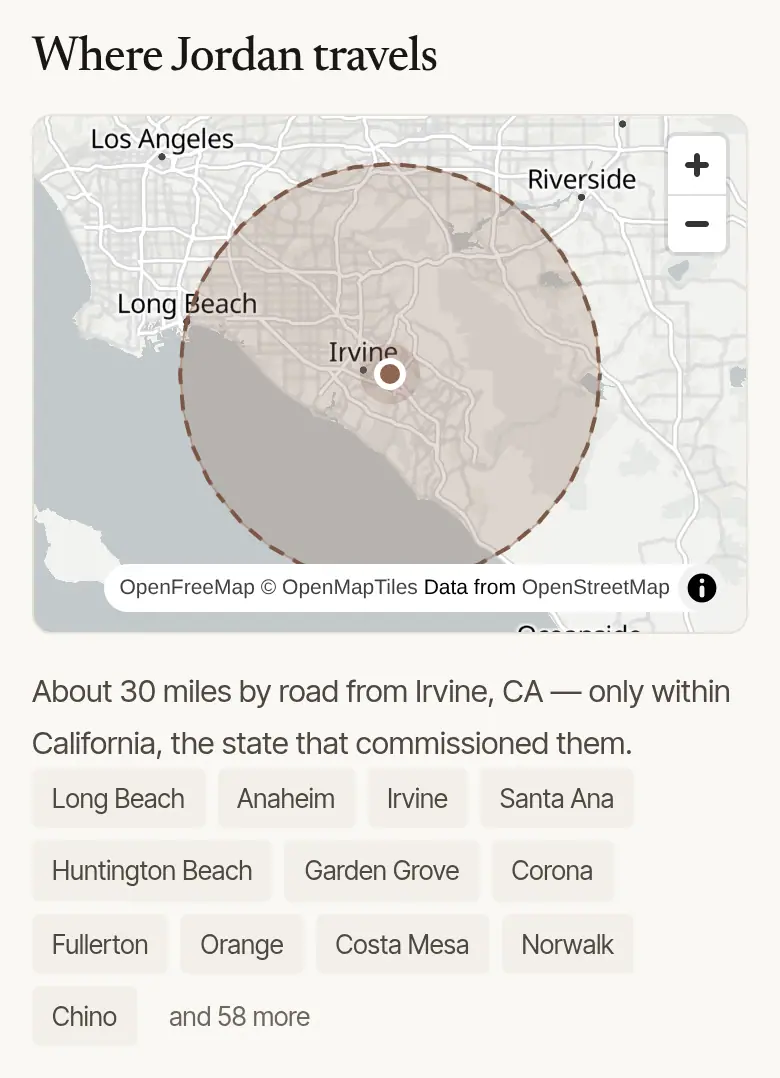
What each part of your address does
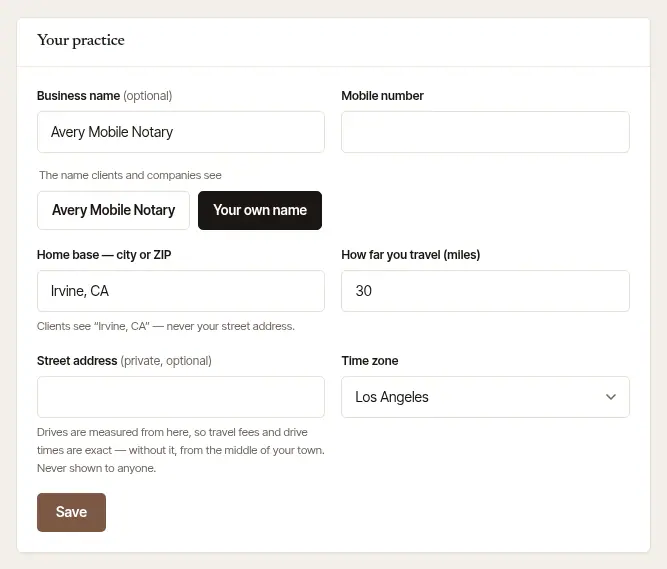
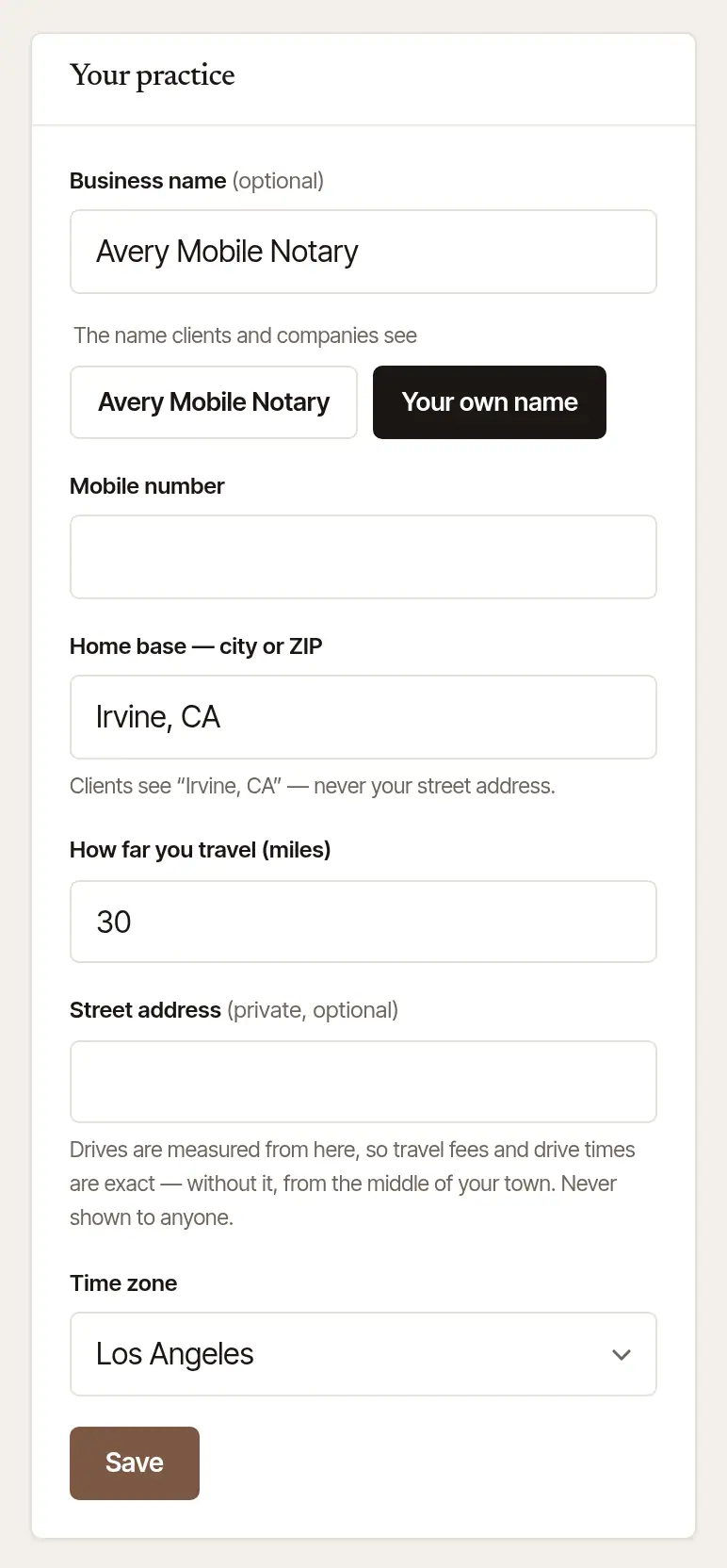
Both are in Settings → Account, under Your practice (and in Step 1 of set-up):
- Home base — city or ZIP is your town. It's what clients see, and where the directory finds you. The line under it shows exactly how clients see it — as soon as you leave the box, before you save. On the web, a ZIP code the map doesn't have is asked about first, and so is a town outside every state you hold a commission in (the state you signed up in, until a commission is on file): tick the box under the question if your home base is there, or correct it.
- Street address (private, optional) is never shown to a client, a signer or a company. Your drive times start at it. Travel fees are measured by road from a spot a half mile to a mile from it, chosen for you once for that address and kept (until it's set — a moment after you save — from the middle of your town): a price is a distance, and your page shows your travel fees, so a price measured from your door would be a clue to where you live — a few orders to different addresses would find it. From that spot a price stays within a mile or so of door to door, and no number of prices leads past it. Leave the address empty, and both are measured from the middle of your town instead.
Good to know
- Change either one and choose Save: your upcoming jobs are measured again from the new starting point, and their travel fee follows — a job's distance is an estimate until it's invoiced, booked or not. The note under the form lists any whose fee changed. An invoice already made stays as it is.
- Setting up the phone to take cards in person? Stripe registers card readers, and Tap to Pay on an Android phone, to a business address. The phone offers your home base to fill it in: change it if your business is elsewhere. It goes to your own Stripe account, and clients never see it.
- The phone app keeps a Home location of its own, on the phone, so it can tell a drive home from a signing (More → Settings → Setup). See Record your drives automatically.
- Those are two different homes, kept apart on purpose: the phone's stays on the phone. When you set it — and it isn't your travel address already — the phone asks Use this address for travel fees too? — tap Use it for travel fees to make it your private street address here as well, or Not now — keep them separate. If it's in another town, your page then shows that town.
- On the phone, More → Settings → Travel fees start from shows where your travel is measured from and changes it; so does Add your street address on New job.
Was this helpful?
Still stuck? Contact support — a person reads every message and answers by email.