Guide
Set the hours clients can book
Settings → Hours decides the times your page offers, when the directory shows you as free, when your after-hours fee applies — and when the phone records your drives.
Your hours decide the free times your public page offers. When a client searches the directory for a day they pick, or for Today, Tomorrow, This weekend or Next week — and Evenings, 5 pm on, from 5 pm on the day chosen — you're found only if you're free then. A client can also ask for another time — one your page doesn't offer, on a day you keep hours — with None of these work? Ask for another time: it comes to you marked as a time your page didn't offer, and nothing is booked unless you say yes. A day you take no signings is never offered on your page, or asked for there.
They're also when the Hand & Seal app records your drives by itself. There's one set of working hours: set-up's first step shows them as they are and saves any change you make there, and from then on you set them here.
Set your hours
Open Settings, then Hours. On a phone-sized screen, Settings is under More. The card is When you work.
Tick the days you work, and set the times. Each ticked day has its own from and to (9:00 AM to 6:00 PM, say). A day left unticked says Not taking signings, and nothing is offered on it.
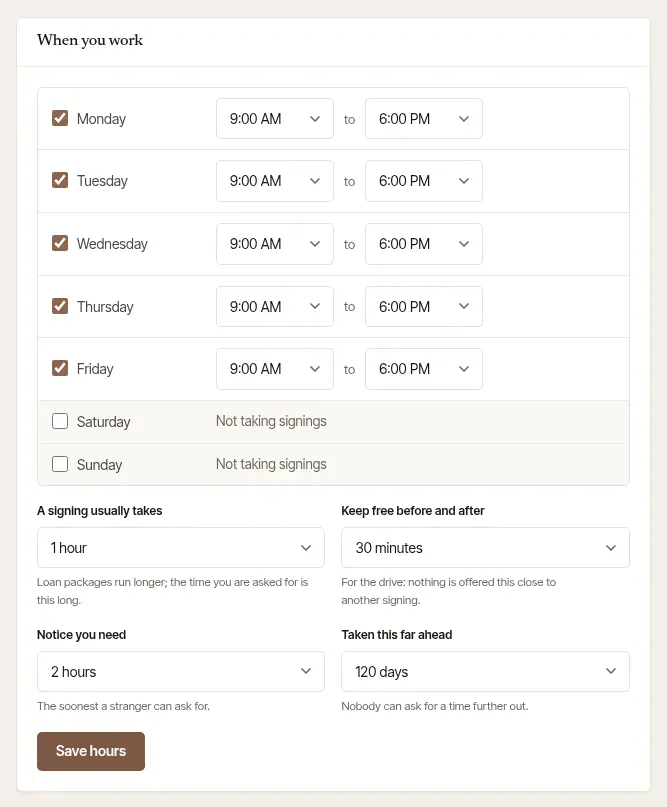
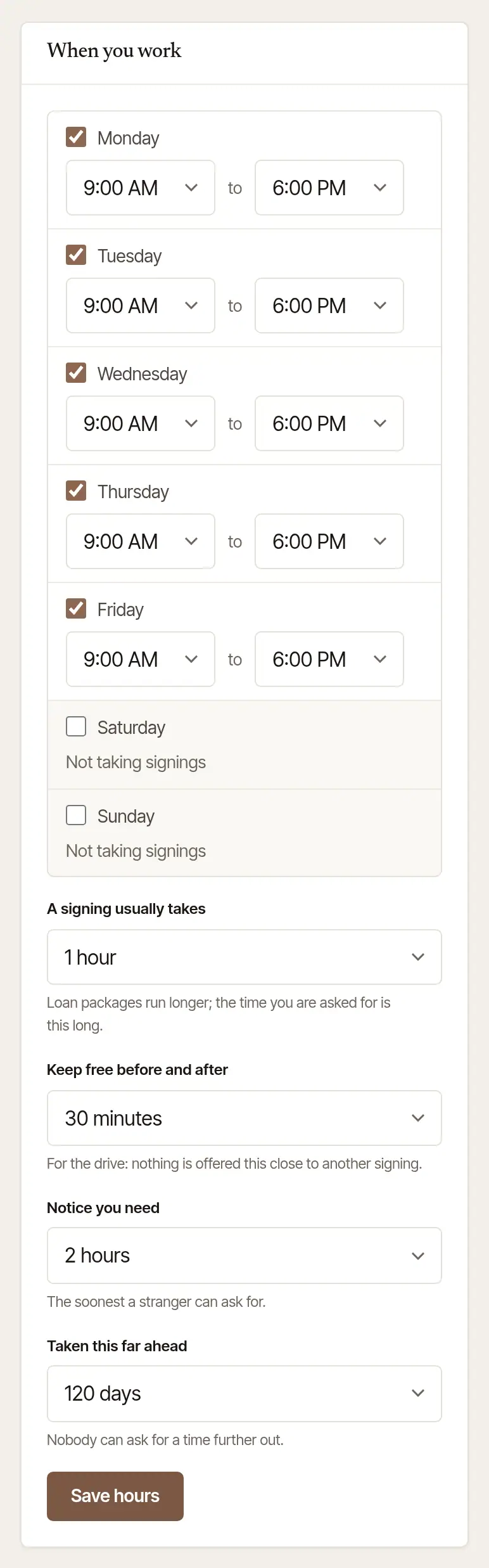
Say how a signing fits in. Four choices under the days:
- A signing usually takes: how long each time a client asks for runs. Loan packages run longer.
- Keep free before and after: room for the drive. Nothing is offered this close to another signing.
- Notice you need: the soonest a stranger can ask for.
- Taken this far ahead: nobody can ask for a time further out.
Choose Save hours. Your page and the directory then offer times from the new hours, and your phone records drives by them.
What a client sees
Your page's Ask for a time shows your next free time and the free times of each day, in your time zone. Under Usual hours, it lists your days and times, with “Other times by arrangement” — “Other times on those days by arrangement” when you keep a day off, since another time can be asked for only on a day you keep hours.
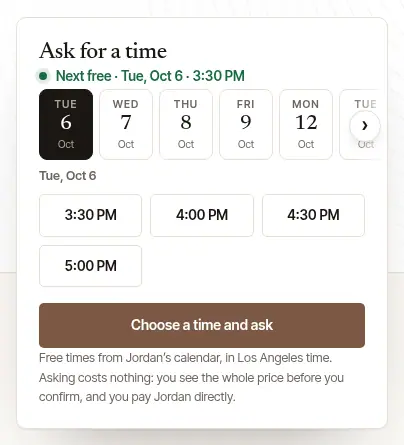
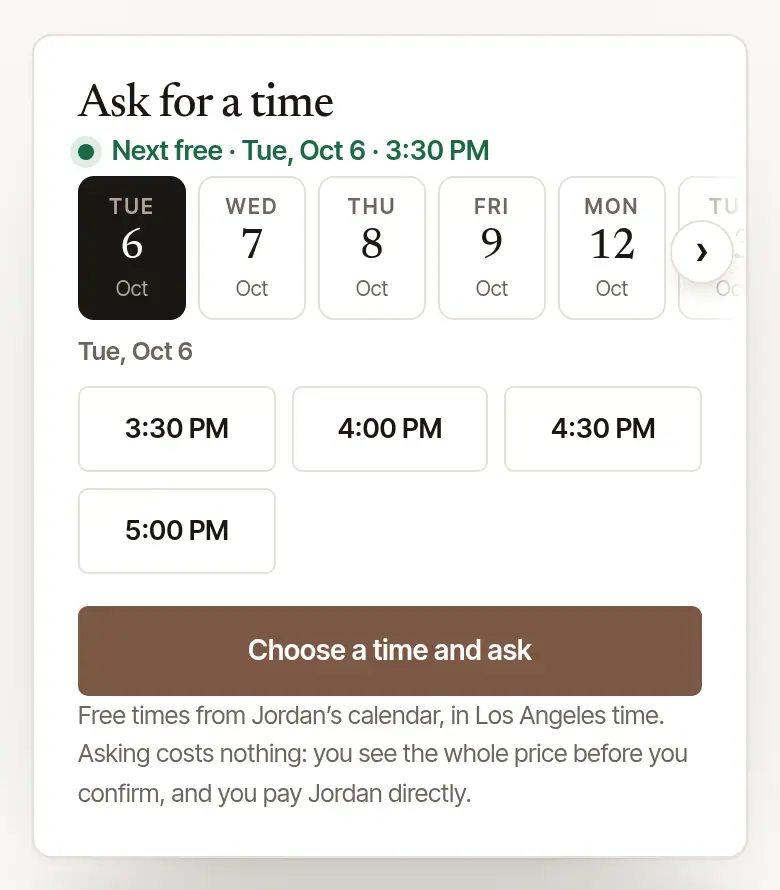
A time is offered only when the signing, and the drive either side of it, touch nothing already booked:
- your jobs in Hand & Seal,
- a request still waiting for your answer (for up to two days),
- the busy times on your Google Calendar, if you've connected it (Settings → Integrations),
- the busy times your phone sends from its own calendars, if you've turned on Busy times from this phone in the phone app (More → Settings → Calendar).
Good to know
- Work outside your hours is still yours to take. Book it yourself in Jobs (see Book a signing), or say yes to a client who asked for another time. Your after-hours fee (Settings → Fees & rates) is added to a signing that starts outside these hours. See Set your fees.
- Your phone records your drives during these hours. With Record drives set to During my working hours (in the phone's Settings → Mileage & trips), drives are recorded by themselves inside these hours. Outside them, only the drive to and from a signing you've booked is recorded, and any drive you start yourself. The phone's Working schedule shows these hours, and its Change your hours opens this page inside the app. See Record your drives automatically.
- Working in two places? If you keep your own practice and work in a business too, each has its own Hours. The phone records during either's.
Was this helpful?
Still stuck? Contact support — a person reads every message and answers by email.