Question
My client didn't get my invoice or receipt
See what the invoice says happened to each letter, fix the client's email address, and send it again — or send the client's link yourself.
Invoices, reminders and receipts are emailed from Hand & Seal under your business's name, and a reply goes to your own email. Each one is written down on the invoice, so you can see where it went and what became of it.
See what happened
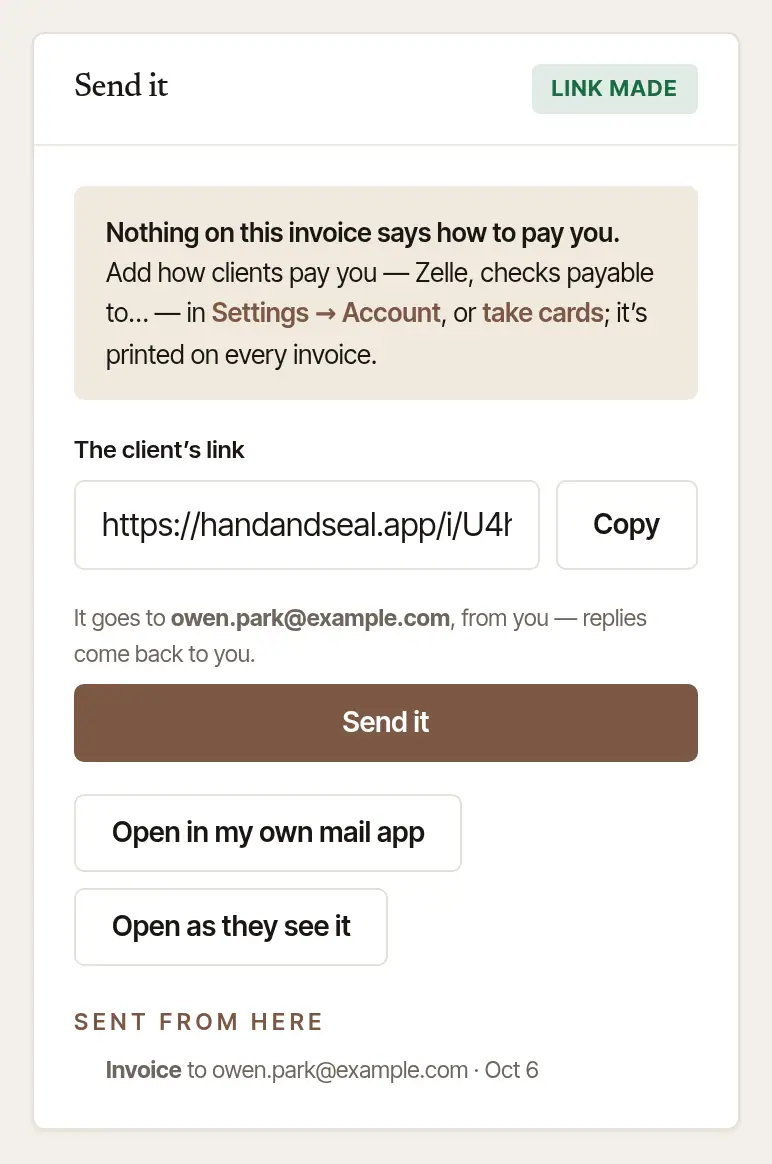
Open the invoice on the web: Invoices, then the invoice (or Open the invoice on the job). Under Sent from here is each letter — the invoice, a reminder, the receipt — with the address it went to and the day.
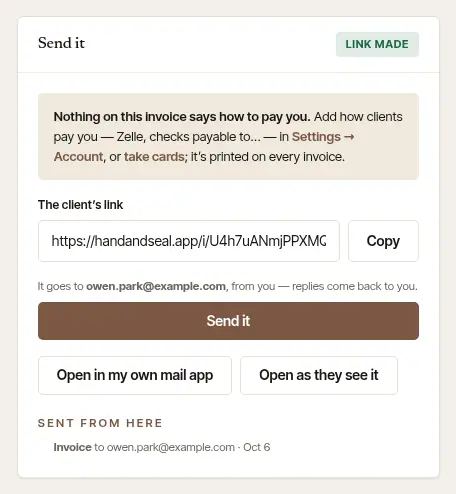
- No mark beside it — the letter was handed to the client's mail service. If they can't find it, ask them to look in spam or junk, and search for your business's name.
- Bounced — it didn't arrive. Under it, “The address does not accept mail” means the address is wrong or closed: fix it (below). If the address is right after all, write to us: once a letter bounces for good, our mail service sends nothing more to that address until we take it off its list. “It could not be delivered just now” means their mail service was busy or full: send it again later.
- Marked as spam — the client's mail marked it as spam, and our mail service now sends nothing more to that address, from you or anyone on Hand & Seal. Send the link another way instead. If they want your letters again, they can email us from that address and say so — our address is on Contact support: we take an address off the list when its owner asks, from that address.
- Not listed at all — it hasn't been emailed from here. It may have gone from your own mail app, or not at all: send it now.
Fix the address, then send it again
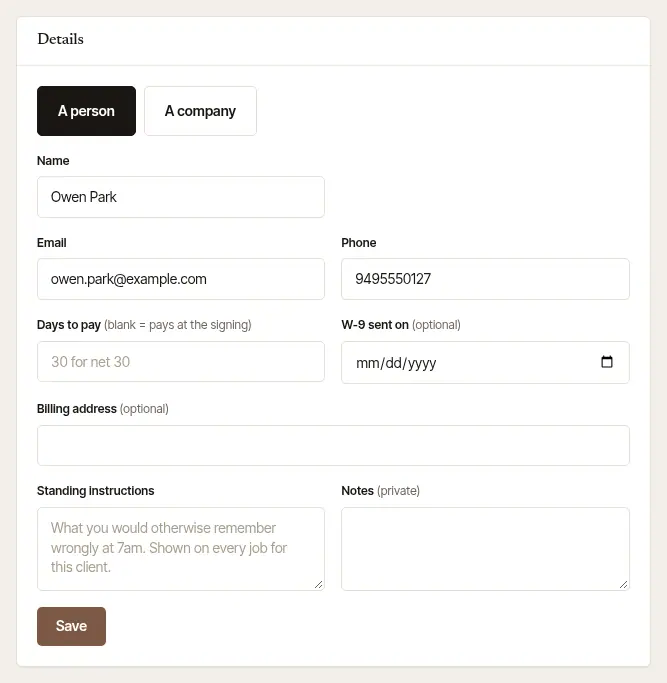
Open the client. Choose Clients, then the client.
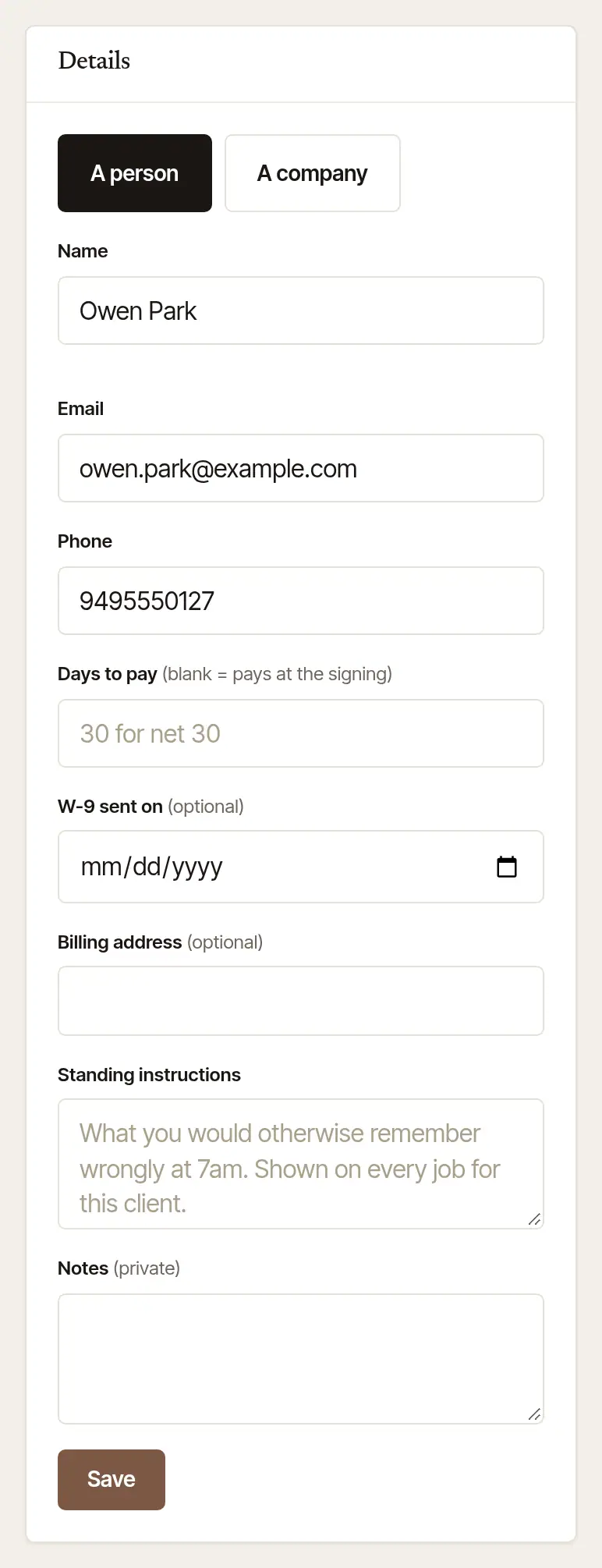
Correct the Email under Details, and choose Save.
Send it again. Back on the invoice, the Send it card says which address it goes to — “It goes to …, from you”. Choose Send it (or Send the receipt, once it's paid). It says Sent to … when it's gone.
A client with no email on file gets a Their email box on the invoice instead: type it there, and it's kept on the client for next time.
Send it yourself
When email isn't getting through, send the client's link your own way:
- Copy the client's link from the invoice and paste it into a text, a chat, or an email from your usual account. It opens this invoice and nothing else — how to pay it, and a copy to print.
- Open in my own mail app opens your email with the invoice written out, link included, to send from your own address.
- Open as they see it shows you the client's view first.
On the phone, on the job's invoice (tap its Invoice row, or the invoice under Owed to you on Books, to open Invoice & payment): Send the invoice (or Send it again), Share the link to send it by text or any app, or From my own email instead. When you close out, Text the link instead sits under Email the invoice or Email the receipt. To send it this once to a different address, type that address in the email box there — the one on file stays as it is. If the mail service didn't answer for a letter, the invoice says Not confirmed. above its button, with where it went and the day: ask them whether it arrived before you send it again.
When Send it says no
The invoice says why, in place:
- “This client has no email address” — type it in the box, and it's kept on the client.
- “The mail service would not take it” — the address was refused as it was sent. Check it for typos, or copy the link and send it yourself.
- “Confirm your email address first” — only a few letters go out in your name until your own address is confirmed. See The confirmation email didn't come.
- “That is a lot of letters in one hour” — wait a little, then send it.
- “That address is a reserved test name” — an address like one at example.com: nothing is ever sent there. Put the client's real address on the client.
Bounces show on the web
The phone sends letters and shows when an invoice was sent, but a bounce or a spam mark is shown only on the invoice on the web. It's worth a look when a client says nothing came.
Was this helpful?
Still stuck? Contact support — a person reads every message and answers by email.