Guide
Download a copy of everything
Take all your records with you — clients, jobs, invoices, payments, the books, the journal index and every drive — as spreadsheets that open anywhere, and what we hold about you yourself.
Your records are yours. Download them whenever you like — for your own files, for another program, or before closing your account — and you always can, even if you stop subscribing.
There are two downloads, both in Settings → Your data on the web (in a phone's browser, Settings is under More):
- Your records → Download everything — your business's records. For the account's owners.
- My data → Download my data — what we hold about you yourself. For everyone.
Download everything
Open Settings → Your data and find Your records.
Choose Download everything. One zip file downloads.
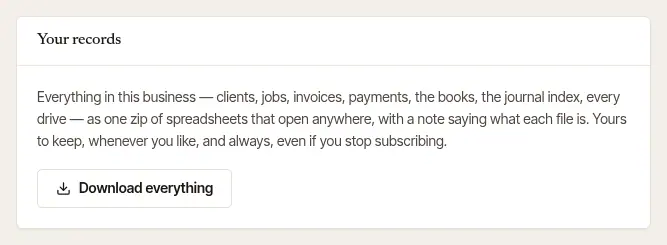
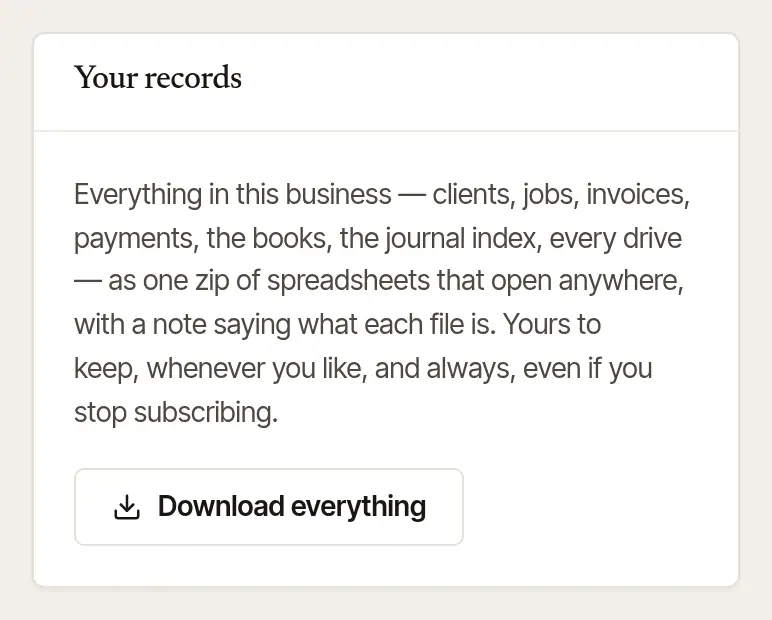
Open it. Inside are spreadsheets (CSV files) that open in Excel, Numbers or Google Sheets, and a
README.txtsaying what each file is:- your clients and the people at each company, jobs and their lines, invoices, payments and the books;
- the journal index — every line, with the book, page and line in your paper journal it points to — and each year's mileage log at the IRS rate of each drive's day, as a tax preparer wants it;
- every drive and odometer reading, your fee schedules and practice settings, your commissions, your signing agent certification and screening dates, your public page, its requests, reviews and messages, the letters sent for you, and who did what, when;
- your proof and receipt photos, up to a limit (the README says how to get the rest).
Amounts in the raw files are in cents and times are in UTC, so the records can go into another system whole. Private links, keys and passwords are left out. Your W-9 is only noted as on file: the file itself never goes into the zip.
Good to know
In a business with several notaries, Download everything is for its owners, and takes only the downloading owner's own commission, certification and screening dates, and practice settings. Employees and assistants don't see it; a notary's own journal and mileage log have export buttons of their own, on those pages.
Download my data
Open Settings → Your data and find My data.
Choose Download my data. One zip file downloads.
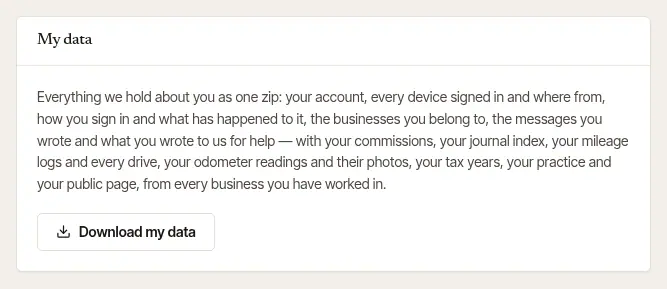
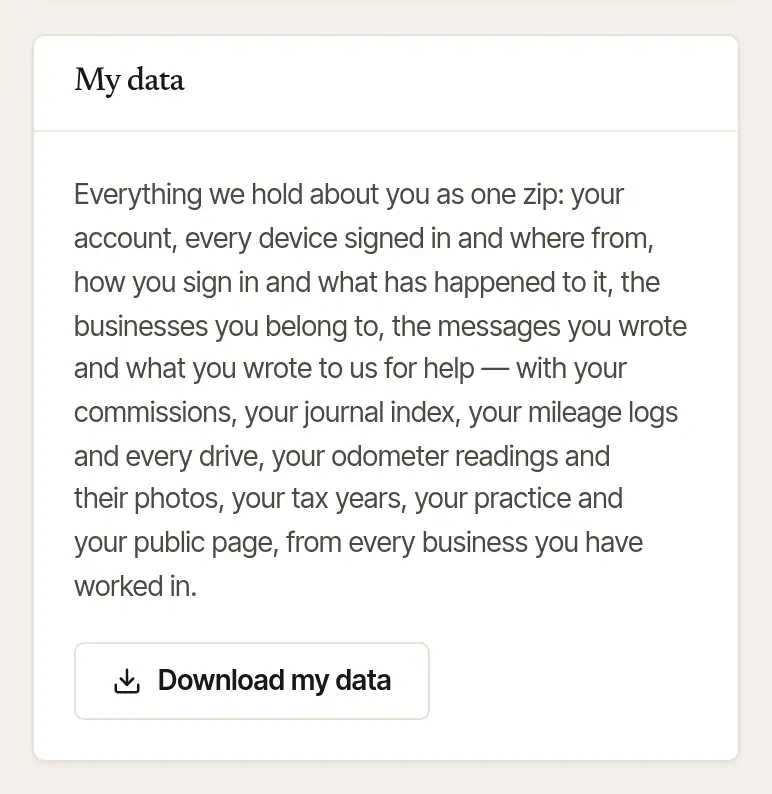
It holds what we have about you as a person, from every business you've been part of: your account, every device signed in and from where, how you sign in (that you have a password or a passkey — never the password itself) and what has happened to it, the businesses you belong to, the messages you wrote, what you wrote to us for help, and, as a notary, your commissions, your journal index, your mileage logs and every drive as it is kept, your odometer readings with their photos, your tax years, your practice's settings and your public page's words.
Good to know
Downloading everything is noted in your business's activity log, with who did it and when.
Was this helpful?
Still stuck? Contact support — a person reads every message and answers by email.