Guide
Share your commission, insurance and W-9 with companies
Let the title and escrow companies you work with see your commission, bond, E&O and signing-agent dates, and open your W-9, on their desk, instead of asking you each time.
General information, not legal advice
This page explains how Hand & Seal works. Your state’s law, and your commissioning authority, decide what you must do — when in doubt, ask them or a lawyer.
Title and escrow companies usually check a notary's commission and insurance before sending work, and they want a W-9 before your first invoice. Rather than emailing them again each year, you can let the companies you work with see these on their desk, the page where they send and follow their orders. Both are off until you turn them on, and each is shared on its own.
Share your commission, bond and E&O dates
Open Settings, then Integrations. On a phone-sized screen, Settings is under More.
Open Share my credentials under Your order link, and choose Share them.
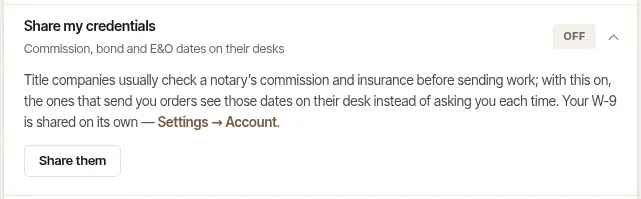
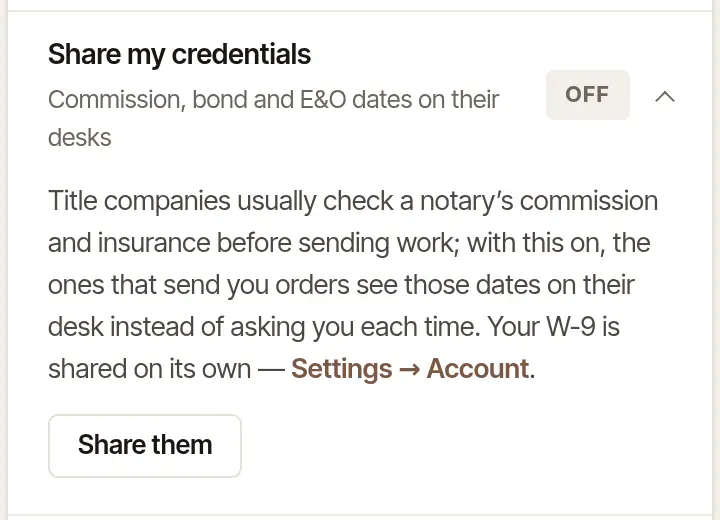
Stop sharing turns it off again.
Open More, then Credentials.
Turn on Share my credentials with the companies I work with. Turn it off the same way.
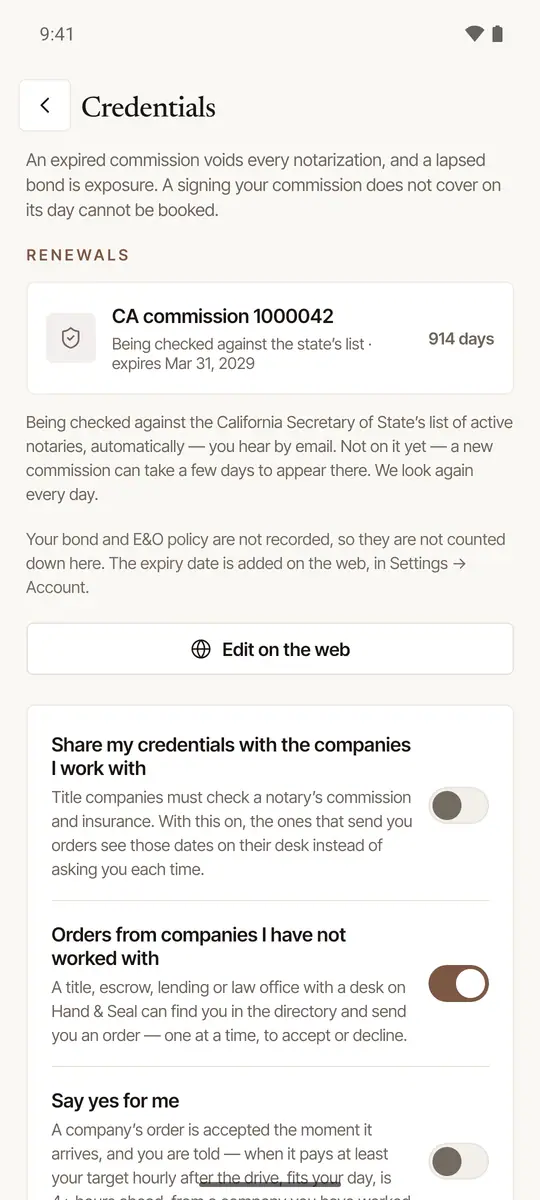
What's shared: your commission (its state, number and expiry), your bond and E&O amounts and dates, and your signing agent certification and background screening dates. Add or change them in Settings → Account: see Add your commission, bond and insurance. A date that runs out within 60 days shows the company how many days are left. A company's desk owners are also emailed about a date you share when it is within 30 days of running out — or has run out in the last 30 — once at most, and at most one letter a week about you. Each date goes as you entered it (a commission found on your state's list, with the list's date), so record a renewal in Settings → Account as soon as you have it: a renewed date more than 30 days off is nothing to tell. When a company chooses you on its desk's order form, the form shows it which of your shared dates run out before the signing — of your commissions, once it has read an address in the state of one the company can see, only that one, or, if the signing goes under another of yours, that one. Stop sharing, and companies see none of it from then on; a letter already sent stays sent.
Who sees them: companies you've given your order link to, and companies whose orders you've accepted. A company that has only found you in the directory doesn't, until you take one of its orders.
If you hold more than one commission, a company sees the one that runs longest and, with its bond and E&O, each other commission of yours in a state where an order from its desk was asked of you and is accepted or done. An order cancelled since doesn't count, nor does a commission you've let go, more than a week past its last day. A signing handed to someone else in your business still counts for you, and not for them.
Add and share your W-9
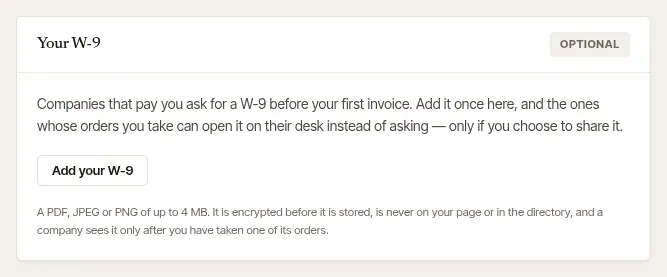
Open Settings, then Account, and scroll to Your W-9.
Choose Add your W-9. Pick a PDF, or a photo (JPEG or PNG) of up to 4 MB. It's encrypted before it's stored.
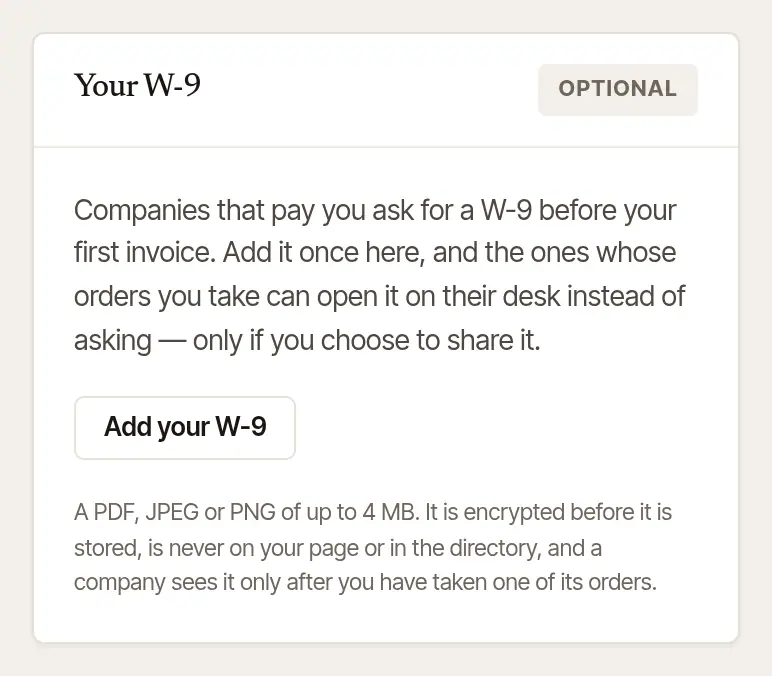
Open Share my W-9, and choose Share it. It appears once your W-9 is on file.
The W-9 is added and shared on the web, in Settings → Account (the phone app has no W-9 screen).
Only a company whose order you accepted yourself, or whose signing you did, sees W-9 on file on its desk and can open it. One that's only looking, or has sent you orders you haven't taken, never does. Nor does a company whose order Say yes for me accepted, until the signing is done.
You're told each time a company opens it, and Looked at last on the same card lists who opened it, and when. Replace it puts a new one in its place; Remove it deletes it (Yes — delete my W-9).
What a company sees about you
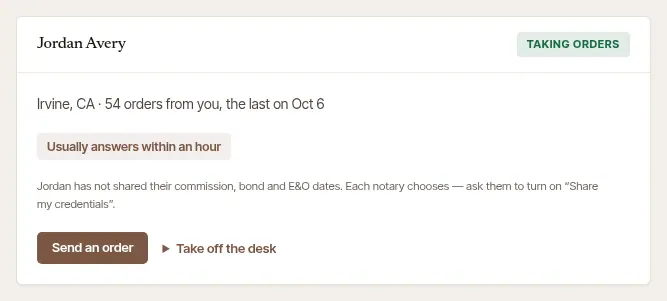
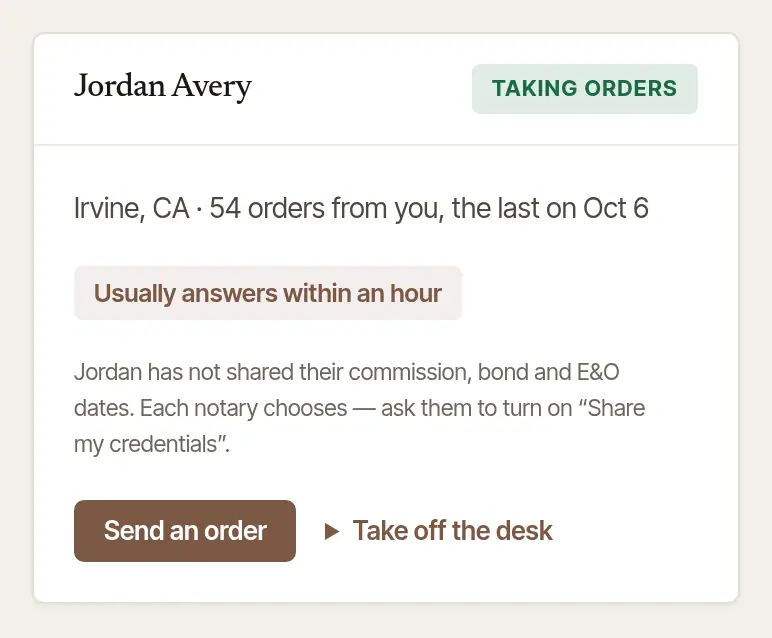
On its desk's Notaries page, a company sees your name and town, how many orders it has sent you, your record on the platform (such as Usually answers within an hour), and, if you share them, your credentials and your W-9. Until you share them, it says you haven't, and suggests asking you to turn on Share my credentials.
Good to know
- A company never sees your street address, your journal, or your work for anyone else.
- Your W-9 is never on your public page or in the directory.
- Your phone number and email go to a company with an order once you accept it, so you can reach each other about the signing.
Was this helpful?
Still stuck? Contact support — a person reads every message and answers by email.