Question
Which companies can send me orders?
Companies you work with, and, unless you turn it off, new companies that find you in the directory. How to take a company off, stop one, and stop an old order link.
Two kinds of company can send you an order. Either way it comes to you alone, and it's yours to accept or decline: see Accept or decline a company's order.
- Companies you work with. A company that has your order link, and one whose invitation by email you took. They're listed in Settings → Integrations, under Companies you work with, with how each came to be there and since when.
- New companies, unless you turn it off. A title, escrow, lending or law office with a desk on Hand & Seal can find you in the directory and send you an order. Once it has, it's listed under Companies you work with too (“Found you in the directory”), where you can remove it.
Stop orders from new companies
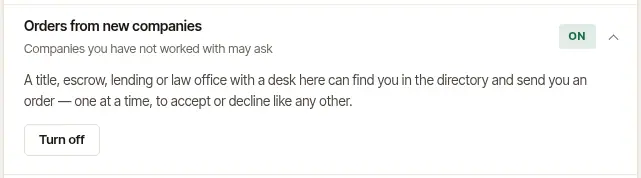
Open Settings → Integrations, open Orders from new companies, and choose Turn off. Only companies you've worked with can then send you orders. Turn on opens it again.
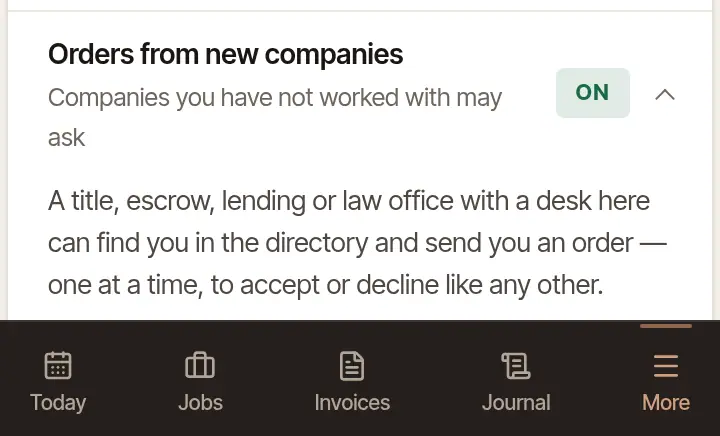
Open More → Credentials, and turn off Orders from companies I have not worked with.
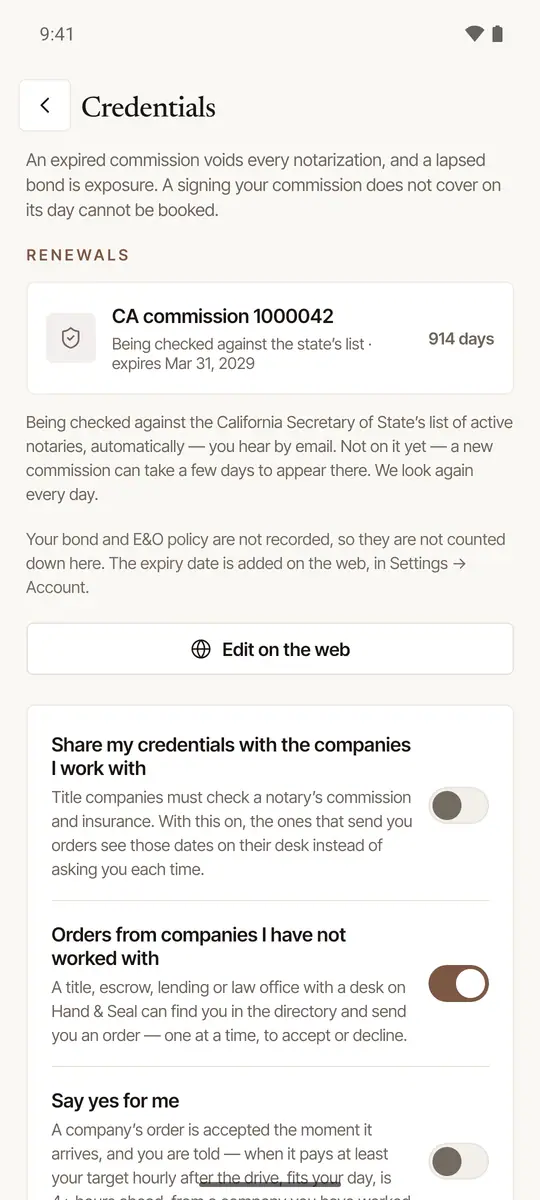
It's one setting for you, wherever you work: if you're in more than one business on Hand & Seal, turning it off turns it off in all of them.
Take a company off
Under Companies you work with, choose Remove beside the company, then Yes — take me off its desk. It can't send you orders from its desk any more. Orders it has already sent stay as they are.
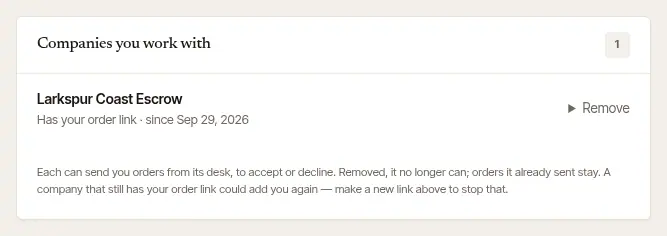
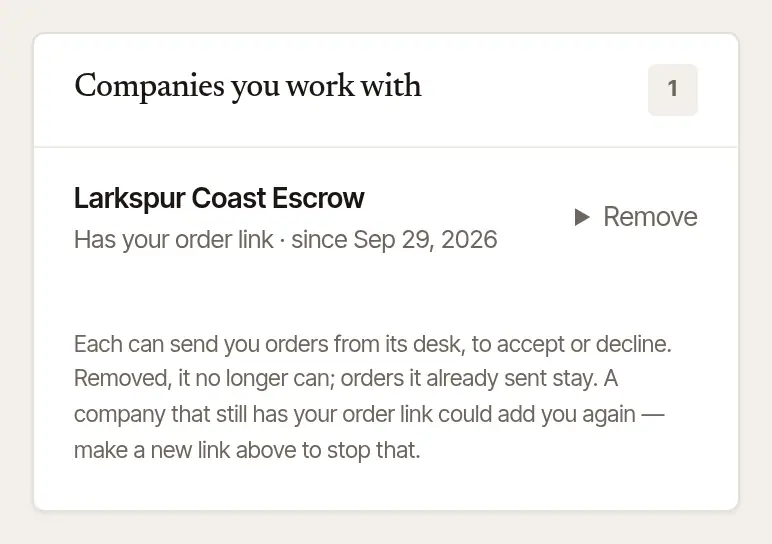
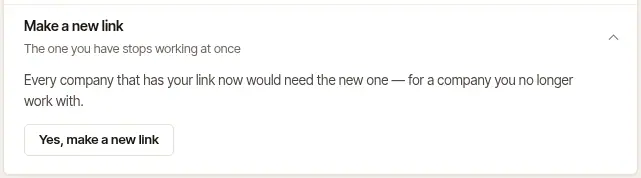
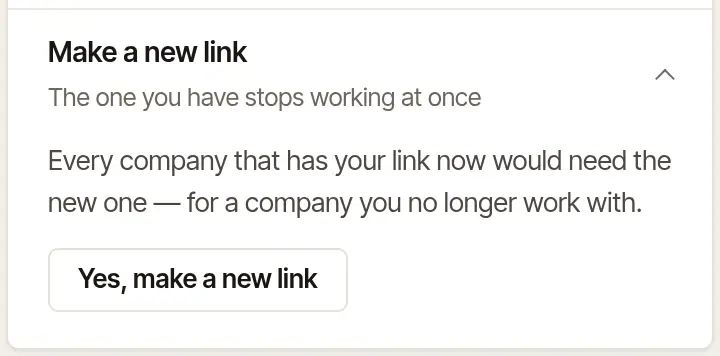
A company that still has your order link could add you again. To stop that, make a new link: open Make a new link (under Your order link) and choose Yes, make a new link. The old link stops working at once, so give the new one to every company you still want orders from.
Stop a company
To stop more orders from a company, stop it as you decline one of its orders: in the Decline… step on the web, or the Decline step on the phone, tick No more orders from the company, then choose Decline the order (on the phone, Decline the request). Nobody at the company is written to about it, but it can see it: its Notaries page says you're not taking orders from its desk.
Stopped, it's listed under Companies you stopped in Settings → Integrations, and it comes off Companies you work with. It can't send you orders from its desk, through your order link or the directory, and it can't invite you by email at the address you sign in with. It doesn't find you when it searches the directory, and if it tries your order link or an invitation, it's told you're not taking orders from its desk.
A stop is on new orders. These go on:
- Orders it already sent stay as they are, yours to answer. It can still message you about them and ask for a new time.
- What you share. If you accepted one of its orders, it still sees the credentials and W-9 you share, and its owners are still told when a date you share is running out. To end that, stop sharing them, which stops it for every company: see Share your commission, insurance and W-9 with companies.
To take it back, choose Take back beside the company, then Yes — take its orders again. Choosing Add on an old invitation from that company takes it back too, and the invitation's page says so.
A stop is on that company's desk. If someone opens a new desk here, that's a new company to Hand & Seal: make a new order link, as above, to keep it from using your link, and turn off Orders from new companies to keep it from finding you in the directory.
Good to know
Your order link takes orders while your page is listed: on your trial or your plan. If your account becomes read-only, the link is paused, and a company that opens it is told you're not taking orders through it. It takes orders again, at the same link, once your plan is sorted out.
Was this helpful?
Still stuck? Contact support — a person reads every message and answers by email.