Guide
Give companies your order link
Your order link lets a title, escrow or signing company send a signing to you alone, and follow it on a free desk of its own. Copy it, share it, or make a new one.
Your order link is a web address that's yours alone. A title, escrow or signing company opens it, fills in one signing, and sends it to you, to accept or decline. They follow it on a desk of their own, which is free for companies, and the next order can come straight from that desk. No documents come through the link.
Share your link
Open Settings, then Integrations. Your link is at the top, under Your order link. Taking orders beside it means it works.
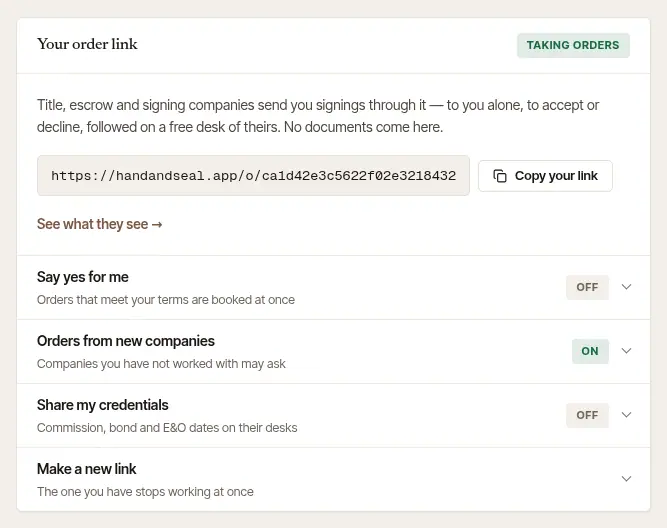
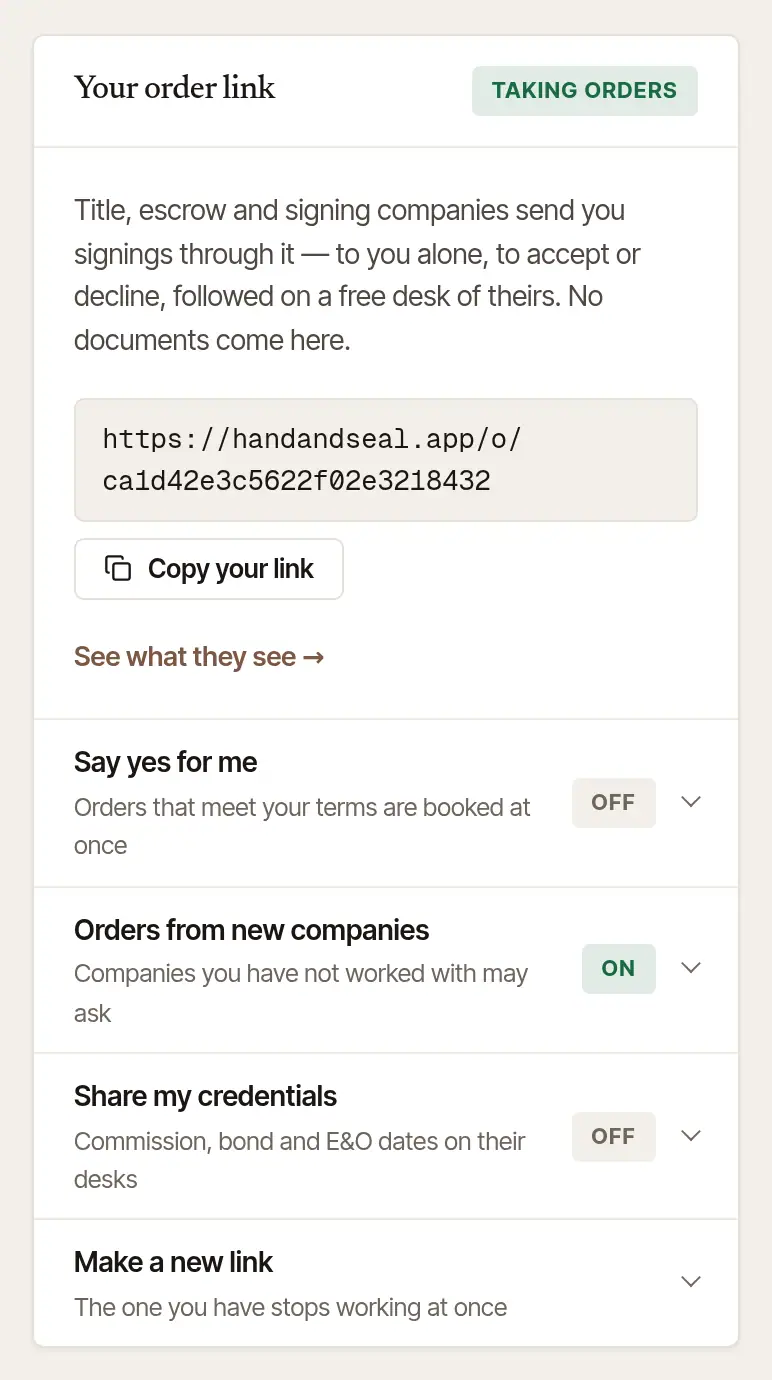
Choose Copy your link, and paste it wherever you talk to companies: an email to a title officer, your email signature, a text. In a phone's browser, a Share button beside it opens the phone's own share menu.
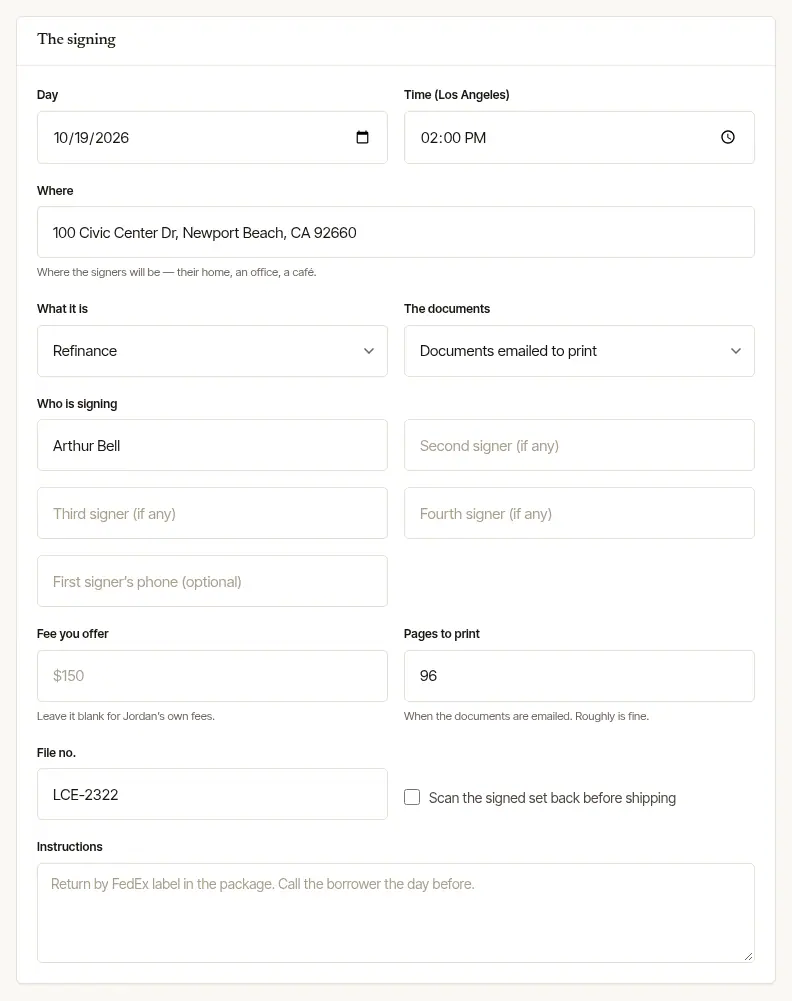
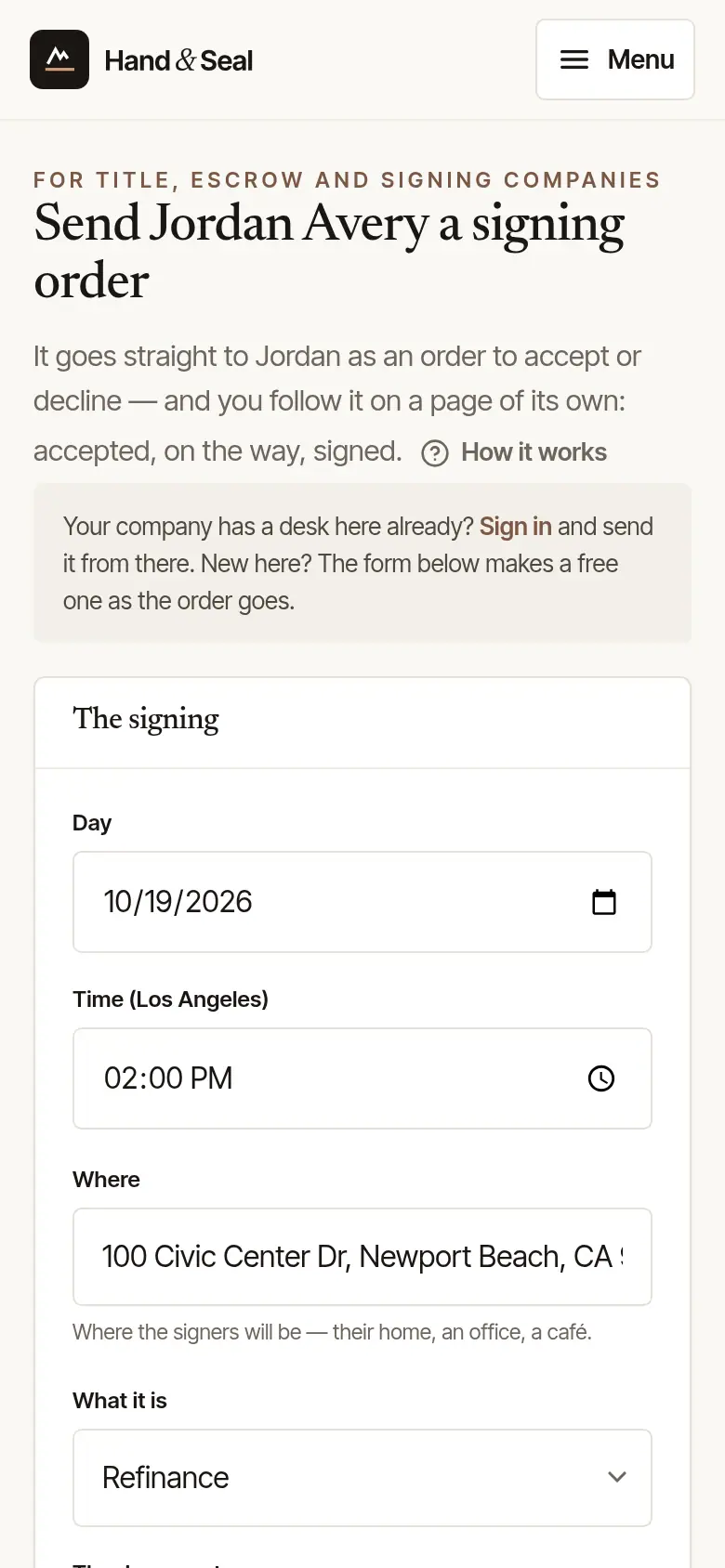
See it as they will. See what they see opens your link as a company sees it: the form they fill in to send you a signing.
It's also a step of Get your first orders on Today: Give companies your order link. It ticks itself off once a company has sent you an order through it.
On Today, tap Give companies your order link in the Get your first orders card. If it isn't the step showing, tap the more link under it (2 more, say) to see them all.
Choose where to send it. Your phone's share menu opens with a message already written, like “Send me your signings here — it takes a minute…”, and your link. Pick your mail, messages, or any app.
Once the card is done or hidden, find the link on the web in Settings → Integrations.
What happens when a company uses it
- The order comes to you alone. It's never offered to other notaries. You get a request to accept or decline, and the company hears your answer by email.
- The company gets a desk. Its first order through your link makes its free desk, and adds you to its notaries. It shows under Companies you work with on the same page, as “Has your order link”.
- You're one of its notaries from then on. It can send the next order from its desk. It may also name you as a backup on orders it sends to someone else.
See Accept or decline a company's order for what to do when one arrives.
Good to know
- Nothing is paid through the link, and no loan documents, ID numbers or account details go in it. A company can send documents sealed for your own devices from its desk instead.
- If your plan lapses, your link is paused: a company that opens it is told you aren't taking orders through it. The same link works again the day you subscribe.
Stop a link that has spread too far
Gave it to a company you no longer work with, or saw it posted somewhere? Make a new one.
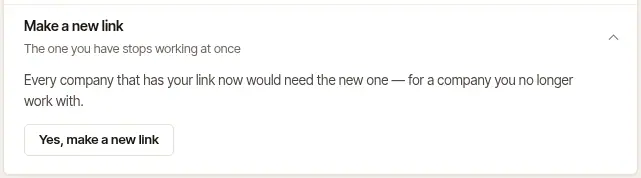
In Settings → Integrations, open Make a new link.
Choose Yes, make a new link. The old one stops working at once. Every company you still want orders from needs the new one.
Orders already sent stay as they are.
Was this helpful?
Still stuck? Contact support — a person reads every message and answers by email.