Guide
Message a client about a signing
A few words with the person who asked for a signing — a gate code, what to bring, a question about the time — in one thread on the job, which they see on their own request's page.
When someone asks for a signing through your page, your order link or a company's desk, the job has a thread of its own: Messages with them. They write from their request's page; you answer from the job. Each of you is told when the other writes. Your messages reach them from Hand & Seal, not from your own email address, and the job names the address each one is emailed to.
Write and answer
Open the job. A new message shows on Today under Needs you — “… wrote” with what they said — and Read opens it. Or open the job from Jobs.
Read the thread under Messages with …. Their messages and yours, oldest first, with who wrote each and when.
Write in the box and choose Send. It shows on their request's page at once, and goes to their email with a link back to answer on. Sent — on their page, and by email to … confirms it, with the address. Where your business's limit on writing to new people would hold the email just then, the line under the box says so before you write — It goes on their page — not by email to … for now, and why — and after Send, Sent — on their page. says why in a sentence, once: the line under it then says only that the next one isn't emailed for now. The job's timeline has the rest.
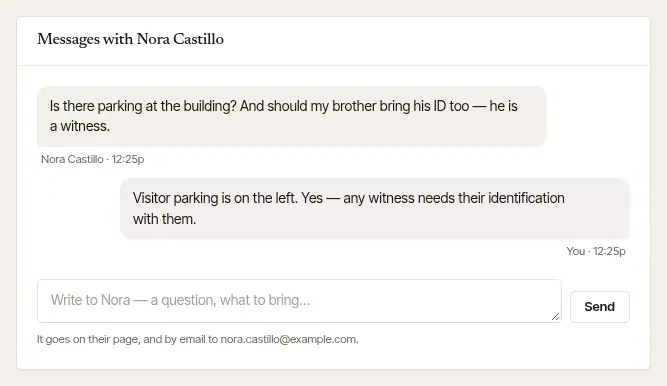
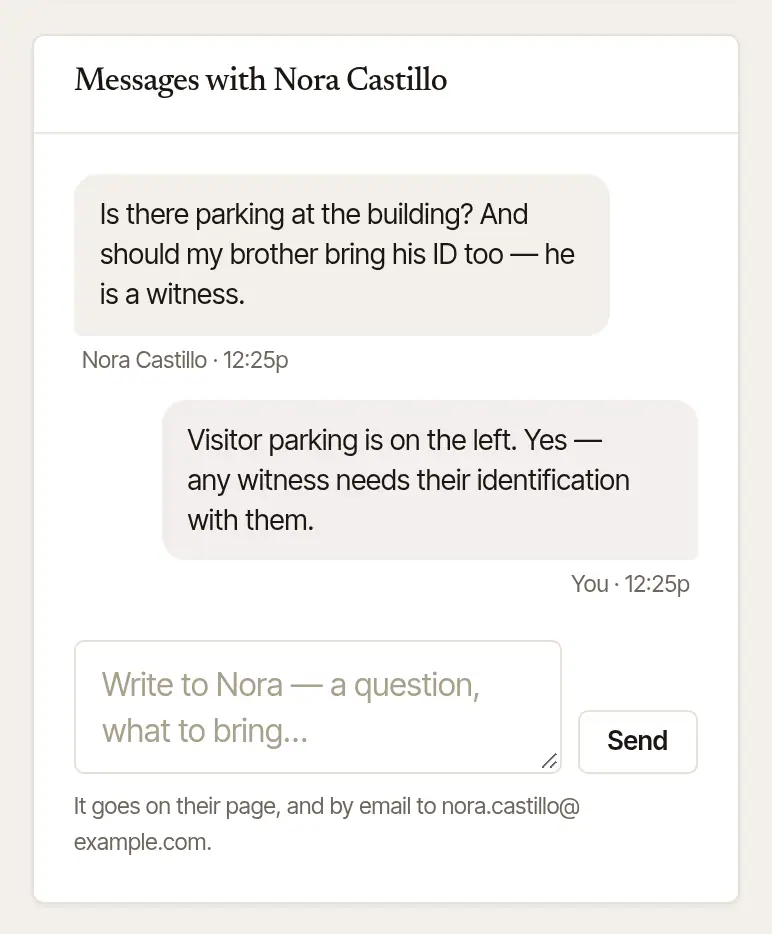
Open the job — tap the notification, or open it from Today or Jobs.
Scroll to Messages with …. Nothing there yet? You can write first.
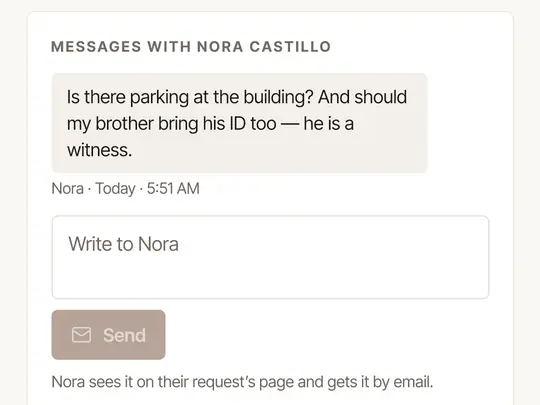
Type in the box and tap Send. It reaches them the same way: on their request's page, and by email — unless your business's limit on writing to new people holds the email just then, when the phone says so after you tap Send, and why.
Good to know
- Who has a thread. A signing someone asked for — from your page, your order link or a company's desk — and a booking you made yourself for a person, once it is for a time ahead, when you booked it with their phone number, or with their email and Send … the details ticked: they see it on their signing's page, whose link is in the letters you send them and in your On my way text. A walk-in you booked Right now on the phone with their phone number has a page too, but nothing is emailed for it: its link reaches them only when you send it (Copy their link, on the job's page on the web). Otherwise, call or text them (the signers' numbers are on the job).
- How you're told. A new message comes to your phone as a notification and to your email, and waits on Today until you've seen it.
- When it closes. Messages are open from the request until a week after the signing; a cancelled, declined or lapsed one closes at once. Then the job says Messages are closed for this one. A message you hadn't read on a signing that's since been cancelled leaves Needs you — there's nothing left to answer.
- If they left no email address, they'll see your answer the next time they open their request's page.
Was this helpful?
Still stuck? Contact support — a person reads every message and answers by email.